


Why Your Resume Isn’t Getting You a Job – And How to Fix It
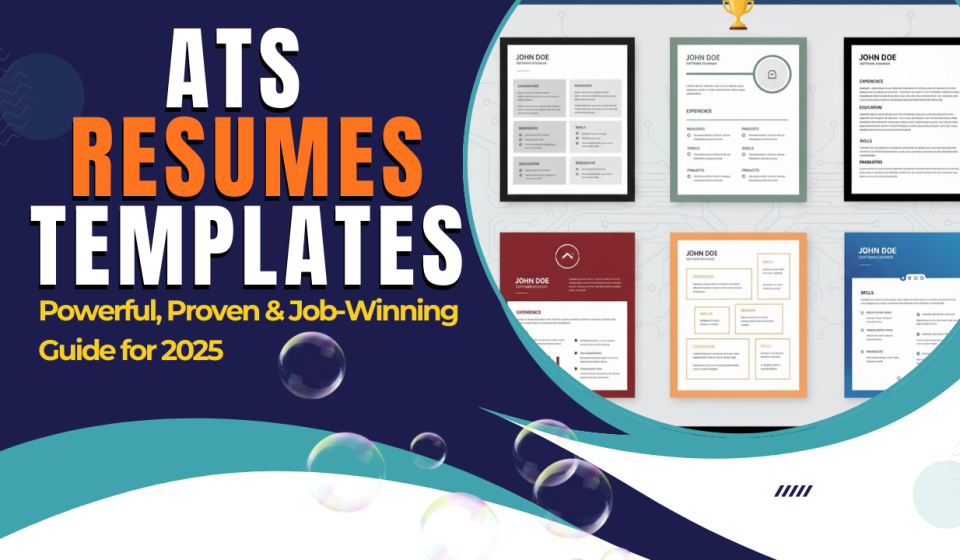
If you’re searching for a job but not getting interview calls, your resume might be the real problem. Many job seekers don’t realize that resumes with heavy designs, photos, graphics, borders, or icons often get rejected before a human even sees them. This happens because these formats are not compatible with ATS resumes templates, which are specifically designed to pass Applicant Tracking Systems and ensure your resume reaches real recruiters.
Table Of Content
- Why Your Resume Isn’t Getting You a Job – And How to Fix It
- The Truth About ATS
- Why ATS Rejects Designed Resumes
- The Solution: Use an ATS-Friendly Resume
- Want the Resume Template? Download ATS Resume Templates
- Conclusion
- Frequently Asked Questions (FAQ) – ATS Resumes
- 1. What is an ATS-friendly resume?
- 2. Why do resumes get rejected by ATS?
- 3. What format is best for an ATS resume – PDF or Word?
- 4. Can I use templates for ATS resumes?
- 5. Does a photo reduce ATS compatibility?
- 6. Which font is best for ATS resumes?
- 7. Can ATS read resumes with tables?
- 8. How do I check if my resume is ATS-friendly?
- 9. Do keywords matter in ATS resumes?
- 🔗 Related Reads to Boost Your Job Hunt
The Truth About ATS
Most companies today use ATS (Applicant Tracking System) software to filter resumes.
If your resume looks like these stylish templates you see online—colorful designs, images, photo sections, or fancy layouts—there’s a high chance the ATS can’t read it.
And when ATS can’t read your resume, it automatically rejects it.
Why ATS Rejects Designed Resumes
- They contain unnecessary design elements
- They include photos or images
- Text is placed in boxes, shapes, or columns
- Fonts are too stylish or unreadable
- The layout isn’t ATS-friendly
Even if you have great skills, your resume may never reach the recruiter.
The Solution: Use an ATS-Friendly Resume
To help job seekers avoid this problem, I’ve created a simple, clean, and highly effective ATS-friendly resume template.
This format ensures:
- ATS can read your details properly
- Your skills and experience get highlighted correctly
- Your resume reaches real HR professionals
Want the Resume Template? Download ATS Resume Templates
I am providing ATS-friendly resume templates for you.
You can use them for any job role and customize them easily.
📥Download ATS Resume Template – 1
Conclusion
In today’s competitive job market, having the right skills is important—but presenting them in the right format is even more crucial. An ATS-friendly resume ensures that your profile reaches real recruiters instead of getting filtered out by automated systems. With the 9 professional ATS templates provided, you can confidently create a resume that matches industry standards and increases your chances of landing interviews.
If you want to upgrade your technical skills, gain real-world experience, and make your resume even stronger, explore the courses and internships offered by Kaashiv Infotech.
They provide hands-on training, industry projects, and certification programs that help you stand out in the job market.
👉 Start learning with Kaashiv Infotech today and build the career you deserve!
💼 Internship Training in Chennai: https://www.kaashivinfotech.com/internship/
📚 Courses in Chennai: https://www.kaashivinfotech.com/courses/
Frequently Asked Questions (FAQ) – ATS Resumes
1. What is an ATS-friendly resume?
An ATS-friendly resume is a simple, clean, text-based resume format that can be easily scanned and understood by Applicant Tracking Systems used by companies to filter job applications.
2. Why do resumes get rejected by ATS?
Resumes often get rejected because they include images, stylish designs, multiple columns, icons, or non-standard fonts. ATS tools cannot read these elements, causing automatic rejection.
3. What format is best for an ATS resume – PDF or Word?
Most ATS systems read Word (.doc or .docx) files more accurately. PDF works for some companies, but Word format is generally the safer choice.
4. Can I use templates for ATS resumes?
Yes, but only ATS-tested templates that avoid graphics, tables, photos, and complex formatting. Clean, single-column layouts work best.
5. Does a photo reduce ATS compatibility?
Yes. Adding a photo can confuse the ATS software and lead to parsing errors, which may result in rejection.
6. Which font is best for ATS resumes?
Recommended ATS-friendly fonts include Arial, Calibri, Times New Roman, Helvetica, and Verdana, as they are standard and easy to read.
7. Can ATS read resumes with tables?
Most ATS systems struggle with tables, shapes, and text boxes. It’s safer to avoid them to ensure proper scanning.
8. How do I check if my resume is ATS-friendly?
You can test your resume using free online ATS scanners or by copying your resume text into a plain text editor—if the structure breaks, ATS may also struggle to read it.
9. Do keywords matter in ATS resumes?
Absolutely. ATS systems scan your resume for job-specific keywords from the job description. Using the right keywords increases your chances of getting shortlisted.
🔗 Related Reads to Boost Your Job Hunt
- How to Add Work Experience in Resume (Even if You’re a Fresher)
- One Page Format That Will Get You Hired
- LinkedIn Resume Guide 2025 – Create a Job-Ready Profile That Gets You Hired
- How to Make a Resume in 2025: Avoid These 7 Common Mistakes
- ChatGPT Resume Prompt: Get a 20L+ Per Year Job With Minimal Experience