💻 7 Powerful Types of a Software You Use Every Day (But Didn’t Realize!)
✨ Let Me Start By Saying This: It’s Quite Likely You’re Already Using Multiple Types of a Software
Before we get too deep, let me throw this at you:
Did you open WhatsApp this morning? ✅
Did you listen to a tune on Spotify? 🎵✅
Did you write something on MS Word? ✅
Did you get that antivirus updated? ✅
Congratulations! You have already used four different types of a software! And you didn’t even realize it. Crazy, huh?
And to be clear, I didn’t know this either. Back in college, for me, “software” meant apps. Specifically, mobile apps. And wow, was I wrong. 😅

So let me share with you what I know. No, not a boring textbook style – but relaxed and chatty, like sharing a coffee with a friend ☕.
🤔 What Is Software, Really?
Here’s how I like to think of it:
Hardware is the body. Software is the soul
You can grab hardware (like your phone or laptop), but software? Don’t touch it. You can’t see it. But that’s what makes the hardware work.
When you read about software and references in tech, the software is a combination of instructions (with sometimes rules) telling your computer (or technology if it’s not a computer) what to do. Without software, your computer is just a box with wires; nothing more!
Now, let’s explore the different types of software that actually give life to your technology everyday.
💡 1. System Software – The Silent Operator
I refer to this as the unsung hero. You cannot see it nor interact with it. But it operates everything in the background.
Some examples:
- Windows (on your laptop)
- macOS (on your Mac)
- Android or iOS (i.e. on your phone)
- Device drivers (e.g. printer drivers)
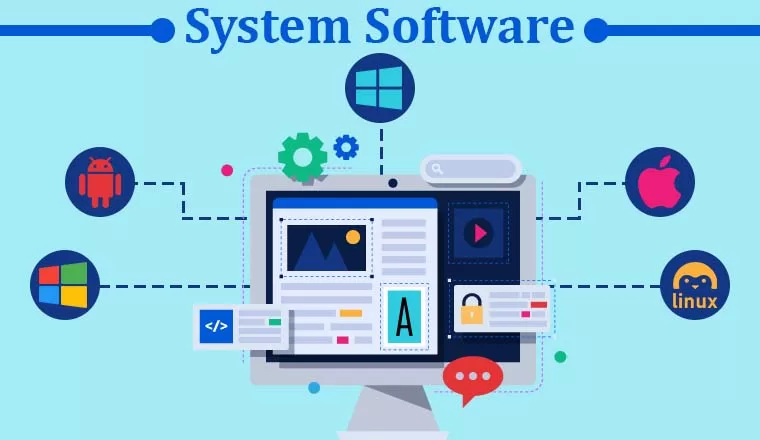
This software is what I call the “boss.” It manages all of the hardware, and makes a base for other apps to work upon.
More importantly, if you ever considered why your phone awakes when you push the power button — it’s the system software. 🪄
🛠️ 2. Utility Software – The Fixers

Just as we need self-care sometimes, your computer needs self-care too—but utility software is the closest to a spa day your computer will get. Utility software is available to make your system clean, fast and, hopefully, secure.
Think of:
- Antivirus programs
- Disk clean-up utilities
- Back-up software
- File compressors like WinRAR
I was once able to recover a deleted folder I accidentally deleted—a utility tool (you guessed it) saved my final project. (And my sanity.)
So yes, utility tools can definitely save a life.
🎯 3. Application Software – The Rockstar You Know
When people hear the word “software,” this is what they usually think of.
These are the apps you open, use, and enjoy daily. From Instagram to MS Excel to Zoom meeting—every day you interact with application software.
Some of my personal faves:
- Canva for graphic design
- VS Code for coding
- Chrome for everything 😅
- Netflix for bingeing on Sundays
Of all the types of a software, this one will get most of our focus here—and rightly so. It is designed for the user.
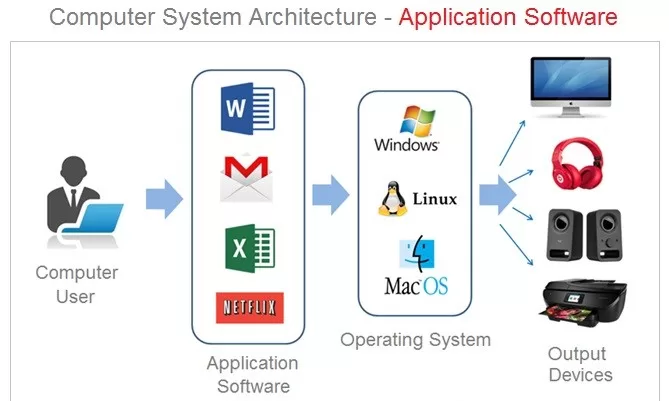
✅ Use case tip: If you are building your own app, you are working with application software.
🤖 4. Programming Software – For the Coders
This is really important to me. 💻 I recall writing my first lines of code in Turbo C++ (yes, that ancient blue screen!) and the thrill and terror it created for me.
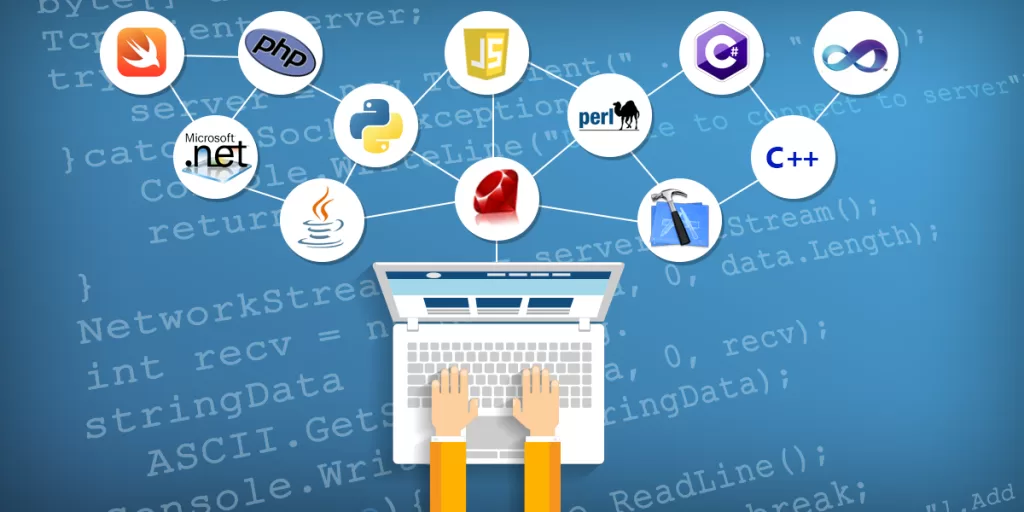
Programming software is for developers. This includes all the tools we use to write, debug, and compile code.
For example:
- IDE’s for Python or Java like PyCharm, or Eclipse
- Compilers or interpreters.
- Text editors like Sublime Text
If system software is the skeleton, programming software is the architect’s plans.
🌐 5. Web-Based Software – Lives on the Cloud ☁️
Do you remember the days when everything needed to be installed? Not anymore!
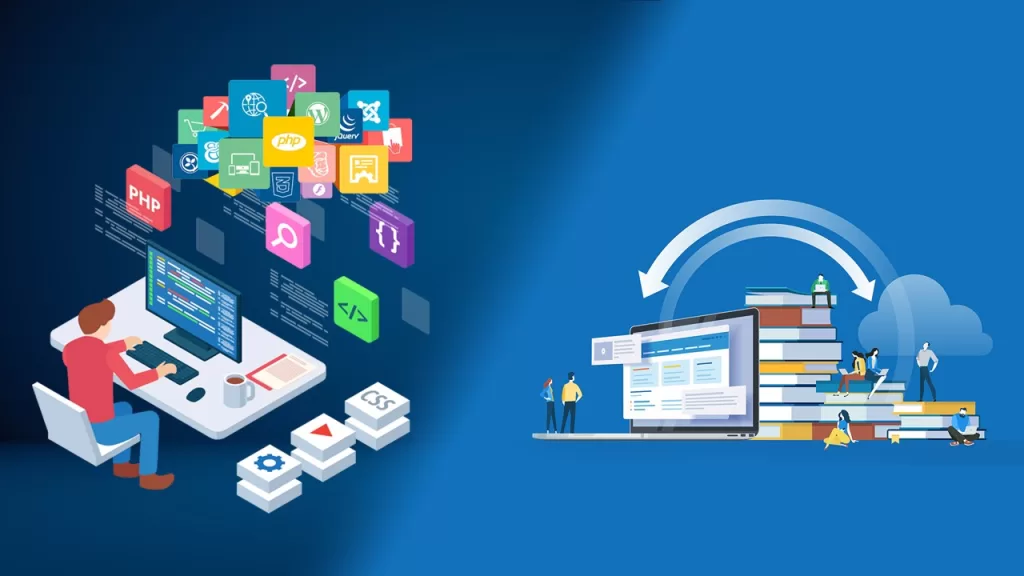
Now, thanks to the internet, a large portion of types of software live online. They are called web-based software or SaaS (Software as a Service).
No downloads. Just a browser and you are in.
Common examples:
- Google Docs
- Trello for project management
- Canva for design
- Notion for productivity
I personally use at least 5 of these every single day. If your system crashes–your files are still safe and sound. That is the beauty of the cloud.
🧬 6. Embedded Software – The Invisible Genius
If you have utilized a microwave, automobile, or smartwatch, then you have utilized embedded software. Yep. Even your washing machine has its own operating system.
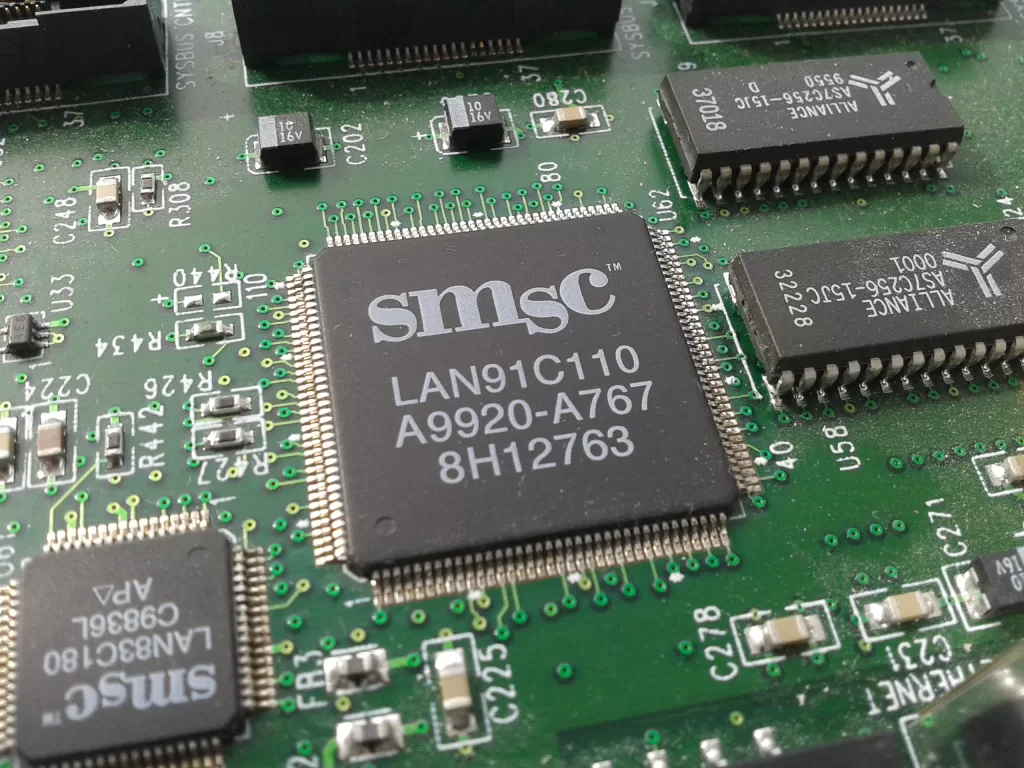
Embedded software is loaded onto hardware devices and provides control.
It doesn’t look fancy, but it is specific, reliable and laser-focused.
✅ Part of the much less well-known types of software – but extremely important.
🎮 7. Gaming Software – The Joy Giver 🕹️
Let’s not forget the fun side of software!
Gaming software drives everything from PUBG to Call of Duty to Minecraft.
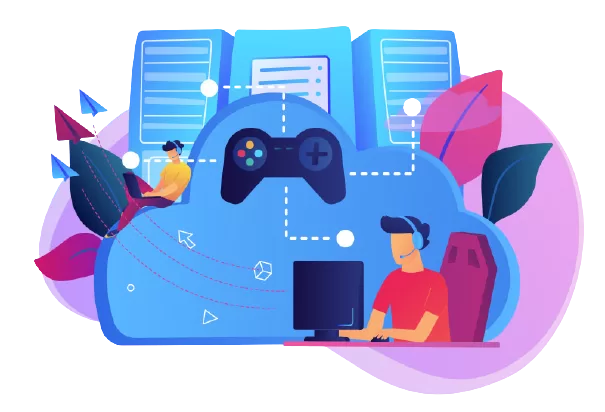
This includes:
- The game engine
- The interface
- Graphics processing
- User controls and response time
I once lost 4 hours of my life to a game without even knowing. That’s the power of great software design. 😂
🤯 Summary Table – All Types of a Software in One Place
| Type | What It Does | Examples |
|---|---|---|
| System Software | Manages hardware | Windows, Linux |
| Utility Software | Maintains system health | Antivirus, Disk Cleanup |
| Application Software | User-focused apps | WhatsApp, Excel |
| Programming Software | Helps create software | Python, Visual Studio |
| Web-Based Software | Works via browser | Google Docs, Notion |
| Embedded Software | Controls devices | Smart TVs, Cars |
| Gaming Software | Powers video games | Steam, Game Engines |
🎁 Final Thoughts: Know Your Tools
Let’s be real. You don’t need to be a developer to know the types of a software you use every day.
You just need to be curious. And once you see how many layers it takes to really make your apps work, you’ll appreciate technology on a new level.
👉 Want to learn web development course the right way? If you want to study front-end development course; or are looking for an accredited course, I would highly recommend Kaashiv Infotech – they have practical training, real-time projects that can be properly on-boarded, and a certification that genuinely means something on your resume! 🚀💻
So the next time someone asks you what software you use—don’t just say “Instagram.” Tell them what types of a software it is. 💡
Want to dive deeper into real world applications? Check out my post on Difference Between Hardware and Software for a complete beginner view.
📚 Useful Resources:
- Top 7 eCommerce Apps & Software to Boost Online Sales in 2025 🚀
- 7 Best Campaign Management Software Tools in 2025 – Simplify Your Marketing!
- 15 Powerful Types of Software Testing You Must Know