7 Practical Ways I Use the tr Command in Unix/Linux
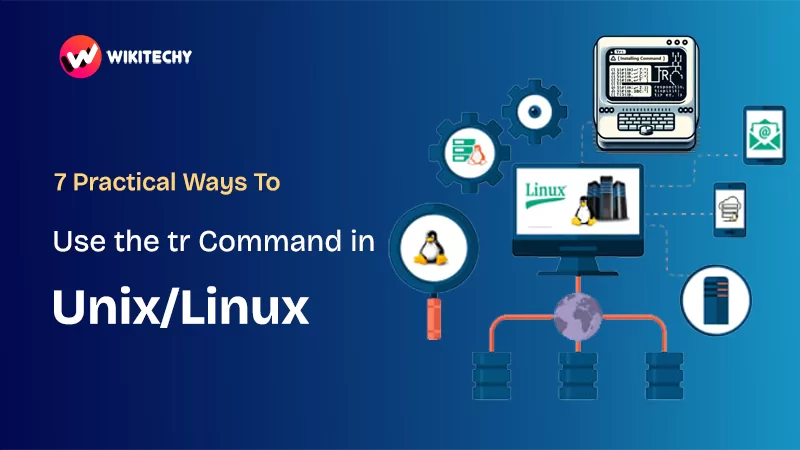
When I started learning commands in the operating system Unix, the tr command honestly felt like one of those tiny tools you don’t pay attention to… until one day you use it for something real and suddenly go, “Wait, why didn’t anyone tell me this earlier?
If you are searching for:
👉 What is the tr command in Unix/Linux?
👉 Real examples you can actually use in your projects?
👉 Simple explanations without the textbook headache?
👉 Why tr is still relevant in modern operating system unix environments?

1. What Exactly Is the tr Command?
Let me tell you how I discovered the tr command.
I was cleaning a bunch of messy data — you know, that kind where everything is uppercase, lowercase, mixed case, random symbols… like a toddler smashed the keyboard. I Googled, searched forums, and suddenly someone casually said, “Just use tr.”
I tried it.
And I swear, I felt like I unlocked a secret cheat code in the operating system unix world.
So here’s the simplest explanation:
The tr command in Unix/Linux translates, deletes, or squeezes characters from input.
It doesn’t try to be fancy. It doesn’t pretend to be a mega tool.
But oh boy… the things it can do.
2. Syntax of tr (The Simple Version)
tr [options] SET1 SET2
Think of it this way:
- SET1: What you want to change.
- SET2: What you want to change it into.
That’s it.
Beautiful. Clean. Straightforward — just how the operating system unix likes things.
3. Convert Lowercase to Uppercase
I still remember the moment I had to convert 1000+ names from lowercase to uppercase.
Do you know what I did first?
I opened Excel. Twice.
Now watch this:
echo "hello world" | tr 'a-z' 'A-Z'
Output:
HELLO WORLD
I genuinely stared at my screen thinking, “Where was this all my life?”
4. Convert Uppercase to Lowercase
Same logic, opposite direction.
echo "WELCOME STUDENT" | tr 'A-Z' 'a-z'
Output:
welcome student
If you’re writing shell scripts in the operating system unix, trust me — this will save your sanity.
5. Delete Unwanted Characters
I once worked with logs that had weird #, %, $ characters everywhere.
Cleaning them manually felt like plucking weeds one by one.
Then I met:
tr -d '%$#' < input.txt > clean.txt
Boom.
Everything gone.
Clean, peaceful data. ✨
The -d flag is basically the broom of the operating system unix.
6. Replace Spaces with Newlines
Try this:
echo "apple banana mango" | tr ' ' '\n'
Output:
apple
banana
mango
This is how I sometimes count words quickly in Linux.
No overthinking — just simple Unix magic.
7. Squeeze Repeated Characters
Here’s a trick that saved me while working with a log file where people kept pressing spacebar like their life depended on it.
echo "hello world" | tr -s ' '
Output:
hello world
-s = squeeze
It shrinks repeats into one.
If only it worked on my long to-do lists too…
8. Replace Digits or Letters
Need to hide phone numbers but keep the pattern?
Use this:
echo "My number is 9876543210" | tr '0-9' 'X'
Output:
My number is XXXXXXXXXX
Sometimes I use this when sharing logs without showing sensitive data.
9. Use tr in Shell Scripts
If you write shell scripts in operating system unix, this will feel natural.
Example:
NAME=$(echo "$1" | tr 'a-z' 'A-Z')
echo "Hello $NAME!"
Feed:
./script.sh soundarya
Output:
Hello SOUNDARYA!
Sometimes the little things make life smoother.

10. A Few More Useful Examples
✔ Remove numbers
tr -d '0-9'
✔ Replace punctuation with spaces
tr '[:punct:]' ' '
✔ Keep only alphabets
tr -cd 'A-Za-z'
✔ Make CSV into line-by-line text
tr ',' '\n'
The operating system unix loves flexibility, and tr gives you exactly that.
Real-Life Example: How tr Saved Me During a Deadline
There was a night when I had to clean 25,000+ lines of log files before morning.
The logs were full of junk characters, inconsistent spacing, mixed cases, and symbols that made no sense.
I tried doing it with Python. Too slow.
Tried using sed + awk. Powerful, but too complex for what I needed.
Then a friend simply said:
“Use tr. Let it do the heavy lifting.”
I cleaned the logs in minutes — not hours — and I still remember that relief like it was yesterday. That was the day I fell in love with small Unix tools that quietly do big jobs.
tr vs sed vs awk (Friendly Comparison)
| Tool | Best For | My Take |
|---|---|---|
| tr | character-level changes | simple + fast |
| sed | pattern replacements | great for lines |
| awk | data extraction & formatting | powerful but heavier |
The operating system unix has a habit of giving multiple tools for the same job — but each with its own style.
Final Thoughts
The tr command is one of those underrated gems hiding in plain sight inside the operating system unix. It’s tiny, but it punches way above its weight. If you’ve ever felt stuck formatting text, cleaning logs, or transforming characters, this little command can honestly change how you work.
What I love about tr is its simplicity.
No drama. No fancy flags.
Just pure, clean practicality — the kind you appreciate more as you grow into the operating system unix environment.
want to learn more?, kaashiv infotech offers, Cyber Security Course, Networking Course, linux course, .Net Full stack developer, and more visit their website www.kaashivinfotech.com
Related Reads