What is a Warehousing Database?
In simple terms: A Data Warehousing is a system that collects, integrates, stores and manages data from multiple sources into one central repository — built for analysing, not just everyday operations.
Think: pulling together sales logs, web click-streams, customer records, and putting them in one neat place so you can ask big questions: “Which product is rising fastest?”, “Which region is under-performing?”, etc.

Why Do We Need Data Warehousing
Here’s why I found it compelling when I first built one:
- Handling Large Volumes: Traditional transactional databases handle MBs or GBs. A warehousing database is built for TBs or more. (Yes, I’ve seen 5+ TB warehouses.)
- Enhanced Analytics: Regular databases focus on transactions—insert/update/delete. But a Data Warehousing is optimised for complex queries across time, trends and patterns.
- Centralised View: Data from fragmented systems (CRM, website logs, ERP) come together in the Data Warehousing — enabling unified insights.
- Trend & Historical Analysis: Since the Data Warehousing stores data over long periods, you can analyse what happened, why, and even what might happen.
- Business Intelligence (BI) Support: With the Data Warehousing as backbone, BI tools (dashboards etc) become powerful.
Core Components of a Data Warehouse

When you build a Data Warehousing, you’ll typically encounter these parts:
- Data Sources: These are your original systems—operational DBs, external feeds, web logs.
- ETL (Extract-Transform-Load): Extracting data from sources, cleaning and transforming it, then loading into the Data Warehousing.
- The Warehouse Database (the Data Warehousing itself): A central repository where cleaned, structured data lives ready for querying.
- Metadata: Data about data. It describes structure, source, meaning—helps you and others work with the Data Warehousing.
- Data Marts: Smaller slices of the Data Warehousing tailored for departments (e.g., marketing mart, finance mart).
- OLAP / Analysis Tools: These connect to the Data Warehousing to perform multi-dimensional analysis.
- End-User/BI Tools: Dashboards, reports, self-service analytics that sit on top of the Data Warehousing.
Characteristics of a Good Data Warehousing
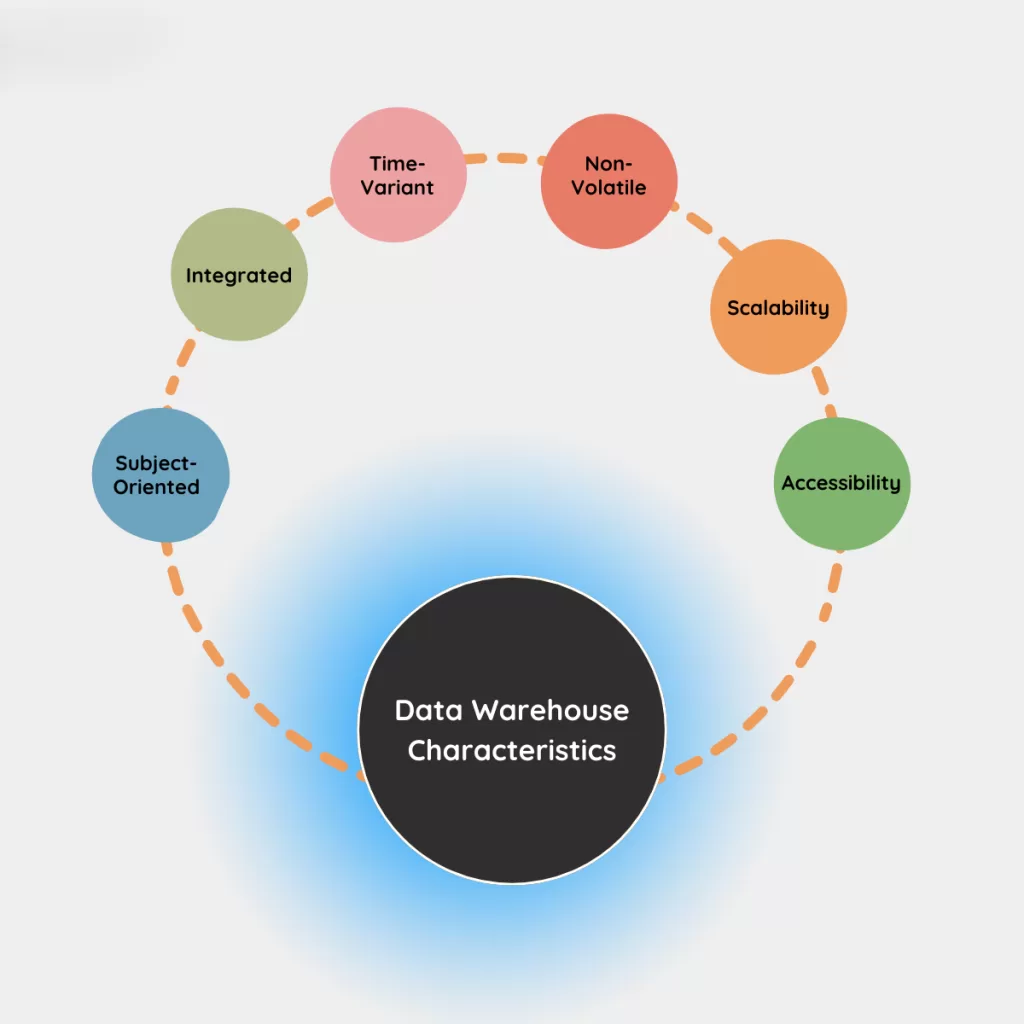
If I look back at projects with successful Data Warehousing, they share these traits:
- Centralised storage from varied sources – giving one version of truth.
- Optimised for queries & analysis (not just faster inserts).
- Structured, cleaned data (transformed for consistency).
- Support for data mining and discovery (find hidden patterns).
- Strong security, backups, access control—because you’re dealing with critical business intelligence.
Types of Data Warehouses
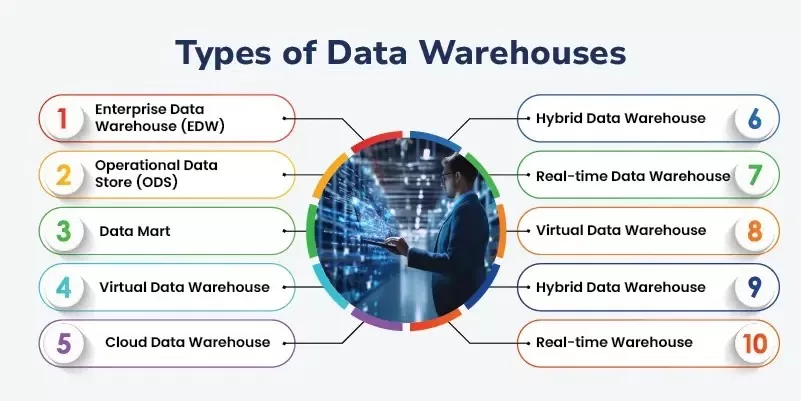
In my experience I’ve seen these variants:
- Enterprise Data Warehouse (EDW) – central, organisation-wide Data Warehousing.
- Operational Data Store (ODS) – more real-time, day-to-day operations rather than full history.
- Data Mart – a subset of a Data Warehousing for one department.
- Cloud Data Warehouse – Data Warehousing hosted in the cloud (flexible, scalable).
- Big Data Warehouse – designed for massive volumes of structured + unstructured data.
- Virtual Data Warehouse – a logical Data Warehousing across sources without full physical copy.
- Hybrid Warehouse – mix of on-premises + cloud warehousing database.
- Real-time Warehouse – warehousing database capable of ingesting and analysing streaming data.
Warehousing Database vs Regular Database
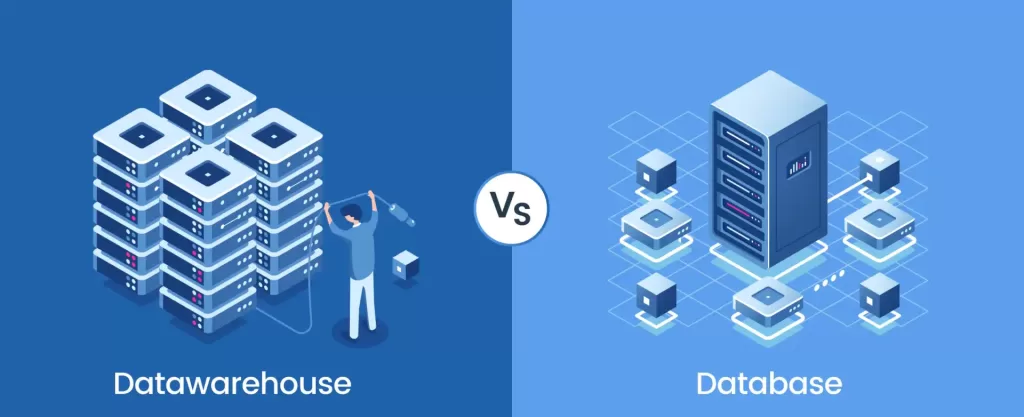
Let me be clear: A warehousing database is not the same as your day-to-day database. Here’s how I compare them:
| Feature | Regular Database | Warehousing Database |
|---|---|---|
| Purpose | Operational/transactions | Analysis/decision support |
| Time-span | Current data (recent) | Historical data (months/years) |
| Sources | Single system or app | Multiple systems, cross-enterprise |
| Schema | Often normalized for speed of updates | Often denormalised / star-schema for query speed |
| Typical users | Application developers | Data analysts, BI teams |
Real-Life Examples of Warehousing Database in Action
Here are a couple of personal observations from my work:
- E-commerce Case: A company aggregated orders, returns, web clicks, delivery logs. Their warehousing database allowed them to see “top-selling region per month”, “which products get returned most”, “logistics bottleneck by postcode”.
- Banking Case: Here, the warehousing database pulled from ATM logs, credit-card systems, online banking. The bank used it to detect emerging fraud patterns, customer profitability over 5 years, and cross-sell opportunities.
- Healthcare Case (one I consulted for): Patient records + billing + equipment logs went into the warehousing database. The result: “average stay by department”, “equipment usage by shift”, “cost per patient trend”.
Advantages & Disadvantages of a Warehousing Database
I’ll be honest: It’s not all sunshine. Here’s what works and what to watch for.
Advantages
- Better decisions: With a solid warehousing database you get faster, smarter choices.
- Business Intelligence ready: Your dashboards thank you.
- High data quality: Because you’ve cleaned, transformed, consolidated.
- Scalability: Designed for growth—big data, long time-horizons.
Disadvantages / Challenges
- Cost & time: Building a warehousing database takes money, infrastructure, and patience.
- Complexity: Integrating multiple sources, designing schemas, managing ETL pipelines — it’s non-trivial.
- Maintenance: Ongoing cleaning, transformations, error handling.
- Latency: If you’re not set up for real-time, warehousing database data might be slightly stale.
When Should You Build or Use a Warehousing Database?

I’ve found these triggers useful:
- If your data volumes are growing rapidly and you want trend-analysis over years.
- If you have multiple data-sources and need a unified view.
- If business decisions are suffering because you can’t “see the full picture”.
- If you’re deploying BI tools and dashboards but data is too messy or too slow.
My Personal Tips & Lessons Learned
Since I’ve built a few warehousing database systems, here are tips I learned the hard way:
- Start small: Don’t try to build the whole enterprise warehouse at once. Pick a use-case (e.g., one department) and grow.
- Define clear business questions first: “What do we want to answer?” Tools come later.
- Data quality matters: I once built a warehouse where 30% of data had wrong timestamps — my analytics were wrong. Don’t skip this.
- Schema design: Use star-schema or snowflake where needed—they speed up your warehousing database queries.
- Monitor load times: If ETL takes 12 hours every night, your reports will always be stale. Optimize the warehousing database pipeline.
- Documentation: The warehousing database becomes the “single source of truth”. Document metadata rigorously so future analysts don’t wander.
- Continuous improvement: Data warehouses aren’t “set and forget”. As business changes, your warehousing database must evolve.
Final Thoughts:
I’ll wrap up with why I think warehousing database is a skill worth knowing (if you’re in data, BI, analytics, or even business):
- It turns chaos into clarity: disparate systems into one insight engine.
- It empowers you to ask better questions: not just “what happened?” but “why?” and “what next?”.
- It puts you in the driver’s seat: If you understand how to build/use a warehousing database, you become a strategic asset.
- It’s future-proof: Data will only grow; companies will need strong warehousing databases more than ever.
Want to learn more about this?, Kaashiv Infotech Offers, SQL Course, Mysql Course & More, Visit www.kaashivinfotech.com.