
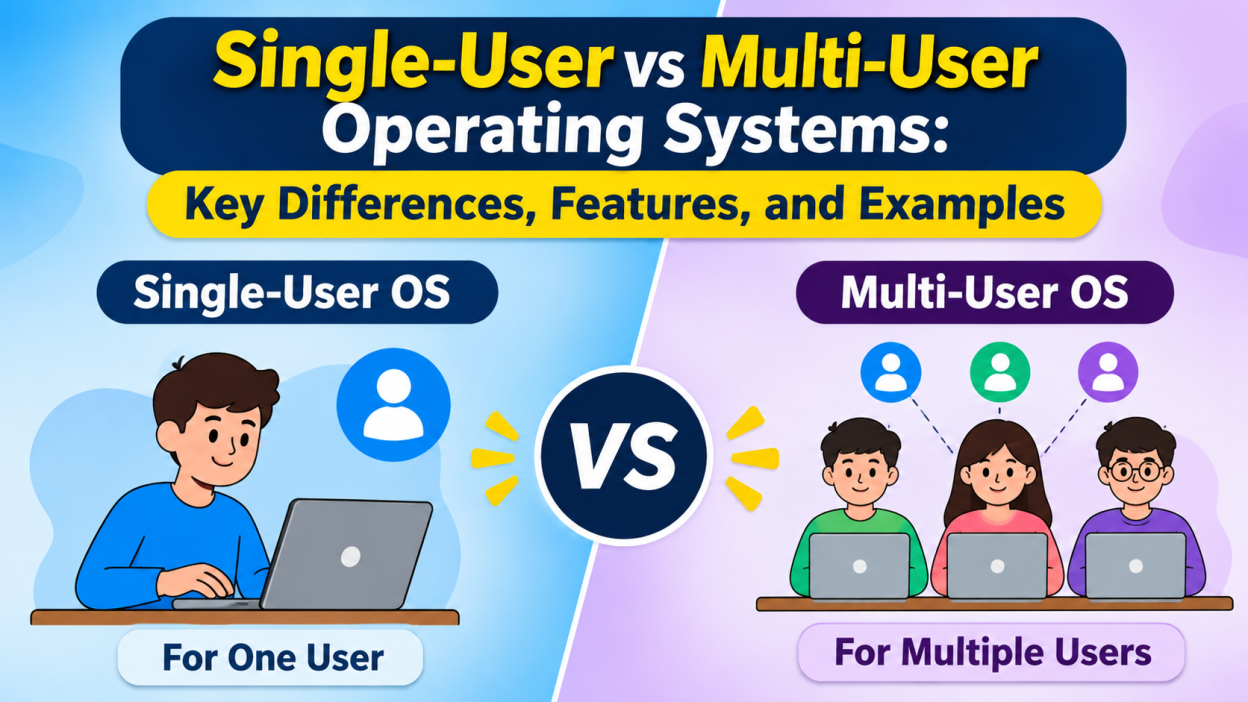
Single-User vs Multi-User Operating Systems – An operating system (OS) is essential software that manages computer hardware and software resources. It acts as a bridge between users and the computer, allowing them to run applications, manage files, and perform different tasks. Operating systems are available in different types depending on how they manage users and system resources.
Two important types are single-user operating systems and multi-user operating systems. Both help users interact with computers, but they differ in the number of users they support, resource management, security, and overall functionality.
Understanding the difference between single-user and multi-user operating systems is useful for computer science students, IT professionals, and beginners who want to learn about operating system concepts.
What Is a Single-User Operating System?
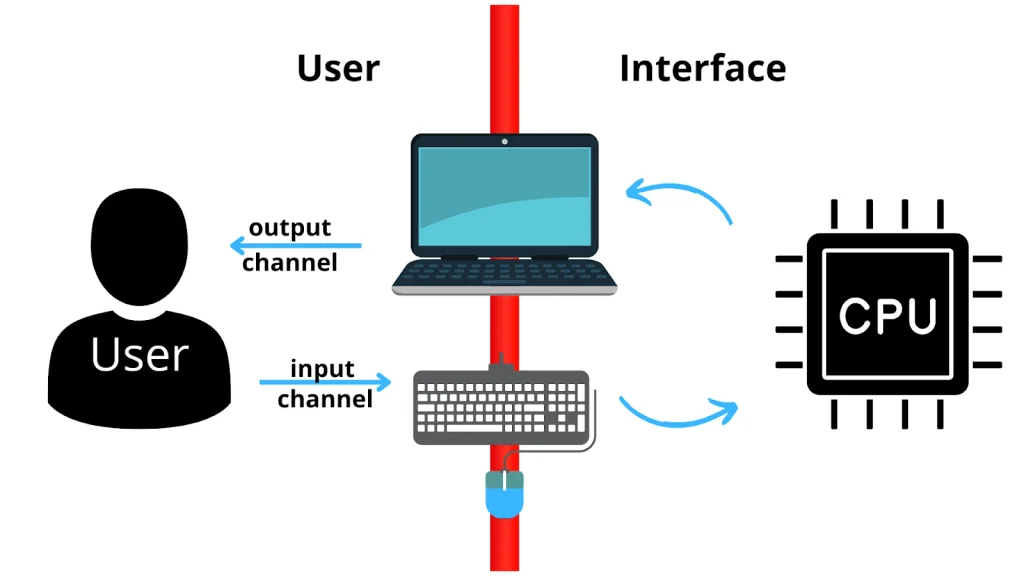
A single-user operating system is designed to allow one user to access and operate a computer system at a time. It provides an environment where an individual can perform tasks such as creating documents, browsing the internet, installing applications, and managing files.
These operating systems are commonly used in personal computers, laptops, and desktop systems. They are generally easy to use and manage because their resources are primarily allocated to one active user.
For example, MS-DOS is a traditional single-user operating system. Some personal computing environments are also designed around a single-user experience, even if they support multiple accounts.
Features of Single-User Operating Systems
1. Supports One User at a Time
A single-user operating system is designed for one active user to access the computer and perform tasks. It is suitable for personal computing environments.
2. Simple User Interface
Most single-user operating systems provide an easy-to-understand interface. Users can access applications, manage files, and control system settings without requiring advanced technical knowledge.
3. Resource Management
The operating system manages the computer’s memory, processor, storage, and other resources for the active user’s tasks.
4. Easy Maintenance
Since the system is mainly designed for individual use, managing software, files, and system settings is generally straightforward.
5. Personal Data Management
Users can store and organize their documents, images, applications, and other files according to their requirements.
Examples of Single-User Operating Systems
- MS-DOS: A command-line operating system designed primarily for one user.
- Windows 95: A personal computer operating system designed around individual use.
- Windows 98: An older desktop operating system commonly used on personal computers.
- Palm OS: An operating system developed for personal digital assistants.
What Is a Multi-User Operating System?
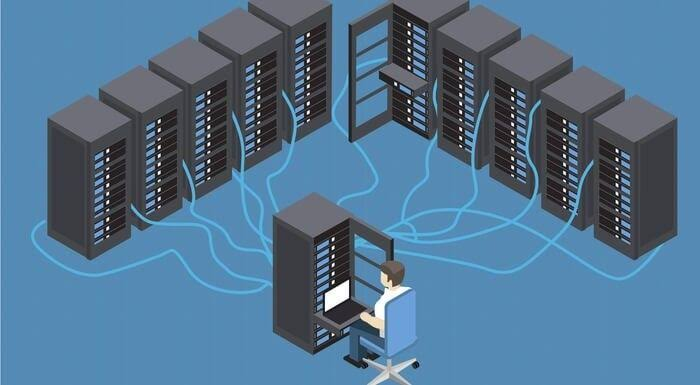
A multi-user operating system allows multiple users to access and use the same computer system or server. Each user can work with applications, files, and computing resources while the operating system manages their activities.
These operating systems are commonly used in organizations, universities, data centers, and businesses where several users need access to shared computing resources.
A multi-user operating system manages different user accounts, permissions, memory, and processor time to ensure that users can work without unnecessarily interfering with one another.
For example, UNIX and Linux are popular multi-user operating systems. They allow multiple users to connect to a system simultaneously through local or remote sessions.
Features of Multi-User Operating Systems
1. Supports Multiple Users
A multi-user operating system allows several users to access the same computer or server simultaneously.
2. Resource Sharing
Users can share computing resources such as processors, storage devices, printers, and applications based on their permissions.
3. User Account Management
The operating system provides separate accounts for different users. Each account can have its own settings, files, and access permissions.
4. Strong Security
Multi-user systems provide authentication, passwords, file permissions, and access controls to protect user information.
5. Efficient Resource Allocation
The operating system distributes processor time, memory, and other resources among active users and processes.
6. Centralized Administration
System administrators can manage user accounts, install software, configure security settings, and monitor system performance from a central environment.
Examples of Multi-User Operating Systems
- UNIX: A powerful operating system widely used in servers and enterprise environments.
- Linux: A popular open-source operating system that supports multiple users and simultaneous sessions.
- Windows Server: A Microsoft operating system designed to provide services and resources to multiple users and devices.
- IBM z/OS: An operating system used in mainframe environments to support multiple users and large-scale workloads.
Difference Between Single-User and Multi-User Operating Systems
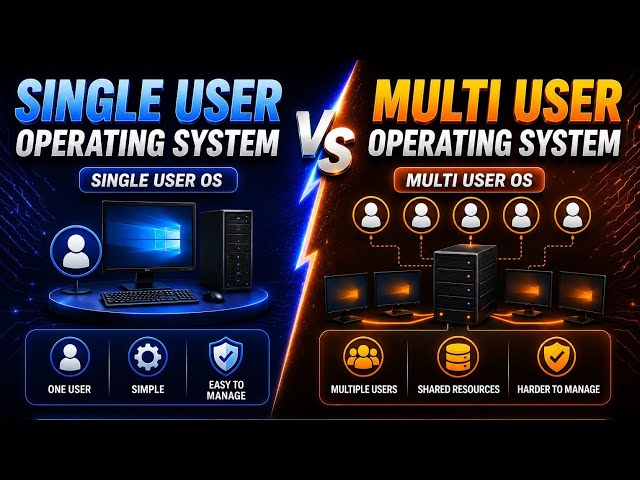
Single-user and multi-user operating systems have different capabilities and purposes. The following table explains their major differences.
| Feature | Single-User OS | Multi-User OS |
|---|---|---|
| Users | Designed for one user at a time | Supports multiple users simultaneously |
| Resource Sharing | Mainly for individual use | Shared among multiple users |
| Security | Basic or user-focused security | Advanced user permissions and access controls |
| Complexity | Generally simple | More complex |
| Cost | Often suitable for personal systems | May require more infrastructure |
| Administration | Easier to manage | Requires user and resource management |
| Performance | Resources serve individual workloads | Resources are distributed among users |
| Applications | Personal applications | Shared and enterprise applications |
| Examples | MS-DOS | UNIX, Linux |
Advantages of Single-User Operating Systems
Single-user operating systems offer several benefits for personal computing.
- Easy to Use: They provide simple interfaces that are suitable for beginners.
- Simple Management: Users can manage their applications, files, and settings easily.
- Lower Administration Requirements: They generally do not require complex user management.
- Suitable for Personal Tasks: They work well for browsing, document creation, entertainment, and other individual activities.
- Dedicated Resources: System resources are primarily available for the individual user’s workload.
Advantages of Multi-User Operating Systems
Multi-user operating systems are useful for organizations that need to support several users.
- Resource Sharing: Multiple users can access shared hardware and software resources.
- Better Collaboration: Employees and students can access common files and applications.
- Centralized Management: Administrators can control user accounts and permissions from one system.
- Improved Security: Individual accounts and access controls help protect information.
- Scalability: Organizations can support more users by expanding their computing infrastructure.
Applications of Single-User and Multi-User Operating Systems
Both operating system types are used in different computing environments.
Single-user operating systems are suitable for personal computers, home systems, educational activities, and individual workstations. They allow users to perform everyday tasks without requiring complicated administration.
Multi-user operating systems are commonly used in universities, banking systems, cloud computing environments, business servers, and large organizations. For example, a university can use a Linux server to provide students and faculty members with access to shared computing resources.
Conclusion
Single-user and multi-user operating systems play important roles in modern computing. A single-user operating system is designed primarily for individual use and offers simplicity, easy management, and personal resource access. In contrast, a multi-user operating system supports multiple users simultaneously and provides resource sharing, centralized administration, and advanced access control.
Choosing between these operating systems depends on the requirements of the computing environment. Single-user systems are suitable for personal tasks, while multi-user systems are better for organizations, servers, and environments where several users need to access shared resources.
Understanding these differences helps students and IT professionals build a strong foundation in operating systems and computer fundamentals.
Want to learn about ethical hacker skills, Cyber Security?, Kaashiv Infotech Offers, Cyber Security Course, or Networking Course & More, Visit www.kaashivinfotech.com.