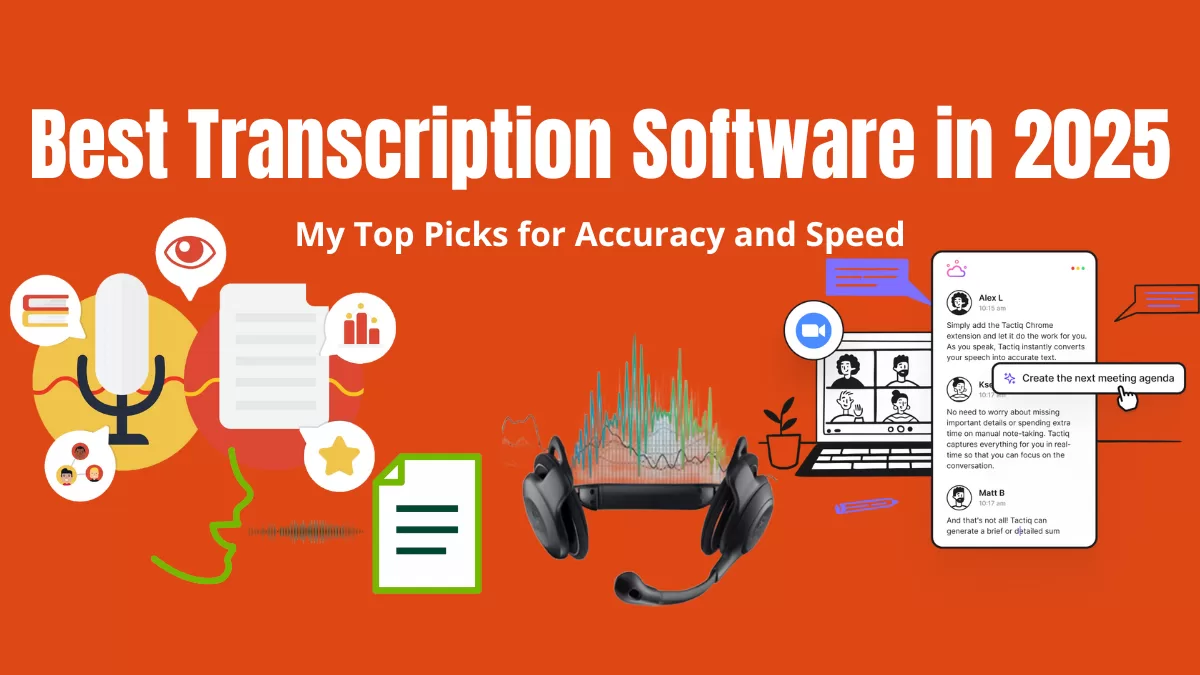
Why Do You Need Transcription Software in 2025
Unless you are some weird old-timer who goes around saying pen and paper interactions are best it is generally accepted —manually transcribing audio or video is a slow torture. We’ve all been there, stuck rewinding the same sentence five times, wondering if the speaker actually said “affect” or “effect”. 😫 That’s why using a transcription software is a game-changer. Whether you’re a content creator, journalist, or business owner, fast and accurate transcription tools can save you hours of work and a lot of frustration.
But with so many options out there, it’s tough to know which one actually delivers. I’ve tested a bunch, and here is my top picks for 2025’s Best Transcription Software—based on accuracy, speed, ease of use, price in INR, and credibility
Key Highlights
- 🛠️ Best Overall: Otter.ai – Ideal for meetings and real-time transcription.
- 🎙️ Most Accurate: Rev – Excellent for high-accuracy transcriptions.
- ⚡ Fastest AI Transcription: Sonix – Lightning-fast with multi-language support.
- 💻 Best for Video Creators: Descript – Combines transcription with video editing.
- 💡 Most Affordable: Temi – Budget-friendly with solid accuracy.
1. Otter.ai – Best Overall Transcription Software
⭐ Rating: 4.8/5
💲 Price:
- Free plan available
- Paid plans: ₹830/month (Pro), ₹2,490/month (Business)
✅ Best For: Meetings, interviews, and real-time transcription
Technology & Credibility:
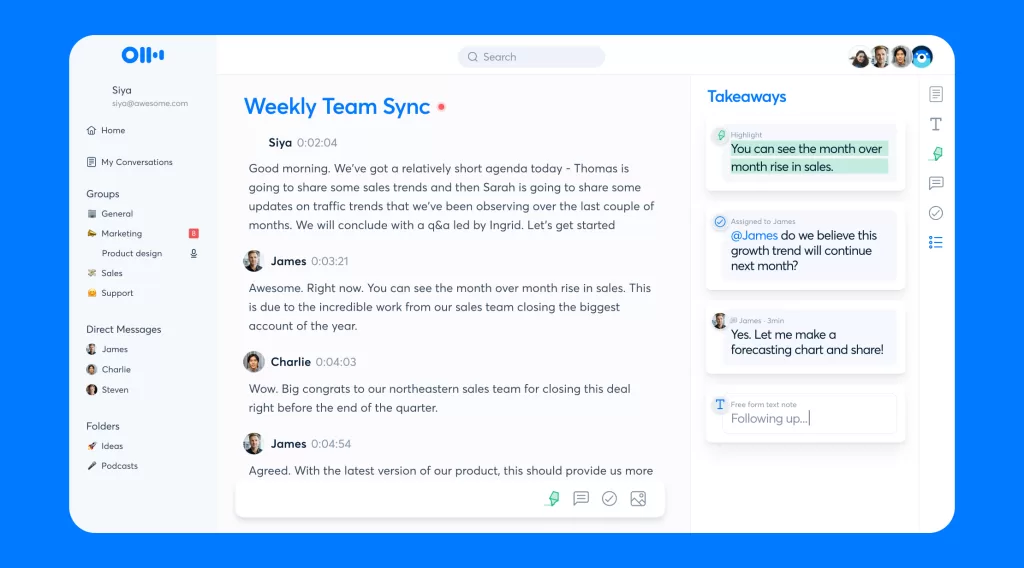
Otter.ai uses machine learning and NLP (Natural Language Processing) to transcribe speech in real-time. It has been featured by Forbes, The Verge, and TechCrunch for its accuracy and seamless integration with platforms like Zoom and Microsoft Teams.
My Experience:
I recommend Otter.ai for regular client calls, the real-time transcription is surprisingly accurate—even with industry jargon. The live collaboration feature lets you highlight key points and add comments while the conversation is still happening. Best Transcription Software for Overall performance.
Pros:
- 🔥 Real-time transcription with speaker identification
- 📝 Syncs with Zoom, Microsoft Teams, and Google Meet
- 🔍 Searchable transcripts with timestamped notes
Cons:
- ❌ Struggles with heavy accents
- ⚙️ Limited formatting options in the free plan
💡 Pro Tip: Otter.ai automatically generates detailed summaries, which is a huge time-saver for meeting notes.
2. Rev – Most Accurate Transcription Tool
⭐ Rating: 4.7/5
💲 Price:
- AI transcription: ₹21/minute (~$0.25)
- Human transcription: ₹125/minute (~$1.50)
✅ Best For: High-accuracy transcriptions (interviews, legal, and medical content)
Technology & Credibility:
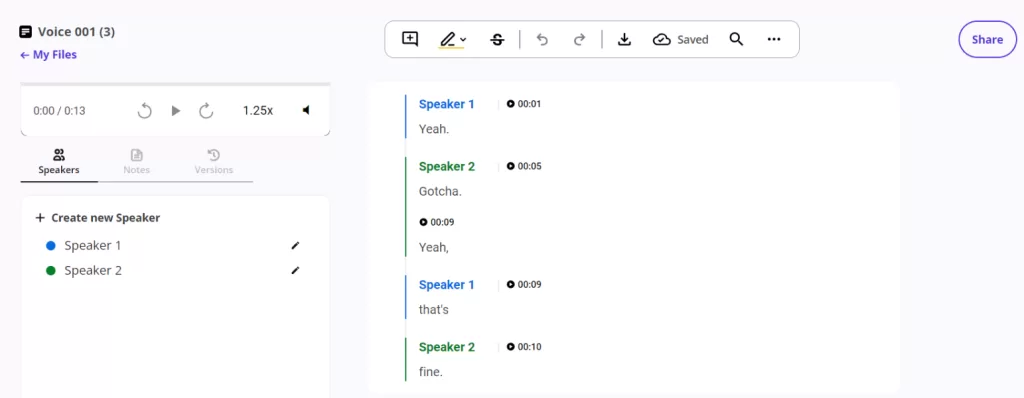
Rev combines AI-powered transcription with human editors for unmatched accuracy. It has transcribed over 100 million minutes and is trusted by companies like CBS, PBS, and Spotify.
My Experience:
If you need pinpoint accuracy, especially for professional or legal use, Rev is worth every penny. I tries it for transcribing a technical webinar, and it handled even the industry-specific terms flawlessly. Best Transcription Software for Accuracy.
Pros:
- 🎯 99% accuracy with human transcription
- 🌎 Supports 15+ languages
- 🚀 Fast turnaround (AI transcripts in minutes)
Cons:
- 💵 Expensive for longer files
- 👤 No free plan
💡 Pro Tip: For projects where accuracy is non-negotiable (like legal or medical transcriptions), go for Rev’s human service—it’s worth it.
3. Sonix – Fastest AI Transcription Software
⭐ Rating: 4.6/5
💲 Price:
- Pay-as-you-go: ₹830/hour (~$10)
- Monthly plan: ₹1,830/month (~$22)
✅ Best For: Fast, multilingual transcription
Technology & Credibility:
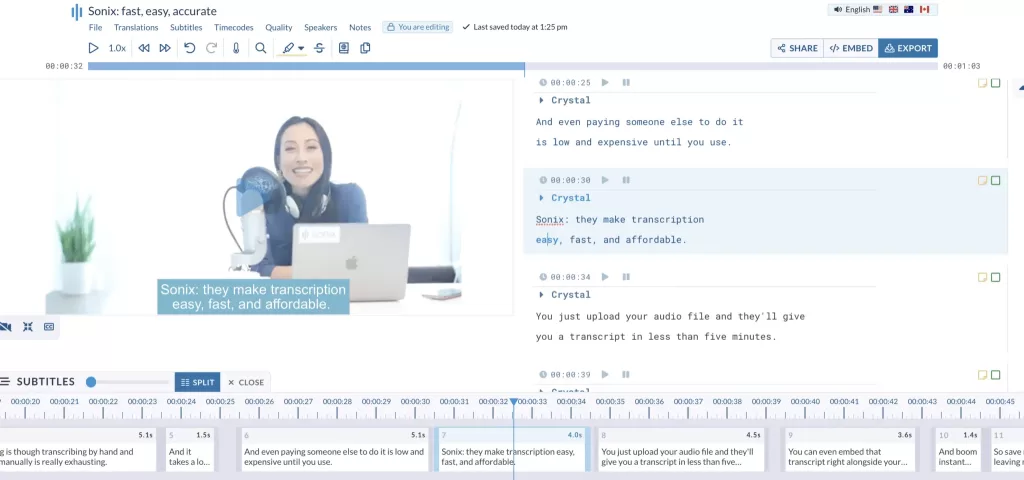
Sonix uses advanced AI speech recognition to transcribe audio at lightning speed. It has been featured in G2’s Top Transcription Tools and is used by thousands of media professionals worldwide.
My Experience:
Sonix blows me away with its speed and multi-language support. I recently used it to transcribe a multi-language podcast, and it handled the switches between English and Spanish effortlessly. Best Transcription Software for Faster transcription.
Pros:
- 🚀 Lightning-fast AI transcription
- 🌍 Supports 40+ languages
- 🔧 Custom vocabulary for better accuracy
Cons:
- ⚙️ Occasional misinterpretation of slang
- 💲 Slightly more expensive than some competitors
💡 Pro Tip: Use Sonix’s automated translation feature to instantly convert transcripts into different languages—great for international projects.
4. Descript – Best for Video Creators
⭐ Rating: 4.5/5
💲 Price:
- Free plan available
- Paid plans: ₹1,000/month (~$12)
✅ Best For: Podcasters and video creators
Technology & Credibility:
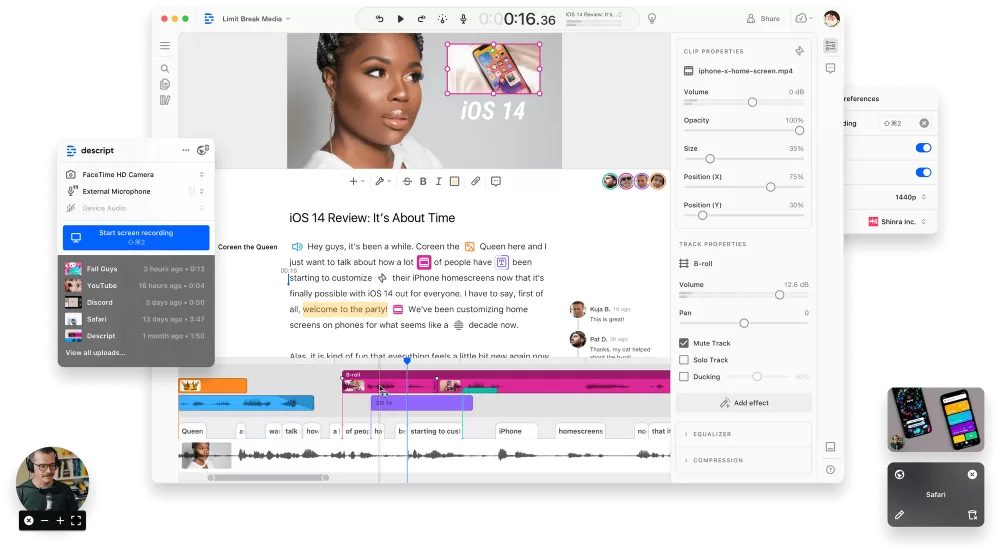
Descript uses AI-powered transcription combined with video and audio editing. It’s popular among YouTubers, podcasters, and filmmakers. Backed by investors like Andreessen Horowitz, it’s a trusted name in content creation.
My Experience:
If you create content, Descript is a no-brainer. I’ve used it for YouTube videos, and the ability to edit by tweaking the transcript directly is a massive time-saver. Best Transcription Software For Creators.
Pros:
- 🎥 Edit audio and video by editing the transcript
- 🔊 Overdub feature for AI voice cloning
- 🌐 Built-in screen recording
Cons:
- 🛑 Limited export options in the free plan
- ⚙️ Occasional syncing issues with larger files
💡 Pro Tip: If you mess up a line in your podcast, you can use Descript’s overdub to fix it without re-recording.
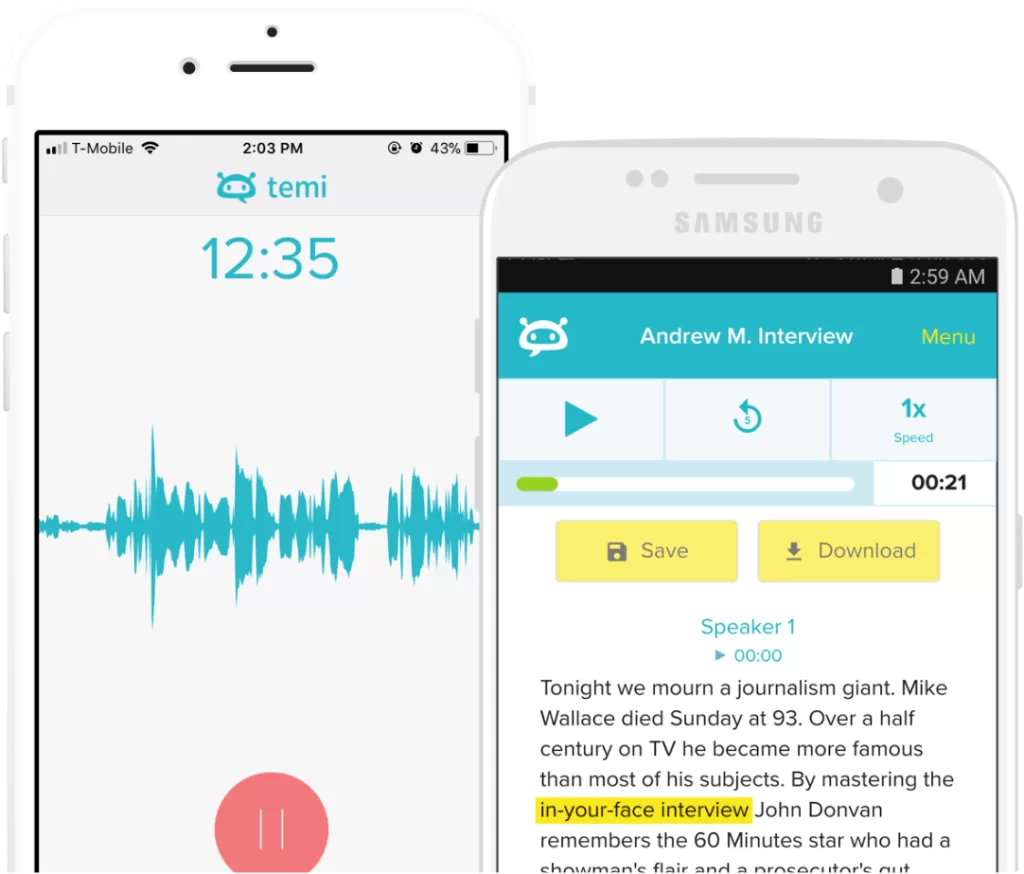
5. Temi – Most Affordable Transcription Software
⭐ Rating: 4.3/5
💲 Price:
- AI transcription: ₹21/minute (~$0.25)
✅ Best For: Budget-friendly transcription
Technology & Credibility:
Temi uses AI-powered speech recognition with minimal human intervention. It’s known for its affordability and is often used by freelancers and students for casual transcription needs. Best Transcription Software if you are looking for budget-friendliness and reliability.
My Experience:
If you’re on a tight budget, Temi is a solid choice. It’s not perfect (AI-only transcription), but for casual use, it gets the job done.
Pros:
- 💰 Extremely budget-friendly
- ⚡ Fast AI transcription
- 📄 Easy-to-use interface
Cons:
- ⚙️ Less accurate with background noise
- ❌ No human transcription option
💡 Pro Tip: Use Temi for clear audio files—it struggles with poor audio quality.
How to Choose the Best Transcription Software for You
Here’s what I consider before picking a transcription tool:
✅ Accuracy: For legal or business use, accuracy is non-negotiable. Go for Rev or Otter.ai.
⚡ Speed: If you need fast results, Sonix is a beast.
💰 Price: On a budget? Temi offers the best value.
🎥 Extra Features: For content creators, Descript offers editing + transcription.
Final Thoughts: My Top Picks
If you want the best transcription software in 2025, here’s my shortlist:
- 🏅 Best Overall: Otter.ai for everyday transcription needs.
- 🎯 Most Accurate: Rev (worth it for critical projects).
- ⚡ Fastest: Sonix for quick, multilingual transcription.
- 🎥 For Creators: Descript – video + transcription in one tool.
- 💰 Most Affordable: Temi – budget-friendly and reliable.
✅ Let me know if you’ve used any of these tools or have other favorites—I’m always on the lookout for new transcription gems! 💬