Beautiful Soup Web Scraping: The Ultimate Practical Guide & Selenium Comparison
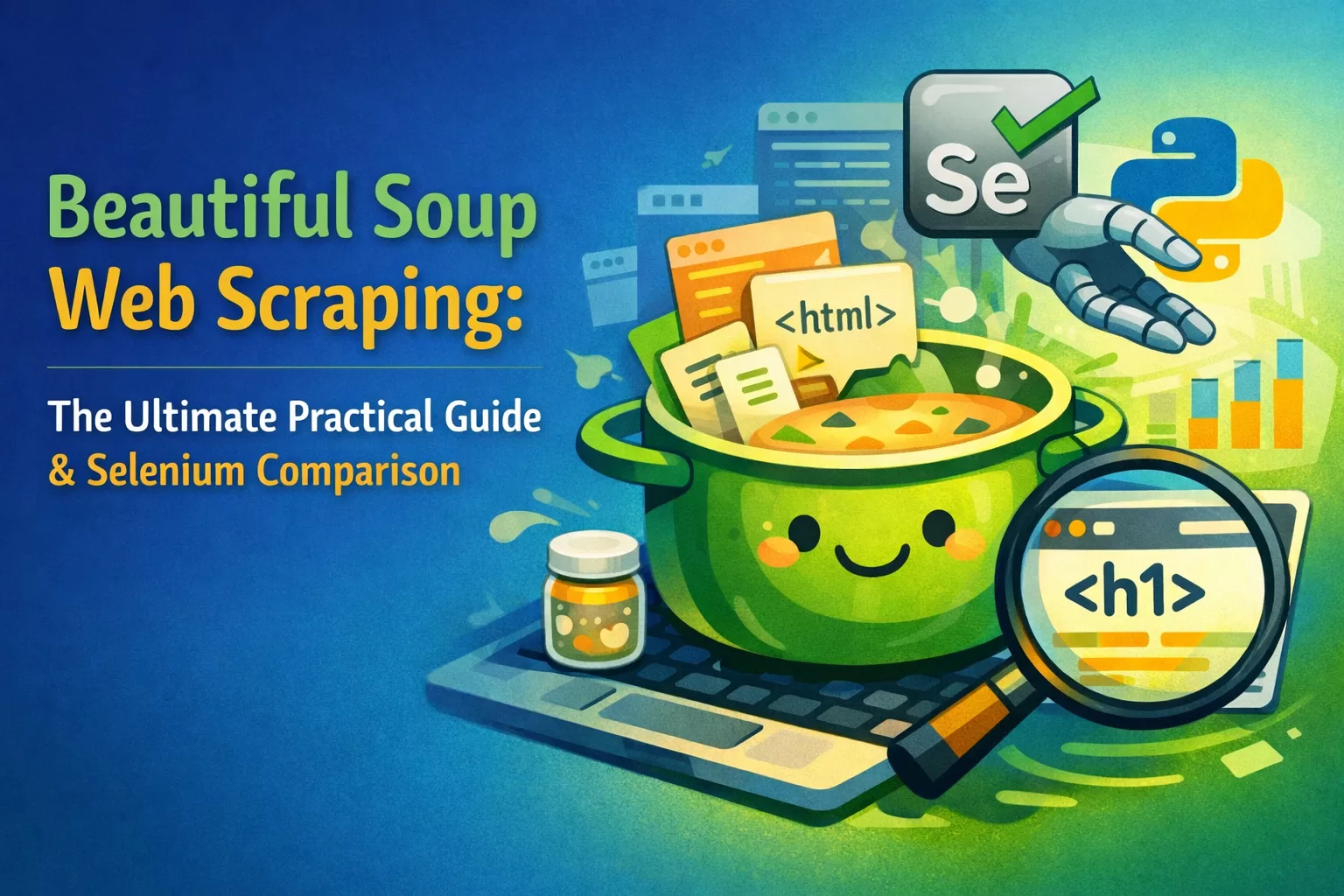
Every single day, the internet generates over 2.5 quintillion bytes of data. Think about that for a second. Prices, stock market trends, sports stats, job postings—it is all sitting right there in your web browser. But how do you actually get that data into a spreadsheet without manually copying and pasting for 40 hours straight?
I’ve been there. Staring at messy HTML code, wondering why extracting a simple list of product prices feels like deciphering an ancient language. That is exactly where beautiful soup web scraping changes the game.
If you want to automate data collection, build your own datasets, or skyrocket your worth in the tech job market, you need to know how to scrape the web. Let’s break down exactly how to do it.
What is Beautiful Soup in Python? 🧐
Let’s skip the boring textbook definitions.
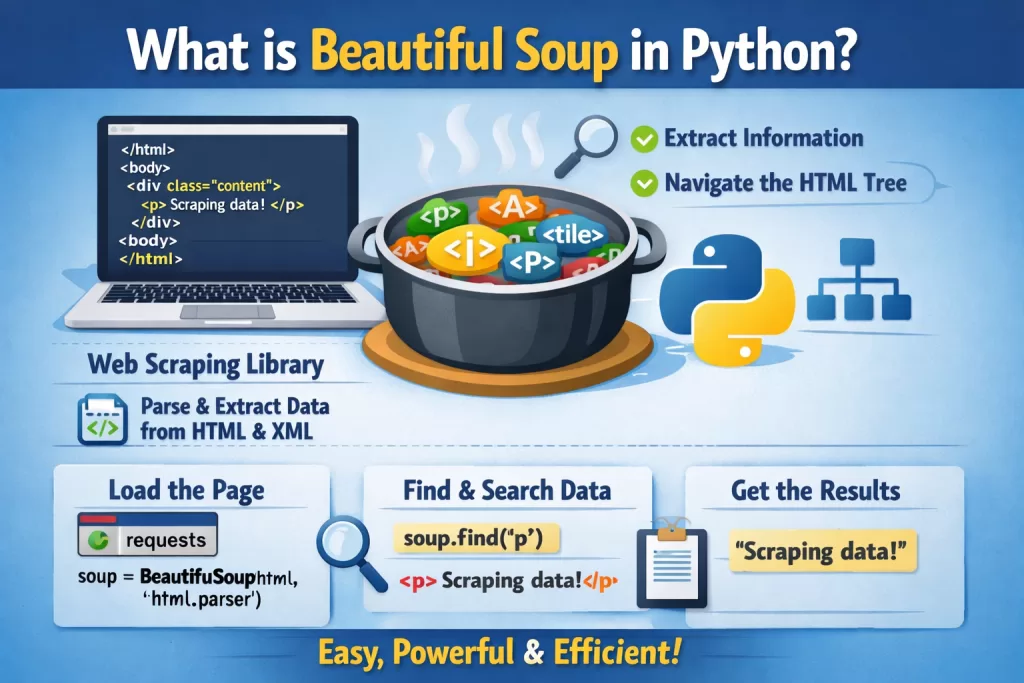
What is beautiful soup in python? It is a powerful Python library designed specifically to pull data out of HTML and XML files. Imagine you have a massive webpage filled with thousands of lines of chaotic code. Beautiful Soup acts like a smart filter. You tell it, “Hey, find me all the text inside the <h2> tags,” and it grabs them for you instantly.
The Career Angle: Why Should You Care?
You might be wondering, “Is learning this actually going to help my career?” The short answer is yes.
According to recent tech industry stats, the demand for Data Analysts and Data Engineers is expected to grow by nearly 35% over the next decade. And the very first step in analyzing data? Getting the data.
For common people trying to break into tech, having a portfolio project that showcases real beautiful soup web scraping proves you can solve real business problems. Companies don’t just want theory. They want people who can build custom datasets to track competitor pricing, monitor news sentiment, or aggregate real estate listings.
Beautiful Soup vs Selenium: Which Tool Wins? 🥊
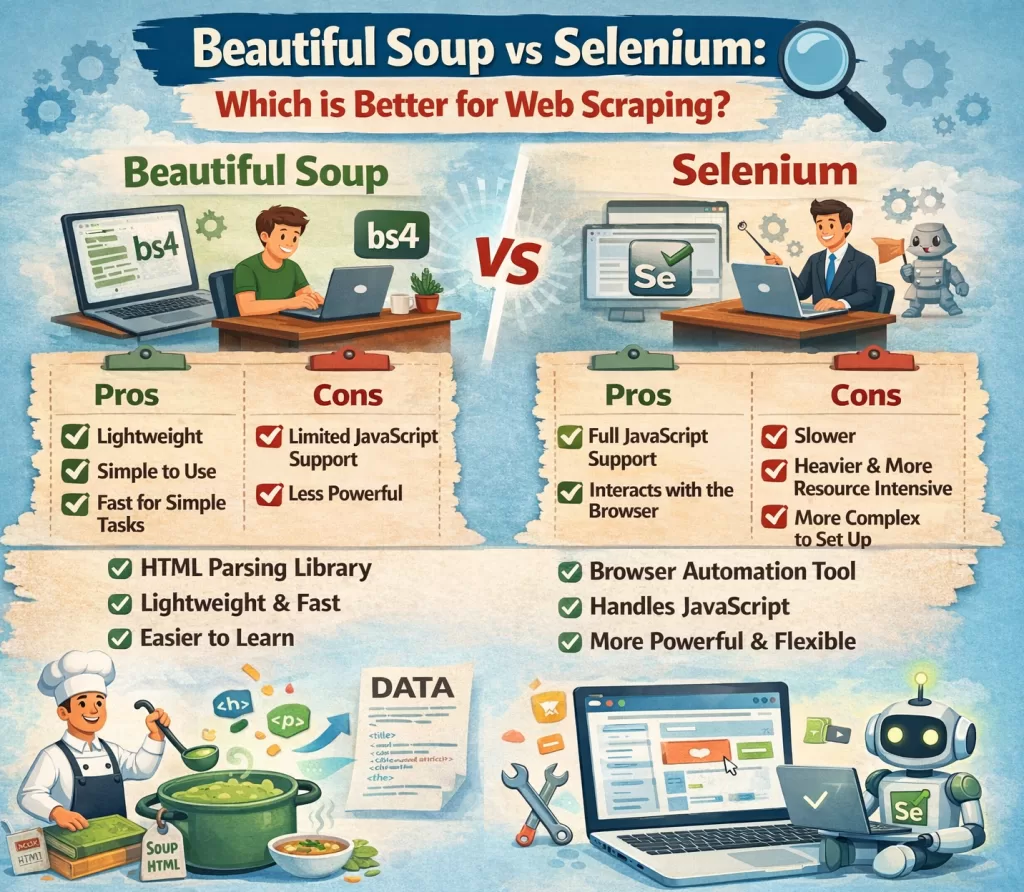
If you hang out in developer forums long enough, you will inevitably see a debate spark up: beautiful soup vs selenium. Which one should you use?
Here is the developer insight: They are actually built for completely different jobs.
- Beautiful Soup: This is your lightweight speedster. It doesn’t open a web browser. It simply takes the raw HTML code of a webpage and parses it. It is incredibly fast, uses very little memory, and is perfect for static websites (sites where the content doesn’t change when you scroll or click).
- Selenium: This is your heavy-duty tank. Selenium actually opens a real web browser (like Chrome or Firefox) and acts like a human. It can click buttons, fill out forms, and scroll down pages. You need Selenium if the website relies heavily on JavaScript to load its data.
The Best Practice: Always start with Beautiful Soup. It’s faster and less likely to break. If you realize the website hides its data behind complex JavaScript rendering, then switch to Selenium.
Real-World Example: Your First Beautiful Soup Web Scraping Script
Let’s look at a real-world use case. Let’s say you want to scrape the titles of articles from a tech blog.
First, you need to install the library. Check the official beautiful soup documentation if you hit any snags, but a simple terminal command usually does the trick:
pip install beautifulsoup4 requests
Here is a simple, unpredictable way developers actually write this code:
Pythonimport requests
from bs4 import BeautifulSoup

# Step 1: Request the webpage
url = "https://www.wikitechy.com/blog"
response = requests.get(url)

# Step 2: Make the Soup
soup = BeautifulSoup(response.text, 'html.parser')

# Step 3: Extract the data! (Finding all H2 headers)
article_titles = soup.find_all('h2')

for title in article_titles:
    print(title.get_text())
Notice how human-readable that is? You request the page, you turn it into “soup,” and you find the data. No complicated regular expressions required.
Developer Best Practices (Don’t Get Blocked!) 🛑
Web scraping is a bit of a gray area. If you do it wrong, your IP address will get banned faster than you can blink. Here are the rules of the road:
- Always read the
robots.txtfile: Before you scrape a site, typewebsite.com/robots.txtin your browser. This file tells you what the website owner allows you to scrape. Respect it. - Space out your requests (The ‘Why’): If you send 1,000 requests a second, you will accidentally crash their server. This is called a DDoS attack. Use Python’s
time.sleep(2)to pause between page clicks. It makes your script look like a normal human clicking through the site. - Use User-Agents: Websites block scripts. By adding a “User-Agent” to your headers, you trick the website into thinking your Python script is just a normal person using Google Chrome.
Supercharge Your Tech Career with Kaashiv Infotech 🚀
Reading about code is great, but actually writing it in a professional environment is how you land jobs.
If you want to master Python, dive deeper into data science, or get hands-on experience with real-world tech projects, you need to check out the programs at Kaashiv Infotech. They offer top-tier tech internships and training courses designed to take you from a beginner to a hired professional.
Stop watching tutorials in isolation. Build a resume that recruiters can’t ignore. Visit kaashivinfotech.com today to explore Python training, data analytics internships, and career-boosting certifications. You can also find incredible free coding resources at wikitechy.com.
Wrapping It Up
We’ve covered a lot of ground today. From understanding the core concepts to settling the beautiful soup vs selenium debate, you now have the blueprint to start building your own data extractors.
I highly recommend starting small. Pick a website you visit every day—like a local weather site or a bookstore—and try to pull just one piece of text from it using Python. Once you get that first successful print statement in your terminal, the entire internet becomes your personal database. Happy scraping!
People Also Ask (FAQs)
1. Is beautiful soup web scraping legal?
Yes, generally scraping publicly available data is legal. However, you must avoid scraping personal data, respect the website’s robots.txt file, and ensure you do not overload their servers.
2. What is the difference between Beautiful Soup vs Selenium?
Beautiful Soup is a fast, lightweight tool used to parse static HTML and extract data. Selenium is a browser automation tool that can click, scroll, and render JavaScript, making it better for dynamic, interactive websites.
3. Do I need to know HTML to use Beautiful Soup?
You don’t need to be a web developer, but you do need a basic understanding of HTML tags (like <div>, <p>, and <a>) and CSS classes to tell Beautiful Soup exactly what to look for.
4. Can Beautiful Soup scrape JavaScript websites?
No, Beautiful Soup cannot render JavaScript on its own. If a website requires JavaScript to load its data, you will need to use Selenium or an API alongside Beautiful Soup.
5. Where can I find the official beautiful soup documentation?
You can find the official documentation by searching for “Beautiful Soup 4 documentation” online. It is hosted on Crummy.com and provides extensive guides on every feature the library offers.