🎬 10 Best Video Editing Software for Beginners & Professionals in 2025

📌 Key Highlights
- Discover the Best Video Editing Software for Beginners & Professionals in 2025 🎥
- Explore Top Video Editors 2025 for seamless video creation 🚀
- Compare free and paid video editing tools for Windows, Mac, and Linux 💻
- Find the perfect software for YouTube, filmmaking, and social media content 📹
🎥 Introduction: Finding the Best Video Editing Software in 2025
If you’re searching for the Best Video Editing Software for Beginners & Professionals in 2025, you’ve come to the right place! Whether you’re an aspiring content creator, a filmmaker, or a professional video editor, choosing the right tool is crucial for seamless editing. With countless options available, we’ve compiled a list of the Top Video Editors 2025 to help you make an informed decision.
🏆 10 Best Video Editing Software for Beginners & Professionals in 2025
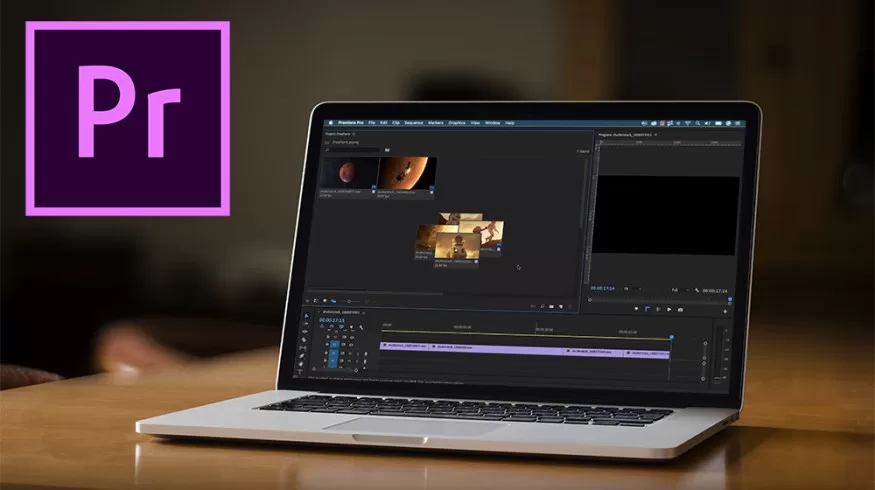
1️⃣ Adobe Premiere Pro – Best for Professionals 🎞️
Key Features:
- Industry-standard software with advanced tools
- Supports 4K, 8K, and VR editing
- Seamless integration with Adobe Creative Cloud
- AI-powered features for automatic editing
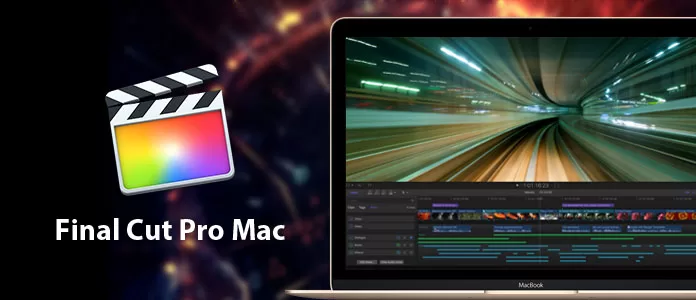
2️⃣ Final Cut Pro – Best for Mac Users 🍏
Key Features:
- Optimized for macOS with powerful performance
- Magnetic timeline for intuitive editing
- High-end color grading and VR support
- One-time purchase, no subscription required
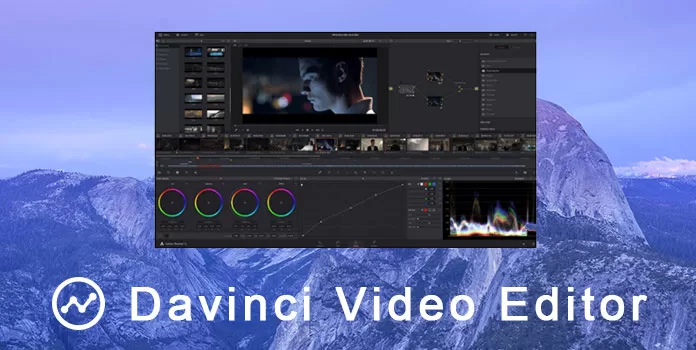
3️⃣ DaVinci Resolve – Best Free Video Editor 🎨
Key Features:
- Hollywood-grade color correction tools
- Advanced visual effects and motion graphics
- Professional audio post-production tools
- Free version with powerful editing capabilities
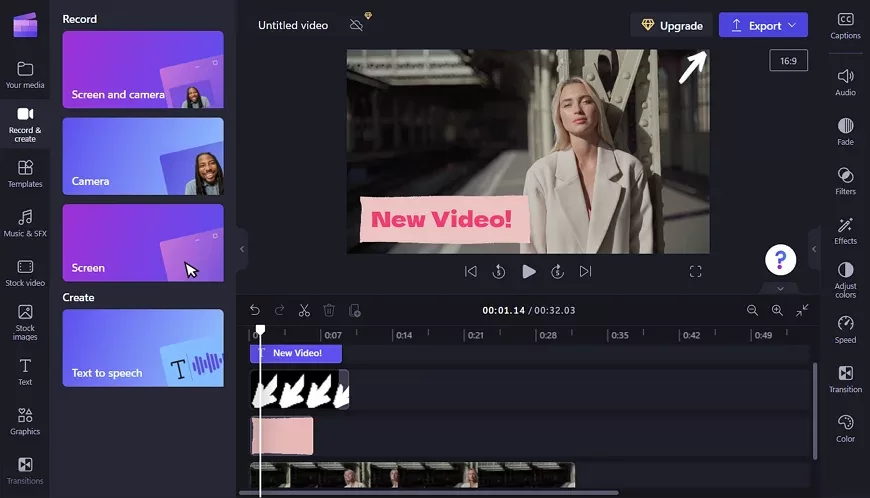
4️⃣ Filmora – Best for Beginners 🎬
Key Features:
- User-friendly interface with drag-and-drop editing
- AI-powered effects and transitions
- Royalty-free music and stock media
- Affordable pricing for beginners

5️⃣ iMovie – Best Free Mac Video Editor 🍏
Key Features:
- Simple and intuitive for basic video editing
- Built-in themes, transitions, and sound effects
- Optimized for macOS and iOS devices
- Free for all Apple users
6️⃣ HitFilm Express – Best Free Software for VFX 🔥
Key Features:
- Powerful special effects and compositing tools
- Professional-grade editing with free features
- 3D effects and motion tracking
- Free and premium versions available
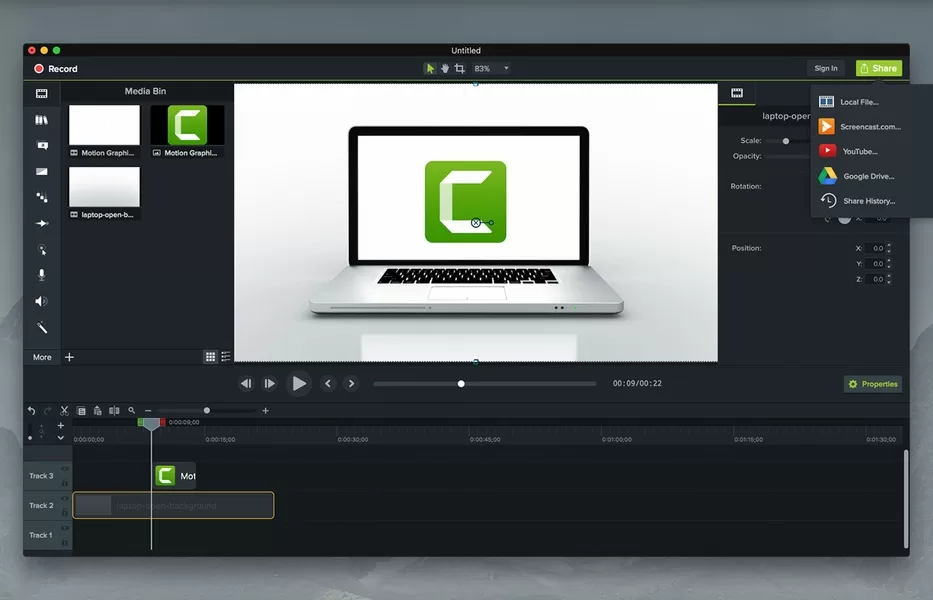
7️⃣ Camtasia – Best for Screen Recording & Editing 🖥️
Key Features:
- Ideal for tutorial videos and presentations
- Built-in screen recording and video editing
- Pre-made templates and animations
- User-friendly interface
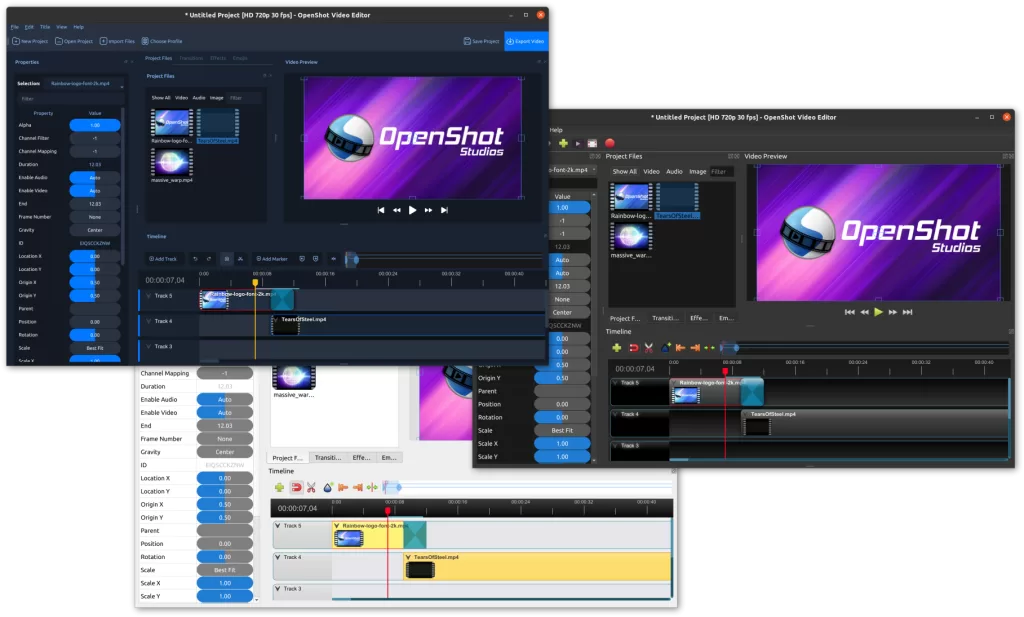
8️⃣ OpenShot – Best Open-Source Video Editor 🔓
Key Features:
- Free and open-source software
- Supports unlimited layers for videos and audio
- Available on Windows, Mac, and Linux
- Simple yet powerful editing tools
9️⃣ Lightworks – Best for Professional Filmmakers 🎞️
Key Features:
- Used in Hollywood films
- Professional-grade editing tools
- Supports 4K and high-quality exports
- Free and premium versions available

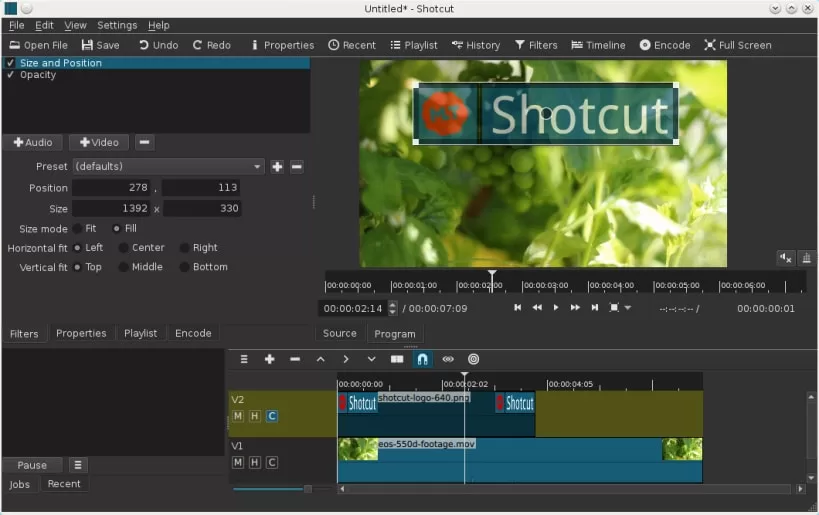
🔟 Shotcut – Best Free Cross-Platform Editor 🖥️
Key Features:
- Open-source and free
- Supports a wide range of formats
- Advanced video and audio editing features
- Works on Windows, Mac, and Linux
🎯 How to Choose the Right Video Editing Software?
When selecting the Best Video Editing Software for Beginners & Professionals in 2025, consider the following:
✅ Ease of Use – Is the interface beginner-friendly? 🎓
✅ Features & Tools – Do you need advanced effects or simple cuts? ✂️
✅ Compatibility – Does it support your operating system? 💻
✅ Pricing – Is it free, one-time purchase, or subscription-based? 💰
✅ Export Options – Can you export in high quality, such as 4K or 8K? 🎞️
🔗 Final Thoughts on the Best Video Editors in 2025
Choosing the right video editing software depends on your needs and skill level. Whether you’re looking for a free, open-source tool like Shotcut or a professional-grade editor like Adobe Premiere Pro, this list of Top Video Editors 2025 has something for everyone.
If you want to learn more about editing, kaashiv infotech offers, Front End Developer Course, UI/UX Course & More, Visit Their Website www.kaashivinfotech.com.
Related Reads:


![Agile Model in Software Engineering [2025]](https://www.wikitechy.com/wp-content/uploads/2025/08/Agile-Model-in-Software-Engineering-2025-380x220.webp)