🚀 Portfolio Website GitHub: How to Build & Host Yours for Free in 2025
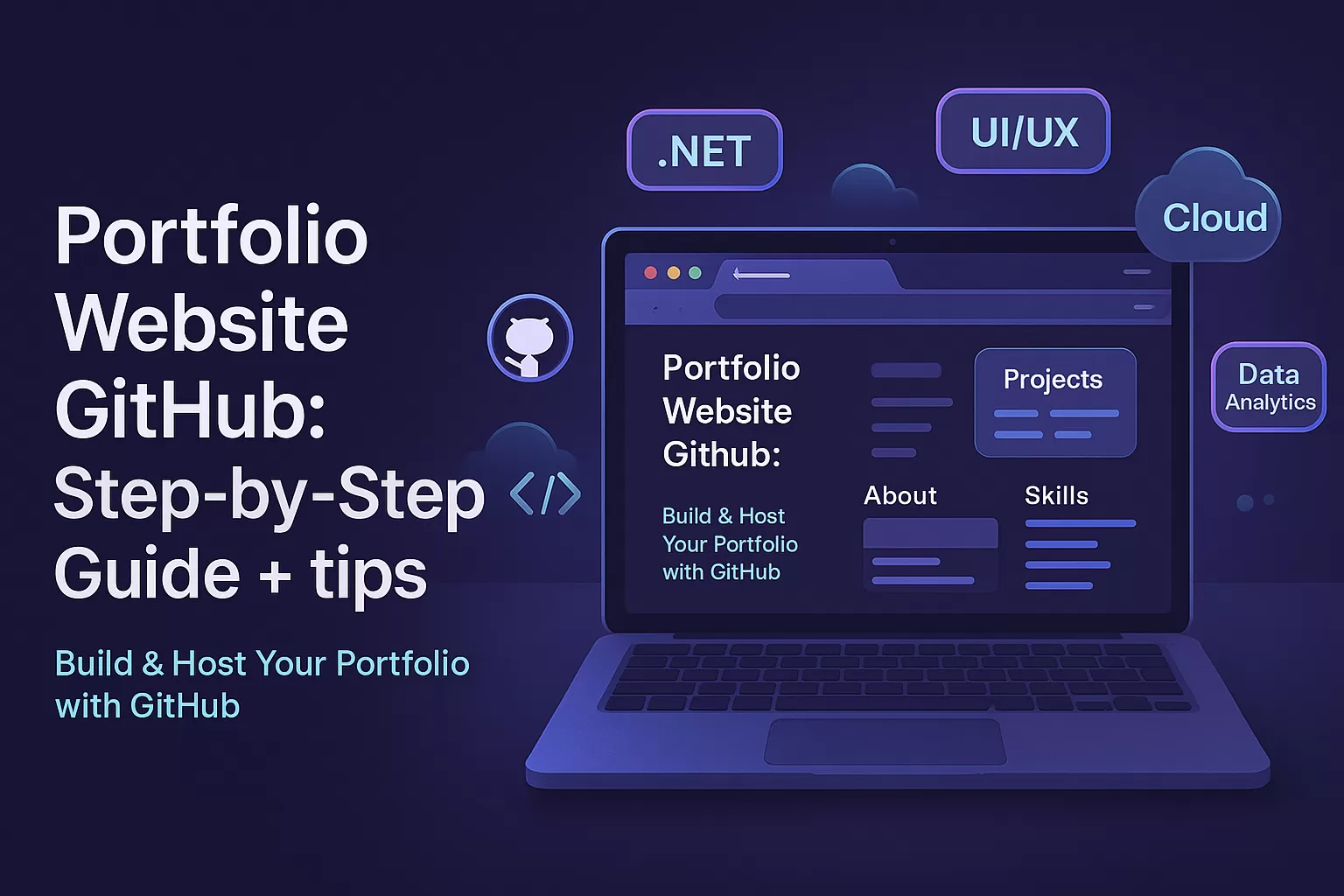
If you’re serious about your tech career — whether you’re a fresher, a freelancer, or a full-stack dev aiming for that dream job — a portfolio website isn’t just nice to have. It’s essential. And if you’re smart (and broke or lazy 😅), you’ll want to host it for free on GitHub.
In this guide, I’ll show you exactly how to build your portfolio website on GitHub, step-by-step. No fluff. No paid tools. Just solid advice from someone who’s done it multiple times — even using it to land job interviews 🚨.

🔑 Why “Portfolio Website GitHub” Is a Match Made in Developer Heaven
Before we dive in, let’s talk about why GitHub is the best place for your developer portfolio:
- ✅ Free hosting via GitHub Pages
- ✅ Custom domain support
- ✅ Version control + open source = trust booster for recruiters
- ✅ Looks professional (especially for devs, designers, and data folks)
- ✅ Shows your real-time contributions and projects
So if you’re Googling “portfolio website GitHub,” you’re already on the right track.

🛠️ Step-by-Step: Create a Portfolio Website on GitHub
Let’s walk through the whole process from scratch.
1. Create a GitHub Account
If you haven’t already, head over to GitHub.com and sign up. Choose a clean username — because it’ll be part of your portfolio URL (like https://yourusername.github.io).
2. Create a New Repository
Name it like this:
yourusername.github.io<br>This is very important — GitHub will automatically treat this repo as your site’s homepage.
Set it to public. Add a README if you want. Skip everything else.
3. Add Your Portfolio Code
You’ve got two choices here:
- ✨ Use a template: Clone a free portfolio template from GitHub (tons of options — see examples below).
- 💻 Write your own: Start from scratch with HTML/CSS/JS or use React, Vue, or your favorite stack.
Some popular portfolio GitHub templates:
Clone the repo or fork it → customize it → commit your changes.
4. Push Your Code
Upload your files using Git or GitHub’s web interface.
Using Git terminal:
git init <br>git remote add origin https://github.com/yourusername/yourusername.github.io <br>git add . <br>git commit -m "Initial commit" <br>git push -u origin master<br>5. Enable GitHub Pages
Go to your repo settings → Scroll to Pages → Select the branch (usually main or master) → Root folder → Save.
Done! 🎉 Your site will be live at:
https://yourusername.github.io<br>
🎨 Customizing Your Portfolio Website
A generic template won’t get you noticed. Here’s what you can add:
- 👩💻 About Me: Your story, values, and what you bring to a team
- 🛠️ Projects: Include live demos, GitHub repo links, tech stacks
- 🧠 Skills Section: Add badges or visual progress bars
- 📫 Contact Form: Use Formspree or Netlify Forms
- 🧩 Blog (optional): Add a blog using Markdown or a static site generator like Jekyll
💡 Pro Tips for GitHub Portfolio Success
- Keep your commits clean — recruiters do check commit history.
- Pin your best repos on your GitHub profile.
- Use a custom domain like
yourname.dev(connect it via DNS). - Add SEO using meta tags,
title,description, and Open Graph. - Make it mobile-friendly — 70% of recruiters might view it on phones.
🧠 Real Examples: Awesome Portfolio Websites on GitHub
Here are some real GitHub-hosted portfolio sites to get inspired:
- Brittany Chiang → Front-end heavy, elegant dark theme
- Ryan Fitzgerald → Minimal design with clean HTML/CSS
- 🇮🇳 Sivanesh Shanmugam – Full-stack developer from India with a clean, responsive GitHub Pages portfolio built using React. Showcases projects, skills, and contact info.
- 🇮🇳 Bhargav Ratnala – Indian React developer with a personal site hosted on GitHub Pages. Highlights experience and projects in a recruiter-friendly layout.
These sites are either directly hosted via GitHub Pages or Netlify linked to GitHub. Either way — it’s the GitHub that powers the engine. 💪
🔍 SEO Tip: Use the Keyword Naturally
If you’re planning to rank your own site for terms like:
- portfolio website GitHub
- free developer portfolio hosting
- GitHub Pages portfolio
…then make sure these appear in your site title, meta description, and project README.
✅ Final Checklist Before Sharing
Make sure your portfolio website GitHub setup has:
✔️ A clean UI
✔️ No broken links
✔️ Mobile responsiveness
✔️ Clear CTA (“Download Resume” / “Hire Me” / “View Projects”)
✔️ Up-to-date contact info
📚 Ready to Level Up? Take Courses & Internships That Build Real Portfolios
Reading guides is great — but nothing beats learning by doing. If you really want your portfolio website GitHub to stand out, start applying your skills in real-world projects. Here’s how you can get started:
- 💻 Enroll in a Full Stack .Net Course to build strong backend and frontend skills using C#, ASP.NET, and SQL Server
- 📊 Dive into real-world projects with a Data Analytics Course and learn to visualize insights that recruiters love
- 🎨 Boost your design skills and showcase interactive prototypes with a UI/UX Course
- ☁️ Join a Cloud Computing Internship to gain hands-on experience with AWS, Azure, or Google Cloud
Don’t just build a website — build your confidence, your skills, and your future. 🔥
🙋 FAQ: Portfolio Website GitHub
Q: Is GitHub good for hosting portfolios?
Absolutely. It’s free, reliable, and perfect for tech professionals.
Q: Can I use GitHub Pages for React or Next.js?
Yes! Use gh-pages package for React or export a static build for Next.js.
Q: Is GitHub better than Netlify or Vercel?
For basic static portfolios — yes. But for complex builds, Netlify/Vercel offer more backend options.
🧭 Conclusion: Your Portfolio Website on GitHub = Your Digital Resume
You don’t need a paid hosting service or fancy tools. If you can code, you can host — and owning a portfolio website on GitHub shows you’re serious about your craft.
Take a weekend. Build it. Push it live. And start sending that URL to recruiters instead of a boring old resume.
Trust me, it works. 😉
🔗 Dive Deeper: Must-Read Git & GitHub Resources
Whether you’re setting up your first repository or debugging a tricky GitHub issue, these hand-picked guides can save you hours:
- 🆚 Git vs GitHub: What’s the Real Difference?
A beginner-friendly breakdown of how Git (the tool) differs from GitHub (the platform) — and why you need both. - 📥 Download: Git Initial Setup PDF Guide
A handy PDF you can keep offline — covers how to set up Git, configure user info, and make your first commit. - ❗ Fixing “GitHub Error Cloning My Private Repository”
Step-by-step solution for one of the most common issues developers face while working with private repos. - ⚙️ How to Integrate Travis CI in Your GitHub Project (Ruby on Rails)
Automate your builds and testing like a pro with Travis CI integration — especially useful for Rails devs.