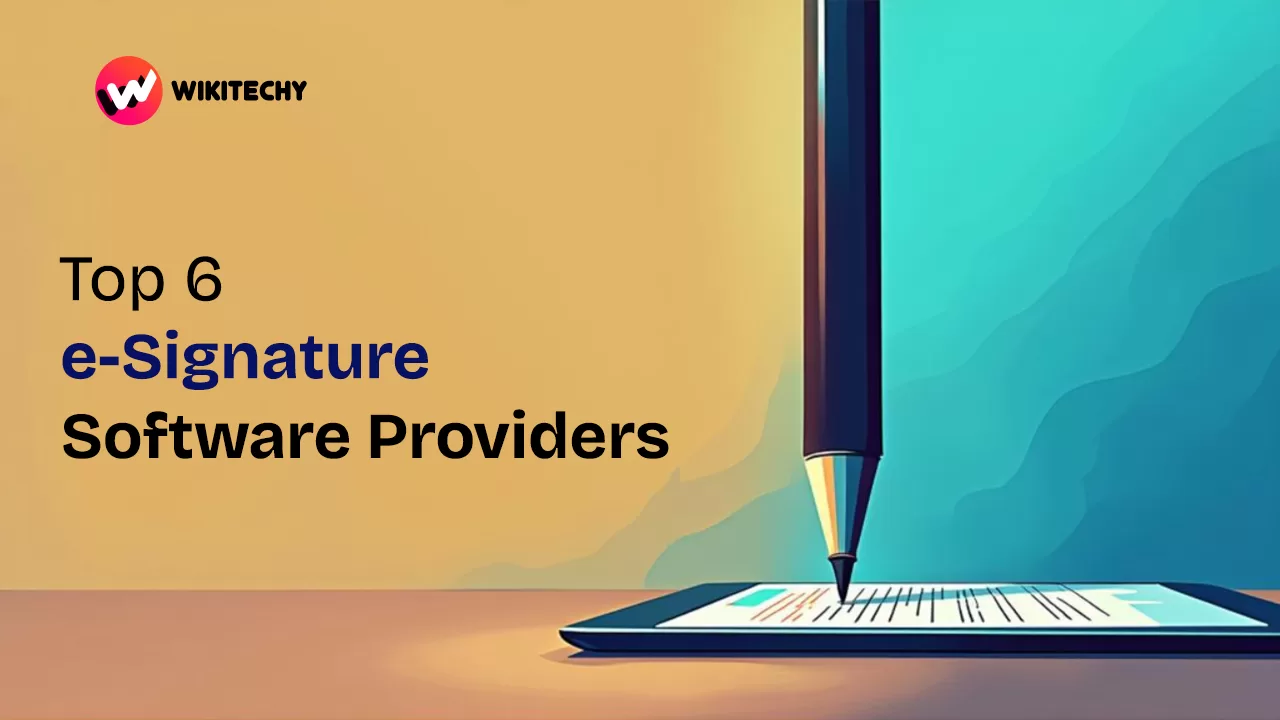
Top 6 e-Signature Software Providers That Saved My Sanity in 2025 🖊️📲
If you’ve ever had to print, sign, scan, and resend a document at 11 PM while halfway through a Netflix binge—hi, I’ve been there too. 🫠
Back in 2020, I thought digital signatures were just a fancy thing CEOs used. Fast forward to 2025, e-Signature software providers have become the secret sauce that keeps my freelance life running. Whether it’s client contracts, NDAs, invoices, or internal HR docs, I rely on e-Signature tools every single day.
And I know you might be asking…
“Which e-Signature software actually works without making me pull my hair out?”
Well, I tried over a dozen. Yup. From free tools to enterprise beasts. Some were smooth like butter, others made me want to cry into my keyboard. But after all that trial and error, here’s my honest, no-jargon breakdown of the top 6 e-Signature software providers that helped me stay productive (and sane) in 2025. 🚀
1. DocuSign – The Old Faithful of e-Signature Software Providers
Let’s start with the OG.
DocuSign is like the Gmail of e-Signature software providers—ubiquitous, dependable, and honestly… kind of hard to avoid.
I first used DocuSign when a US-based client sent over a legal contract. It took me two clicks to review, sign, and send. Zero confusion. Zero learning curve.
✅ Why I Like It:
- Works seamlessly across devices
- Super secure (think military-grade encryption)
- Integrates with Google, Salesforce, Microsoft, and more
⚠️ What I Didn’t Love:
- Pricey for freelancers ($10+ per month)
- The interface feels a bit dated sometimes
2. Adobe Acrobat Sign – The Pro Designer’s Favorite
If you’re already living in the Adobe universe (like I am for design work), Adobe Acrobat Sign is a no-brainer. It syncs with all my PDFs, lets me drag-and-drop signature fields, and looks clean AF.
But fair warning—it’s not for the tech-averse. My dad tried to use it once and gave up within five minutes. 😅
✅ Why I Use It:
- Beautifully integrated with Adobe apps
- Easy bulk signing options
- Great for sending invoices + contracts in batches
⚠️ What Annoyed Me:
- Not beginner-friendly
- A bit resource-heavy on older laptops
3. HelloSign (Now Dropbox Sign) – Minimalist & Magical
I stumbled across HelloSign (now Dropbox Sign) when a friend from a startup recommended it. It’s hands-down one of the simplest e-Signature software providers I’ve ever used. Everything feels clean, modern, and easy on the eyes.
And the best part? Free for 3 documents per month. That was perfect when I started freelancing with tight budgets.
✅ What Made Me Stick:
- Free plan available
- User-friendly interface
- Syncs with Dropbox, Gmail, and Slack
⚠️ Minor Cons:
- Limited features on the free plan
- Mobile app could be better
4. Zoho Sign – Best for Indian Startups 🇮🇳

If you’re like me and love all things Zoho, then Zoho Sign will fit right into your workflow. It’s made especially for businesses in India and integrates beautifully with Zoho CRM, Books, and Projects.
This is one of the few e-Signature software providers that felt truly localized. I even used it to e-sign a contract written partly in Tamil and English without any hiccups.
✅ Local Love:
- Aadhaar-based e-sign support
- Affordable pricing for startups
- Perfect for Indian compliance laws
⚠️ Where It Falls Short:
- Not as sleek as others
- Some advanced features hidden behind premium tiers
5. SignNow – The Underdog That Surprised Me
I’ll be honest—I wasn’t expecting much from SignNow. But this underdog quietly became one of my go-to e-Signature software providers for team-based collaboration.
When my small team scaled to 5 people, SignNow’s bulk signing and team dashboard saved hours of our time.
✅ Hidden Gems:
- Affordable bulk pricing
- Team collaboration features
- Custom branding available
⚠️ Small Gripes:
- Interface isn’t the prettiest
- Limited third-party integrations
6. SignEasy – Truly Mobile-Friendly 📱
When I’m signing documents from a chai shop with spotty WiFi, SignEasy is my hero. I’ve signed contracts on my phone while commuting, while traveling, and even once during a wedding. (Don’t judge. It was urgent.)
This e-Signature tool shines when you’re always on the move.
✅ Perfect for:
- Freelancers and solopreneurs
- Mobile-first users
- Quick document turnaround
⚠️ Be Aware:
- Slightly limited features compared to DocuSign
- Best for solo use—not big teams
🔁 My Honest Takeaway: Do You Really Need e-Signature Software in 2025?
Short answer: YES.
If you’re sending even one professional document per week, investing in one of these e-Signature software providers is worth it. Trust me, the time and headache you’ll save are unmatched.
I’ve been able to:
- Close client deals faster
- Get contracts signed without printing anything
- Look way more professional (hello, branding!)
And with so many e-Signature options available—free and paid—it’s no longer a luxury. It’s a necessity. Especially if you’re building a business, freelancing, or managing a remote team.
✅ Final Comparison Table (Quick Recap)
| Provider | Best For | Free Plan | Mobile-Friendly | My Rating |
|---|---|---|---|---|
| DocuSign | Enterprises & legal | ❌ | ✅ | ⭐⭐⭐⭐☆ |
| Adobe Acrobat Sign | Design pros | ❌ | ✅ | ⭐⭐⭐⭐☆ |
| Dropbox Sign | Startups & freelancers | ✅ | ✅ | ⭐⭐⭐⭐⭐ |
| Zoho Sign | Indian startups | ✅ | ✅ | ⭐⭐⭐⭐☆ |
| SignNow | Teams & bulk docs | ✅ | ✅ | ⭐⭐⭐⭐☆ |
| SignEasy | On-the-go signing | ✅ | 🌟✅🌟 | ⭐⭐⭐⭐☆ |
✅ Related Reads: