Top 4 Online Whiteboards for Effective Team Collaboration in 2025 🚀

In today’s fast-paced digital world, teams need the best online whiteboards to collaborate efficiently, brainstorm ideas, and improve productivity. If you’re looking for the Top 4 Online Whiteboards for Effective Team Collaboration in 2025, this guide will help you find the perfect tool for your needs. Whether you’re working remotely or in a hybrid office, these tools will enhance communication and streamline workflow. 🖥️📊
⭐ Key Highlights
- Discover the Top 4 Online Whiteboards for Effective Team Collaboration in 2025
- Compare the best features, pricing, and usability
- Find out which Best Online Whiteboards 2025 suit your business needs
- Learn how these tools improve brainstorming and remote collaboration
- Internal and external links for further insights 📌
🔥 Why Use Online Whiteboards for Collaboration?
Online whiteboards are essential for modern teams because they:
✔️ Enable real-time collaboration
✔️ Provide a visual workspace for brainstorming
✔️ Integrate with popular work tools
✔️ Improve remote team communication
✔️ Allow easy sharing and documentation of ideas
Now, let’s explore the Top 4 Online Whiteboards for Effective Team Collaboration in 2025! 🚀
1️⃣ Miro – The Best Overall Online Whiteboard
Miro is a powerful and widely used online whiteboard designed for teams of all sizes. It offers an intuitive interface, various templates, and seamless integration with collaboration tools like Slack, Zoom, and Notion.
🔹 Key Features:
- Drag-and-drop interface 🎨
- Pre-made templates for brainstorming and project management
- Real-time collaboration with team members
- Integration with major productivity tools 🛠️
💰 Pricing:
- Free plan available
- Paid plans start at $8 per user/month
📌 Check out Miro

2️⃣ MURAL – Best for Design Thinking & Brainstorming
MURAL is perfect for teams that need a collaborative visual workspace for design thinking, agile workflows, and idea mapping.
🔹 Key Features:
- Infinite canvas for brainstorming
- Sticky notes and digital drawing tools ✏️
- Integration with Microsoft Teams, Slack, and Trello
- Voting and feedback features for team collaboration 👥
💰 Pricing:
- Free trial available
- Paid plans start at $9.99 per user/month
📌 Check out MURAL
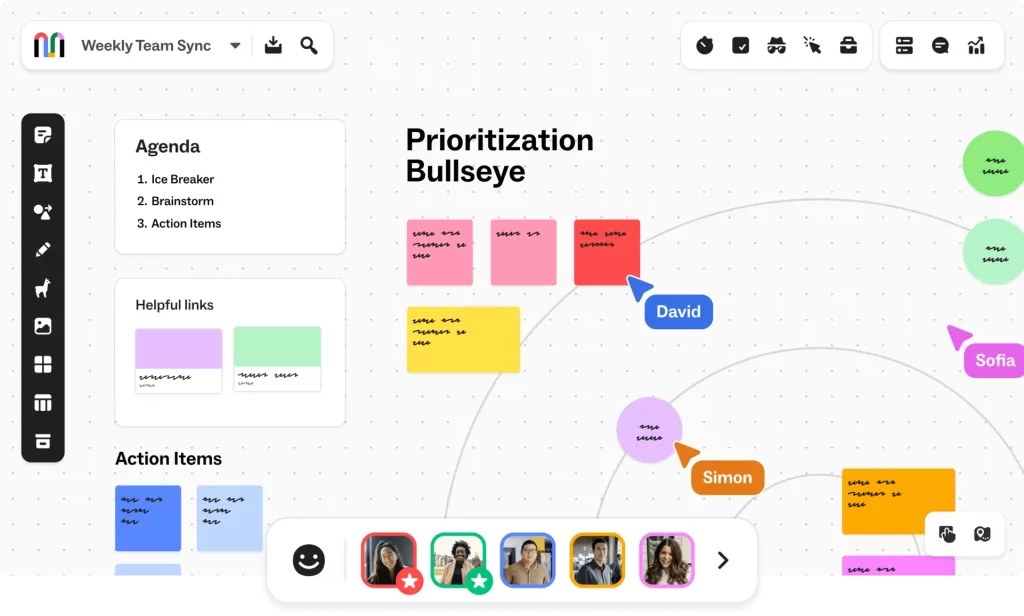
3️⃣ Lucidspark – Best for Team Workshops
Lucidspark is an innovative whiteboard tool designed for brainstorming, project planning, and team workshops.
🔹 Key Features:
- Easy-to-use interface
- Smart sticky notes for idea tracking 📌
- Facilitator tools for guided collaboration
- Integration with Google Drive, Slack, and Microsoft 365
💰 Pricing:
- Free plan available
- Paid plans start at $7.95 per user/month
📌 Check out Lucidspark
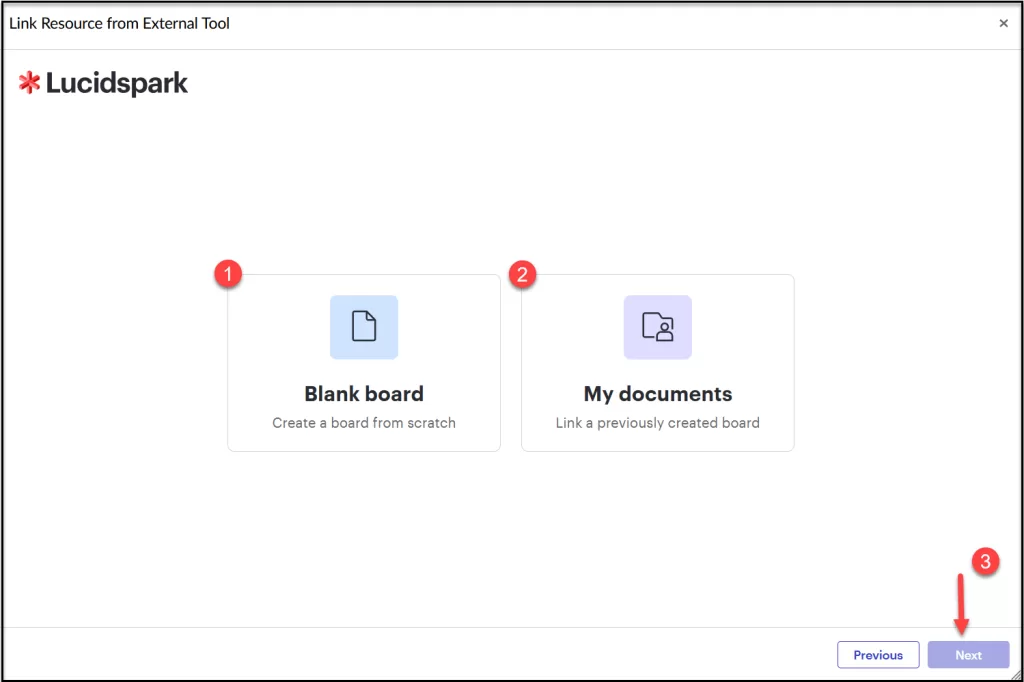
4️⃣ Microsoft Whiteboard – Best for Microsoft Users
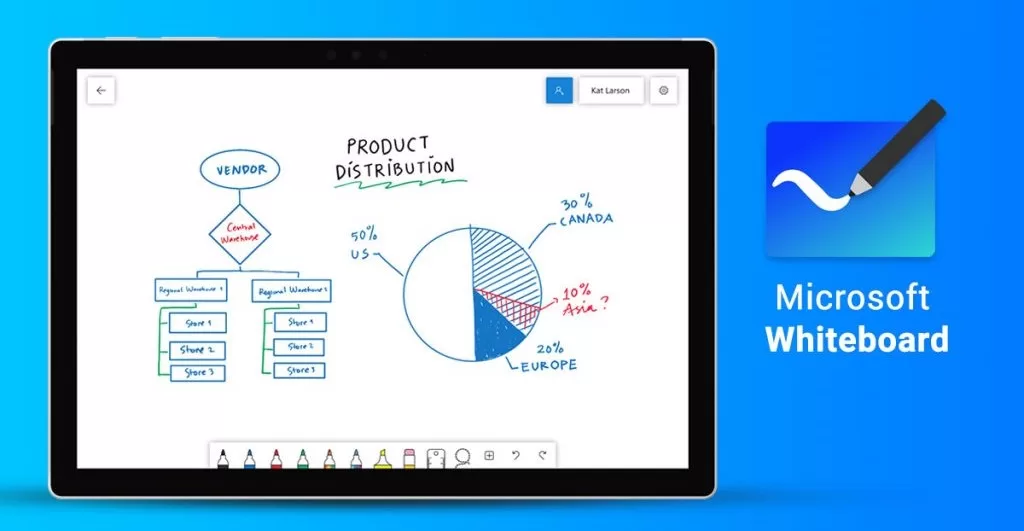
Microsoft Whiteboard is an excellent free whiteboard tool for businesses and educators already using the Microsoft ecosystem.
🔹 Key Features:
- Seamless integration with Microsoft Teams & OneNote
- AI-powered shape recognition 🔵🔺
- Real-time collaboration with multiple users
- Cloud storage with OneDrive ☁️
💰 Pricing:
- Free with Microsoft 365 subscription
📌 Check out Microsoft Whiteboard
🏆 Final Thoughts: Which Online Whiteboard Should You Choose?
Each of these Top 4 Online Whiteboards for Effective Team Collaboration in 2025 offers unique features and benefits. Your choice depends on your team’s specific needs:
- Best Overall: Miro ✅
- Best for Brainstorming: MURAL 🎨
- Best for Workshops: Lucidspark 📝
- Best for Microsoft Users: Microsoft Whiteboard 💻
For the Best Online Whiteboards 2025, these tools will help your team collaborate better, stay productive, and drive innovation! 🚀
🔗 Related Articles:
Which online whiteboard do you use? Let us know in the comments! 💬