Web Crawlers in 2026 — Complete Guide + Best Tools & Use Cases
1. What Is a Web Crawler?
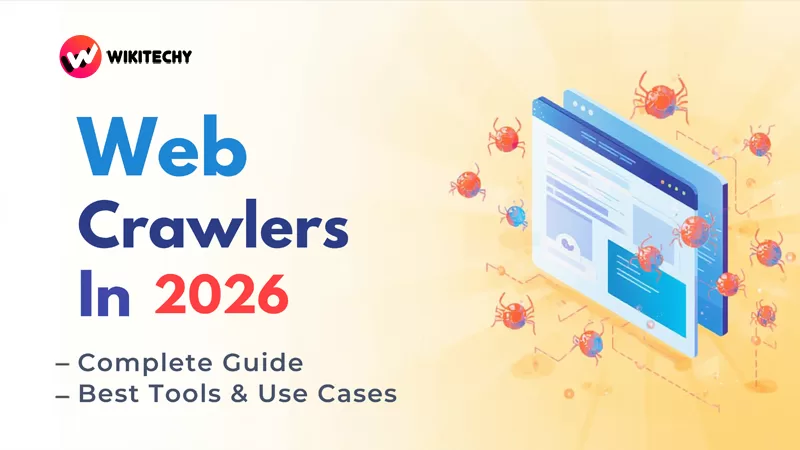
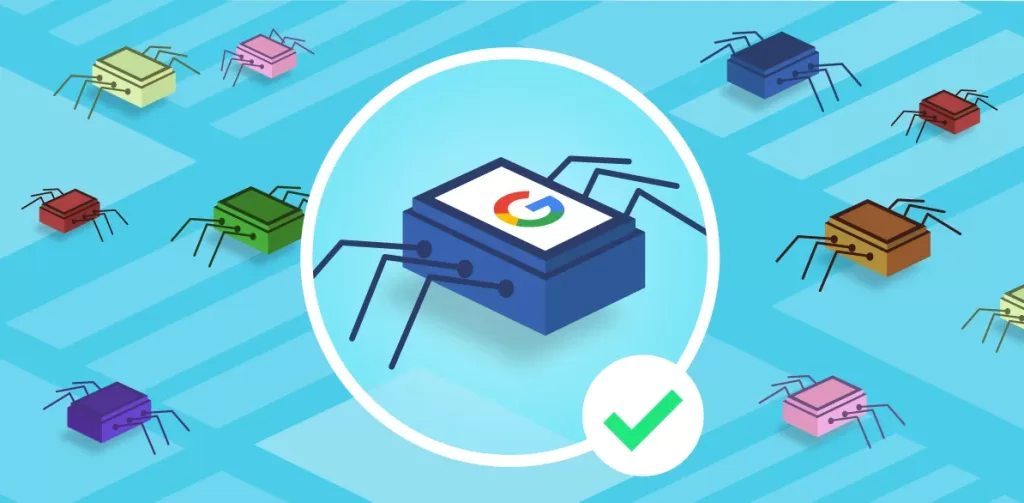
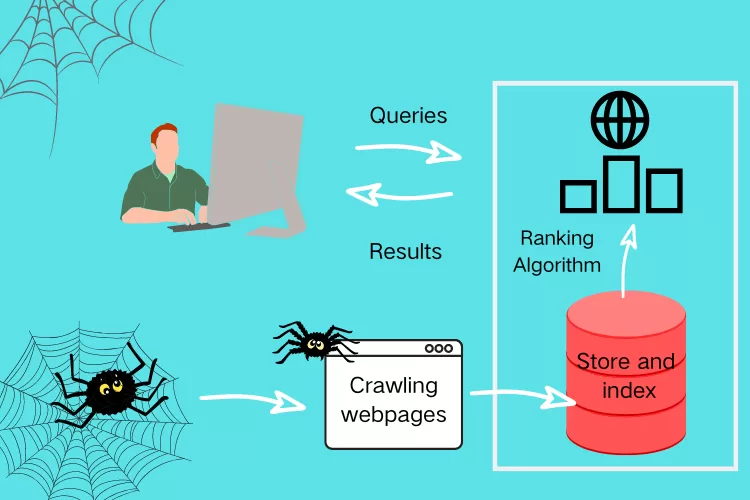
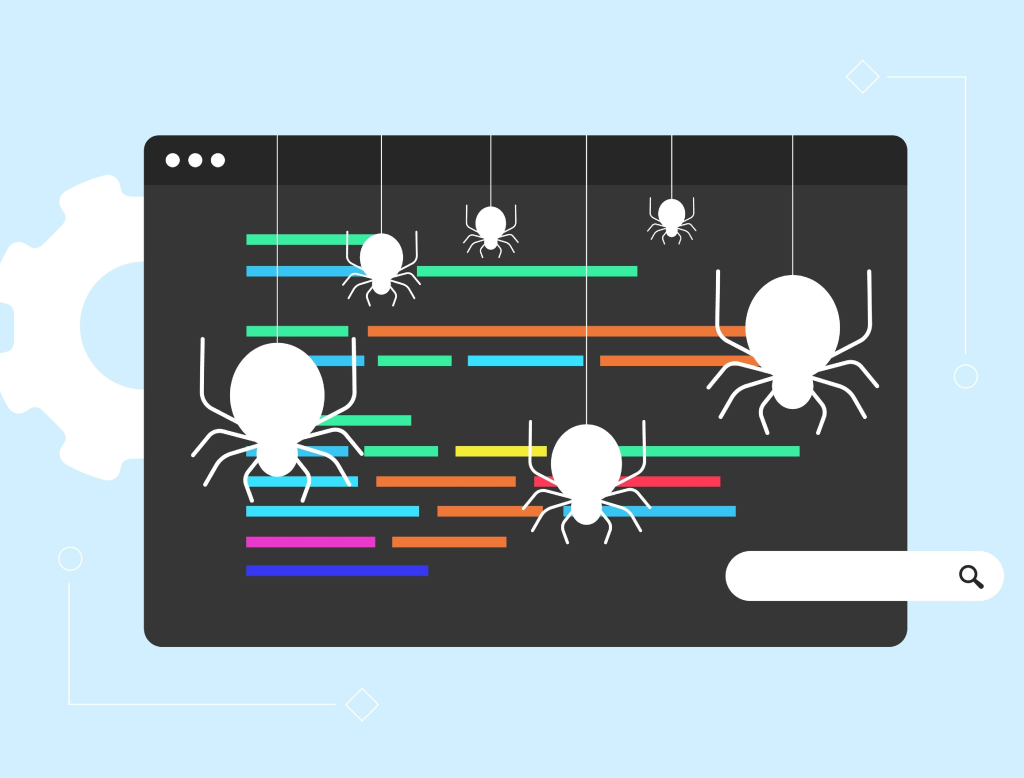
A web crawler — also known as a spider, bot, or automated agent — is software that systematically browses the internet to collect information from websites. The primary job of a crawler is to visit web pages, read their content, follow links, and store data for indexing, analysis, or automation purposes. While legacy crawlers were mostly used by search engines, modern applications span from business intelligence to AI training and SEO diagnostics.
Most crawlers start with a seed list of URLs, then navigate through links to discover more pages. Along the way, they fetch page content, extract relevant information, and follow the rules set by each website’s directives (like robots.txt) to avoid inappropriate access.
2. Why Web Crawlers Are Still Critical in 2026
Web crawling continues to be essential for many digital processes:
📌 Data Collection at Scale
Large datasets from e-commerce sites, news portals, and public records are automatically gathered using crawlers — something that’s impossible to do manually at scale.
🔎 Search Indexing & Discovery
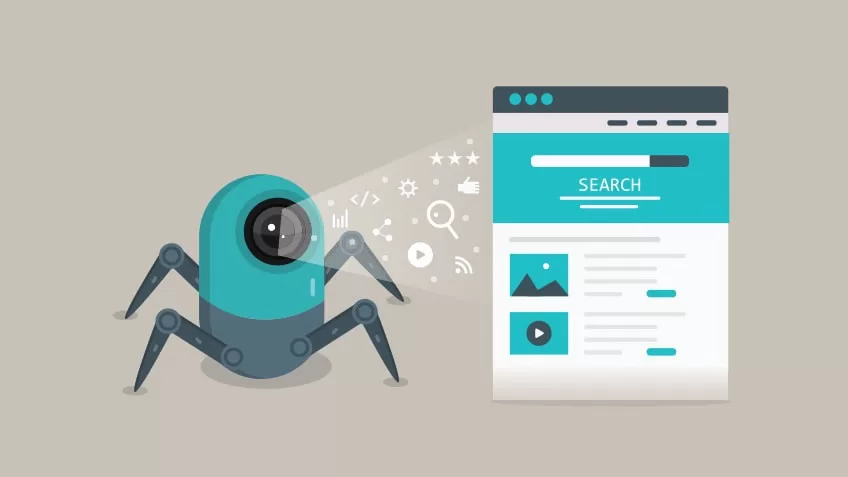
Search engines still index the web using crawlers. Without them, your content wouldn’t appear in search results, and new pages wouldn’t be discovered.
📊 Market & Competitive Intelligence
Companies use crawlers to monitor competitor pricing, inventory changes, product launches, and customer sentiment across digital platforms.
⚙️ SEO & Technical Website Audits
SEO tools crawl your site to identify broken links, duplicate content, missing metadata, and performance bottlenecks.
🤖 Feeding AI & RAG Workflows
Crawled data powers machine learning datasets, retrieval-augmented generation (RAG) systems, and knowledge graphs when used legally and ethically.
Note: In 2026, content access controls and licensing considerations play a bigger role — some infrastructure providers now block or charge for automated crawls by AI bots.
3. How Web Crawlers Work
Here’s a high-level look at a crawler’s typical workflow:
- Initialize with seed URLs — these might come from sitemaps, internal lists, or APIs.
- Fetch the page content — send an HTTP/S request to retrieve the HTML or rendered output.
- Parse the page — extract links, text, metadata, and structured data.
- Add discovered links to a queue — and repeat until stopping rules are met (domain limits, depth limits, timeouts).
- Export/store data — write extracted data to files, databases, or downstream pipelines.
Crawlers differ mainly in how they handle JavaScript rendering, anti-bot protections, scheduling logic, and data extraction formats.
4. Top Web Crawling & Scraping Tools in 2026
Below are some of the leading tools and frameworks professionals recommend today — ranging from developer-centric libraries to managed platforms:
🔹 ScraperAPI
Best for: Developers and teams needing resilient crawling without building infrastructure.
A managed API that handles proxies, CAPTCHA solving, IP rotation, and retries automatically. Perfect if you want to focus on extraction and not network infrastructure.
Pros: Handles blocking/anti-bot protections, simple integration
Cons: Costs increase with volume
🐍 Scrapy
Best for: Developers building custom crawlers in Python.
Scrapy is a mature, open-source crawling framework that manages URL queues, concurrency, retries, and pipeline processing. It’s ideal for structured, large-scale crawling tasks.
Pros: Extremely flexible, fast, strong community
Cons: Requires programming skills
🪶 Crawlee
Best for: Node.js/TypeScript users and modern web apps.
A newer open-source crawling tool that integrates browser automation natively, making it easier to scrape modern JavaScript-heavy sites.
Pros: Unified API for HTTP & headless browser crawling, session control
Cons: Resource usage can grow with concurrency
🌐 Playwright & Puppeteer
Best for: JavaScript-intensive websites like React or Angular apps.
These libraries use headless browsers to render and interact with pages like a real user. They’re not pure crawlers but are essential for dynamic content extraction.
Pros: Handles complex sites, user simulation
Cons: Higher memory footprint
🐙 StormCrawler
Best for: Scalable enterprise crawling workflows.
A Java-based ecosystem for building crawlers with modular integrations for Elasticsearch, Apache Solr, and big data systems.
Pros: High throughput, extensible
Cons: More complex setup
🕸️ HTTrack
Best for: Offline browsing and simple mirroring.
A classic open-source web crawler that can download entire websites for offline use.
Pros: Simple mirroring, free
Cons: Not optimized for structured data extraction
📊 Chrome Extensions & No-Code Tools
For non-developers, tools like Web Scraper (Chrome extension), Instant Data Scraper, and other visual tools let you extract data without coding and often include cloud execution or scheduling.
5. Choosing the Right Tool in 2026
Here’s how you can decide:
| Use Case | Best Tool Type |
|---|---|
| Developer-built pipelines | Scrapy, Crawlee |
| Dynamic JavaScript crawling | Playwright, Puppeteer |
| Anti-bot handling | ScraperAPI, combined stacks |
| Enterprise & big data | StormCrawler |
| No-code / visual extraction | Browser extensions or hosted services |
6. Emerging Trends Impacting Web Crawling in 2026
🛡️ AI Blocking & Monetization
Cloud infrastructure providers are now more aggressive about blocking AI crawlers by default and offering pay-per-crawl access for content owners. This marks a shift toward content licensing even for automated bots.
⚖️ Legal & Ethical Considerations
Legal actions against unauthorized scraping are rising — including lawsuits against tools that scrape search results or other proprietary content.
🧠 LLM-Ready Output Formats
New crawlers generate LLM-friendly outputs (like markdown or semantic chunks) directly, simplifying workflows for AI training and RAG systems — reducing preprocessing work.
7. Best Practices When Crawling
✔ Always check and respect robots.txt and site terms of service
✔ Use rate limiting & delays to avoid overloading servers
✔ Handle error codes, retries, and timeouts gracefully
✔ Store data in structured formats (CSV, JSON, databases)
✔ Keep IP rotation & proxy management in place for large crawls
Conclusion:
In 2026, web crawlers are smarter, more diverse, and subject to stronger ethical and technical controls than ever before. From Python frameworks and Node.js libraries to managed APIs and no-code tools, there’s a crawler for every audience — whether you’re a developer building custom bots or a business needing competitive insights.
Choose the right tool by balancing technical complexity, project scale, and compliance, and you’ll unlock rich web data while avoiding common pitfalls.
Want to learn about Cyber Security?, Kaashiv Infotech Offers, Cyber Security Course, or Networking Course & More, Visit www.kaashivinfotech.com.
Related Reads: