What is Photoshop: The Truth About Why It’s Still the Heavyweight Champion in 2026
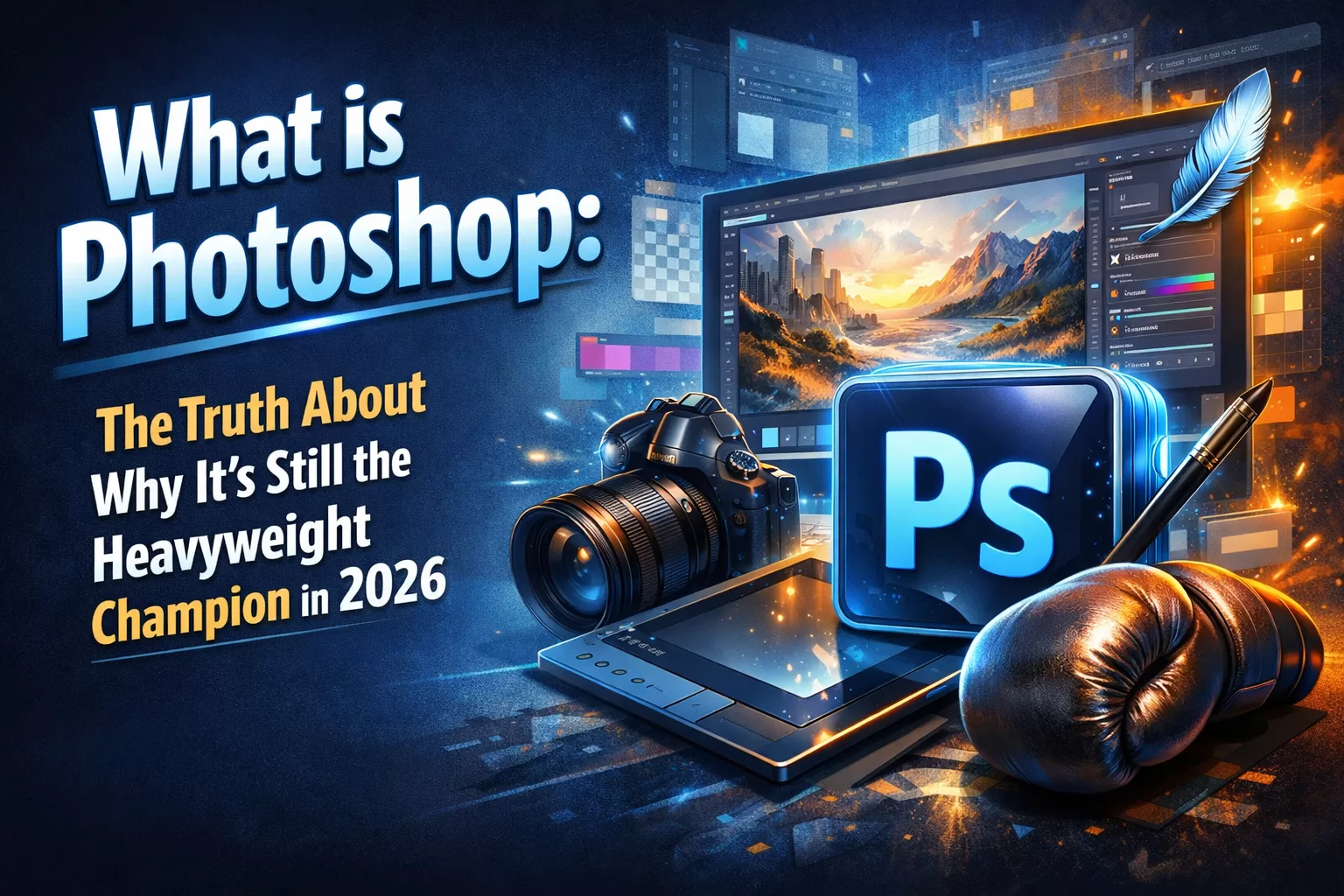
I have watched dozens of “Photoshop Killers” rise and fall over the last ten years. From lightweight browser apps to AI-only image generators, every new tool claims to take the crown. But here is the reality: if you want a serious career in digital design, photography, or web development, what is Photoshop isn’t just a basic question—it’s the very first hurdle you must clear to get hired. 🎨
Whether you are a freelance UI designer in Chennai or a creative director in London, this software remains the universal language of the creative industry.
Let’s break down exactly what this tool is, how you can use it to build a career, and why skipping it is a massive mistake.
Kaashiv Infotech What is photoshop
What is Adobe Photoshop? – And Why Does Everyone Use It?
At its core, what is Adobe Photoshop? It is an industry-standard, raster-based image editor.
To put it in simple words, “raster-based” means it works with pixels. Unlike vector programs (like Adobe Illustrator) that use math to draw crisp lines, Photoshop works like digital painting. Every tiny square of color on your screen is under your absolute control.
If you are reading this from India, you might have typed photoshop kya hai into Google. In Hindi or English, the answer is the same: It is the ultimate digital darkroom. It allows you to manipulate photos, create digital artwork from scratch, and design user interfaces for websites.
The Developer Insight: In the software development and web design world, we constantly talk about “destructive” versus “non-destructive” editing. Amateur designers will tell you to use the eraser tool to fix a mistake. A tech expert will tell you to use Layer Masks.
Why is this a best practice? Because a mask simply hides pixels instead of deleting them forever. If a client calls you three days later and says, “Can we bring that tree back into the background?” you don’t have to start over. You just paint the mask away. Non-destructive editing saves you hours of unpaid rework. 🛠️
How to Use Photoshop: The 2026 Workflow
If you are figuring out how to use photoshop efficiently today, you have to embrace a hybrid workflow. You are no longer just clicking pixels by hand; you are directing AI.
Here is what a modern workflow looks like:
- The Contextual Task Bar: This is a floating menu on your screen that predicts your next move. It is like having a mind-reading assistant sitting next to you.
- Generative AI: Need to turn a sunny beach into a rainy city street? You type a text prompt, and the internal AI engine builds it perfectly into your scene.
- The Layer System: Imagine stacking sheets of clear glass on your desk. You draw a hat on the top sheet, a face on the middle sheet, and a background on the bottom sheet. You can slide the hat around without smudging the face. That is exactly how Photoshop layers work. 🪄
Real-World Data: How to Design with Photoshop
Why do normal people and massive corporations both rely on this tool? The data speaks for itself.
According to recent marketing statistics, content with custom, high-quality images gets 94% more views than content with plain text or generic stock photos. People are visual creatures.
Here is how to design with photoshop in the real world:
- E-commerce Dominance: If you sell shoes on Amazon, the main image must have a pure white background. Product photographers use Photoshop to make those products pop.
- Web Development Handoffs: Web developers constantly receive
.psd(Photoshop Document) files from designers. Developers need to know how to open these files, extract the text, and export the icons to write the HTML and CSS. - Social Media Growth: YouTube creators know that the thumbnail is more important than the video title. Creating high-contrast, clickable thumbnails is a daily Photoshop task.
The Magic Trick: How to Remove Background in Photoshop
This is the most requested skill on the internet. Whether you are making a meme or a professional presentation, knowing how to remove background from image in photoshop is a superpower.
The Best Practice Method:
- Open your image.
- Unlock the background layer by clicking the padlock icon.
- Open the Properties Panel.
- Click the “Remove Background” button.
Why do it this way? In the old days, you had to manually trace the subject with the Pen Tool—a process that took 20 minutes. Today, Photoshop’s AI identifies the subject, cuts it out, and automatically applies a Layer Mask in about three seconds. It is fast, efficient, and leaves room for manual fixes if the AI misses a hair.
Step-by-Step: How to Crop Image in Photoshop
Sometimes, you don’t need heavy editing. You just need to reframe the shot to focus on the subject. Knowing how to crop image in photoshop properly ensures you don’t ruin the image quality.
- Press C on your keyboard to select the Crop Tool.
- Look at the top options bar. Set your desired aspect ratio (like 16:9 for YouTube or 1:1 for Instagram).
- Drag the edges of the box over the part of the image you want to keep.
- Crucial Step: Uncheck the box at the top that says “Delete Cropped Pixels.”
- Press Enter.
Why uncheck that box? Again, non-destructive editing! If you uncheck it, Photoshop hides the cropped area instead of throwing it away. You can always get those pixels back later if you change your mind.
The Money Question: Is Adobe Photoshop Free?
Let’s address the elephant in the room right now. Is Adobe Photoshop free?
The short, honest answer is no. Adobe operates on a subscription model called the Creative Cloud. You pay a monthly fee to access the software and receive constant updates.
Because of this, millions of people search for how to download photoshop for free. Do not do this. 🚫
As a tech professional, I can tell you that “free” cracked software from random forums is the number one way hackers install ransomware and malware on your computer. It is never worth the risk.
The smart way to get it:
- The 7-Day Free Trial: Use the official Adobe website to test it out risk-free.
- The Photography Plan: This is Adobe’s cheapest tier. It bundles Photoshop and Lightroom together for a fraction of the cost of the full suite.
- Student Pricing: If you are a student, Adobe offers massive discounts (often up to 60% off).
The Career Angle: Is Learning This Worth Your Time?
Let’s look at the career data. Is spending hours learning this software actually going to pay off? Absolutely.
- Market Dominance: Adobe holds over 70% of the market share in the professional graphic design software industry.
- Freelance Income: On platforms like Upwork and Fiverr, basic tasks like photo retouching and background removal are high-volume, reliable ways to build a freelance income.
- Higher Salaries: Jobs that explicitly require Adobe Creative Cloud proficiency consistently offer starting salaries 15% to 20% higher than entry-level jobs that only require basic drag-and-drop web tools.
You don’t just learn a tool; you learn a trade. 📈
Your Next Steps: From Beginner to Pro
Reading about software is like reading about swimming. Eventually, you have to jump into the water. You can watch tutorials all day, but true mastery comes from hands-on, guided experience.
If you are ready to stop asking basic questions and start building a real career, you need expert mentorship.
Check out the highly-rated courses and internships offered by Kaashiv Infotech. Located right here in Chennai, they don’t just teach you where the buttons are. They put you in real-world scenarios, provide deep developer-level insights, and give you the hands-on projects you need to build a portfolio that actually gets you hired.
In a world driven by visual content, the person who masters Photoshop controls the narrative. Don’t just watch the digital world pass you by—design it yourself. 🚀