What is tr Command in Linux (2025 Guide) – Syntax, Options & Examples 🚀

👋 Why Care About tr in 2025?
If you’ve worked with files on a Linux system, you already know how tiny issues can snowball into big headaches — messy logs, broken formatting, or raw text files that refuse to behave. One stray newline can break a script, and a few extra spaces can derail an import job. This is exactly the kind of problem the tr command in Linux was built to fix.
the tr command in Linux might seem like a small tool but man, does it pack a punch. It may seem unsexy at first; however, it has saved me hours of debugging. I have seen developers spend hours extracting and cleaning up CSV files with Python or Excel when they could have used a single linux tr command to do in seconds.
And the best part? It hasn’t gone out of style. Even in 2025, with all the fancy DevOps and AI-driven tools, the tr command remains part of the daily toolkit for sysadmins, DevOps engineers, and backend developers.
Let’s go down the rabbit hole.
🔑 Key Highlights of this Guide
- What the tr command in Linux really does (and why developers still use it in 2025).
- Simple syntax with clear explanations of
-c,-d,-s, and-toptions. - 7+ Linux
trcommand examples you can try right now. - Real-world developer use cases (beyond theory).
- Quick FAQs for beginners and system admins.
📝 What is tr Command in Linux?
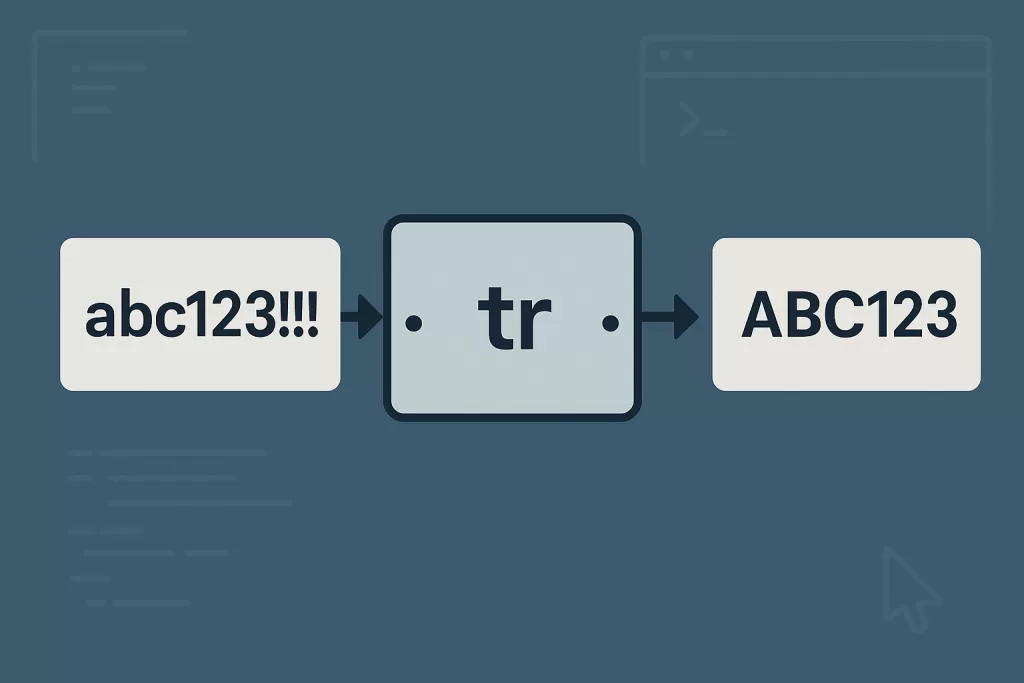
The tr command in Linux (short for translate) is used to:
- Translate characters (e.g., lowercase → uppercase).
- Delete characters you don’t want.
- Squeeze multiple characters into one.
- Complement sets (apply action to everything except a given set).
Think of tr like a smart filter. It is not processing “words” or “strings” like sed or awk. It is processing data character by character! Because it works on characters, tr is extremely fast and dependable for transforming text.
⚡ Syntax of tr Command in Linux
Here’s the basic syntax:
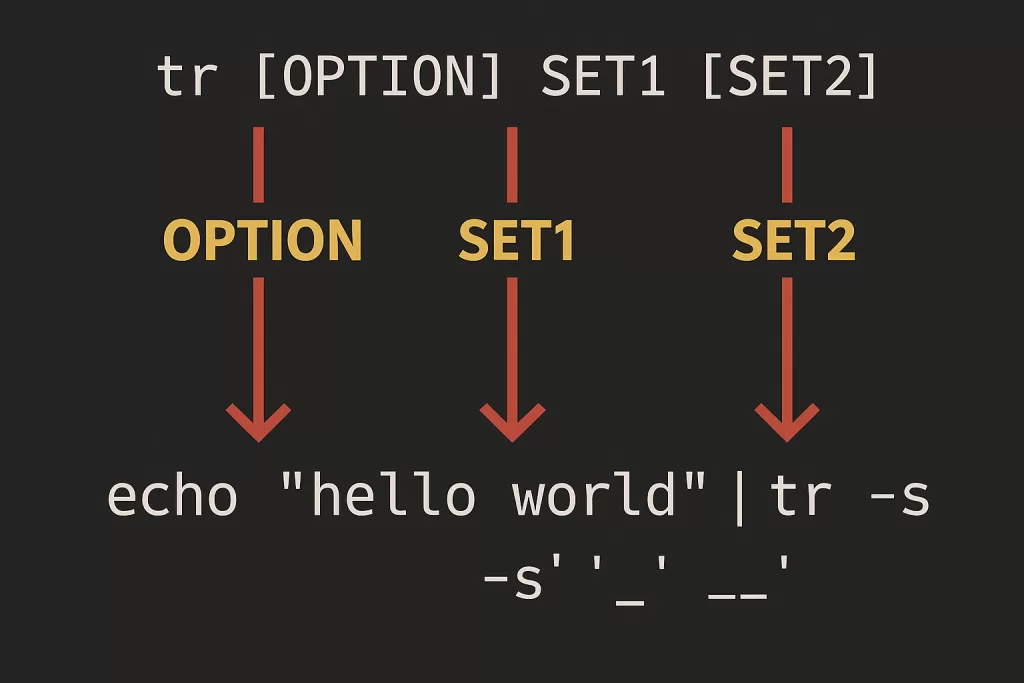
tr [OPTION] SET1 [SET2]
Options You’ll Actually Use:
-c→ Complement the set of characters (apply to everything not in the set).-d→ Delete characters in SET1.-s→ Squeeze repeated characters in SET1 into one.-t→ Truncate SET1 to the length of SET2.
📌 Linux tr Command Examples You’ll Use Every Day
Here are realistic Linux tr command examples that developers and sysadmins still use in 2025.
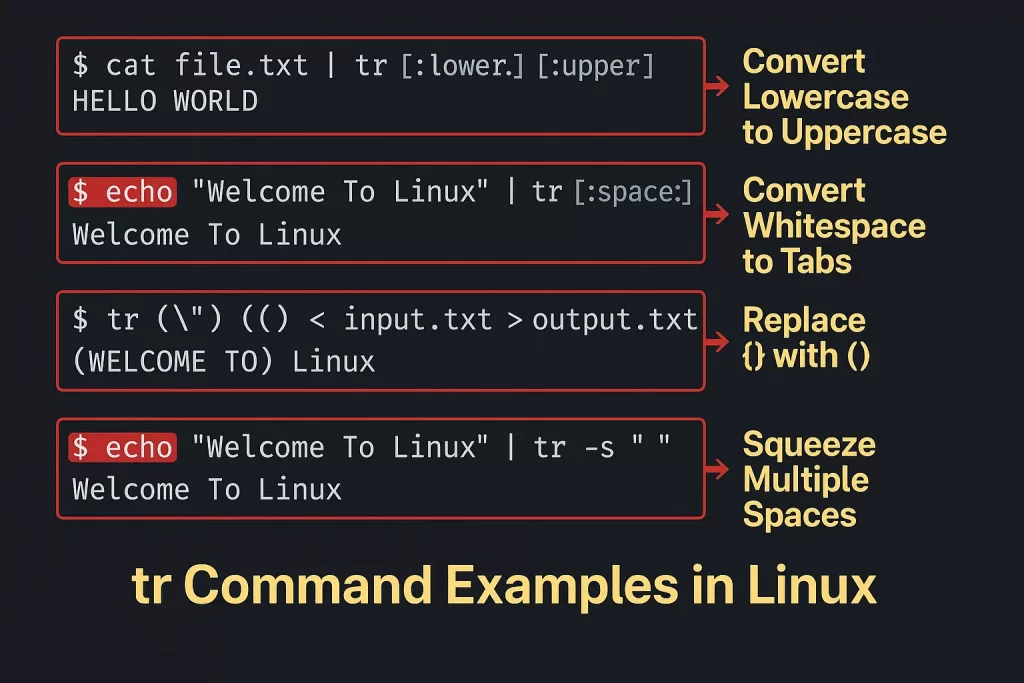
1. Convert Lowercase to Uppercase
cat file.txt | tr [:lower:] [:upper:]
Output:
HELLO WORLD
Why does this matter: instead of rewriting scripts or using either Python libraries, you can normalize case on case log files with instant results.
2. Convert Whitespace to Tabs
echo "Welcome To Linux" | tr [:space:] '\t'
Output:
Welcome To Linux
👉 Realistic Use: Ever tried to import a file into a database with a tab-delimited format? This command will make the process very simple.
3. Replace Braces {} with Parentheses ()
tr "{}" "()" < input.txt > output.txt
Output:
(WELCOME TO)
Linux
4. Squeeze Multiple Spaces into One (-s)
echo "Welcome To Linux" | tr -s " "
Output:
Welcome To Linux
👉 Nice when sanitizing CSV files or copy-pasted text with arbitrary whitespace.
5. Delete Specific Characters (-d)
echo "Linux Rocks" | tr -d o
Output:
Linux Rcks
👉 Use when sanitizing data inputs or special characters.
6. Remove Digits from a String
echo "Server123 Logs" | tr -d [:digit:]
Output:
Server Logs
7. Keep Only Digits (-c option)
echo "User ID: 90210" | tr -cd [:digit:]
Output:
90210
👉 Handy when parsing id(s) from messy input files.
8. Remove Newlines
echo -e "hello\nworld" | tr -d '\n'
Output:
helloworld
👉 Realistics use case: flatten multi-line outputs of logs for processing.
💡 Pro Tips for Using the tr Command in Linux
- Use
trwhen you need speed. It is faster than sed for single-character objects. - Remember: tr works on characters, not strings. If you need word-level replacement, use
sedorawk. - Remember: tr works on characters, not strings. If you need replacement (word level), use
sedorawk - Combine
trwithgrep,cut, orawkfor powerful one-liners. - In DevOps scripts,
tris commonly used to normalize environment variable values (trimming spaces, normalizing case
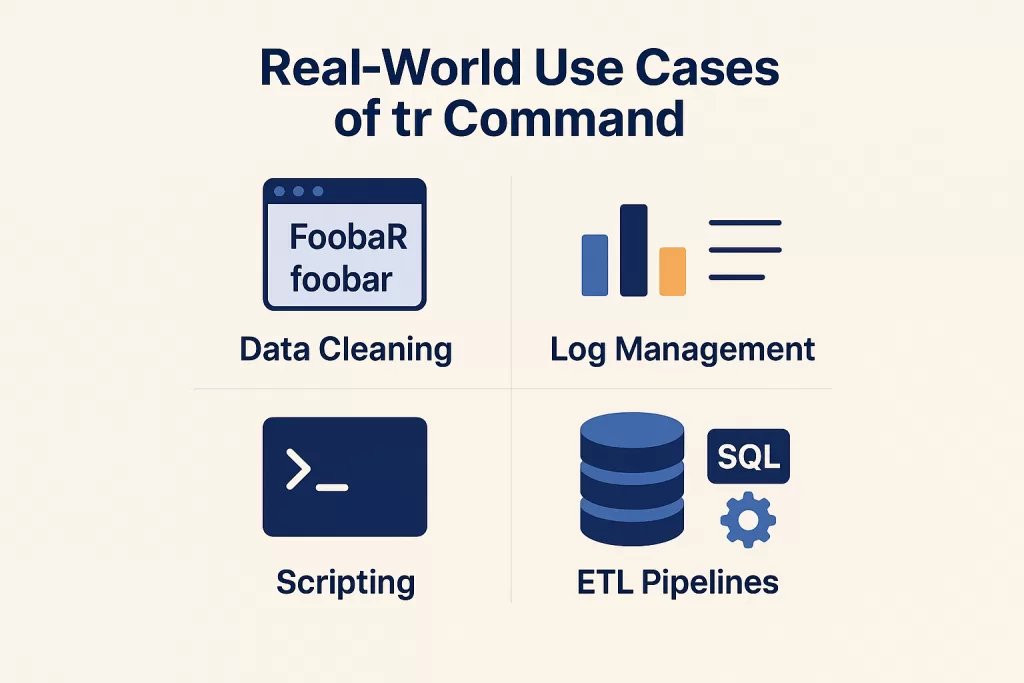
🌍 Real-World Use Cases of tr Command
- Data Cleaning: Standardize user input to create consistency.
- Log Management: Strip extra whitespace or characters from system logs.
- Scripting: Prepare inputs to shell scripts by stripping out newlines or changing cases.
- ETL Pipelines: Normalize files before loading into databases.
Example: A fintech engineer once shared that they used tr -cd [:digit:] quickly to “sanitize” thousands of transaction logs of mixed text and numbers before passing into a fraud system. The single command replaced a 20-line Python script.
📊 Developer Insights (2025 Trends)
- According to Stack Overflow Developer Survey, over 65% of backend developers say they still rely on classic Unix/Linux commands like
tr,sed, andawk. - In DevOps workflows, I see
troften used withjqandgrepto process log pipelines. - With the growth in data-heavy applications, we continue to see the importance of text-processing commands like tr in the world of automation.
❓ FAQ on tr Command in Linux
1. What is the tr command in Linux used for?
It translates, deletes, or squeezes characters from input text.
2. Can the linux tr command replace strings?
No. tr works only on single characters. For strings, use sed.
3. Is tr faster than sed?
For single-character tasks, yes. For complex patterns, sed or awk are better.
4. How do I remove newlines with tr?
Use:
tr -d '\n'
5. Is the tr command still relevant in 2025?
Absolutely. It’s lightweight, reliable, and often the quickest fix for text-processing issues.
🎯 Conclusion
The tr command in Linux is one of the “old-school” tools that remain relevant. Whether you are a beginner learning shell scripting, or a long-time DevOps engineer, it will save you time dealing with messy text.
I still use tr, when I need a solution fast instead of writing a 10-line Python solution, I can just do it in one line and move on. That’s the beauty of the Unix philosophy – small tools, big deal.
So the next time you encounter a pesky newline, scattered digits, or poorly formatted spacing – think of the linux tr command. It the simplest, fastest, and still unbelievably underutilized command in 2025! 🚀
📚 Related Reads
- What Is BODMAS Rule in Programming, AI, and IT [2025 Guide]
- Insertion Sort Time Complexity: Complete Guide for Beginners & Pros
- What Is Bayes’ Rule in Artificial Intelligence: Beginner’s Guide (2025)
- Website Development: Complete Guide (2025)
- Normalization in DBMS – 1NF, 2NF, 3NF Explained (2025 Guide)
- OOPS Principles in Java – Master Object-Oriented Concepts (2025)