12 Best Firefox Extensions & Add-Ons in 2026 🔧 | Boost Your Browsing Experience

Looking for the best Firefox extensions in 2026? You’ve landed in the right spot. Firefox continues to be one of the most customizable and privacy-focused browsers available. Thanks to its strong extension ecosystem, you can upgrade your browsing experience in just a few clicks. Whether you’re a student, developer, or someone who loves a clean and efficient browser, these Firefox extensions are absolute must-haves!
🔍 Key Highlights
- Top 12 Firefox extensions to boost productivity, privacy, and workflow
- Includes both free and powerful best Firefox add-ons
- Easy to install and fully compatible with the latest Firefox version
- Ideal for students, professionals, and privacy-first users
🌟 Why Use Firefox Extensions in 2026?
In 2026, browsing the internet is no longer just about speed — it’s about control, privacy, and efficiency. That’s exactly where Firefox extensions shine. These tools help you block ads, manage tabs, protect personal data, and automate everyday tasks.
Firefox supports thousands of add-ons, but choosing the best Firefox extensions for your needs can be confusing. That’s why we’ve handpicked the most useful ones for you.
📅 12 Best Firefox Extensions & Add-Ons
1. uBlock Origin

Primary use: Ad and tracker blocking
If annoying ads and trackers slow you down, uBlock Origin is a must-install. It’s one of the most effective Firefox extensions for blocking pop-ups, scripts, and trackers without hurting performance.
Learn more on the official page uBlock Origin.
2. Grammarly for Firefox

Primary use: Writing assistant
Grammarly for Firefox helps you fix grammar, spelling, and tone in real time. It’s a fantastic tool for students, bloggers, and working professionals.
3. Bitwarden

Primary use: Password management
Bitwarden Home Page
Secure your passwords with this trusted Firefox extension. Bitwarden supports cloud sync, autofill, and strong encryption.
4. Dark Reader

Primary use: Dark mode for all websites
Dark Reader
Reduce eye strain with Dark Reader — one of the best Firefox add-ons for enabling dark mode across almost every site. Fully customizable and easy on the eyes.
5. Enhancer for YouTube
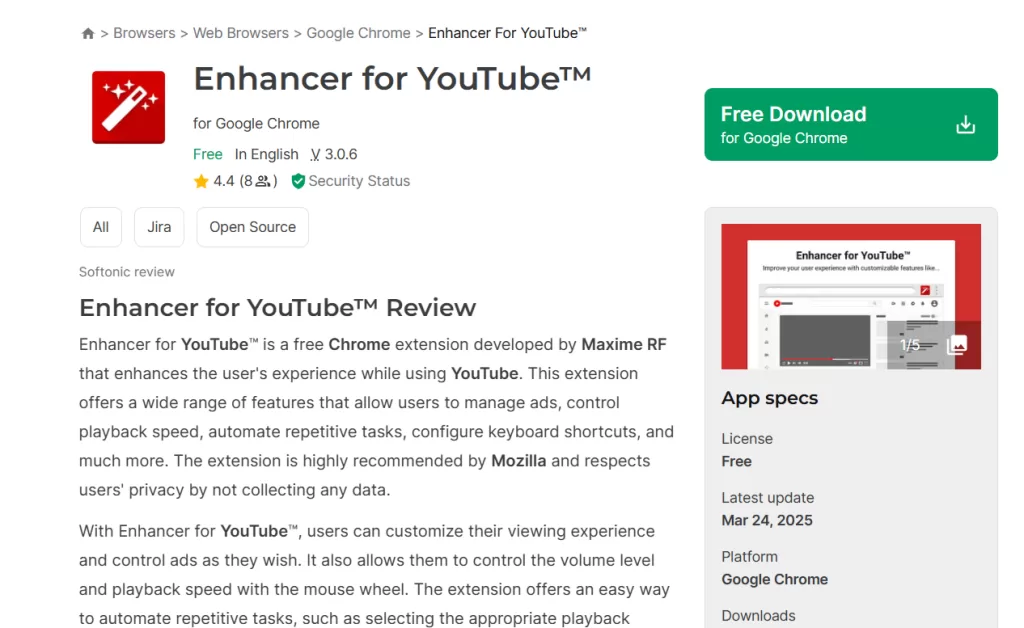
Primary use: Improve YouTube experience
Enhancer for YouTube
Control volume using your mouse wheel, set default playback quality, and hide distractions. A must-have Firefox extension for YouTube lovers.
6. Privacy Badger

Primary use: Online privacy protection
Privacy Badger
Built by the EFF, this Firefox extension automatically blocks invisible trackers and improves privacy as you browse.
7. Tree Style Tab
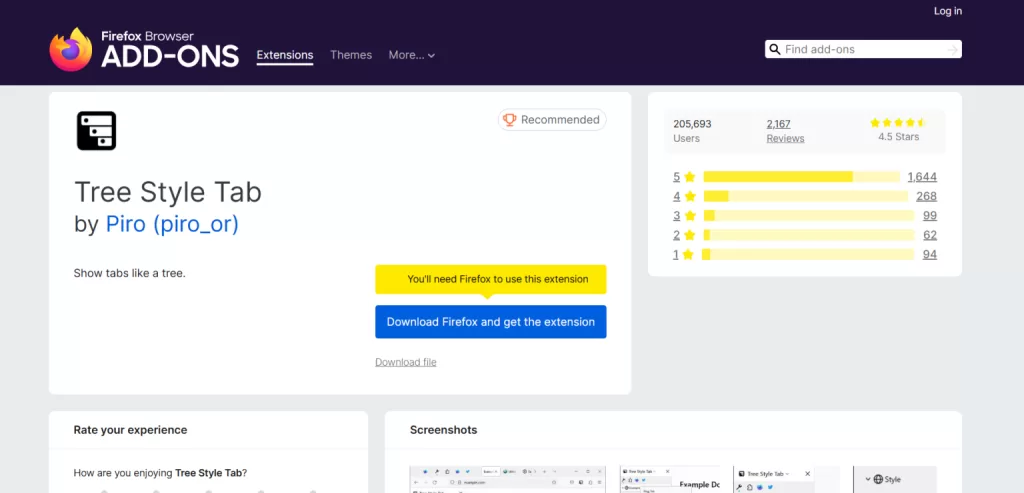
Primary use: Vertical tab organization
Tree Style Tab
Perfect for users who open tons of tabs. This best Firefox add-on displays tabs in a clean, tree-style vertical layout.
8. LastPass
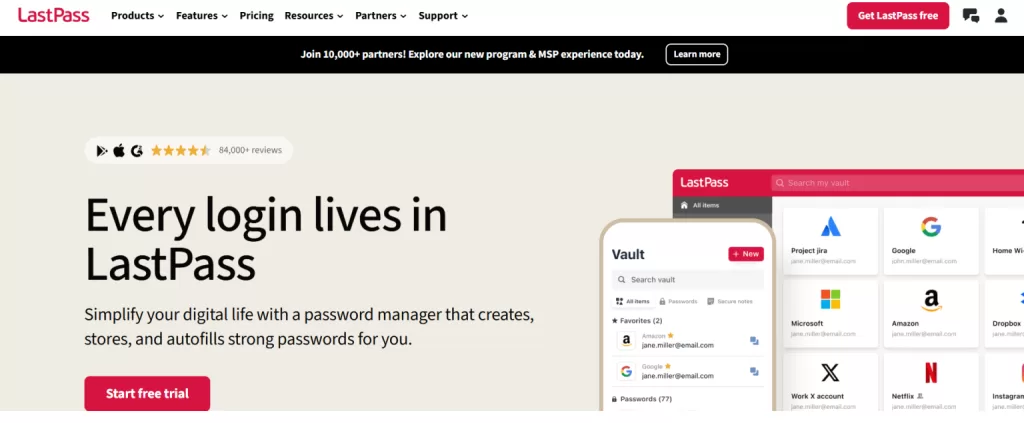
Primary use: Password manager
LastPass
A popular alternative to Bitwarden, LastPass securely stores, syncs, and autofills your passwords across devices.
9. NoScript
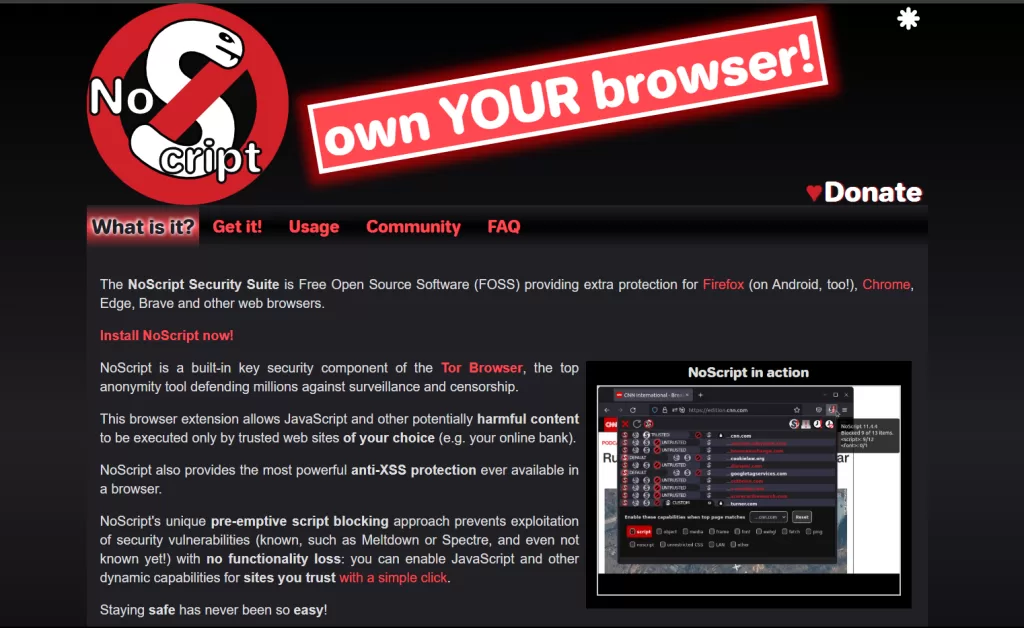
Primary use: Advanced security control
NoScript
This powerful Firefox extension blocks JavaScript and other potentially risky content on untrusted websites. Ideal for advanced users.
10. To Google Translate
Primary use: Quick text translation
Google Translate
Simply highlight text, right-click, and translate instantly. Perfect for travelers, researchers, and language learners.
11. Tab Reloader
Primary use: Auto-refresh tabs
Tab Reloader
Automatically reload tabs at set intervals — useful for live dashboards, stock tracking, or score updates.
12. HTTPS Everywhere
Primary use: Force secure browsing
Automatically switches websites from HTTP to HTTPS whenever possible. Developed by EFF and widely considered essential for safer browsing.
📱 How to Install Firefox Extensions
- Search for the Firefox extension you need
- Click “Add to Firefox”
- Done! 🚀
Installing the best Firefox add-ons is quick, simple, and doesn’t require restarting your browser.
🤝 Pro Tip: Customize Your Firefox Toolbar
After installing multiple Firefox extensions, drag their icons to the toolbar for quicker access. This keeps your favorite tools just one click away.
📈 Benefits of Using Firefox Extensions
- Increases productivity
- Improves online privacy
- Minimizes distractions
- Streamlines daily workflow
- Adds features not available by default in Firefox
🌐 Explore More: Firefox for Developers
If you’re interested in coding or privacy-focused tools, Firefox is an excellent choice. You can also check out Kaashiv Infotech’s Full Stack Developer courses & More for deeper learning.
Visit Their Website course.kaashivinfotech.com.
💡 Final Thoughts: Which Firefox Extensions Will You Choose?
Picking the right Firefox extensions in 2026 can completely transform how you browse the web. From productivity to privacy, these best Firefox add-ons are definitely worth trying. Choose what fits your needs — and remember to keep them updated.
Related Reads: