Let’s Be Real for a Second…
If you’re like me, you’re probably already using Google Search, Gmail, and maybe Google Maps on a daily basis. But here’s the thing…
Most people don’t realize that Google offers a giant toolbox of 100% free tools—and many of them are just sitting there, waiting to change your workflow, business, or side hustle.
So I decided to create the ultimate Google tools list, packed with my favorite apps and hidden gems. These are the tools I actually use—or ones I’ve recently discovered and genuinely wish I had known sooner. 😅
Whether you’re a digital nomad, student, small business owner, or curious nerd (like me), this guide will show you how to unlock the real power behind the Google universe.
🎯 Why This Google Tools List Matters (Right Away)
This post is here to help you:
- Find the best free Google tools without wasting hours searching
- Boost your productivity with Google productivity tools
- Explore tools that improve SEO, collaboration, education, and creativity
- Learn how I personally use these tools—and how you can too!
And yes—every tool I mention is free (some have premium upgrades, but they’re optional).
📂 Google Productivity Tools You’ll Actually Use (and Love)
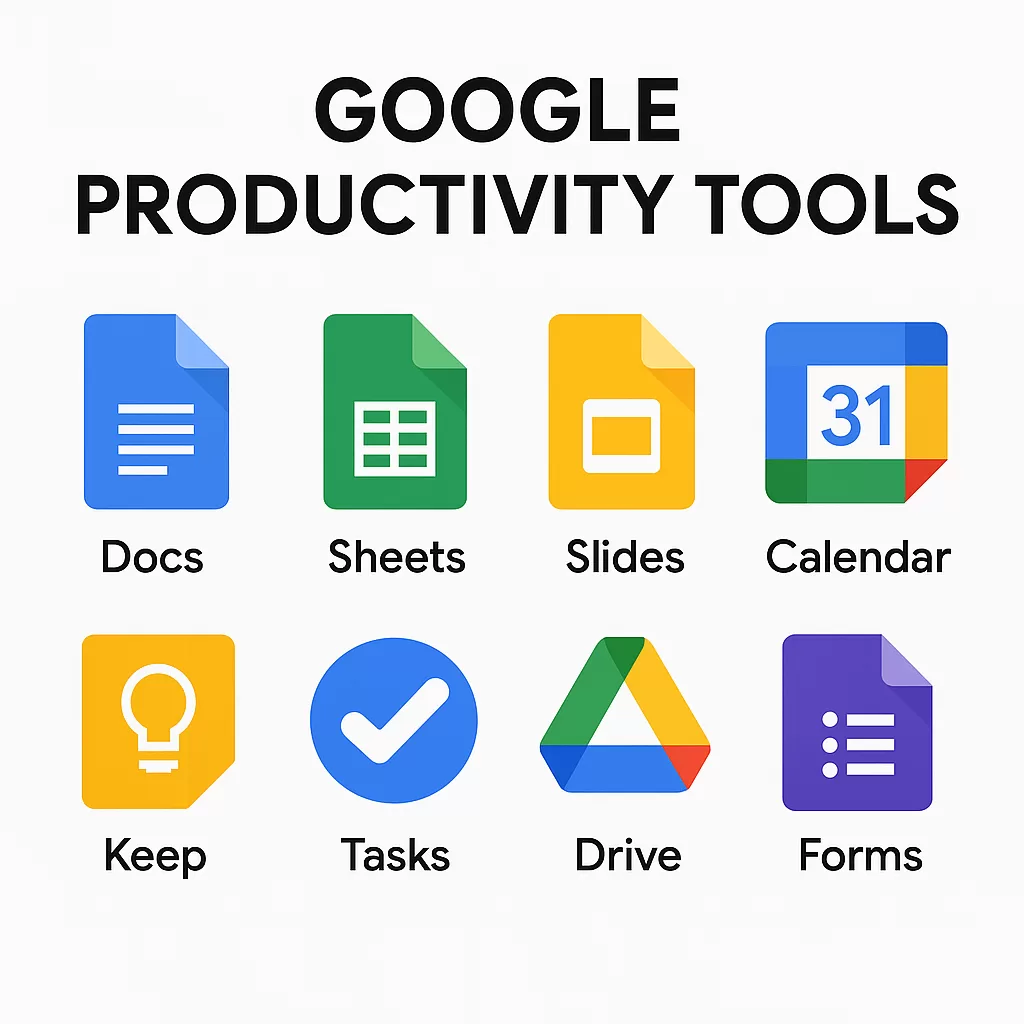
Let’s start with the basics. These Google productivity tools are the backbone of how I manage both work and personal life.
1. Google Docs
This is where I’m writing this blog post—no joke.
I love that it auto-saves every word, works offline, and lets me collaborate with friends or editors in real-time.
2. Google Sheets
I’m no Excel wizard, but Google Sheets makes handling budgets, SEO data, or even a content calendar super easy.
3. Google Slides
Every webinar I’ve hosted? Made in Slides. It’s sleek, simple, and syncs perfectly with YouTube or Meet.
4. Google Calendar
If it’s not on my calendar, it doesn’t exist. I even color-code my events and sync it with Zoom meetings.
5. Google Keep
This one is underrated! I use it to jot down ideas while I’m walking my dog. Quick voice notes? Check.
6. Google Tasks
Built into Gmail and Calendar. A simple to-do list that actually works without being overwhelming.
7. Google Drive
The home base of all my docs, images, videos, and backups. 15GB free? Yes, please.
8. Google Forms
I once ran an entire feedback campaign for my blog using Google Forms. Simple, customizable, and free.
🔁 Pro Tip: Combine Forms + Sheets + Gmail = automation goldmine!
✅ These Google productivity tools make collaboration, time management, and creativity feel effortless.
💼 Google Tools for SEO and Digital Marketing (My Secret Weapons)

If you’re running a blog, business, or any kind of content strategy, this part of the Google tools list is pure gold. I use these all the time:
9. Google Search Console
My daily go-to for checking blog performance. Clicks, impressions, errors—you name it.
10. Google Analytics
Want to know what people do on your site? This is where you learn how to grow. I once discovered that a single blog post was getting 60% of my traffic. Game-changer.
11. Google Keyword Planner
It’s technically part of Google Ads, but I use it for keyword research before I write any article (like this one!).
12. Google Trends
Perfect for finding trending topics. I used it to spot interest spikes for “AI internships” just before ChatGPT took off.
13. Google Ads
Even if you’re not running ads now, learning how it works will help your SEO and content strategy. Trust me.
14. Google Tag Manager
A little techy—but essential for managing scripts and analytics without touching your website code.
15. Google Optimize
Want to test different headlines or button colors? This lets you A/B test with ease.
📘 Want to go deeper? If all of this sounds exciting but a little overwhelming, check out our Digital Marketing Course where we cover how to use these Google tools step-by-step, along with SEO, content strategy, and campaign planning. It’s built for beginners, packed with real-world examples, and designed to get you results.
🎯 If you’re not using at least 2 of these free Google tools for marketing, you’re leaving traffic (and money) on the table.
🎓 Free Google Tools for Learning & Creativity

These are amazing, especially for students, educators, or lifelong learners like me.
16. Google Classroom – A favorite in schools and online education
17. Google Scholar – Like Google, but for academic research
18. Google Books – Full previews of millions of books
19. Google Arts & Culture – Virtual museum tours and creative AI experiments
20. YouTube for Education – Self-explanatory. Just don’t fall down a cat video rabbit hole 🐱
🌐 Tools from Google for Businesses & Developers
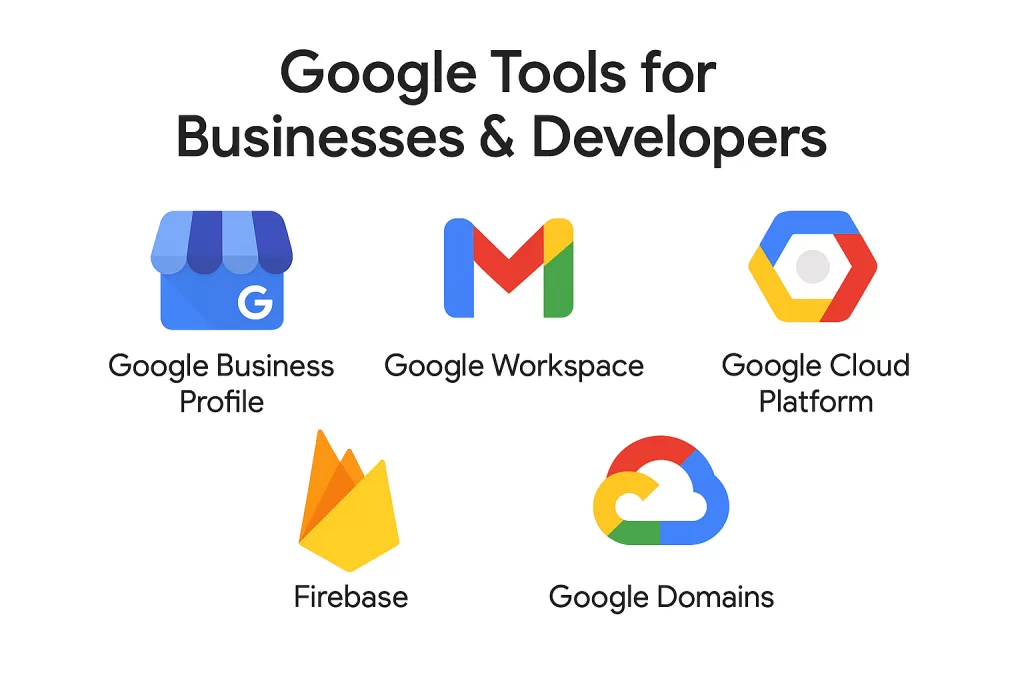
21. Google Business Profile
If you run any local business (salon, café, freelance service), this is how people find you on Maps and Search.
22. Google Workspace
This includes Gmail, Docs, Sheets, Meet, and more—but tailored for businesses with admin control.
23. Google Cloud Platform (GCP)
I’m not a dev, but my tech-savvy friends rave about it for hosting, ML, and app deployment.
24. Firebase – App backend simplified
25. Google Domains – Clean, ad-free domain buying with free privacy
📱 Must-Have Everyday Google Tools (That I Use Daily)
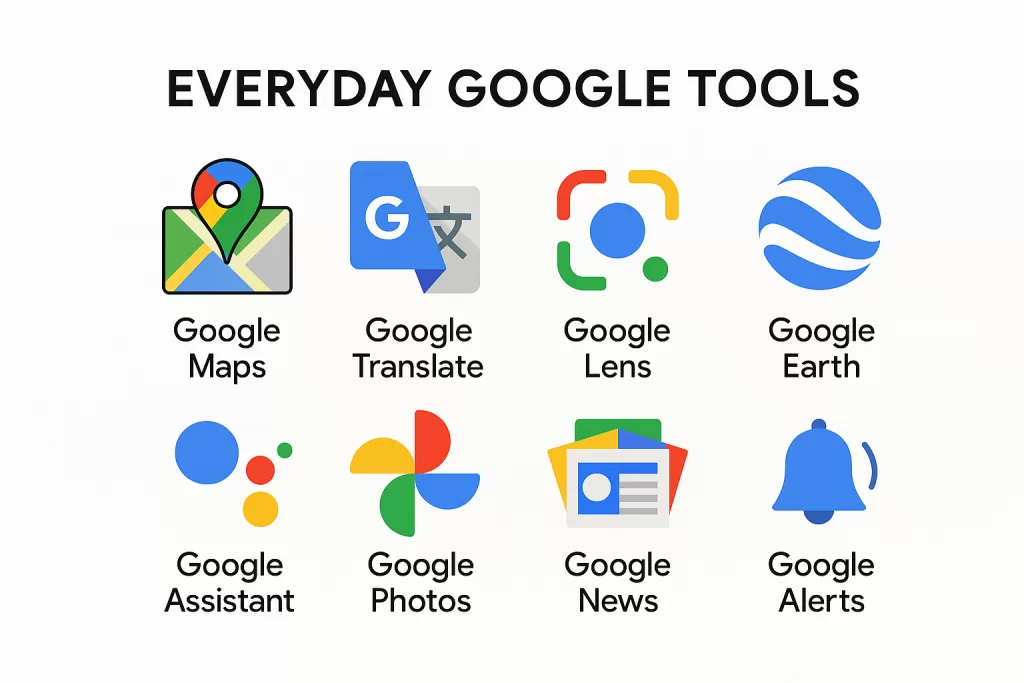
- Google Maps – Directions, traffic, reviews—duh.
- Google Translate – It helped me order food in Thai 😅
- Google Lens – Snap a pic and search instantly
- Google Earth – Travel the world without leaving your chair
- Google Assistant – “Hey Google, remind me to drink water.”
- Google Photos – Unlimited storage (with some compression)
- Google News – Stay updated without doomscrolling
- Google Alerts – Track mentions of your name or brand
🌟 Hidden Gems on the Google Tools List You Probably Haven’t Used Yet

These are seriously underrated:
34. Google Jamboard – Virtual whiteboard
35. Google Drawings – Diagrams made easy
36. Google Data Studio – Visualize your data beautifully
37. Google Arts Experiments – Play with AI and art
38. Google Input Tools – Type in almost any language
39. Google Colab – Run Python notebooks in the cloud (ideal for data science!)
🙌 Final Thoughts: The Google Tools List Is Only the Beginning
I get it—there are tons of Google tools, and it can be overwhelming. But you don’t have to use all 39 at once.
Pick 3–5 that solve a problem you’re facing right now:
- Need better time management? Try Calendar + Keep.
- Want more traffic? Start with Search Console + Keyword Planner.
- Learning something new? Dive into YouTube Edu + Google Scholar.