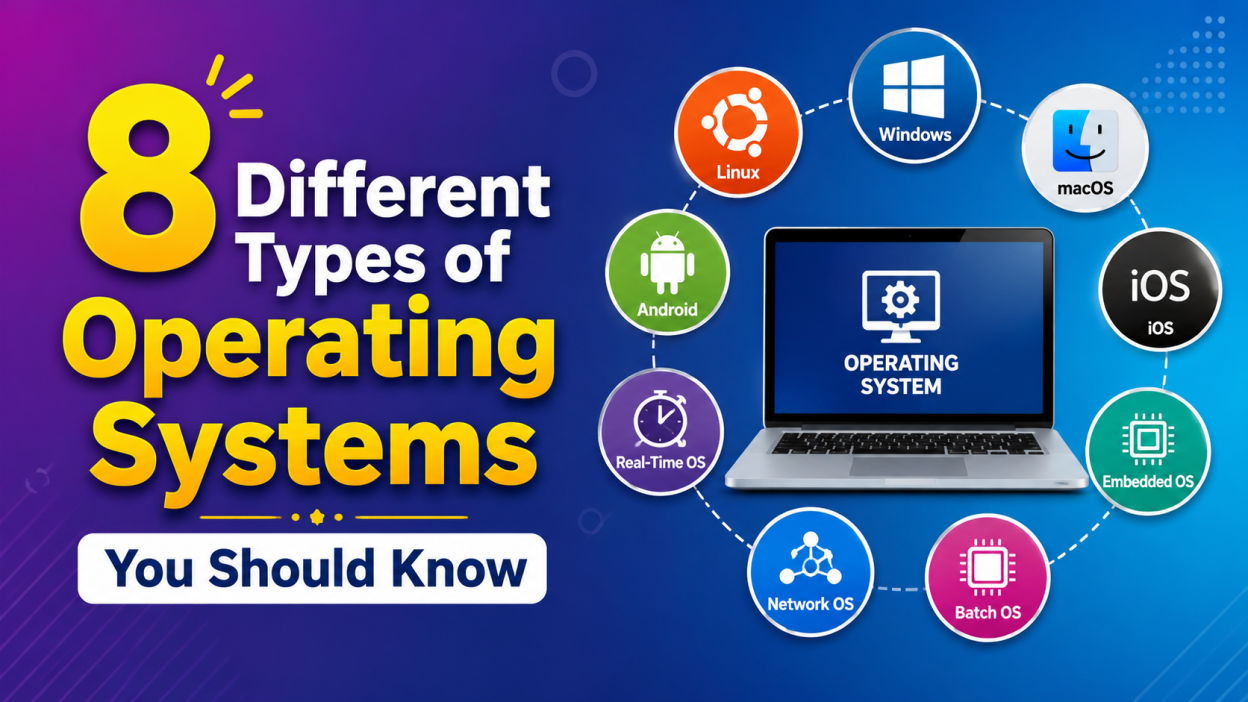
When I first started learning computers, one question kept popping into my mind: What are the 8 Different Types of Operating Systems, and why do they matter? If you’re wondering the same thing, you’re in the right place.
8 Different Types of Operating Systems are the backbone of every computer, smartphone, server, and even smart devices we use every day. Whether you’re a student preparing for exams, someone planning a career in IT, or simply curious about how computers work, understanding these operating systems is a great place to start.
In this guide, I’ll explain each type in simple words, share practical examples, and help you understand where they’re used in real life.
🌟 Key Highlights
- ✅ Learn the 8 Different Types of Operating Systems in simple language.
- ✅ Understand where each operating system is used.
- ✅ Explore real-life examples you already use every day.
- ✅ Learn the advantages and limitations of each type.
- ✅ Discover which operating system is best for different situations.
- ✅ Perfect for beginners, students, and interview preparation.
What Is an Operating System?
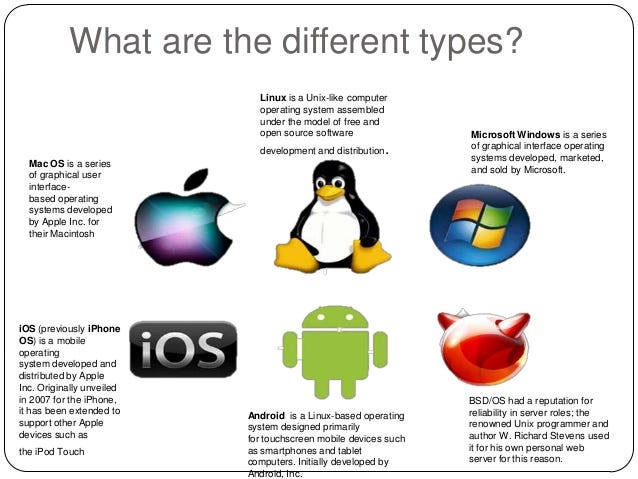
Before learning about the 8 Different Types of Operating Systems, let’s understand what an operating system actually does.
I like to think of an operating system (OS) as a translator between me and my computer. When I click an app, save a file, or connect to Wi-Fi, I don’t directly communicate with the hardware. The operating system handles everything behind the scenes.
Simply put, an Operating System (OS) is software that manages a computer’s hardware and software resources. It allows users and applications to interact with the computer efficiently.
Without an operating system, your computer would simply be a collection of electronic components with no easy way to use them.
Some popular operating systems include:
- Microsoft Windows
- macOS
- Linux
- Android
- iOS
Why Should You Learn the 8 Different Types of Operating Systems?
I remember thinking that every computer simply used Windows. Later, I discovered that operating systems are designed for different purposes. Some power smartphones, while others control factory machines or run large data centers.
Learning the 8 Different Types of Operating Systems helps you:
- Understand computer fundamentals
- Prepare for technical interviews
- Build a strong programming foundation
- Choose the right operating system for different tasks
- Improve troubleshooting skills
1. Batch Operating System
A Batch Operating System processes similar jobs together without requiring user interaction.
Instead of executing one task at a time, multiple jobs are collected into batches and processed automatically.
Example
Imagine a college generating thousands of student report cards overnight. Rather than processing each report individually, the system handles them as one batch.
Advantages
- Fast processing of repetitive tasks
- Reduces manual work
- Efficient for large data processing
Limitations
- No direct user interaction
- Difficult to prioritize urgent tasks
2. Time-Sharing Operating System
A Time-Sharing Operating System allows multiple users to use the same computer simultaneously.
The operating system gives each user a tiny slice of CPU time. Since this happens incredibly fast, everyone feels like they have their own computer.
Real-Life Example
Many university computer labs and cloud servers use time-sharing concepts.
Advantages
- Supports multiple users
- Better resource utilization
- Quick response time
Limitations
- Higher security concerns
- Performance decreases with too many users
3. Distributed Operating System
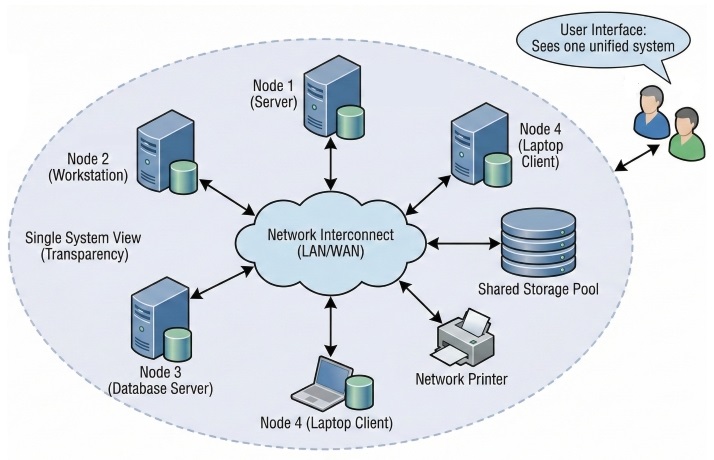
One of my favorite concepts among the 8 Different Types of Operating Systems is the Distributed Operating System.
Instead of depending on one computer, it connects several computers that work together as one system.
Example
Large companies often use distributed systems to manage massive databases and online services.
Advantages
- High reliability
- Faster processing
- Easy resource sharing
Limitations
- Complex setup
- Difficult maintenance
4. Network Operating System
A Network Operating System (NOS) manages computers connected through a network.
It allows users to share:
- Files
- Printers
- Applications
- Internet connections
Example
Most office environments use network operating systems to manage employees and shared resources.
Popular Examples
- Windows Server
- Linux Server
- UNIX
Advantages
- Centralized management
- Better security
- Easy file sharing
5. Real-Time Operating System (RTOS)
A Real-Time Operating System performs tasks within strict time limits.
Unlike ordinary operating systems, delays are unacceptable because timing is critical.
Example
- Air traffic control systems
- Medical equipment
- Industrial robots
- Automobile braking systems
If a medical monitor takes even a few extra seconds to respond, the consequences could be serious.
Advantages
- Extremely reliable
- Fast response
- High accuracy
Limitations
- Expensive
- Complex to design
6. Multiprocessing Operating System
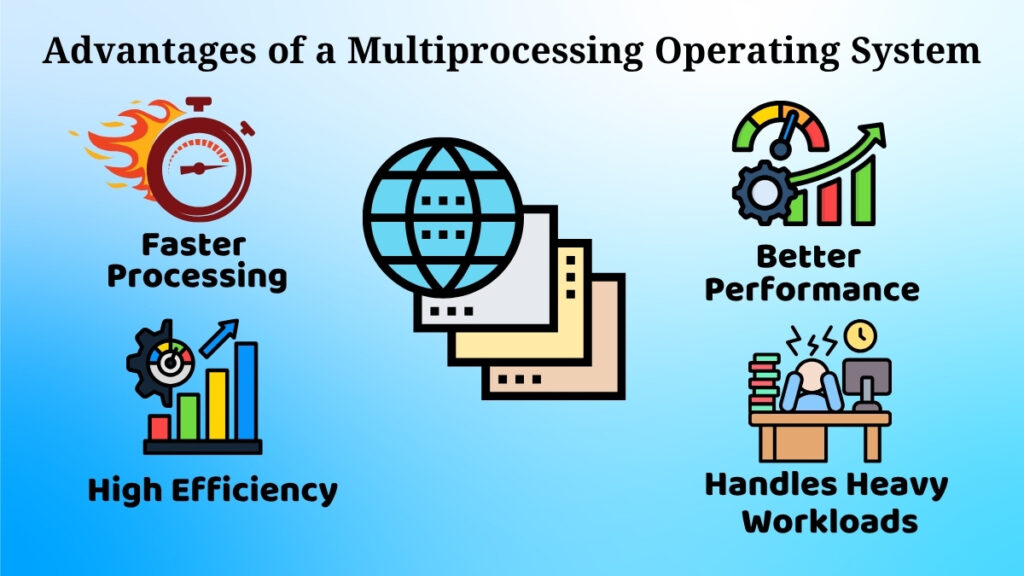
A Multiprocessing Operating System uses two or more processors to perform multiple tasks simultaneously.
This significantly improves performance.
Example
Modern laptops and desktop computers often contain multi-core processors that support multiprocessing.
Advantages
- Faster performance
- Better multitasking
- Improved efficiency
Limitations
- Higher hardware cost
- More complex architecture
7. Multitasking Operating System
If you’ve ever listened to music while browsing the internet and downloading files, you’ve already used a Multitasking Operating System.
It allows several programs to run simultaneously.
Example
Windows, macOS, Linux, Android, and iOS all support multitasking.
Advantages
- Saves time
- Increases productivity
- Better user experience
Limitations
- Requires more memory
- Too many applications may slow the system
8. Embedded Operating System
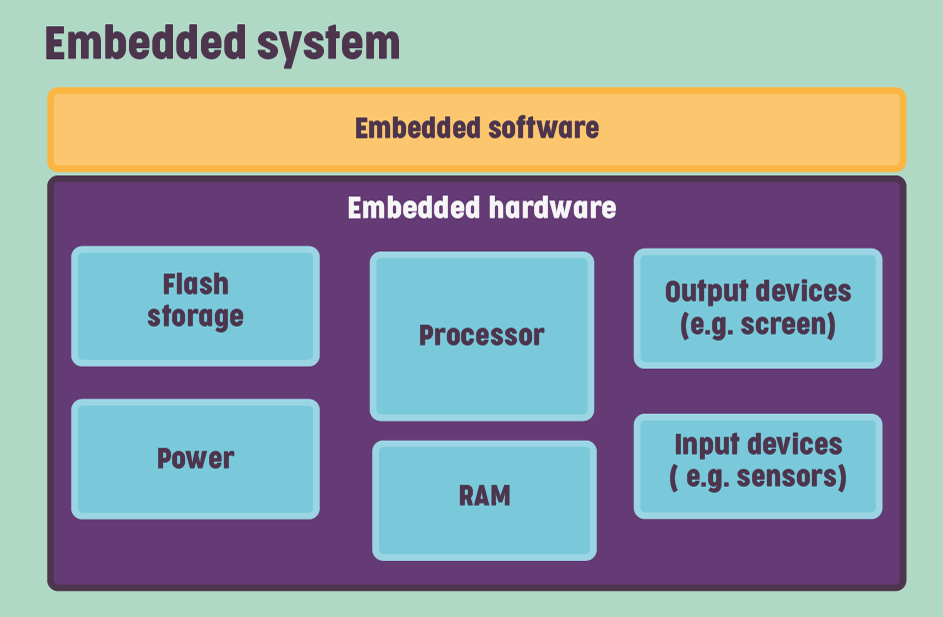
The last type in the 8 Different Types of Operating Systems is the Embedded Operating System.
These operating systems are built into dedicated devices rather than personal computers.
Examples
- Smart TVs
- Washing machines
- Microwave ovens
- Digital cameras
- Smartwatches
- Car infotainment systems
I never realized how many devices around me quietly run embedded operating systems until I started learning about them.
Advantages
- Lightweight
- Energy efficient
- Highly reliable
Limitations
- Limited functionality
- Difficult to upgrade
Comparison of the 8 Different Types of Operating Systems
| Operating System Type | Main Purpose | Example |
|---|---|---|
| Batch OS | Process jobs in groups | Payroll processing |
| Time-Sharing OS | Multiple users | University servers |
| Distributed OS | Multiple computers work together | Cloud computing |
| Network OS | Resource sharing | Office networks |
| Real-Time OS | Instant response | Medical devices |
| Multiprocessing OS | Multiple CPUs | Modern computers |
| Multitasking OS | Multiple applications | Windows, macOS |
| Embedded OS | Dedicated devices | Smart TVs |
Which Operating System Do We Use Every Day?
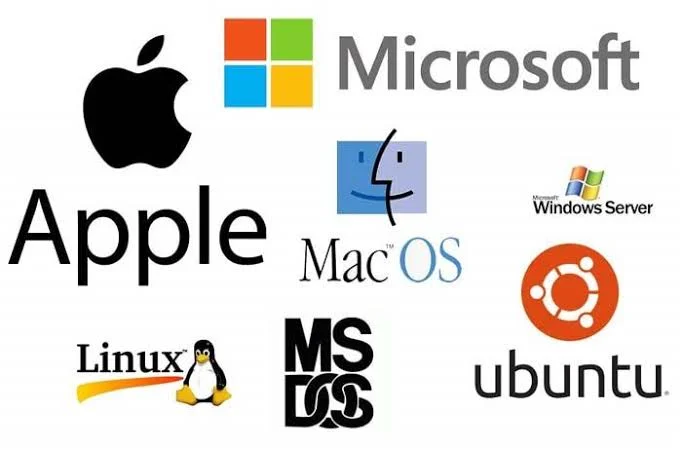
Most of us interact with operating systems constantly without realizing it.
For example:
- 💻 Laptop → Windows, macOS, or Linux
- 📱 Smartphone → Android or iOS
- ⌚ Smartwatch → Embedded OS
- 🚗 Modern Car → Embedded & Real-Time OS
- 🌐 Office Server → Network Operating System
Every device has an operating system designed for its specific purpose.
Final Thoughts
When I first explored the 8 Different Types of Operating Systems, I assumed they were all basically the same. But the more I learned, the more I realized that each operating system is built to solve a different problem.
Some are designed for speed, some for reliability, others for sharing resources, and some work quietly inside everyday devices we rarely think about. Understanding these differences has given me a much clearer picture of how computers and smart devices function behind the scenes.
If you’re just starting your journey in computer science, don’t try to memorize everything at once. Focus on understanding where each operating system is used and why it exists. That practical approach made the concepts much easier for me to remember—and I think it’ll help you too.
Frequently Asked Questions (FAQs)
1. What are the 8 Different Types of Operating Systems?
The 8 Different Types of Operating Systems are Batch Operating System, Time-Sharing Operating System, Distributed Operating System, Network Operating System, Real-Time Operating System, Multiprocessing Operating System, Multitasking Operating System, and Embedded Operating System.
2. Which operating system is most commonly used?
Microsoft Windows, Android, macOS, Linux, and iOS are among the most widely used operating systems today.
3. Why is an operating system important?
An operating system manages computer hardware, runs applications, organizes files, handles memory, and provides a user-friendly interface to interact with a device.
4. What is the difference between multitasking and multiprocessing?
A multitasking operating system runs multiple programs at the same time, while a multiprocessing operating system uses two or more processors or CPU cores to execute tasks more efficiently.
5. Is Android an operating system?
Yes. Android is a mobile operating system developed by Google and is based on the Linux kernel.
Kaashiv Infotech Offers Networking Course, Cyber Security Course, Cloud Computing Course Visit Their Website www.kaashivinfotech.com.