10 Best Presentation Software Options for Professionals & Businesses in 2025

📌 Key Highlights
- Discover the 10 Best Presentation Software Options for Professionals & Businesses
- Find the Best Presentation Software for your needs—whether for business, education, or creative projects
- Explore user-friendly, AI-powered, and cloud-based top presentation tools
- Compare features, pricing, and ease of use to choose the right software
- Learn about free and premium best presentation software options
🎯 Introduction: The Need for the Best Presentation Software
In today’s digital era, creating engaging and professional presentations is essential for businesses, educators, and professionals. Whether you’re pitching to a client, conducting a webinar, or presenting an idea, using the best presentation software ensures your message is clear, impactful, and visually compelling.
With so many top presentation tools available, choosing the right one can be overwhelming. That’s why we’ve compiled a list of the 10 Best Presentation Software Options for Professionals & Businesses to help you create outstanding presentations effortlessly.
Let’s explore the best tools that will transform your presentations in 2025! 🚀
📊 1. Microsoft PowerPoint – The Industry Standard
Best for: Corporate professionals & educators
Pricing: Starts at $6.99/month (Microsoft 365)
Why Choose It?
✅ Advanced slide design & transitions
✅ AI-powered design suggestions
✅ Cloud-based collaboration
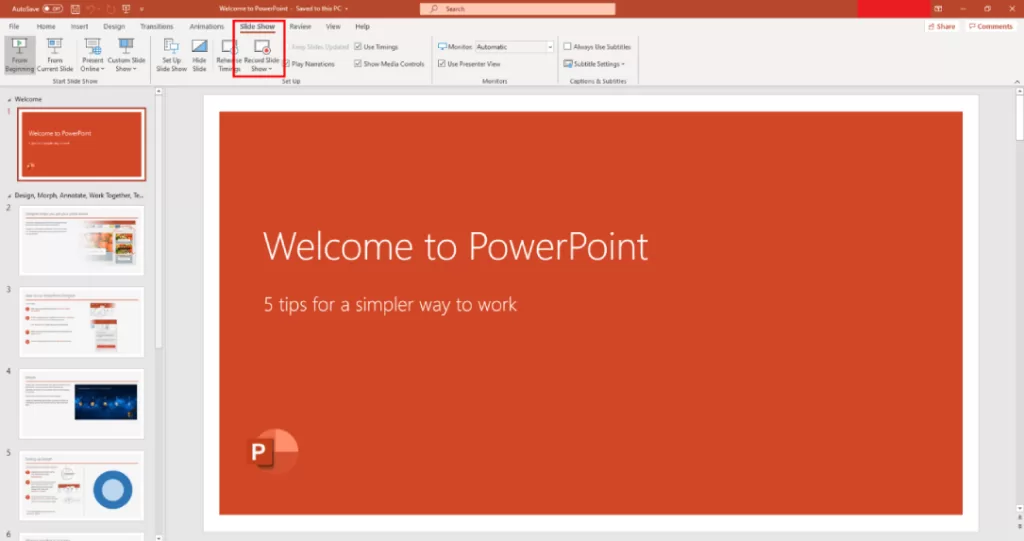
Microsoft PowerPoint remains the go-to best presentation software for businesses and educators. Its robust features, templates, and seamless integration with Microsoft 365 make it the top choice for professionals.
🔗 Learn more about Microsoft PowerPoint
🌐 2. Google Slides – Best for Collaboration
Best for: Remote teams & real-time editing
Pricing: Free with Google Workspace
Why Choose It?
✅ Cloud-based & accessible from anywhere
✅ Easy collaboration with team members
✅ Free for basic users
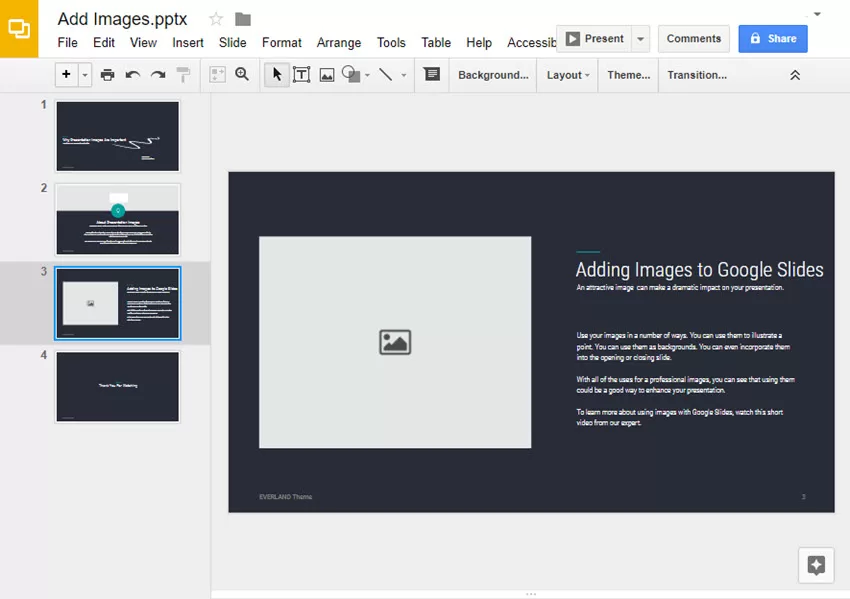
Google Slides is one of the top presentation tools for teams who need real-time collaboration. It’s easy to use and integrates seamlessly with other Google Workspace apps.
🎨 3. Canva – Best for Creative Presentations
Best for: Designers, marketers & social media creators
Pricing: Free & premium plans start at $12.99/month
Why Choose It?
✅ Drag-and-drop design
✅ Thousands of free templates
✅ Easy social media sharing
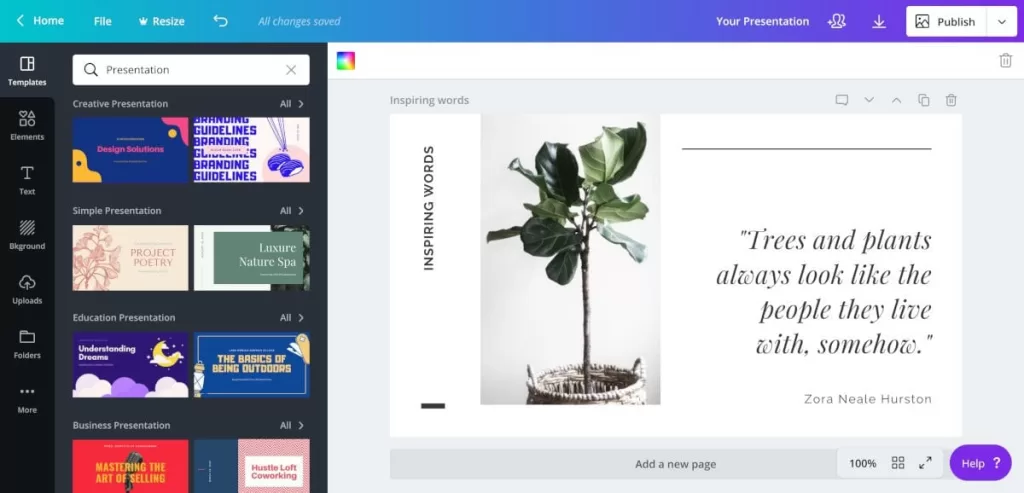
If you want visually stunning presentations, Canva is the best presentation software for you. It offers creative templates and an easy-to-use interface, perfect for non-designers.
🔍 4. Prezi – Best for Non-Linear Presentations
Best for: Storytelling & interactive presentations
Pricing: Starts at $5/month
Why Choose It?
✅ Unique zooming & transition effects
✅ Engaging storytelling format
✅ Interactive & dynamic slides
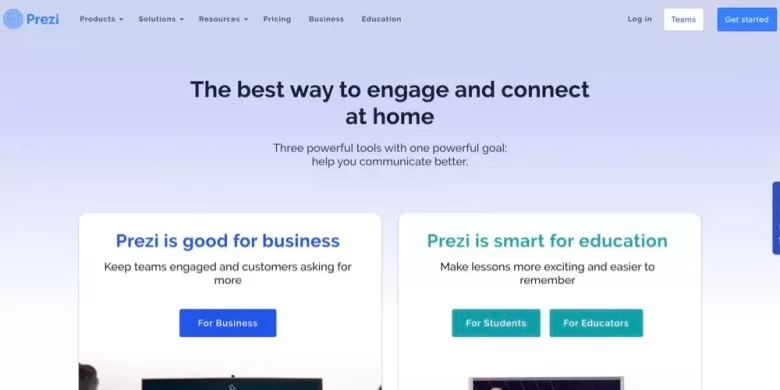
Prezi is a unique best presentation software choice that moves beyond traditional slide decks. Its zooming motion effects help make presentations more engaging.
🍏 5. Keynote – Best for Apple Users
Best for: macOS & iOS users
Pricing: Free for Apple devices
Why Choose It?
✅ Elegant & professional templates
✅ Seamless Apple ecosystem integration
✅ Beautiful animations & transitions
Apple’s Keynote is one of the best presentation software options for Mac users, offering sleek designs and powerful features.

📁 6. Zoho Show – Best for Business Teams
Best for: Teams using Zoho Suite
Pricing: Free & paid plans available
Why Choose It?
✅ Online presentation creation
✅ Real-time collaboration & commenting
✅ Integration with Zoho apps
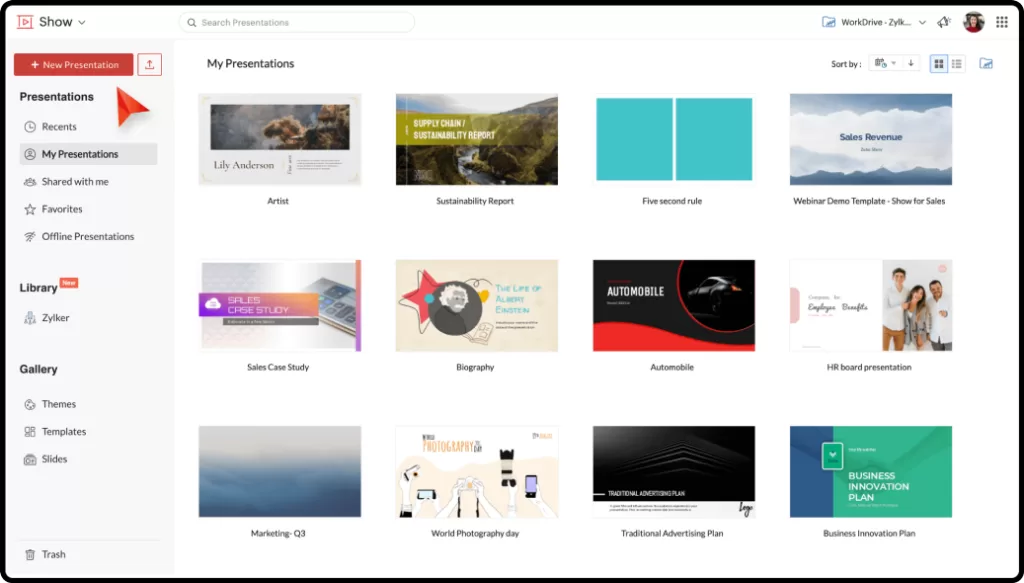
Zoho Show is an excellent best presentation software for businesses looking for a cloud-based and affordable option.
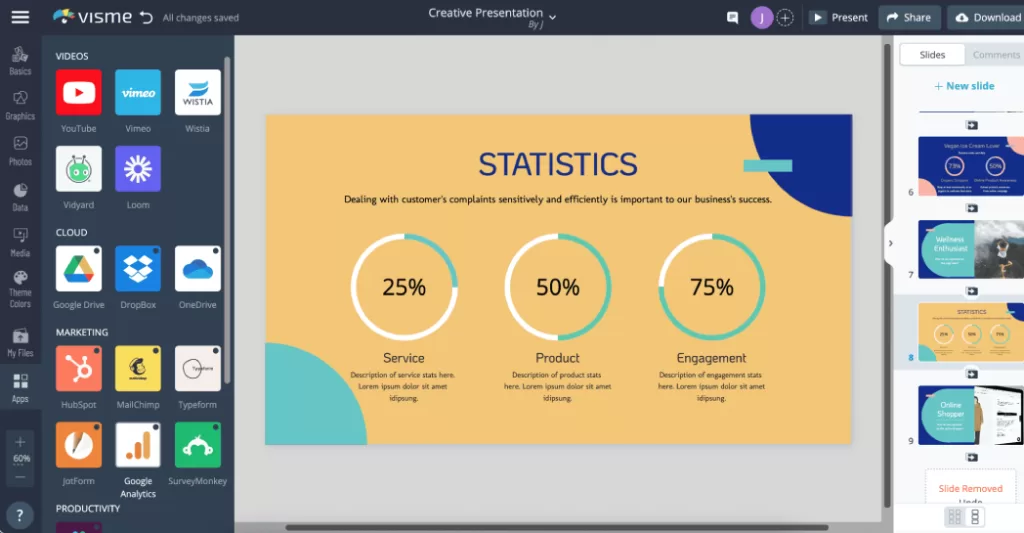
📊 7. Visme – Best for Data Visualization
Best for: Presenting data & infographics
Pricing: Free & premium plans start at $15/month
Why Choose It?
✅ Interactive charts & graphs
✅ Custom branding options
✅ Drag-and-drop design editor
Visme is one of the top presentation tools if you need to present complex data in an easy-to-understand format.
🚀 8. Slidebean – Best for Startups & Pitch Decks
Best for: Entrepreneurs & startups
Pricing: Starts at $29/month
Why Choose It?
✅ AI-powered slide design
✅ Pre-built business templates
✅ Automatic formatting
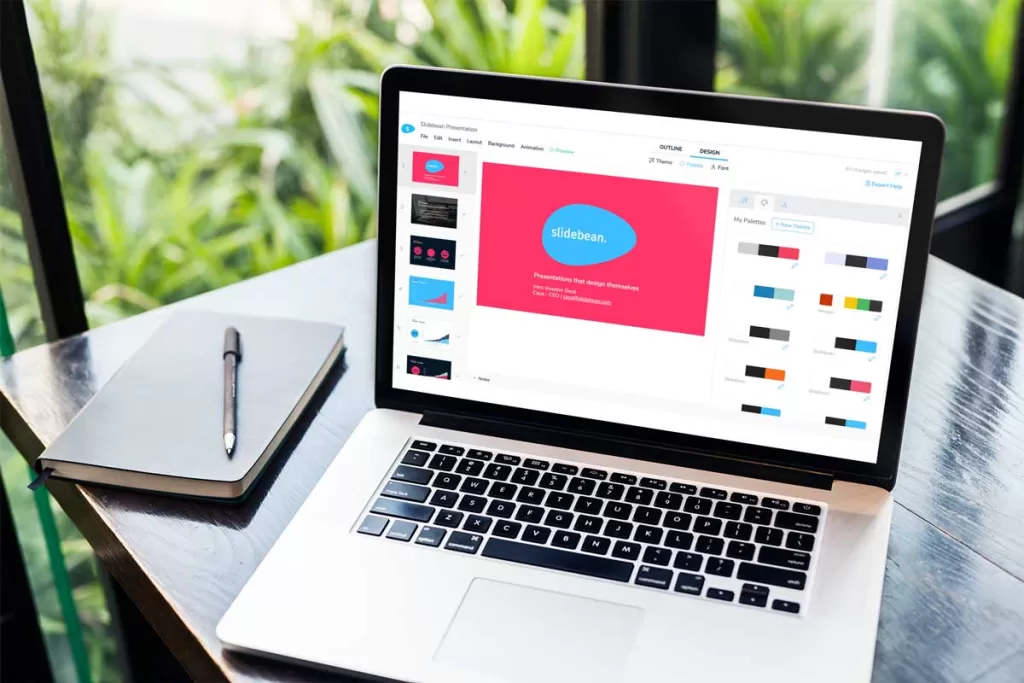
Slidebean is the best presentation software for startups looking to create investor-ready pitch decks quickly.

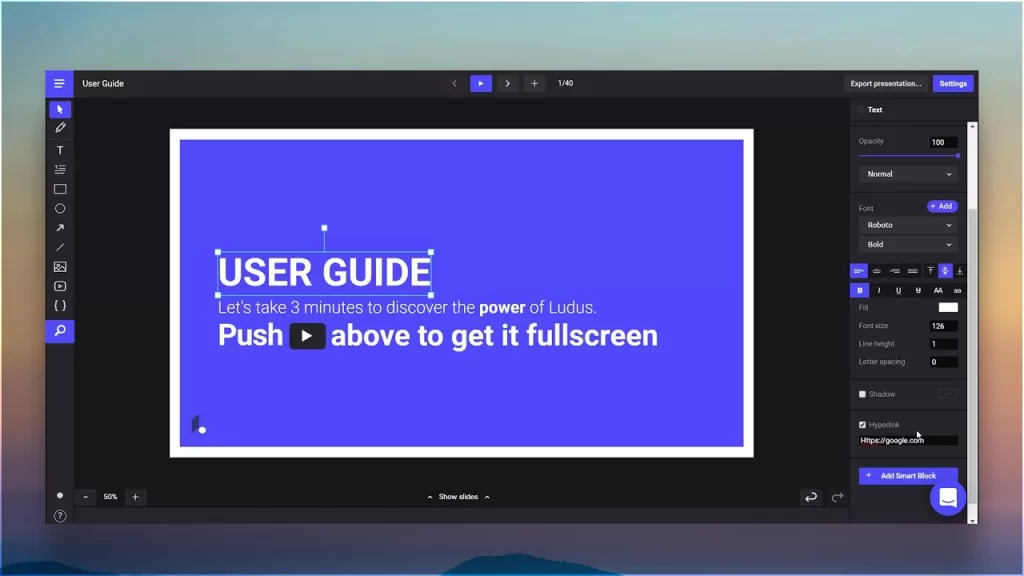
🎨 9. Ludus – Best for Designers
Best for: Designers & creative professionals
Pricing: Starts at $14.99/month
Why Choose It?
✅ Advanced design tools
✅ Integrations with Figma & Adobe
✅ High-quality visual elements
If you’re a designer looking for top presentation tools, Ludus gives you full control over slide design.
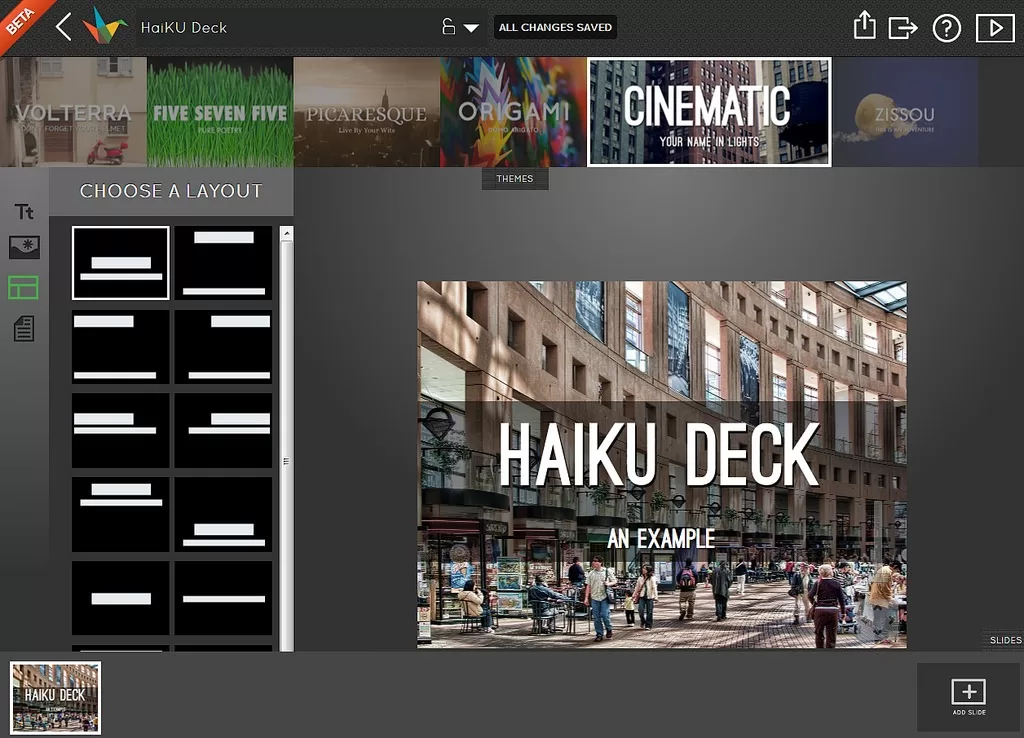
🎭 10. Haiku Deck – Best for Minimalist Presentations
Best for: Simple & elegant slides
Pricing: Starts at $9.99/month
Why Choose It?
✅ Pre-designed themes
✅ AI-assisted layouts
✅ Cloud-based access
Haiku Deck is one of the best presentation software tools for professionals who prefer clean, minimalist designs.
🔥 Conclusion: Which Best Presentation Software Is Right for You?
Choosing the right best presentation software depends on your needs:
- For corporate teams: Microsoft PowerPoint & Google Slides
- For creative professionals: Canva & Ludus
- For startups: Slidebean
- For data-heavy presentations: Visme
- For storytelling: Prezi
Whether you need top presentation tools for business, education, or design, these 10 Best Presentation Software Options for Professionals & Businesses will help you create engaging, impactful presentations in 2025!
Which software do you prefer? Let us know in the comments! 💬👇