The 5 Best Team Chat Apps for Seamless Workplace Communication (2025)
Key Highlights:
✅ Discover the best team chat apps for effective workplace communication.
✅ Compare features, pricing, and integrations to find the best fit.
✅ Learn how workplace communication tools improve productivity.
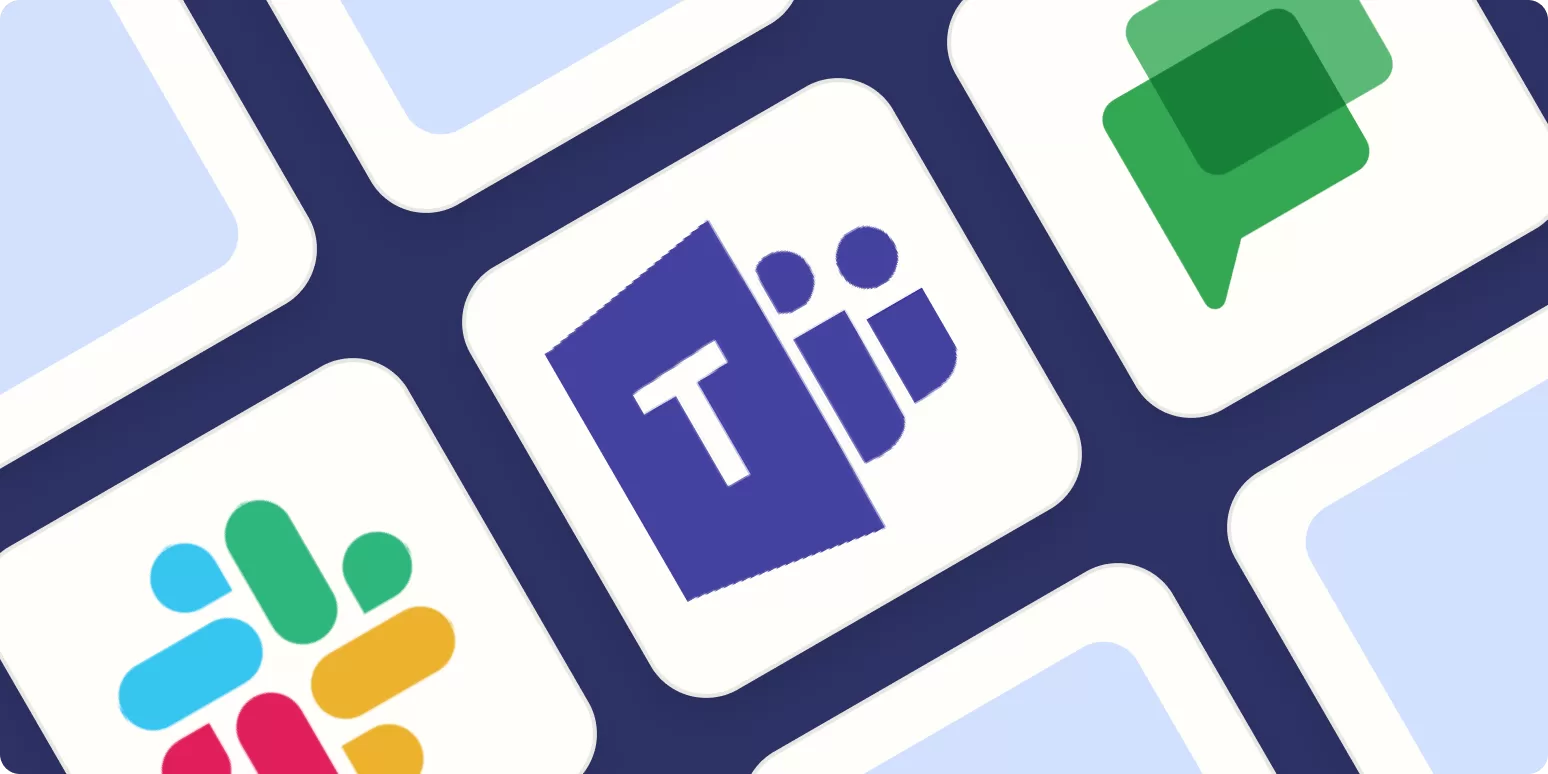
✅ Find alternatives to Slack, Microsoft Teams, and more.
Introduction: Why You Need the Best Team Chat Apps
Effective communication is essential in today’s fast-paced work environment. Whether your team is remote, hybrid, or fully in-office, the right workplace communication tools can improve collaboration, streamline tasks, and boost productivity. With so many options available, finding the right team chat app can be overwhelming. That’s why we’ve researched and tested the best team chat apps to help you make an informed decision.
What Makes the Best Team Chat Apps?
When evaluating workplace communication tools, we focused on these key factors:
- Organized Conversations 📌 – Supports channels, threads, and private chats.
- Powerful Search 🔍 – Quickly find messages, files, and links.
- Video & Audio Chat 🎥 – Integrated calling for seamless communication.
- User-Friendly Interface 🖥️ – Simple navigation and accessibility.
- Collaboration Features 📂 – File sharing, integrations, and automation.
After testing dozens of apps, we found the 5 best team chat apps for workplace communication in 2025.
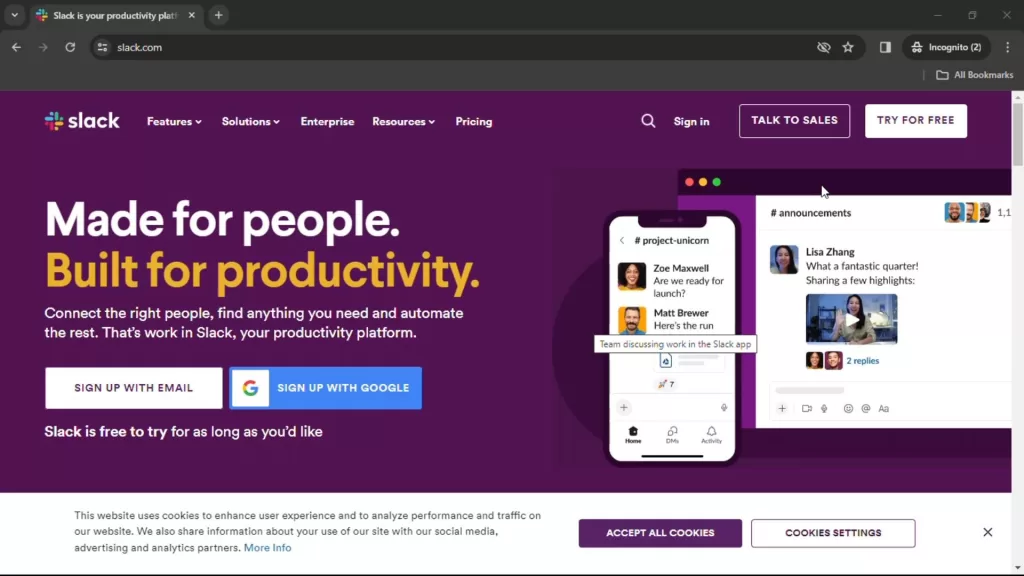
1. Slack – Best for a Chat-Powered Workplace
🔹 Standout Features:
✅ Organized conversations with channels & threads.
✅ Advanced search with filters.
✅ Integrates with 2,000+ apps (Google Drive, Trello, Zoom, etc.).
✅ Customizable notifications and automation tools.
💰 Pricing: Free for unlimited users; paid plans start at $8.75/user/month.
2. Microsoft Teams – Best for Large Organizations
🔹 Standout Features:
✅ Tight integration with Microsoft 365 tools (Outlook, OneDrive).
✅ High-quality audio and video calls.
✅ Private & group messaging with threaded conversations.
✅ Enterprise-grade security and compliance.
💰 Pricing: Included with Microsoft 365; paid plans start at $4/user/month.
3. Google Chat – Best for Google Workspace Users

🔹 Standout Features:
✅ Seamless integration with Gmail, Google Drive, and Calendar.
✅ Smart search powered by Google AI.
✅ Spaces for topic-based discussions.
✅ Supports direct and group messaging.
💰 Pricing: Included with Google Workspace; plans start at $7.20/user/month.
4. Discord – Best for Always-On Voice Chat

🔹 Standout Features:
✅ Crystal-clear voice channels for real-time collaboration.
✅ Unlimited text messaging with role-based permissions.
✅ Supports video calls and screen sharing.
✅ Community-friendly features like bots and custom emojis.
💰 Pricing: Free for basic features; Nitro plan at $9.99/month.
5. Element – Best for Self-Hosted Team Chat
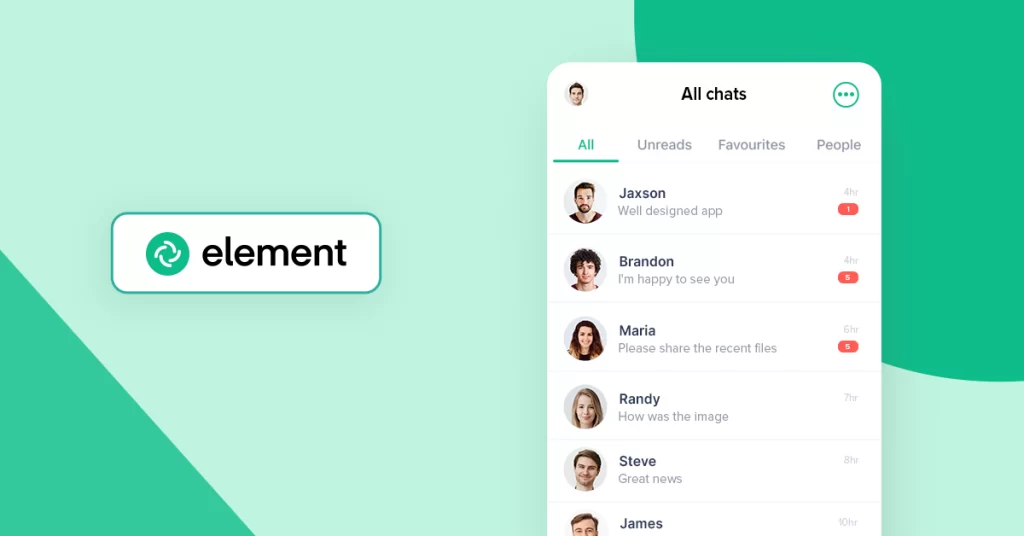
🔹 Standout Features:
✅ End-to-end encrypted messaging for privacy.
✅ Self-hosting options for complete data control.
✅ Open-source and customizable.
✅ Works on all devices (desktop & mobile).
💰 Pricing: Free for up to 200 users; paid plans start at €5/user/month.
Final Thoughts: Which Team Chat App is Right for You?
Choosing the best team chat app depends on your company’s needs:
- Slack – Best for fast, organized team communication.
- Microsoft Teams – Ideal for enterprises using Microsoft 365.
- Google Chat – Perfect for businesses using Google Workspace.
- Discord – Great for voice-heavy collaboration.
- Element – Best for companies needing secure, self-hosted chat.
📌 Bonus Tip: Margins aren’t just for documents—they’re essential in web design too! If you’re curious about how margins work in CSS, check out these resources:
🖥️ CSS Margin Guide by Wikitechy – Learn how margins shape web layouts.
🔍 Margin vs. Padding in CSS – Understand the key differences in spacing.
By choosing the right workplace communication tools, you’ll ensure seamless collaboration, better teamwork, and improved productivity in 2025! 🚀