Cyber Crime Prevention Tips I Wish I Knew Earlier
Key Highlights
- ✅ Understand what cyber crime is — and why it’s closer to home than you think
- ✅ Learn real-world cyber security prevention tips I personally use
- ✅ Stay safe while shopping, browsing, or socializing online
- ✅ Simple language, powerful advice, and practical examples
- ✅ Includes internal links to free courses & guides
🚨 Cyber Crime is Real — Here’s How I Stay One Step Ahead
I still remember the day I got a sketchy email pretending to be from my bank. It looked so real that I almost clicked. Almost.
That one moment made me realize how vulnerable we are in today’s digital world.
From identity theft to ransomware attacks, cyber crime is no longer just a buzzword—it’s a daily threat. And trust me, prevention isn’t as hard as it seems. A few smart habits can make you a much harder target for online criminals.
💻 What is Cyber Crime?
Before we dive into the tips, let’s clear this up:
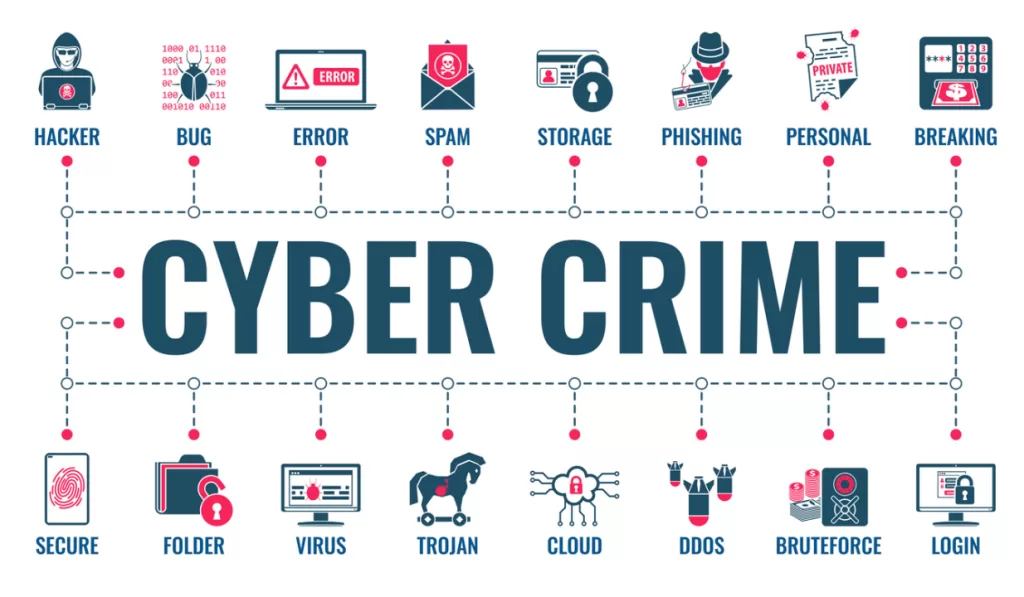
Cyber crime refers to any illegal activity that involves a computer, network, or digital device. That includes:
- Hacking 💻
- Phishing emails 🎣
- Ransomware 💣
- Identity theft 🕵️♂️
- Social engineering 🎭
Some attackers want money, others want attention, and a few just want chaos. Either way, we need to be ready.
And how do we do that?
Through good old-fashioned cyber security hygiene.
🔐 9 Cyber Crime Prevention Tips You Can Start Using Today
These are the exact steps I (and many cybersecurity experts) follow to stay safe online — whether it’s while working, shopping, or doom-scrolling social media.
1. Keep Your System Updated – Always. No Excuses.
Cybercriminals love outdated systems. Why? Because old software has known flaws, and they know how to exploit them.
Make it a habit to:
- Enable auto-updates for your OS and antivirus
- Restart your system regularly
- Update all apps—not just the ones you use daily

Every update you skip is a welcome mat for hackers 🛑
2. Install a Full-Service Cyber Security Suite
I know, I know—free antivirus sounds tempting. But trust me, cyber crime doesn’t stop at viruses.
What I use instead:
- Norton or Bitdefender for all-round protection
- Malwarebytes for deep scans
- Built-in Windows Defender as a backup
Look for tools that protect you against malware, ransomware, phishing, and identity theft.

3. Use a Secure Internet Connection with a VPN
Public Wi-Fi is not your friend.
Whenever I’m working from cafés or airports, I connect through a VPN like ProtonVPN or NordVPN. It encrypts your internet traffic, so even if someone tries to eavesdrop—they get gibberish.
4. Create Strong, Unique Passwords (and Use a Manager)
Your dog’s name is not a password. Neither is “123456”.
I use a combo of:
- Password managers like Bitwarden or 1Password
- Passphrases like “CoffeeLover$2025!”
- Unique passwords for every single account (no exceptions)
🔗 Pro Tip: Don’t save your passwords in your browser! Use a vault instead.
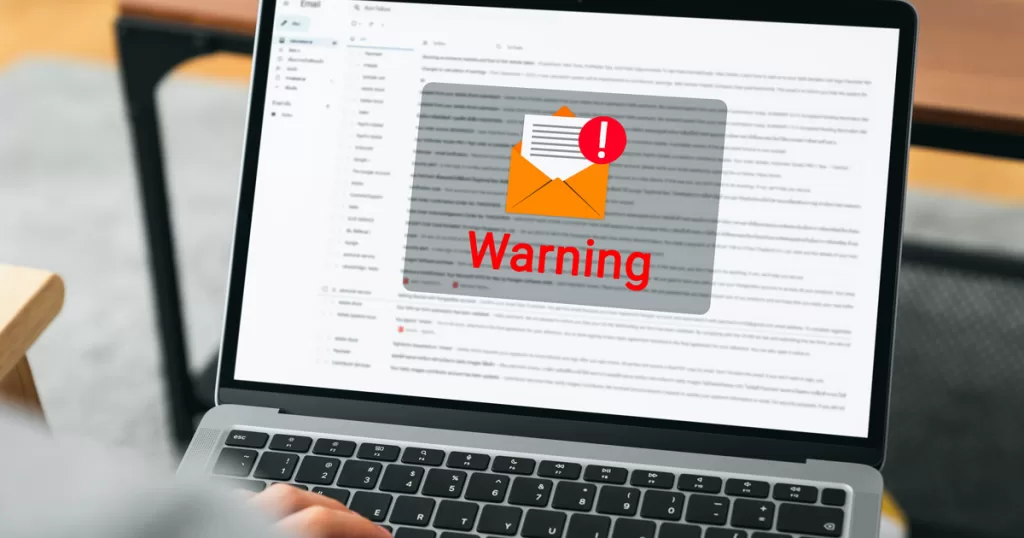
5. Don’t Fall for Pop-Ups or Fake Emails
Have you ever seen a pop-up saying “You’ve won an iPhone!” or an email from “Netflix” asking to update your billing info?
Red flags 🚩
Stay alert by:
- Checking sender email addresses
- Hovering over links before clicking
- Never giving away login info via pop-ups
This simple awareness can save you from a world of pain.
6. Protect Your Identity—Especially on Social Media
Cybercriminals love to stalk social profiles for:
- Birthdates
- Pets’ names
- Travel plans
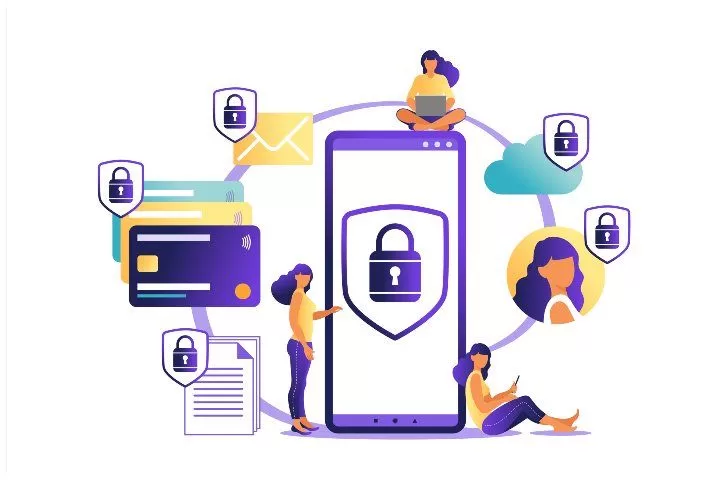
Keep your Instagram stories private. Don’t share your phone number on Facebook. And definitely don’t use your pet’s name as your bank password.
7. Adjust Your Social Media Privacy Settings
I went through a “cleanup” phase last year, locking down all my profiles. Here’s what I changed:
- Set profiles to “friends only”
- Turned off location sharing
- Removed old posts with sensitive info
This small step is huge for cyber security.
8. Get Cyber Insurance (Yes, It’s a Thing!)
This isn’t just for businesses. Cyber insurance can help cover:
- Financial loss from identity theft
- Ransomware attack response
- Legal expenses in extreme cases
If you run a small business or freelance online, it’s totally worth checking out.
9. Avoid Saving Passwords in Browsers
Convenient? Yes. Safe? Nope.
Browsers don’t encrypt saved passwords well. If malware hits your browser, those saved logins are toast.
Instead, do this:
- Use a password manager with two-factor authentication
- Grant permission to employees through admin control (if you’re a team)
This way, your credentials stay in your hands—not your browser’s.

🧠 Real Talk: Anyone Can Be a Victim of Cyber Crime
Whether you’re a student, small business owner, or grandma learning to use Instagram—cyber crime doesn’t discriminate.
It’s not about fear. It’s about being smart.
If you:
- Use strong passwords 🔐
- Avoid sketchy links 🚫
- Keep software updated 💻
- And stay aware 🧠
…you’re already doing better than 80% of people online.
📚 Want to Learn More About Cyber Security?
👉 Check out Cyber Security Course
🏁 Final Thoughts: Stay Safe, Stay Sharp
Let’s be real—cyber crime isn’t going away anytime soon. But that doesn’t mean we sit back and wait to be hacked.
We take action. We stay informed. We teach our family and friends.
Because the internet is an amazing place—but only if we treat it with the caution it deserves.
📌 Summary: What You Should Do Today
- ✅ Update your system
- ✅ Install strong cyber security tools
- ✅ Use a VPN
- ✅ Avoid phishing scams
- ✅ Create solid passwords
- ✅ Lock down your social media
- ✅ Say no to browser-saved passwords
- ✅ Explore cyber insurance
- ✅ Keep learning
Stay curious. Stay protected. Stay unstoppable. 💪