How to Fix the 401 Unauthorized Error: 5 Easy Solutions
Encountering a 401 Unauthorized error while trying to open a website can be really annoying. Whether you’re running your own site or simply browsing someone else’s, this error can suddenly block access and interrupt your work.
The good news? In most cases, it’s simple to resolve.
In this guide, we’ll break down what the HTTP 401 error means, the reasons behind it, and the quickest ways to fix it.
🔥 Key Highlights
- What is a 401 Unauthorized error?
- Common causes of an HTTP 401 error
- 5 proven ways to fix the issue
- Tips to prevent this error in the future
- Step-by-step troubleshooting guide
🚨 What is the 401 Unauthorized Error?

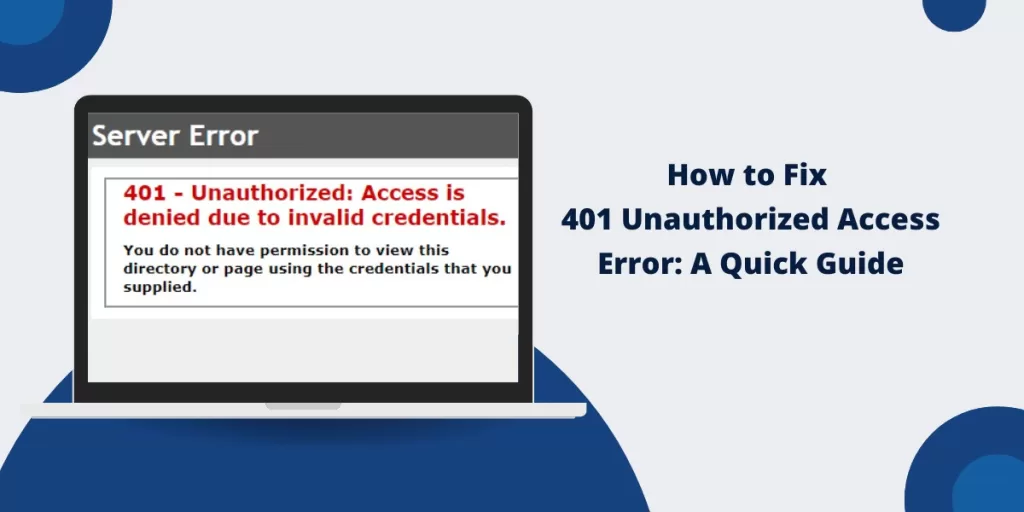
The 401 Unauthorized error is an HTTP status code that appears when a server refuses your request due to missing, invalid, or incorrect authentication credentials. In simple terms, the server doesn’t recognize you as an authorized user, so it denies access.
You might see this error displayed in different ways, such as:
- 401 Authorization Required
- HTTP 401 Error – Unauthorized
- Access Denied
- 401 Unauthorized
This error is often confused with the 403 Forbidden error, but there’s an important distinction:
- 401 Unauthorized Error: Authentication is required but failed.
- 403 Forbidden Error: Authentication was successful, but access is still not allowed.
If you’re seeing this error, don’t panic — let’s understand why it happens and how to fix it.
🔎 What Causes the 401 Unauthorized Error?
The 401 Unauthorized error can occur due to several reasons, including:
- Incorrect login credentials – wrong username or password
- Expired session or authentication token
- Corrupt browser cache or cookies
- Incorrect or restricted URL access
- Firewall or website security restrictions
- Conflicting browser or WordPress plugins
Now, let’s walk through five simple ways to fix the issue.
🛠 How to Fix the 401 Unauthorized Error (5 Easy Solutions)
1️⃣ Double-Check Your Login Credentials 🔑
The most common cause of a 401 error is incorrect login information. To fix this:
- Recheck your username and password carefully
- Reset your password if you’re unsure
- If you’re using an API key or token, confirm it hasn’t expired
If everything looks correct and the error still appears, move on to the next fix.
2️⃣ Clear Browser Cache & Cookies 🗑
Browsers store cache and cookies to improve performance, but outdated data can interfere with authentication and trigger a 401 error.
📌 How to Clear Cache & Cookies in Chrome:
- Open Chrome and click the three-dot menu (top-right)
- Go to Settings > Privacy & Security
- Select Clear browsing data
- Check Cookies and other site data and Cached images and files
- Click Clear data and restart your browser
Other browsers follow similar steps within their privacy settings.
3️⃣ Check the URL for Mistakes 🗐
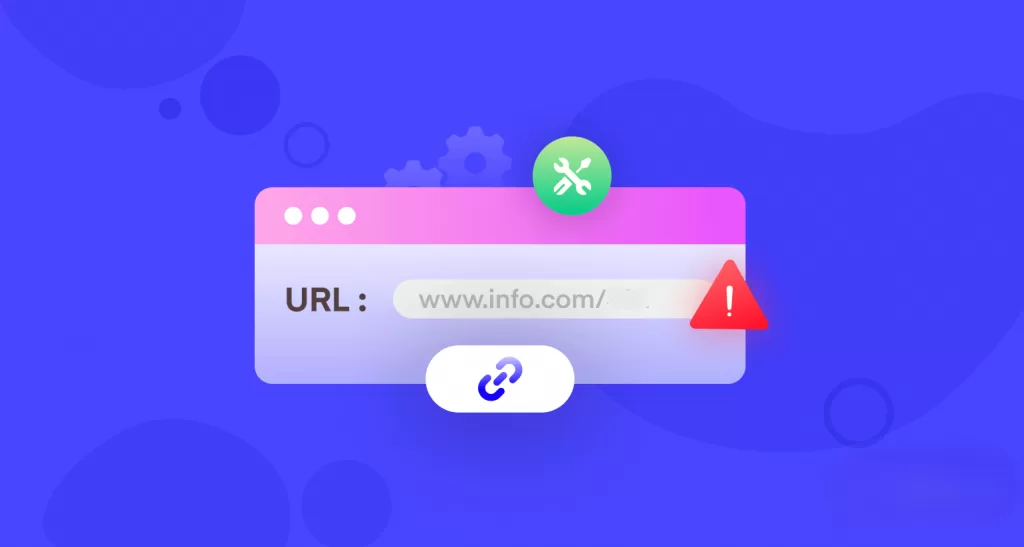
Even a small URL typo can result in a 401 Unauthorized error, especially if the page requires special access.
- Double-check the URL you entered
- Make sure the page isn’t restricted to admin users
- Try opening the page in incognito mode
4️⃣ Disable Browser Extensions & Plugins 🧠
Some browser extensions — especially security or ad-blocking tools — can interfere with authentication.
🔧 How to Disable Extensions in Chrome:
- Open Chrome and visit
chrome://extensions/ - Disable extensions one at a time
- Refresh the page after each step
If the error disappears, you’ve found the culprit. Consider removing that extension.
5️⃣ Flush Your DNS & Reset Network Settings 🌐
In some cases, DNS issues can cause authentication failures. Flushing your DNS may help.
🔄 How to Flush DNS on Windows:
- Press Windows + R, type
cmd, and hit Enter - Run this command:
ipconfig /flushdns
Restart your system and try again.
For Mac users, open Terminal and run:
sudo dscacheutil -flushcache; sudo killall -HUP mDNSResponder
Then press Enter.
🏆 Bonus Tips to Prevent the 401 Unauthorized Error
To reduce the chances of seeing this error again:
- Use strong passwords and change them regularly 🔐
- Enable two-factor authentication (2FA) 🛡
- Keep your browser and plugins up to date 🔄
- Use a VPN if your IP is blocked 🚀
- Regularly review website security settings (for site owners) 🛡
🌟 Final Thoughts
While the 401 Unauthorized error can be frustrating, it’s rarely complicated. In most cases, one of the fixes above will get you back on track within minutes.
💡 Quick Recap of Fixes:
- Verify login credentials
- Clear cache and cookies
- Check the URL carefully
- Disable extensions and plugins
- Flush DNS and reset network settings
If the issue continues, it’s best to contact the website administrator or hosting provider for further assistance.
Want to Learn More About Networking ? Kaashivinfotech Offers Networking Course, Cloud Computing Course, Cyber Security Course, Visit www.kaashivinfotech.com.
Related Reads: