✨ 6 Powerful PDF Editor Apps to Simplify Your Workflow in 2025 (Edit, Sign & Annotate with Ease!)
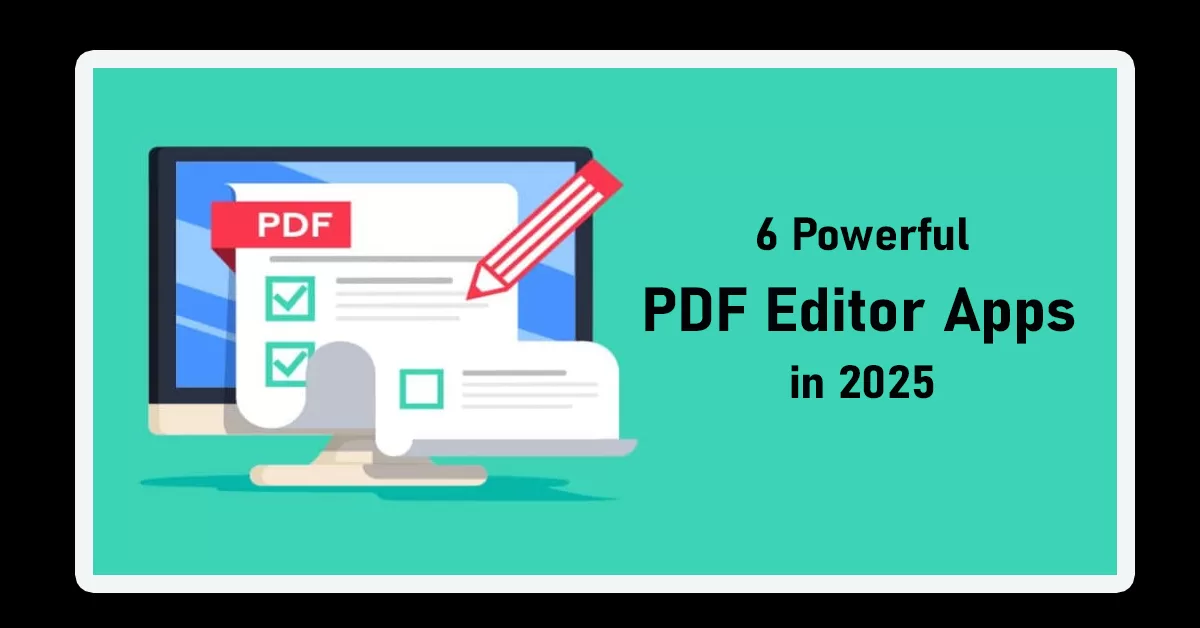
If you’re searching for the best PDF editor apps in 2025, you’re in the right place ✅. Whether you’re a student, business owner, or working professional, managing PDF files can be challenging without the right tools. That’s why we’ve rounded up the 6 best PDF editing software that make it easy to edit, annotate, convert, and sign PDF files—all in one place.
Let’s dive in and find the perfect PDF editor app for your needs!
🔍 Key Highlights
- ✏️ Edit, annotate, sign, and convert PDF files with ease
- 📱 Covers both desktop and mobile PDF editor apps
- ✅ Includes free and paid tools to suit every budget
- 💼 Ideal for professionals, students, and remote teams
- 🔐 Most apps support secure cloud syncing and e-signatures
Why You Need a Good PDF Editor App in 2025 🛠️
With everything going digital, documents are mostly shared in PDF format. But most default viewers don’t let you edit or modify the content. That’s where PDF editor apps come in handy. The best PDF editing software allows you to:
- Edit text and images inside the PDF
- Add or remove pages
- Insert comments and annotations
- Convert PDFs into Word, Excel, or image formats
- Digitally sign documents
Ready to upgrade your document game? Let’s explore the top 6 PDF editor apps you should try this year.
Want to digitally sign your PDFs securely? You might also want to explore the 7 Best eSignature Apps to Sign Documents Online Securely. These apps pair well with the PDF editor apps mentioned below.
🥇 1. Adobe Acrobat Pro DC – The King of PDF Editor Apps
When it comes to PDF editor apps, Adobe Acrobat Pro DC is often the first name that pops up—and for good reason.
🔧 Features:
- Edit text, images, and links
- Convert PDFs into other formats
- Add digital signatures and protect files
- Collaborate with others in real-time
💰 Pricing: Starts at $19.99/month
🌐 Visit Adobe Acrobat
Pro Tip: Adobe Acrobat integrates well with Microsoft Office—perfect for professionals!
🥈 2. Foxit PDF Editor – Lightweight and Powerful
Foxit is one of the best PDF editing software options for those who want speed and performance without the bloat.
🔧 Features:
- Smooth UI and easy navigation
- Advanced text editing
- Cloud document sharing and collaboration
💰 Pricing: Starts at $79/year
🌐 Visit Foxit PDF Editor
It’s great for businesses that need bulk editing capabilities 🔥.
🥉 3. PDF-XChange Editor – Affordable and Feature-Rich
Looking for a budget-friendly yet powerful tool? PDF-XChange is one of the most affordable PDF editor apps with premium features.
🔧 Features:
- OCR (Optical Character Recognition)
- Annotation tools like stamps, shapes, and text boxes
- Document signing
💰 Pricing: Starts at $56 (one-time fee)
🌐 Visit PDF-XChange Editor
⭐ 4. Smallpdf – Online PDF Editor App for Quick Tasks
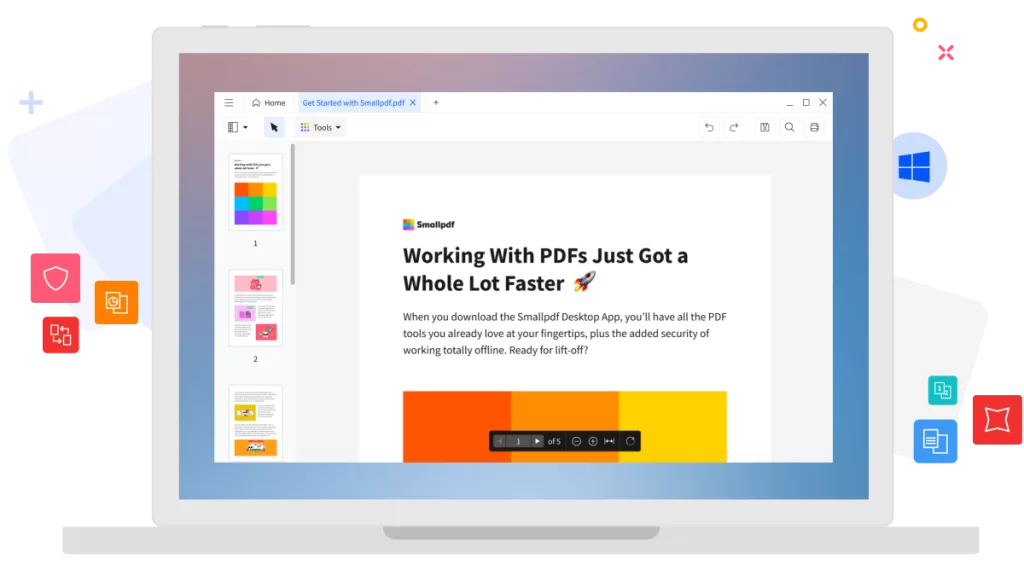
Smallpdf is a user-friendly online PDF editor app perfect for students and quick edits on the go. No downloads needed!
🔧 Features:
- Convert, compress, and edit PDFs
- Cloud-based editor
- Supports e-signatures
💰 Pricing: Free basic plan, Pro from $9/month
🌐 Visit Smallpdf
📱 5. iLovePDF – All-in-One Online PDF Toolkit
iLovePDF is another cloud-based PDF editor app that makes PDF work fun and easy 🎉.
🔧 Features:
- Merge, split, and edit PDF files
- Add watermarks and page numbers
- Accessible on mobile and desktop
💰 Pricing: Free basic, Premium at $6/month
🌐 Visit iLovePDF
💼 6. PDF Expert (macOS only) – Best PDF Editing Software for Apple Users
PDF Expert is the go-to PDF editor app for Mac users, offering a clean interface and powerful features.
🔧 Features:
- Smooth annotation tools
- Sync with iCloud
- Fill and sign forms easily
💰 Pricing: $79.99/year
🌐 Visit PDF Expert
🧠 Final Thoughts: Which PDF Editor App Should You Choose?
Choosing the right PDF editor app depends on your needs:
- Want a professional-grade tool? 👉 Adobe Acrobat Pro DC
- Prefer something budget-friendly? 👉 PDF-XChange or iLovePDF
- Need a lightweight, web-based option? 👉 Smallpdf or Foxit
No matter your choice, each of these tools qualifies as the best PDF editing software in its own way 💡.
If you often annotate documents or take notes while reviewing PDFs, you’ll love this list of the Best Note-Taking Apps in 2025. Some of these apps even integrate with PDF editor apps to help you stay productive and organized.
✅ Summary Table: Best PDF Editor Apps in 2025
| App Name | Best For | Platform | Pricing |
|---|---|---|---|
| Adobe Acrobat DC | Full-featured editing | Windows/Mac | $19.99/month |
| Foxit PDF Editor | Lightweight professional use | Windows/Mac | $79/year |
| PDF-XChange | Budget option with OCR | Windows | $56 one-time |
| Smallpdf | Quick online edits | Web-based | Free/$9/month |
| iLovePDF | All-in-one free toolkit | Web/mobile | Free/$6/month |
| PDF Expert | macOS exclusive | macOS | $79.99/year |