SAX Parser in XML: 2025 Guide with Java Example, Advantages & vs DOM 🚀

Introduction: Why SAX Parser Still Matters in 2025
If you’ve ever opened a huge XML file in your editor, waited 10 seconds, and then heard your laptop fan go full jet engine, you’ll understand why SAX Parser is a lifesaver.
SAX parser in XML isn’t new. In fact, it’s been around since the late ’90s. But here’s the surprise: even in 2025, it’s still one of the most efficient and memory-friendly ways to process large XML documents — especially when your app needs to handle gigabytes of data without crashing.
If you’re here because you searched “what is SAX in XML” or “SAX XML Java example”, you’re in the right place. Let’s break it down.
Key Highlights
- Understand what is SAX parser in XML and why it’s still relevant in 2025.
- Learn the differences between DOM and SAX parser in XML (with a side-by-side table).
- See a real-world Java SAX XML example for large files.
- Know the advantages and disadvantages of SAX parser — and when not to use it.
- Explore how SAX fits into modern tech stacks like big data, microservices, and finance APIs.
What is SAX Parser in XML? 🧐
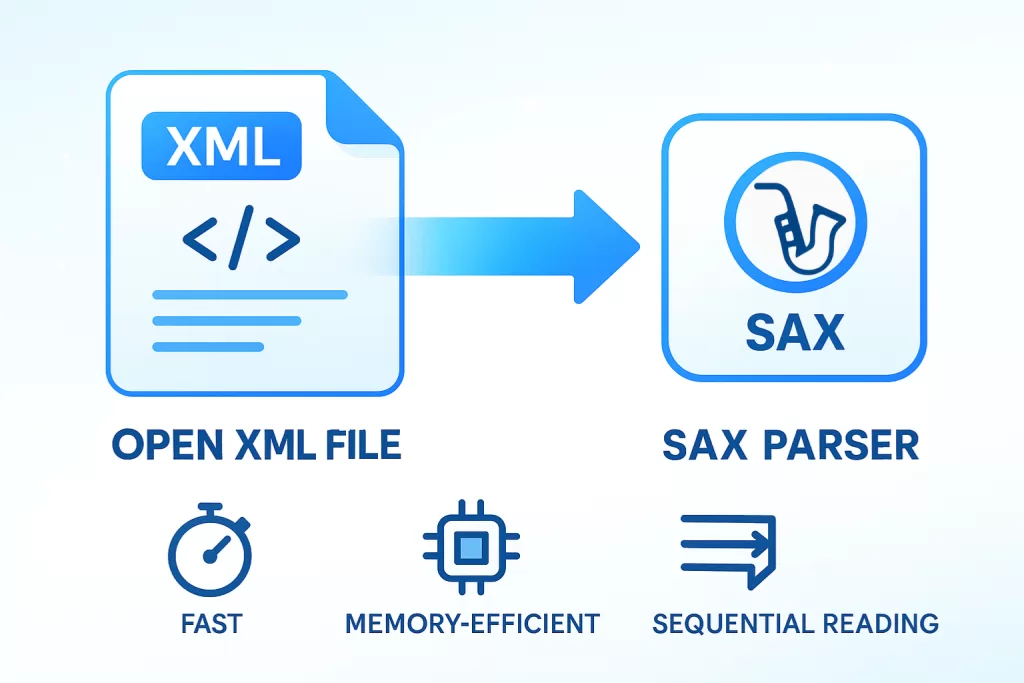
SAX stands for Simple API for XML. It’s an event-driven parser — meaning it reads your XML file from top to bottom, one element at a time, and triggers events (like “start element” or “end element”) as it goes.
Unlike DOM, which loads the entire XML file into memory to create a tree structure, SAX doesn’t keep everything in RAM. It just streams the data.
💡 Fun fact: SAX isn’t an official W3C standard. It was born out of the XML-DEV mailing list community and became a de facto standard — especially in Java development.

How SAX Parser Works in XML
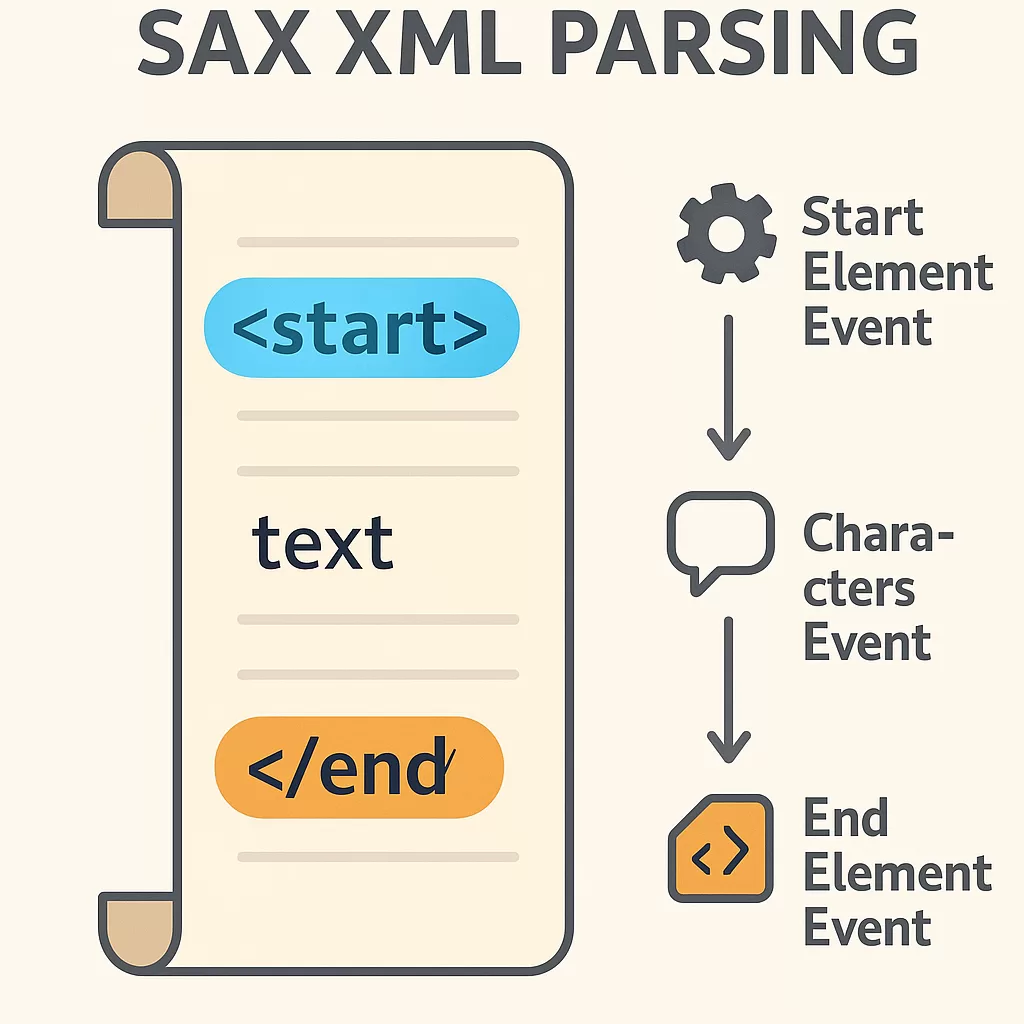
Think of SAX XML parsing like reading a book out loud, one line at a time, without keeping every previous line in your head.
Here’s the flow:
- The parser sees
<start>→ triggers a start element event. - It reads text → triggers a characters event.
- It sees
</end>→ triggers an end element event.
It’s that simple. No complex tree. No heavy memory usage.
DOM vs SAX Parser in XML 🔄
You can’t talk about SAX parser without mentioning DOM.
| Feature | DOM Parser | SAX Parser in XML |
|---|---|---|
| Memory Usage | High (loads full doc) | Low (streams data) |
| Speed | Slower on large files | Faster on large files |
| Random Access | Yes | No |
| Update XML | Yes | No |
| Use Case | Small XML, frequent edits | Large XML, read-only parsing |
💭 Pro tip from experience: If your XML file is under 10 MB and you need to edit it, DOM is fine. But if it’s 100 MB+ or comes from an API that streams data, SAX will save you from out-of-memory errors.

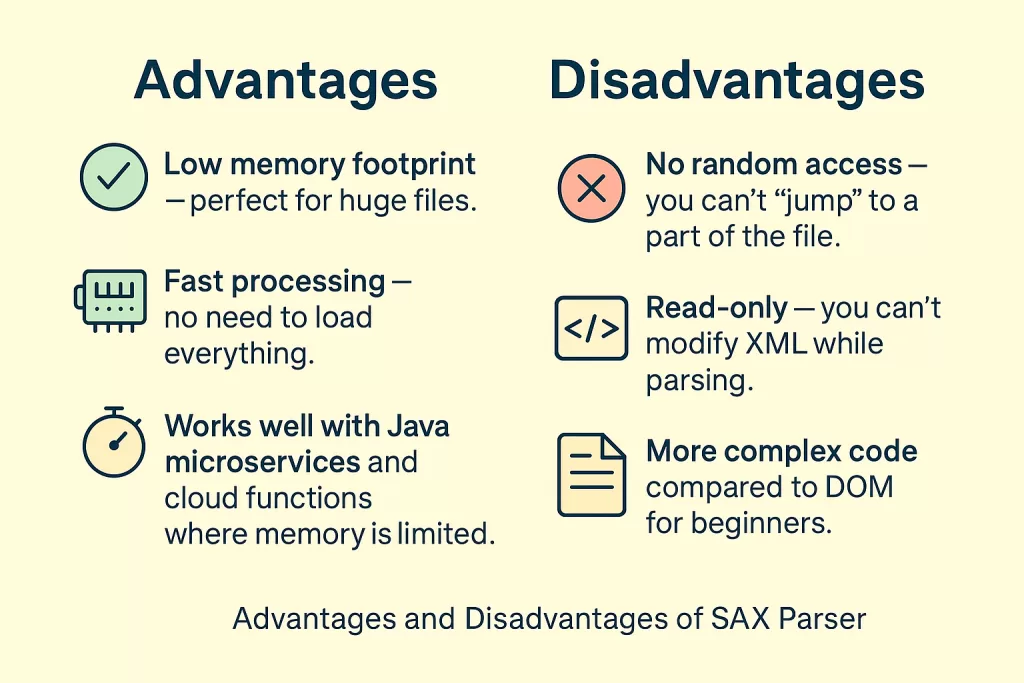
Advantages and Disadvantages of SAX Parser
✅ Advantages
- Low memory footprint — perfect for huge files.
- Fast processing — no need to load everything.
- Works well with Java microservices and cloud functions where memory is limited.
❌ Disadvantages
- No random access — you can’t “jump” to a part of the file.
- Read-only — you can’t modify XML while parsing.
- More complex code compared to DOM for beginners.
When to Use SAX Parser in 2025
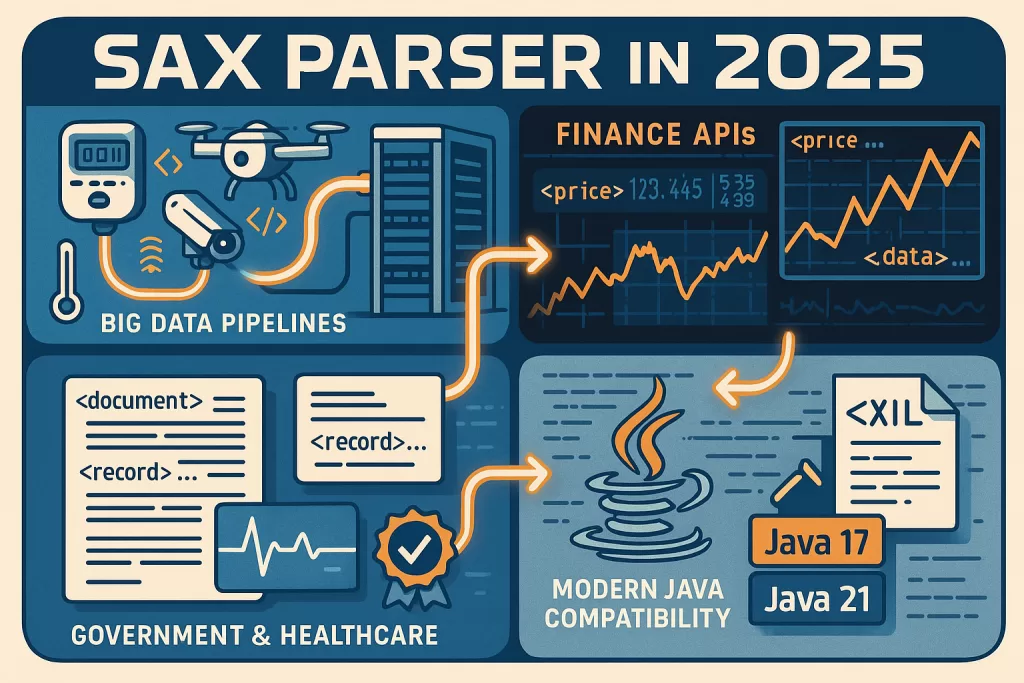
Even though newer parsers like StAX exist, SAX still holds its ground:
- Big Data Pipelines — streaming XML logs from IoT devices.
- Finance APIs — think stock exchange feeds in XML.
- Government and Healthcare — still rely heavily on XML formats for compliance.
And yes, it works just fine with Java 17 and Java 21.
SAX XML Java Example: Parsing a Large File 💻
Here’s a working Java SAX XML example that prints first names from a sample XML file:
javaCopyEditimport javax.xml.parsers.SAXParser;
import javax.xml.parsers.SAXParserFactory;
import org.xml.sax.Attributes;
import org.xml.sax.SAXException;
import org.xml.sax.helpers.DefaultHandler;

public class SaxExample {
    public static void main(String[] args) {
        try {
            SAXParserFactory factory = SAXParserFactory.newInstance();
            SAXParser saxParser = factory.newSAXParser();

            DefaultHandler handler = new DefaultHandler() {
                boolean bFirstName = false;

                public void startElement(String uri, String localName, String qName, Attributes attributes) {
                    if (qName.equalsIgnoreCase("firstname")) {
                        bFirstName = true;
                    }
                }

                public void characters(char ch[], int start, int length) {
                    if (bFirstName) {
                        System.out.println("First Name: " + new String(ch, start, length));
                        bFirstName = false;
                    }
                }
            };

            saxParser.parse("people.xml", handler);
        } catch (Exception e) {
            e.printStackTrace();
        }
    }
}
Sample XML (people.xml):
xmlCopyEdit<people>
    <person>
        <firstname>John</firstname>
        <lastname>Doe</lastname>
    </person>
    <person>
        <firstname>Jane</firstname>
        <lastname>Smith</lastname>
    </person>
</people>
Output:
sqlCopyEditFirst Name: John
First Name: Jane
Alternatives to SAX Parser in 2025
If you like SAX but want more control:
- StAX Parser — lets you pull data when needed.
- Jackson XML — maps XML directly to Java objects.
FAQ: SAX Parser in XML
Q: What is SAX in XML?
A: It’s an event-driven API for parsing XML files without loading the whole file into memory.
Q: What does SAX stand for?
A: Simple API for XML.
Q: Why is SAX faster than DOM?
A: Because it processes the file as a stream instead of building a full tree in memory.
Q: Can SAX parser update XML?
A: No, it’s read-only.
Conclusion 🎯
If your work involves XML and you want speed, low memory use, and stability, SAX parser in XML is still a rock-solid choice in 2025. It may not have the shiny new buzzwords, but it does one thing exceptionally well: parse big XML files without killing your RAM.
So next time you’re building a Java service that deals with XML feeds, remember — SAX is your old but reliable friend.
🔗 Further Reading:
- React JS Icons Guide and Tips
- What is Flexbox in CSS – Flex Property
- HTTPS Protocol – Secure Web Browsing 2025
- What is DSA? DSA Full Form – 2025 Guide
- How to Run a Java Program in CMD
- Format Specifiers in C – Examples 2025
- C Language Loop Guide with Examples