What Is Open Graph and How Can I Use It for My Website? (A Beginner-Friendly Breakdown)
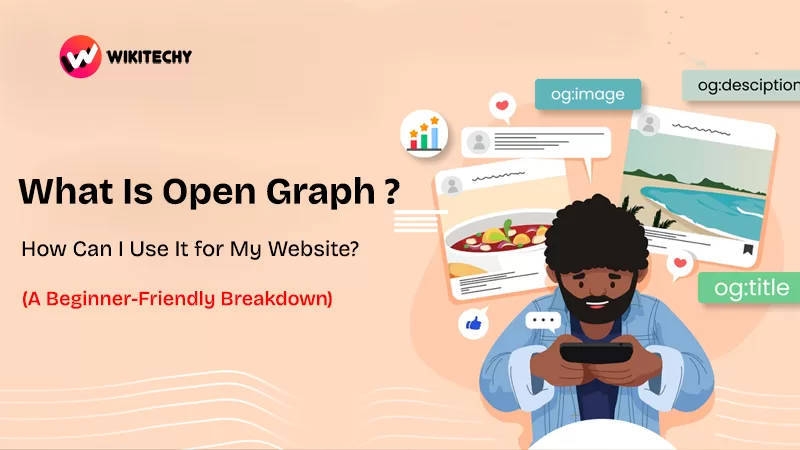
What Is Open Graph ?
Open Graph (also known as OG Protocol) is a standard created by Facebook in 2010 to make link previews more meaningful, attractive, and helpful.
Open Graph is a metadata protocol created by Facebook that allows website owners to control how their content appears when it’s shared on social media platforms.
In simple words — Open Graph tells platforms like Facebook, LinkedIn, X (Twitter), WhatsApp, and Pinterest what title, description, image, and link preview to display when someone shares your webpage.
Instead of letting social media guess what to show (which usually looks messy or random), Open Graph ensures your shared links look professional, visually appealing, and consistent.
Instead of a plain ugly URL, Open Graph allows you to show:
- 🖼️ A custom image
- 📰 A meaningful title
- ✏️ A readable description
- 🔗 Correct canonical URL
- 🏷️ Type (blog, video, product, event, etc.)

If you’re still asking, “What is Open Graph and why should I bother?” — here’s the painful truth:
➡️ Without Open Graph, social media platforms guess your preview content… and they rarely get it right.
Sometimes they pick:
- A random image from your website
- A cut-off heading
- A weird button icon
- Or nothing at all
That’s bad for branding.
And worse — bad for clicks.
📈 Why Open Graph Matters (And How It Helps Your Website)
Let’s make one thing clear:
💡 People judge content before clicking it.
If your blog preview looks dull or confusing, users simply scroll past it.
But if your preview looks clean, intentional, and professional — people click.
Here’s how Open Graph helps:
| Benefit | Why It Matters |
|---|---|
| Higher CTR | More people click your shared links |
| Better Branding | Consistent visuals, titles, and messaging |
| Professional Look | Content looks polished and trustworthy |
| Social SEO Boost | Better engagement signals |
| Control Preview Content | No randomness or broken thumbnails |
The Must-Have OG Tags

Here is a simple example:
⚠️ Pro tip: always use a 1200×630 px image for best preview quality.
Tools to Create and Test Open Graph Tags
I use these regularly 👇
🔧 To Generate OG Tags:
- Yoast SEO (WordPress plugin)
- RankMath SEO plugin
- OpenGraph.xyz generator
🔍 To Test Your Tags:
- Facebook Sharing Debugger
- Twitter Card Validator
- LinkedIn Post Inspector
These tools let you preview exactly how your website looks before the world sees it — super helpful!

Real Example – With and Without OG Tags
❌ Without Open Graph:
yoursite.com/blog/what-is-open-graph
(no preview, no thumbnail, no trust)
✔️ With Open Graph:
🖼️ High-quality preview image
📌 Strong title: “What Is Open Graph? Beginner Guide to Link Previews”
📝 Meaningful description that sets expectation
Which one would you click?
Exactly.
🗂️ Types of OG Tags You Can Use
<strong>og:type="article"</strong>→ for blog posts<strong>og:type="product"</strong>→ for ecommerce<strong>og:type="video.movie"</strong>→ for video pagesog:type="website"→ for general websites
Using the right type improves how platforms categorize your content.
How to Use Open Graph for Better Clicks and Branding
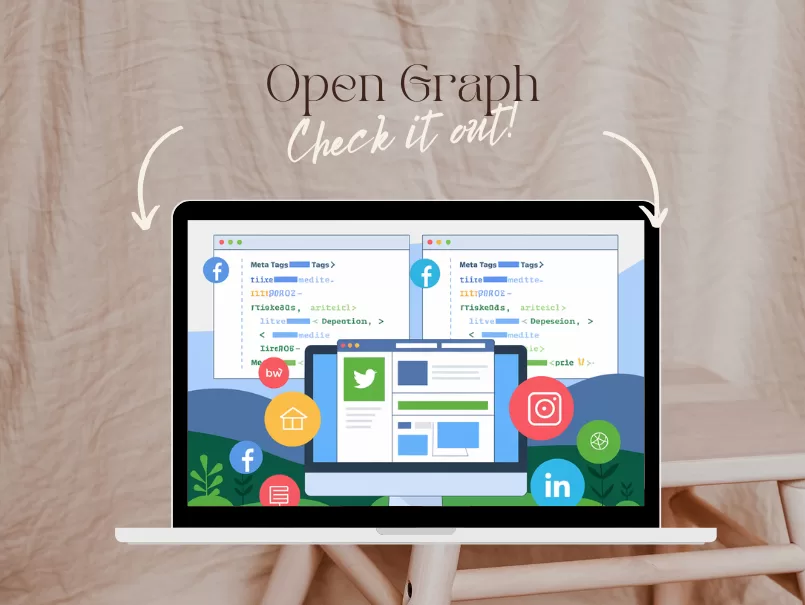
Here’s what I learned (sometimes the hard way):
✅ Best Practices:
- Use high-resolution images
- Avoid long descriptions (keep under 150 characters)
- Use the main keyword in the OG title (like what is Open Graph)
- Preview before publishing
- Stay consistent with branding
❌ Mistakes to Avoid:
- Using random stock images
- Leaving metadata empty
- Automatically generated titles from CMS
- Using different URLs for canonical + OG
Final Thoughts:
When I first learned what Open Graph is, I thought it was just another annoying technical step. But the moment I saw the difference — the clean preview, the branding, the clicks — I realized:
➡️ Open Graph isn’t optional.
It’s a silent but powerful marketing tool.
If you want your content to look professional, clickable, and credible — Open Graph is the easiest win.
So yes — if you’re building a website, blogging, marketing a brand, or simply want better link previews…
Kaashiv Infotech Offers, Full Stack Python Course, Data Science Course, & More, visit their website www.kaashivinfotech.com.
Related Reads: