✨The Ultimate Guide to Word Count in Words for Students, Bloggers, and Writers (with Real-Life Tips!)
🔍 Key Highlights
- ✅ Understand what word count in words really means
- ✅ Learn how to check word count in Word, Google Docs, Pages & more
- ✅ Discover the best word count tools (free & easy!)
- ✅ Use word count shortcuts to save time
- ✅ Get real tips from a writer who’s lived through deadlines 😅
✋ Wait, What Does “Word Count in Words” Even Mean?
I get it — it sounds kinda funny, right?
But if you’ve ever been slammed with a last-minute essay, blog draft, or manuscript revision, you’ve definitely Googled something like “word count in words” or “how to check word count.” I know I have. Actually, more times than I’d like to admit.
So let me help you. This post is everything I wish someone had told me when I was juggling college papers, blog deadlines, and freelance gigs — all in one place. Let’s dive in. 👇
🧠 What is Word Count in Words?
Okay, let’s start simple.
Word count in words means: the total number of actual words written in a document — not characters, not paragraphs. Just good ol’ words.
This number matters A LOT when:
- You’re writing for school (500 words means 500, not 497)
- You’re submitting a blog post for SEO
- You’re entering a writing contest (and there’s a strict limit 😬)
- You’re writing content for clients or publishers
When I first started freelance writing, I didn’t take word count seriously. I once sent a 680-word article for a 1,000-word assignment. Yeah… I didn’t get that gig again. Lesson learned.
🛠️ How to Check Word Count in Microsoft Word (The OG Way)
Let’s get practical. You’re writing in MS Word — how do you check the word count in words?
Here’s how I do it (literally every day):
- Look at the status bar at the bottom of your screen. It shows your word count in real-time.
- Can’t see it? Go to
Review > Word Count. - Shortcut lover? Hit Ctrl + Shift + G (Windows) or Command + Shift + C (Mac).
✅ Boom. Done. You now know your word count.
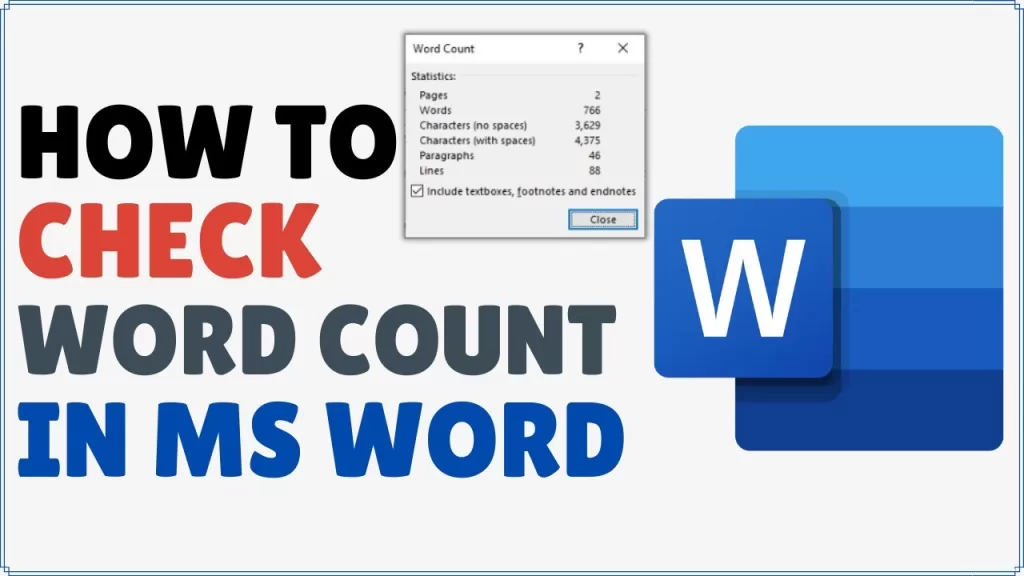
Word also shows character count, line count, and paragraph count, which is helpful if you’re working with specific formatting.
➡️ Bonus tip: If you just want to count a specific paragraph, highlight it first, then check the word count.
📑 Word Count in Google Docs, Apple Pages, and Online Tools
You don’t use Word? No problem. Here’s how to check your word count in words everywhere else.
💻 Google Docs
- Go to
Tools > Word count - OR just hit Ctrl + Shift + C (Windows) or Command + Shift + C (Mac)
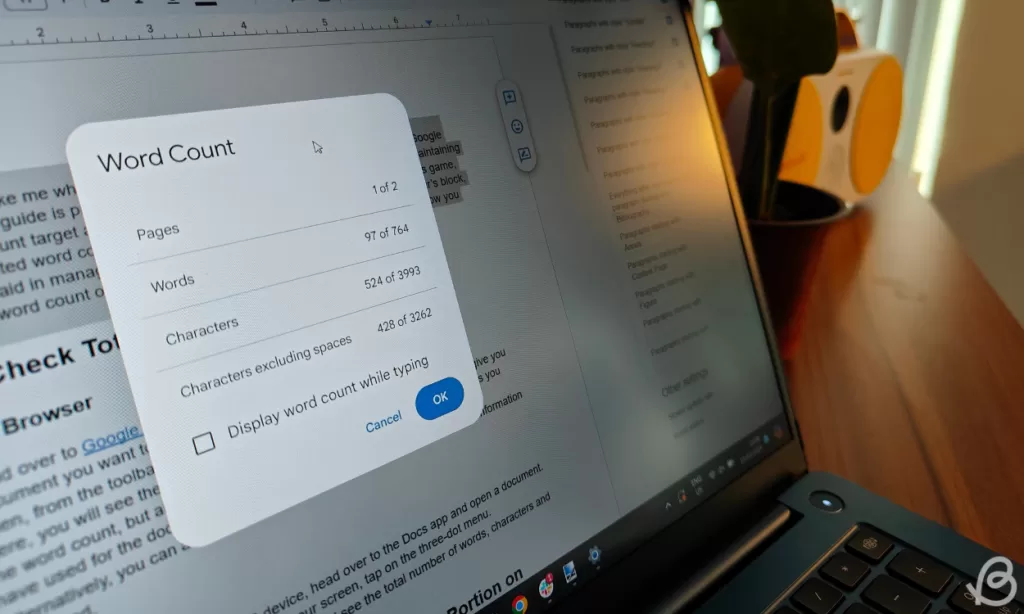
- You’ll get a little pop-up with word count, character count, and more.
🍎 Apple Pages
- Go to
View > Show Word Count - It’ll sit at the bottom of your document
💥 My Favorite Word Count Shortcuts (They Save Time!)
Let’s talk shortcuts. Because, honestly, who has time to dig through menus?
- Microsoft Word:
Ctrl + Shift + Gor just glance at the bottom bar - Google Docs:
Ctrl + Shift + C - Mac Word:
Command + Shift + G - Apple Pages: Toggle with
Option + Command + I(on older versions)
I even wrote a sticky note on my monitor at one point — “CTRL + SHIFT + G = Word Count!” 😂
🧩 Why Word Count Really Matters
This isn’t just about numbers. Knowing your word count in words can seriously impact your writing flow, your SEO game, and your deadlines.
💡 Real-life examples:
- A student: Submitting an 800-word paper when the limit was 1,000? That’s a 20% shortfall — and probably a grade drop.
- A blogger: Google’s sweet spot for SEO blog posts is 1,000–2,000 words. Hit the minimum or risk getting ignored in rankings.
- A freelance writer (like me): Clients pay per word. Underwriting = less money 💸.
Want to learn more about why word count matters in SEO? Check out Neil Patel’s breakdown.
📘 Word Count Tool: My Top Picks
If you’re tired of switching platforms or need more advanced tracking, try these:
- Grammarly (built-in word count + grammar check)
- Scrivener (for book writers – auto tracks by chapter!)
- Hemingway Editor (helps with readability + shows word count)
- Ulysses (Mac users only) – Beautiful UI and word goals per project
Each word count tool has its perks, but find the one that fits your workflow best.
⚠️ Common Word Count Mistakes I’ve Made (So You Don’t Have To)
- Forgetting to count quotes or footnotes
- Copying from Word to Docs — and losing formatting
- Thinking “about 500 words” means 450 is okay (it’s not 😬)
- Not including the title (sometimes it’s required!)
Always double-check your brief or assignment!
🔄 Final Thoughts – Word Count in Words Made Easy
If you’ve stuck around this long — first off, you’re awesome 🙌
Now you know:
- What word count in words means ✅
- How to use word count tools ✅
- Where to find word count shortcuts ✅
- And how to actually check word count like a pro ✅
No more guessing. No more under-delivering. Just good, clean writing — with the right number of words.
Useful Related Links