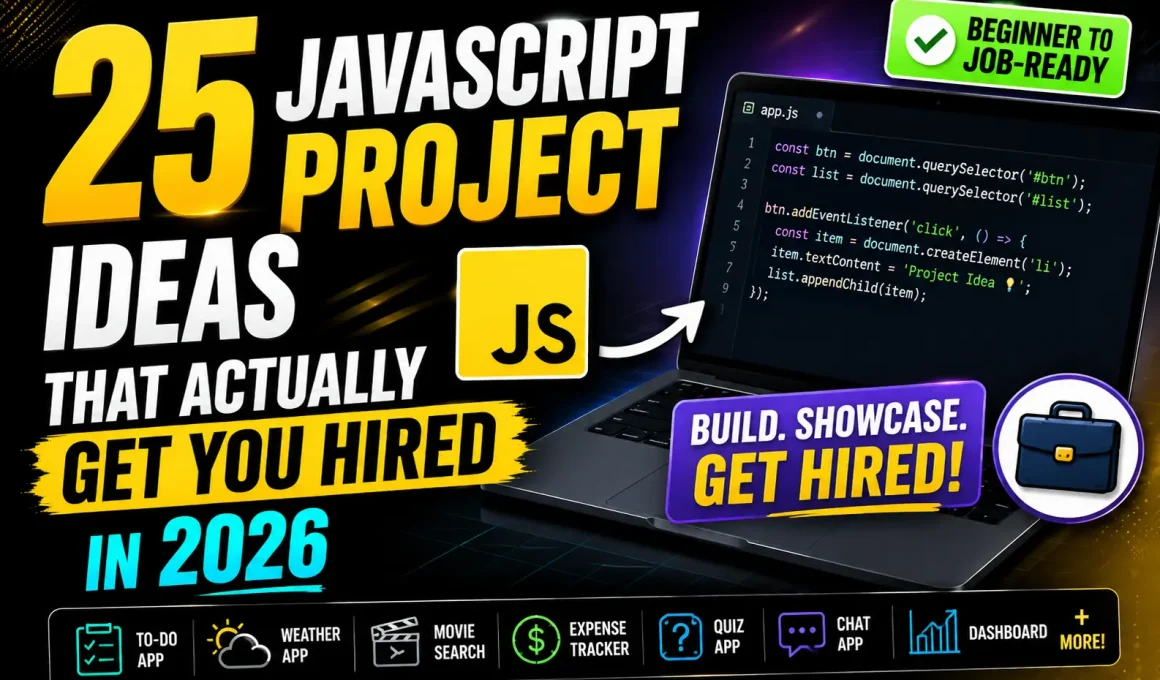
JavaScript Project Ideas are the fastest way to turn theory into real skill. If you’re stuck in tutorial mode, overwhelmed by frameworks, or unsure what to build next — this guide gives you clear, practical, and career-focused ideas.
JavaScript Project Ideas don’t just help you practice syntax. They help you think like a developer. And recruiters care about that shift more than anything else.
Let’s skip the fluff and get straight to what you’re here for.
✅ Key Highlights
- 25 practical JavaScript Project Ideas from beginner to advanced
- Real-world use cases (not toy projects nobody uses)
- Career-focused suggestions that impress recruiters
- Best practices for structuring projects
- Tips to turn projects into portfolio assets
- Data-backed insights on why projects matter
According to the 2024 Stack Overflow Developer Survey, JavaScript remains the #1 most-used programming language globally. That means competition is real. Projects are your differentiator.
Why JavaScript Projects Matter More Than Courses
Here’s the uncomfortable truth:
Most people “learn” JavaScript.
Few can actually build with it.
Recruiters don’t care how many Udemy courses you’ve finished. They care about:
- Can you solve problems?
- Can you structure code?
- Can you debug?
- Can you deploy something real?
A GitHub with meaningful JavaScript Projects for Beginners already puts you ahead of thousands of applicants who only list “JavaScript” on their resume.
🟢 Beginner-Friendly JavaScript Projects for Beginners
If you’re new, start here. These build logic, DOM manipulation skills, and confidence.
1. Smart To-Do List App
Not just add/delete tasks.
Level it up:
- Add local storage (so tasks persist)
- Add priority levels
- Add deadline reminders
Why this works:
You learn DOM manipulation, event listeners, and state handling — the foundation of frontend development.
Real-world use: Task management apps like Todoist follow similar principles.
2. Digital Calculator
Basic? Yes. Useless? No.
Add:
- Keyboard input support
- History panel
- Dark/light theme toggle
This teaches:
- Event delegation
- Handling user input
- Edge-case management (division by zero, decimals)
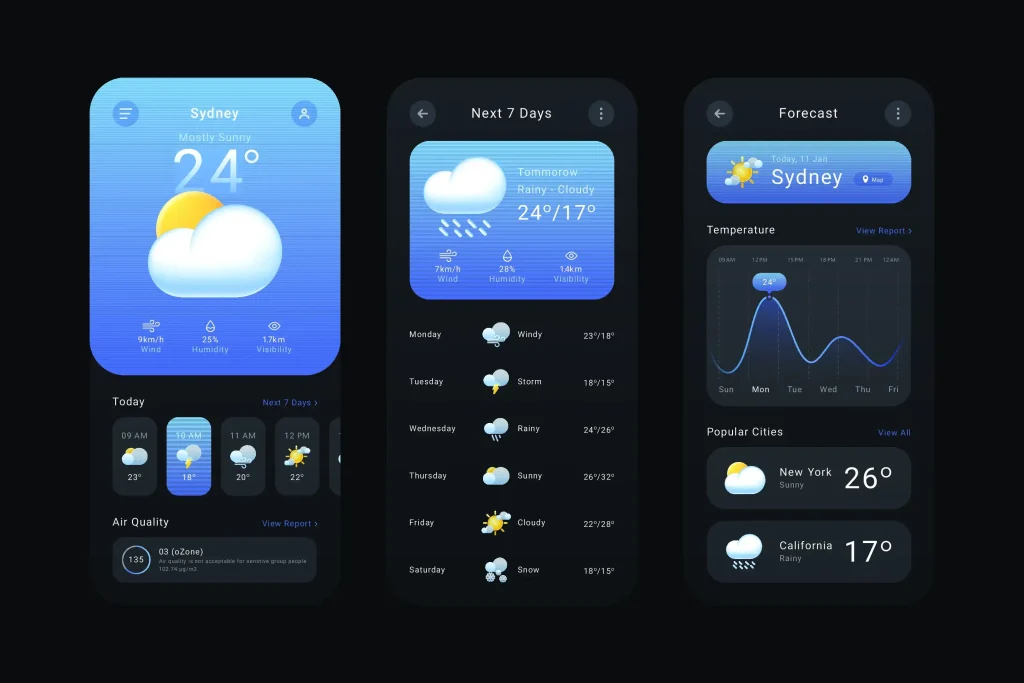
3. Weather App (Using API)
Use the OpenWeatherMap API: Openweatherma
You’ll learn:
- Fetch API
- Promises
- Async/await
- Error handling
Best practice: Always handle API failure states. Show user-friendly messages.
Real-world companies expect API integration skills — even for junior roles.
4. Form Validation System
Create a signup/login form with:
- Email validation
- Password strength checker
- Real-time feedback
Why recruiters love this:
It shows attention to UX and user input security.
5. Quiz App
Features:
- Score tracking
- Timer
- Randomized questions
Bonus: Store high scores in local storage.
You’ll practice:
- Conditional logic
- Dynamic DOM rendering
- Basic state management
🟡 Intermediate JavaScript Project Ideas
Now we move beyond simple DOM tricks.
These projects show you understand structure and scalability.
6. Expense Tracker with Charts
Add:
- Income vs expenses visualization
- Monthly summaries
- Export to CSV
Use:
- Chart.js (Chartjs)
- Local storage or Firebase
Why this matters:
Data visualization is a real-world skill used in dashboards and SaaS products.
7. Movie Search App (API + Pagination)
Add:
- Search filters
- Infinite scroll
- Favorites list
This mimics Netflix-style interfaces.
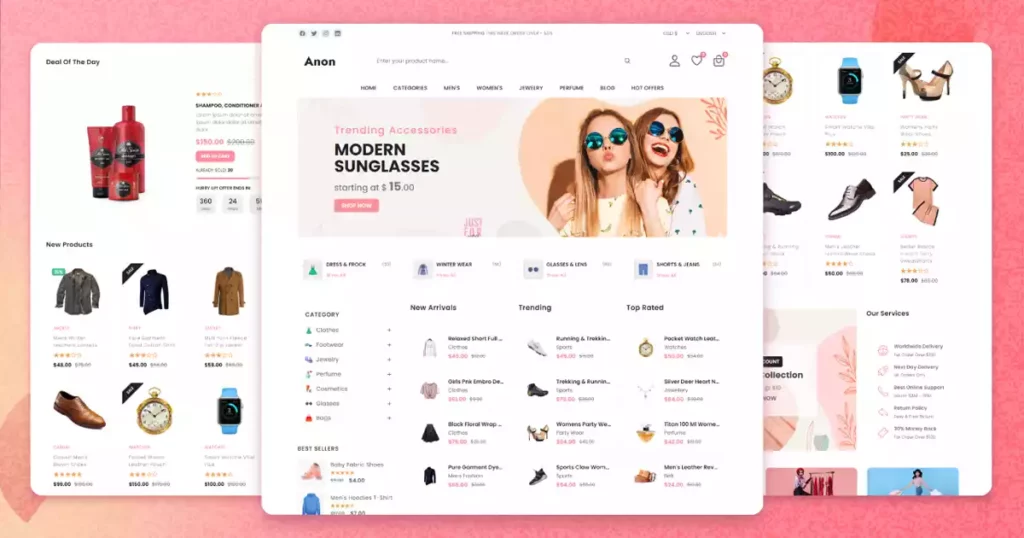
8. E-commerce Product Page
Build:
- Product filtering
- Cart functionality
- Quantity updates
- Price calculations
Even without backend, simulate checkout.
This project teaches:
- State updates
- UI reactivity
- Real-world logic handling
9. Drag-and-Drop Kanban Board
Think Trello clone.
Skills learned:
- Drag-and-drop API
- Dynamic rendering
- Data persistence
This is impressive in portfolios because it shows UI complexity handling.
10. Markdown Editor
Features:
- Live preview
- Syntax highlighting
- Export to HTML
Developers use tools like this daily. It feels practical and “professional.”
🔵 Advanced JavaScript Project Ideas (Portfolio Boosters)
These aren’t just practice. These can get interviews.
11. Real-Time Chat App
Use:
- Node.js
- Socket.io (Socket)
Features:
- Typing indicators
- Online users list
- Private messaging
You learn:
- WebSockets
- Backend integration
- Real-time communication
Companies building collaboration tools love this.
12. Full-Stack Authentication System
Build:
- Signup/login
- JWT authentication
- Protected routes
Why this matters:
Authentication is everywhere — SaaS, banking, e-commerce.
Security awareness = major plus.
13. Job Board Platform
Let users:
- Post jobs
- Filter by category
- Apply online
You’ll handle:
- CRUD operations
- Database interaction
- Search filtering
It mirrors real startup products.
14. Stock Tracker Dashboard
Use:
- Alpha Vantage API (Alphavantage)
Features:
- Real-time price updates
- Portfolio tracking
- Historical graphs
Finance + tech skills = strong combo.
15. AI-Powered Text Summarizer (API Integration)
Use OpenAI API or similar.
This shows:
- Prompt engineering
- API integration
- Modern AI awareness
Employers love candidates who understand AI integration basics.
🧠 Best Practices When Building JavaScript Projects
This is where most beginners mess up.
1. Don’t Copy-Paste Tutorials
Follow the concept.
Then rebuild from scratch.
Struggle = growth.
2. Structure Your Code Properly
Use:
- Separate files
- Modular functions
- Clear naming
Messy code screams “junior beginner.”
Clean code screams “hire me.”
3. Deploy Every Project
Use:
A live demo link increases interview callbacks significantly.
Recruiters rarely clone repositories. They click links.
4. Write a Good README
Include:
- Project description
- Features
- Tech stack
- Screenshots
- Live demo link
Think of it as your product pitch.
💼 How Many JavaScript Projects Do You Need?
Short answer?
- 3 strong projects > 15 weak ones
Ideal portfolio:
- 1 beginner project
- 1 intermediate
- 1 advanced full-stack
Quality wins.
😰 Feeling Overwhelmed? That’s Normal.
Every developer hits this phase:
“What if my project isn’t good enough?”
Here’s the reality:
Even senior developers Google basic things daily.
What matters is problem-solving ability.
You improve by building messy first versions — then refining.
That’s how real software is built.
🔗 Recommended Next Reads
- Frontend vs Backend: Which Career Path Fits You?
- How to Prepare for JavaScript Interviews
🎯 Final Thoughts
JavaScript Project Ideas aren’t just practice tasks. They’re proof.
Proof that you can:
- Think logically
- Solve real problems
- Build usable applications
If you’re serious about breaking into tech, stop watching another tutorial.
Pick one project from this list.
Set a 7-day deadline.
Ship version 1.
Refine later.
You don’t need to know everything. You need to build something.
And once you do?
That confidence changes everything. 💙
Frequently Asked Questions:
What are the best JavaScript Project Ideas for beginners?
The best JavaScript Project Ideas for beginners include a to-do list app, calculator, weather app using an API, quiz app, and form validation system. These projects help you understand DOM manipulation, event handling, and basic logic. They are simple enough to build but powerful enough to strengthen core JavaScript skills.
How many JavaScript projects should I build before applying for jobs?
You should build at least 3 strong JavaScript projects before applying for jobs. Ideally:
One beginner-level project
One intermediate project with API integration
One advanced or full-stack project
Recruiters prefer quality over quantity. A few polished projects with live demos are more impressive than many unfinished ones.
Are JavaScript Projects for Beginners enough to get a job?
Basic JavaScript Projects for Beginners are enough for internships and junior roles when they demonstrate:
What JavaScript project looks most impressive on a resume?
Projects that solve real problems stand out the most. Examples include:
Real-time chat applications
E-commerce platforms
Expense tracker dashboards with charts
Authentication systems with JWT
API-driven applications
Recruiters value projects that show problem-solving and real-world application over simple UI demos.
Should I use frameworks like React for JavaScript projects?
If you are a beginner, start with vanilla JavaScript first. Understanding core JavaScript makes learning frameworks like React, Vue, or Angular much easier.
Once comfortable, building projects using a framework can make your portfolio more aligned with industry demand. According to the Stack Overflow Developer Survey, React remains one of the most popular frontend frameworks globally.