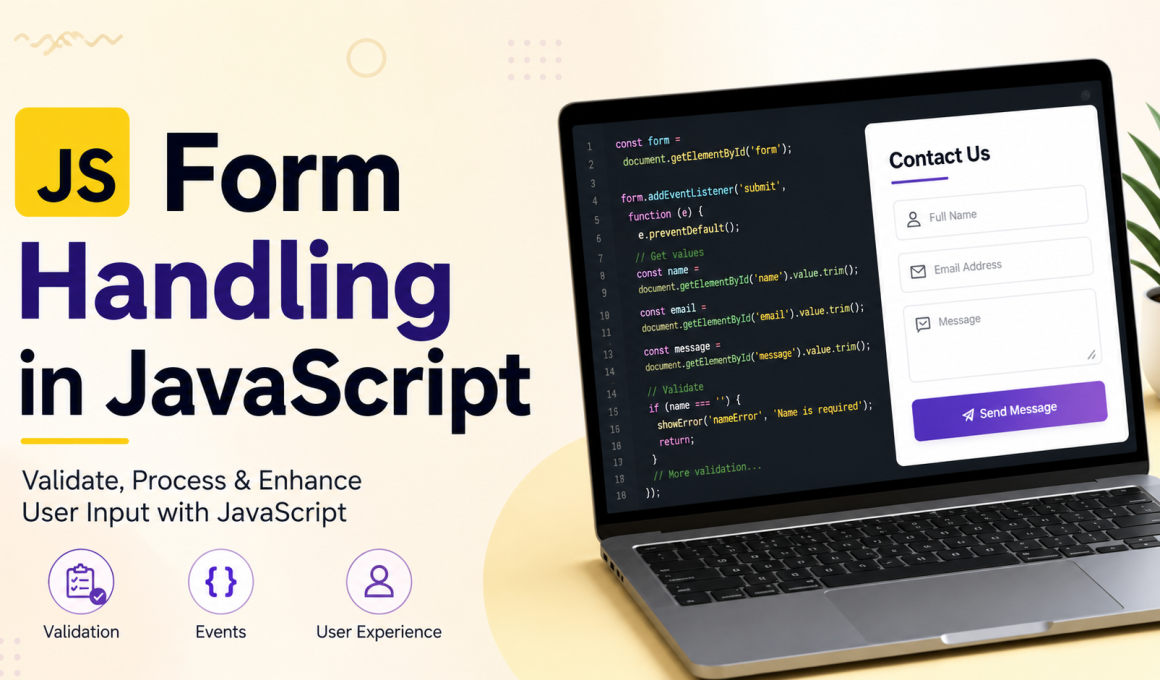
Form Handling in JavaScript – Forms are one of the most important parts of modern websites and web applications. Whether users are creating an account, logging into a system, submitting feedback, applying for a service, or completing an online payment, forms help websites collect information from users efficiently.
In older web applications, form validation mainly depended on the server. Every time a user submitted a form, the data was sent to the server for checking. If there was an error, the page reloaded and displayed an error message. This process was slow and created a poor user experience.
Modern websites solve this problem using client-side form handling with JavaScript. JavaScript allows validation and processing to happen directly inside the browser before the form is submitted to the server. This makes websites faster, more interactive, and more user-friendly.
In this article, we will explore:
- What client-side form handling is
- Why it is important
- How JavaScript validates forms
- Common form events
- Real-time validation
- Complete working example
- Best practices for secure validation
What is Client-Side Form Handling?
Client-side form handling refers to validating and processing form data directly inside the user’s browser using JavaScript.
Instead of immediately sending form data to the server, JavaScript first checks whether the information entered by the user is valid.
For example, JavaScript can verify:
- Whether required fields are empty
- Whether the email format is correct
- Whether the password length is strong enough
- Whether numbers are entered correctly
- Whether special conditions are satisfied
If the data is invalid, JavaScript instantly displays an error message without refreshing the page.
Example:
“Password must contain at least 6 characters.”
This immediate feedback improves the overall user experience and reduces unnecessary server requests.
Importance of Client-Side Form Handling
Client-side validation has become a standard feature in modern web development because users expect websites to respond instantly.
Some major advantages include:
- Faster validation without page reload
- Better user experience
- Reduced server workload
- Interactive and responsive forms
- Instant error messages
- Improved form completion rate
For example, when users enter an invalid email address, JavaScript can immediately highlight the mistake instead of waiting for the form to be submitted.
This makes applications feel faster and more professional.
Basic Structure of an HTML Form
Before learning JavaScript validation, it is important to understand the structure of a basic HTML form.
<form id="registerForm">

    <label>Full Name</label>
    <input type="text" id="name">

    <label>Email Address</label>
    <input type="email" id="email">

    <label>Password</label>
    <input type="password" id="password">

    <button type="submit">
        Register
    </button>

</form>
This form contains:
- A text field for the user’s name
- An email input field
- A password field
- A submit button
When the user clicks the submit button, JavaScript can intercept the submission process and validate the data.
How JavaScript Handles Forms

JavaScript interacts with forms using the Document Object Model (DOM).
The DOM allows JavaScript to:
- Access HTML elements
- Read input values
- Modify content dynamically
- Display error messages
- Change styles
- Prevent form submission
Example:
const form =
document.getElementById("registerForm");
This line selects the form element from the webpage.
JavaScript can also retrieve input values:
const username =
document.getElementById("name").value;
The .value property returns the text entered by the user.
Understanding Form Events
JavaScript uses events to detect user actions.
Some common form events include:
| Event | Purpose |
|---|---|
| submit | Triggered when form is submitted |
| input | Triggered while typing |
| change | Triggered after field change |
| focus | Triggered when field gains focus |
| blur | Triggered when field loses focus |
The most commonly used event in form handling is the submit event.
Example:
form.addEventListener("submit",
function(event) {

    event.preventDefault();

});
The preventDefault() method stops the browser from automatically submitting the form.
This allows JavaScript to validate the data first.
Complete Client-Side Form Validation Example
Below is a complete example of JavaScript form validation.
<!DOCTYPE html>
<html>

<head>

    <title>Form Validation</title>

    <style>

        body {
            font-family: Arial;
            margin: 40px;
        }

        form {
            width: 300px;
        }

        input {
            width: 100%;
            padding: 10px;
            margin-bottom: 15px;
        }

        button {
            padding: 10px 20px;
        }

        .error {
            color: red;
            font-size: 14px;
        }

        .success {
            color: green;
            margin-top: 20px;
        }

    </style>

</head>

<body>

<h2>User Registration Form</h2>

<form id="registerForm">

    <input type="text"
    id="name"
    placeholder="Enter Full Name">

    <div id="nameError"
    class="error"></div>

    <input type="email"
    id="email"
    placeholder="Enter Email">

    <div id="emailError"
    class="error"></div>

    <input type="password"
    id="password"
    placeholder="Enter Password">

    <div id="passwordError"
    class="error"></div>

    <button type="submit">
        Register
    </button>

</form>

<div id="successMessage"
class="success"></div>

<script>

const form =
document.getElementById("registerForm");

form.addEventListener("submit",
function(event) {

    event.preventDefault();

    let valid = true;

    const name =
    document.getElementById("name")
    .value.trim();

    const email =
    document.getElementById("email")
    .value.trim();

    const password =
    document.getElementById("password")
    .value.trim();

    document.getElementById("nameError")
    .textContent = "";

    document.getElementById("emailError")
    .textContent = "";

    document.getElementById("passwordError")
    .textContent = "";

    document.getElementById("successMessage")
    .textContent = "";

    // Name Validation
    if(name === "") {

        document.getElementById("nameError")
        .textContent =
        "Name field cannot be empty";

        valid = false;
    }

    // Email Validation
    const emailPattern =
    /^[^ ]+@[^ ]+\.[a-z]{2,3}$/;

    if(!email.match(emailPattern)) {

        document.getElementById("emailError")
        .textContent =
        "Enter a valid email address";

        valid = false;
    }

    // Password Validation
    if(password.length < 6) {

        document.getElementById("passwordError")
        .textContent =
        "Password must contain at least 6 characters";

        valid = false;
    }

    // Success Message
    if(valid) {

        document.getElementById("successMessage")
        .textContent =
        "Registration Successful";

    }

});

</script>

</body>

</html>
Explanation of the Validation Process

The validation process happens in several stages.
Step 1: Form Selection
JavaScript first selects the form element using getElementById().
const form =
document.getElementById("registerForm");
Step 2: Listening for Submission
The submit event listener detects when the user clicks the submit button.
form.addEventListener("submit",
function(event)
Step 3: Preventing Default Submission
event.preventDefault();
This prevents page refresh until validation is completed.
Step 4: Reading User Input
const name =
document.getElementById("name")
.value.trim();
The .trim() method removes extra spaces.
Step 5: Email Validation Using Regex
const emailPattern =
/^[^ ]+@[^ ]+\.[a-z]{2,3}$/;
This regular expression checks whether the email format is valid.
Step 6: Password Validation
if(password.length < 6)
This checks whether the password contains at least six characters.
Real-Time Input Validation
Modern websites often validate input while users are typing.
Example:
const password =
document.getElementById("password");

password.addEventListener("input",
function() {

    if(password.value.length < 6) {

        console.log("Weak Password");

    } else {

        console.log("Strong Password");

    }

});
Real-time validation helps users correct mistakes instantly.
Common real-time validation features include:
- Password strength indicators
- Username availability checking
- Live character counting
- Dynamic error messages
Importance of Regular Expressions
Regular expressions (Regex) are patterns used for text matching.
They are commonly used in form validation to verify:
- Email addresses
- Phone numbers
- Password formats
- Usernames
Example:
const pattern =
/^[^ ]+@[^ ]+\.[a-z]{2,3}$/;
Regex is powerful because it allows developers to define strict validation rules efficiently.
HTML5 Validation Features

HTML5 provides built-in validation attributes that work without JavaScript.
Example:
<input type="email" required>

<input type="password"
minlength="6">
Useful HTML5 validation attributes include:
requiredminlengthmaxlengthpatterntype="email"
Although HTML5 validation is useful, JavaScript provides more flexibility and customization.
Client-Side vs Server-Side Validation

Client-side validation improves speed and user experience, but it is not fully secure because users can disable JavaScript.
Server-side validation is more secure because validation happens on the server.
A professional application always uses both:
- Client-side validation for user experience
- Server-side validation for security
This combination provides better reliability and protection.
Common Mistakes in Form Handling
Developers often make mistakes while implementing form validation.
Some common mistakes include:
- Relying only on client-side validation
- Displaying unclear error messages
- Using overly strict validation rules
- Not sanitizing user input
- Ignoring accessibility features
Good validation should help users instead of frustrating them.
Real-World Applications
Client-side form handling is used in almost every modern web application.
Examples include:
- Login systems
- Registration pages
- Banking applications
- Shopping websites
- Contact forms
- Online examination portals
- Social media platforms
Without JavaScript-based form handling, websites would feel slower and less interactive.
Best Practices for Form Validation
Professional developers follow several best practices while building forms.
Some important practices include:
- Validate data on both client and server
- Display user-friendly error messages
- Keep forms simple and clean
- Use real-time validation carefully
- Protect sensitive information
- Sanitize user input
A well-designed form improves usability and increases user trust.
Conclusion
Client-side form handling with JavaScript is an essential part of modern web development. It allows developers to create fast, responsive, and interactive forms that improve user experience significantly.
By using JavaScript, developers can validate input instantly, display real-time feedback, reduce unnecessary server requests, and build smarter applications.
Modern websites heavily depend on form handling for authentication, communication, online transactions, and data collection. Understanding how JavaScript handles forms is therefore a critical skill for every web developer.
Although client-side validation improves speed and usability, it should always be combined with server-side validation for better security and reliability.
As web applications continue to evolve, JavaScript form handling will remain one of the most important concepts in frontend development.
Want to learn more about javascript??, kaashiv Infotech Offers Front End Development Course, Full Stack Development Course, & More www.kaashivinfotech.com.