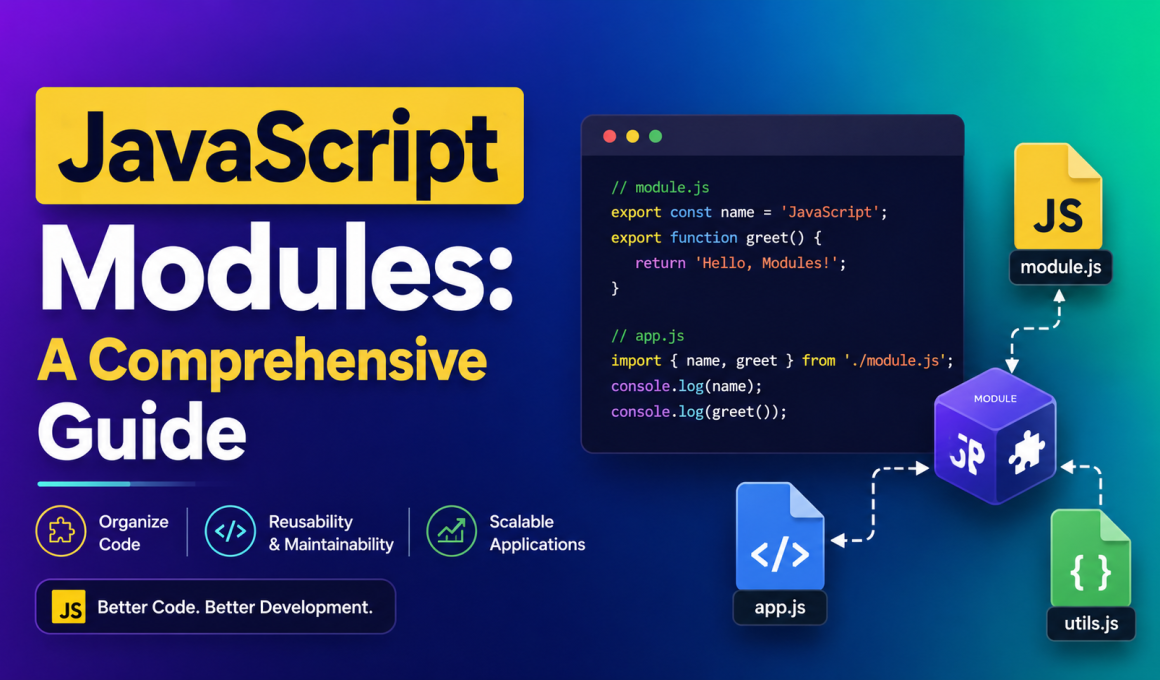
JavaScript Modules: A Comprehensive Guide is one of the most important topics every modern web developer should understand. If you’ve ever opened a JavaScript file and felt overwhelmed by hundreds or thousands of lines of code, you’re not alone.
JavaScript Modules: A Comprehensive Guide will help you understand how developers organize code into smaller, manageable pieces that are easier to build, maintain, and reuse.
When I first started learning JavaScript, I kept writing everything in a single file. It worked for small projects. But the moment I tried building a larger application, things became messy very quickly. Functions started conflicting with each other, debugging became frustrating, and finding specific code felt like searching for a needle in a haystack.
That’s exactly where JavaScript modules changed everything for me.
In this guide, I’ll explain JavaScript modules in simple language, share practical examples, and show you why they have become a standard part of modern web development.
⭐ Key Highlights
- Learn what JavaScript modules are
- Understand why JavaScript modules matter
- Explore module exports and imports
- Discover the benefits of modular programming
- Learn the difference between CommonJS and ES Modules
- See real-world JavaScript module examples
- Understand best practices for organizing code
- Avoid common mistakes beginners make
- Improve code readability and maintainability
- Build scalable JavaScript applications
What Are JavaScript Modules?
Simply put, a JavaScript module is a file that contains code designed to perform a specific task.
Instead of putting all your code into one giant file, you split it into smaller files called modules.
Think of a house.
You don’t store everything in one room.
You have:
- A kitchen
- A bedroom
- A bathroom
- A living room
Each room has its own purpose.
JavaScript modules work the same way. Each module handles a specific responsibility.
This makes your project cleaner and much easier to manage.
Why JavaScript Modules Are Important
Before JavaScript modules, developers often placed all their code inside a single JavaScript file.
I remember working on a small project that grew unexpectedly. What started as 200 lines of code eventually crossed 2,000 lines.
Finding bugs became painful.
Making changes became risky.
One modification could accidentally break something else.
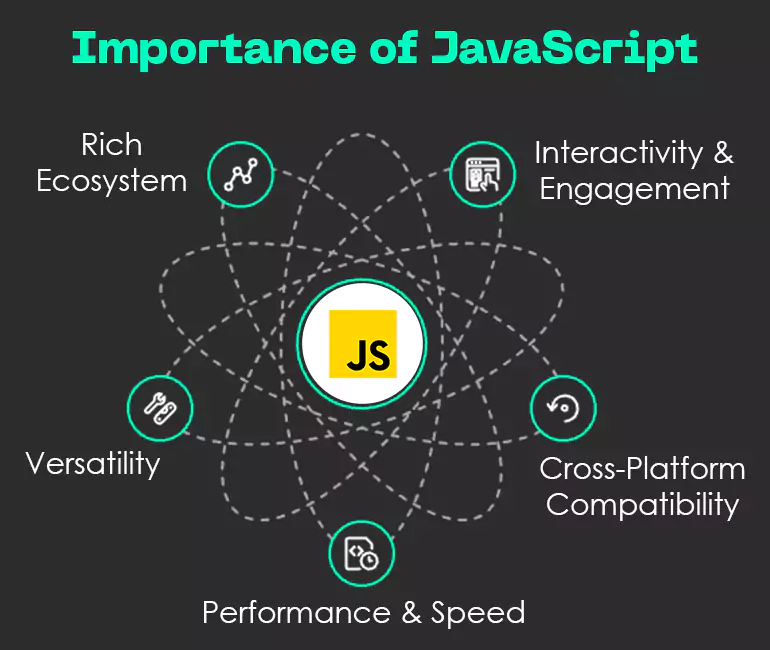
With JavaScript modules, we can:
✅ Organize code better
✅ Reuse functionality
✅ Reduce complexity
✅ Improve maintainability
✅ Make teamwork easier
Modern frameworks like React, Angular, and Vue.js rely heavily on modular architecture.
JavaScript Modules: A Comprehensive Guide to Module Structure
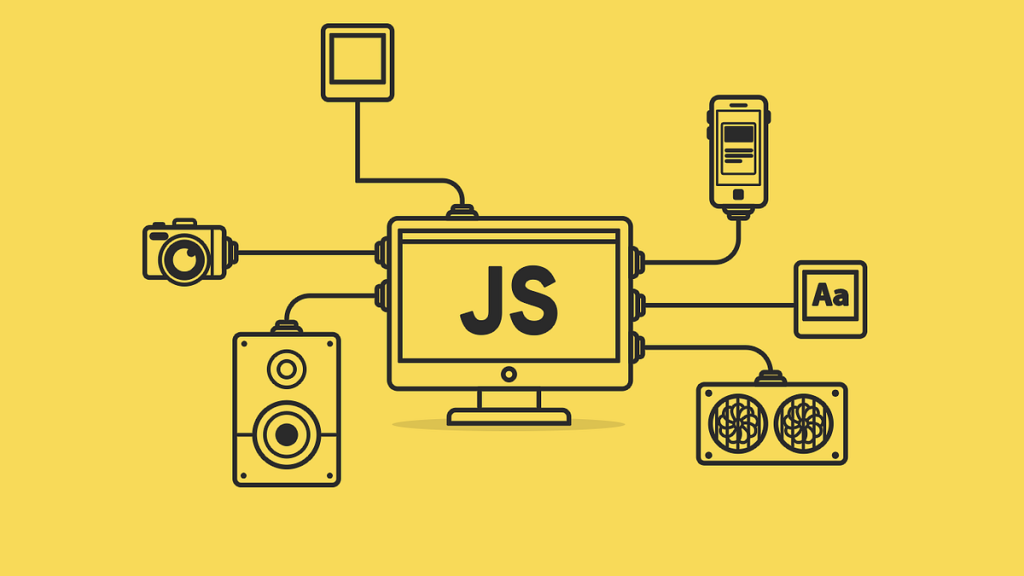
A typical JavaScript module contains:
- Variables
- Functions
- Classes
- Constants
These elements can be shared with other files using exports.
For example:
export const websiteName = "My Blog";

export function greet() {
    console.log("Hello World");
}
Here, both the variable and function are available for use in other modules.
Understanding Export in JavaScript Modules
The export keyword allows us to expose code from one module so another module can use it.
Named Export Example
export const company = "OpenAI";

export function sayHello() {
    console.log("Hello");
}
Multiple items can be exported from the same file.
This flexibility is one reason why JavaScript modules are so powerful.
Understanding Import in JavaScript Modules
To use exported code, we use the import keyword.
Example:
import { company, sayHello } from "./app.js";

console.log(company);
sayHello();
This imports only the items we need.
I love this feature because it keeps projects clean and prevents unnecessary code from loading.
Default Exports in JavaScript Modules
Sometimes a module only needs to export one thing.
In that case, we can use a default export.
export default function greet() {
    console.log("Welcome!");
}
Importing it looks like this:
import greet from "./app.js";

greet();
This approach is common when a file has a single primary purpose.
Real-World Example of JavaScript Modules
Let’s imagine we’re building an e-commerce website.
Instead of writing everything in one file, we can separate responsibilities.
product.js
export const products = [];cart.js
export function addToCart() {
    console.log("Product added");
}
main.js
import { products } from "./product.js";
import { addToCart } from "./cart.js";
Now each file has a clear purpose.
When the application grows, managing it becomes much easier.
Benefits of JavaScript Modules
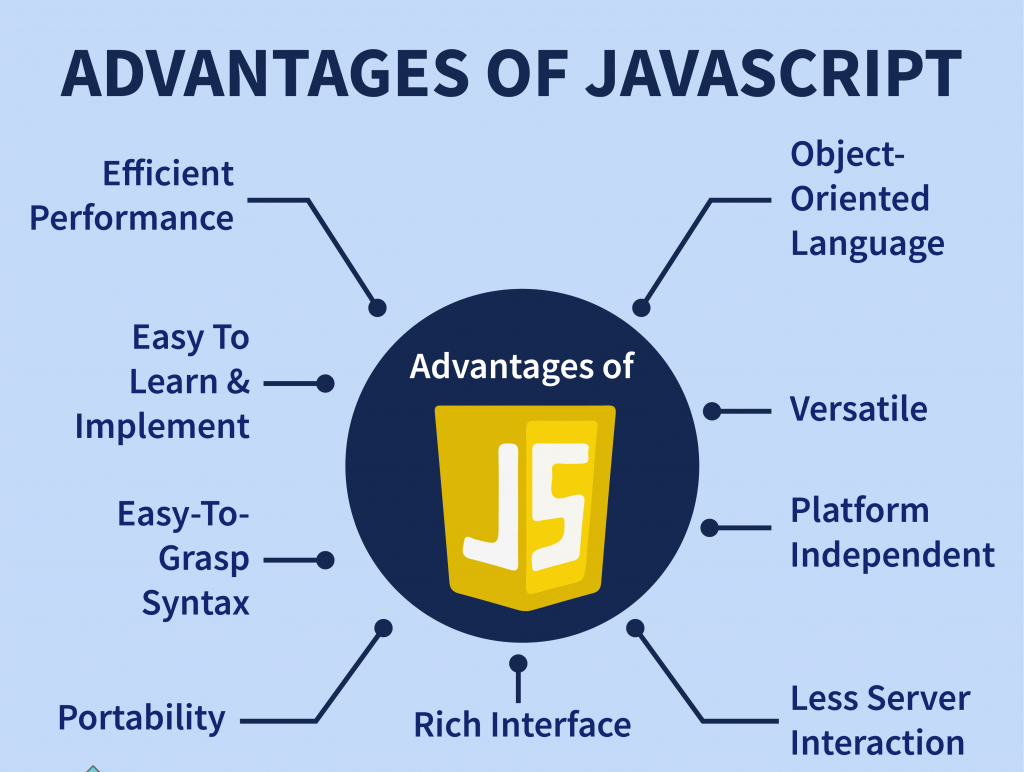
1. Better Code Organization 📁
Modules allow developers to separate features into logical sections.
Everything has a proper place.
2. Easier Maintenance 🔧
When bugs appear, you can quickly locate the responsible module.
You don’t need to search through thousands of lines.
3. Improved Reusability ♻️
A module created for one project can often be reused elsewhere.
This saves development time.
4. Enhanced Collaboration 👨💻👩💻
Large development teams can work on different modules simultaneously.
Everyone doesn’t need to edit the same file.
5. Better Scalability 📈
As projects grow, modular code remains manageable.
Without modules, large applications become difficult to maintain.
ES Modules vs CommonJS
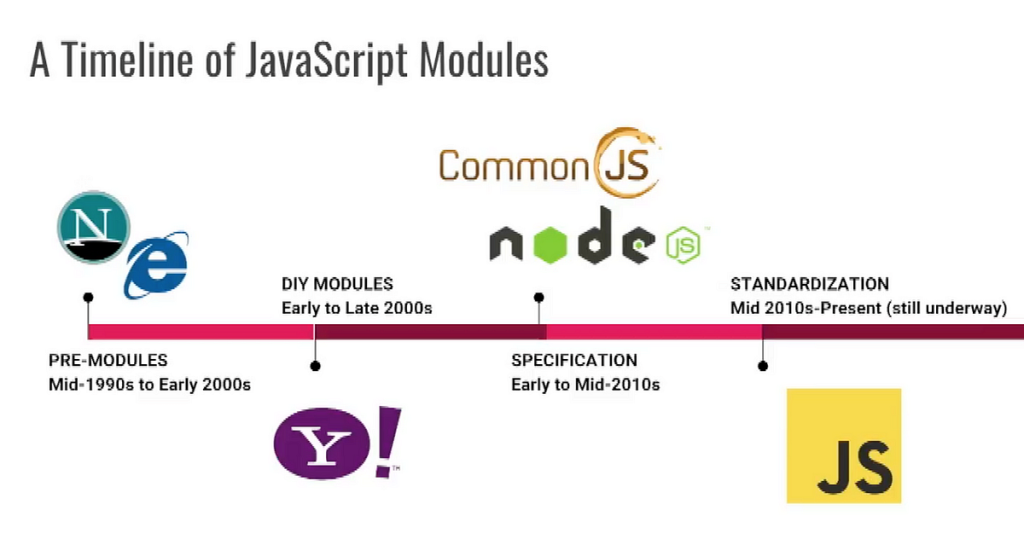
When discussing JavaScript modules, you’ll often hear about ES Modules and CommonJS.
ES Modules (Modern Standard)
export function test() {}

import { test } from "./file.js";
CommonJS (Node.js Traditional)
module.exports = test;

const test = require("./file");
Quick Comparison
| Feature | ES Modules | CommonJS |
|---|---|---|
| Syntax | import/export | require/module.exports |
| Browser Support | Yes | No |
| Modern Standard | Yes | Older |
| Static Analysis | Better | Limited |
Today, ES Modules are generally the preferred approach.
Best Practices for JavaScript Modules
After working on several JavaScript projects, I’ve found these practices extremely helpful.
Keep Modules Focused
Each module should handle one responsibility.
Bad:
user.jsHandles login, payments, products, and orders.
Good:
login.js
payment.js
product.js
order.js
Use Meaningful File Names
Choose names that clearly describe the module’s purpose.
Examples:
- auth.js
- payment.js
- profile.js
- notification.js
Avoid Large Modules
If a module becomes huge, split it.
Smaller modules are easier to maintain.
Export Only What’s Needed
Avoid exporting unnecessary variables or functions.
Expose only what other modules actually need.
Common Mistakes Beginners Make
When learning JavaScript Modules: A Comprehensive Guide, many beginners encounter similar problems.
Incorrect File Paths
import test from "file.js";Should often be:
import test from "./file.js";Forgetting Export
If you don’t export a function, other modules cannot access it.
Mixing Module Systems
Avoid mixing:
- CommonJS
- ES Modules
within the same project unless necessary.
How JavaScript Modules Improve Performance
A lesser-known advantage of JavaScript modules is performance optimization.
Modern browsers can:
- Load modules efficiently
- Cache modules
- Download dependencies intelligently
This leads to better user experiences and faster applications.
For official documentation, check the MDN Web Docs:
https://developer.mozilla.org/en-US/docs/Web/JavaScript/Guide/Modules
You can also explore the official JavaScript specification:
https://tc39.es/ecma262/
My Experience Learning JavaScript Modules
I’ll be honest.
At first, imports and exports seemed confusing.
I kept asking myself:
“Why can’t I just put everything in one file?”
But after building larger applications, the answer became obvious.
Modules make code predictable.
They reduce chaos.
They help developers think clearly.
Today, whenever I start a new JavaScript project, modular design is one of the first things I implement.
It saves time, reduces bugs, and makes future updates much easier.
Final Thoughts
JavaScript Modules: A Comprehensive Guide isn’t just another programming concept—it’s a practical skill that every JavaScript developer should master.
Whether you’re building a simple website or a large enterprise application, JavaScript modules help you organize code, improve maintainability, and create scalable software.
If you’re still writing everything inside one massive JavaScript file, I encourage you to try a modular approach on your next project.
You might be surprised by how much cleaner and easier your code becomes. 🚀
The more you practice with JavaScript Modules, the more natural they will feel. And once you get comfortable with them, you’ll wonder how you ever coded without them.
Want to learn more about javascript??, kaashiv Infotech Offers Front End Development Course, Full Stack Development Course, & More www.kaashivinfotech.com.