DevOps is one of the most valuable areas for people who want to build a career in modern software development and IT operations. It brings development and operations practices together to make software delivery faster, more reliable, and easier to manage. However, simply learning DevOps concepts is not enough. Working on practical projects helps beginners understand how different tools and processes work together.
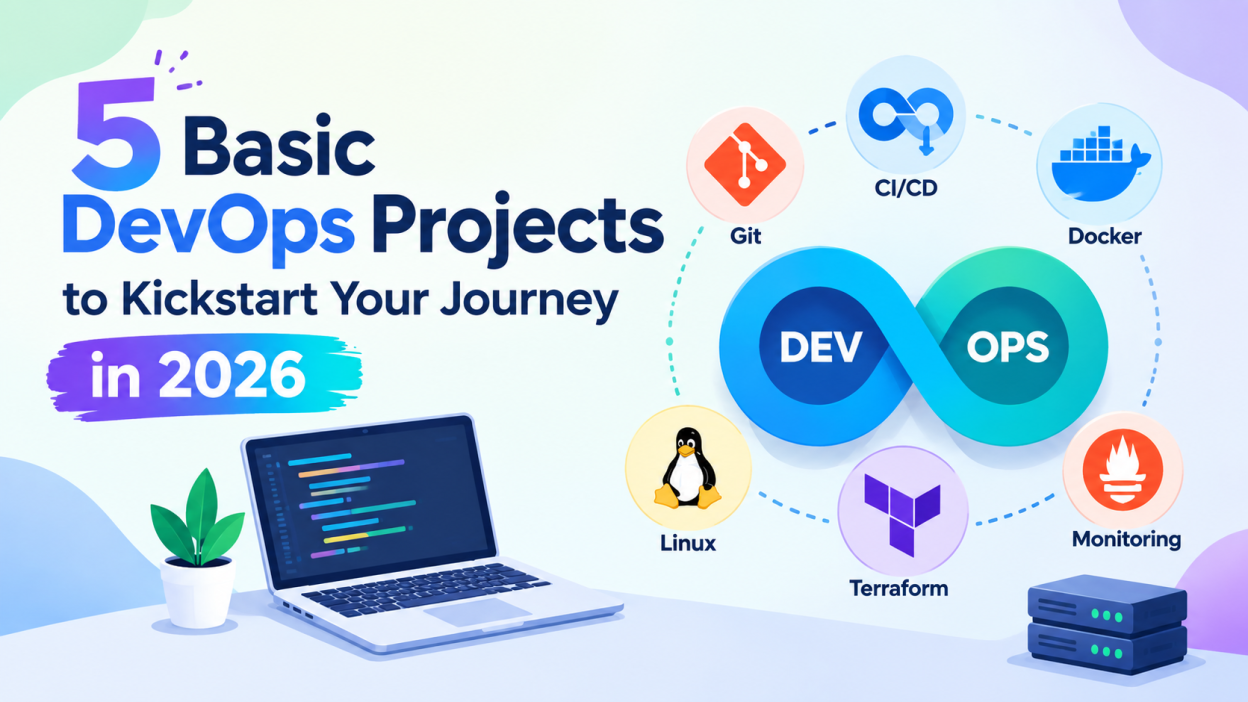
If you are new to DevOps, you do not need to start with complicated cloud infrastructure or large-scale automation. Small projects can help you learn the fundamentals step by step. In this article, we will explore 5 basic DevOps projects for beginners that can help you develop practical skills and build a strong portfolio in 2026.
Why Should Beginners Build DevOps Projects?
DevOps involves several technologies, including Git, Linux, Docker, CI/CD tools, cloud platforms, and infrastructure automation. Beginners may find it difficult to understand how these technologies connect when learning them separately.
Projects provide an opportunity to combine these concepts in a practical environment. For example, you can create an application, store its source code in Git, package it with Docker, automatically test it using a CI/CD pipeline, and deploy it to a server.
These projects can also demonstrate your practical knowledge during internships and entry-level interviews.
1. Build a Simple CI/CD Pipeline
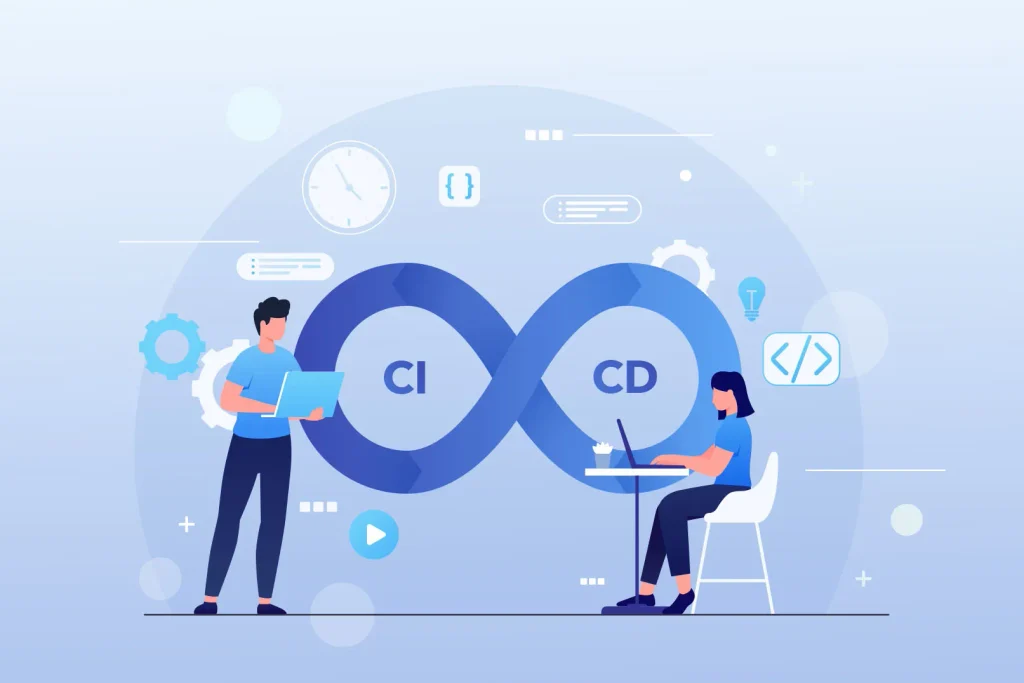
A CI/CD pipeline is one of the most important concepts in DevOps. Continuous Integration (CI) helps developers automatically build and test code changes, while Continuous Delivery or Deployment (CD) automates the process of delivering applications.
For this beginner project, create a simple web application using technologies such as HTML, CSS, JavaScript, Python, or Java. Store the project in a Git repository and configure a CI/CD tool to automatically run whenever you push new code.
You can use tools such as Jenkins, GitHub Actions, or GitLab CI/CD.
What You Can Learn
- Git and GitHub basics
- Build automation
- Automated testing
- CI/CD pipeline configuration
- Version control
- Deployment automation
Start with a simple pipeline containing three stages: Build → Test → Deploy. Once the basic pipeline works, you can add notifications, environment variables, and automated deployment.
2. Dockerize a Web Application
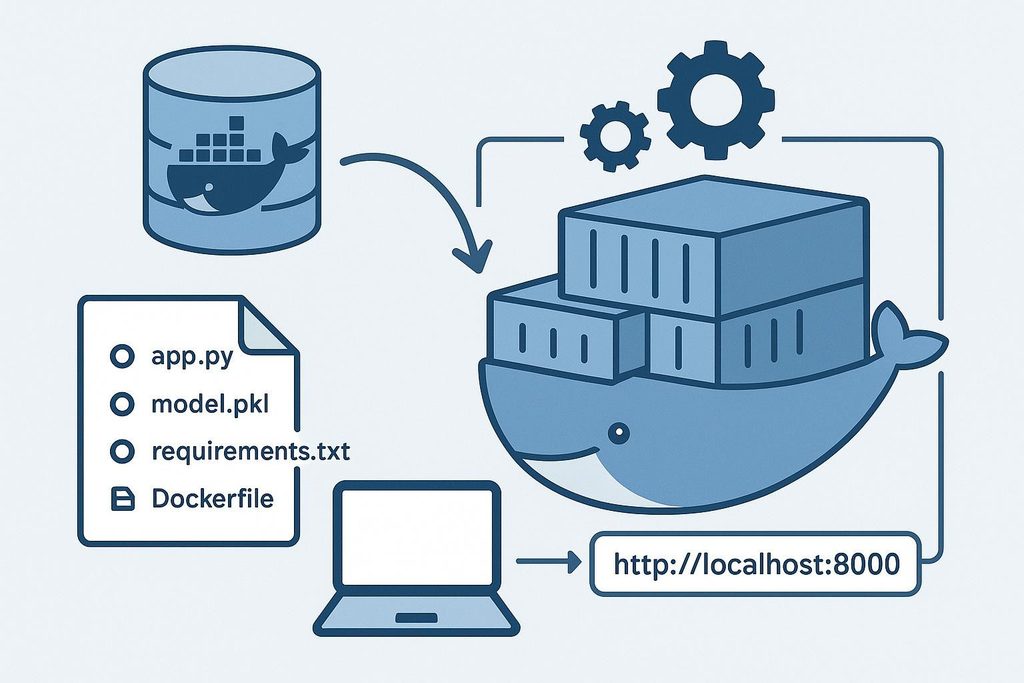
Containers are widely used in modern DevOps workflows because they package an application along with the dependencies it needs to run.
In this project, choose a basic web application and create a Dockerfile for it. Build a Docker image and run the application inside a Docker container.
For example, a Python Flask application can be packaged into a Docker image and launched as a container. You can then publish the image to a container registry and use it on another machine.
What You Can Learn
- Docker fundamentals
- Images and containers
- Dockerfiles
- Port mapping
- Container networking
- Container registries
- Application portability
After understanding a single container, try using Docker Compose to run multiple services, such as an application and database.
3. Create a Linux Server Deployment Project
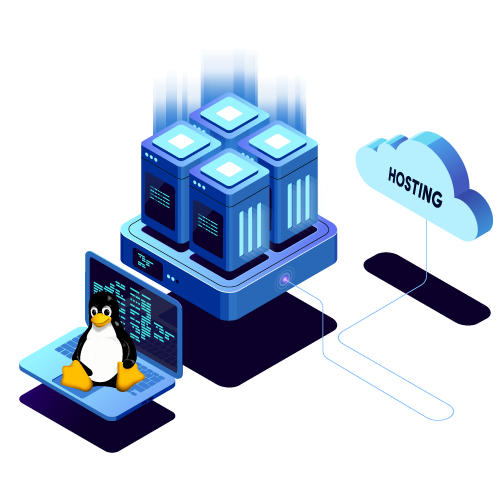
Linux knowledge is extremely useful for DevOps professionals. A simple Linux deployment project can help beginners become comfortable with servers, commands, permissions, processes, and application deployment.
For this project, create a virtual Linux server using a local virtual machine or a cloud platform. Install a web server such as Nginx and deploy a simple website or application.
You can practice connecting to the server using SSH, copying files, managing services, checking logs, and configuring basic firewall rules.
What You Can Learn
- Linux commands
- SSH
- File and directory management
- User permissions
- Process management
- Nginx configuration
- Server monitoring basics
This project is particularly useful because Linux administration forms an important foundation for many DevOps tasks.
4. Automate Infrastructure with Terraform
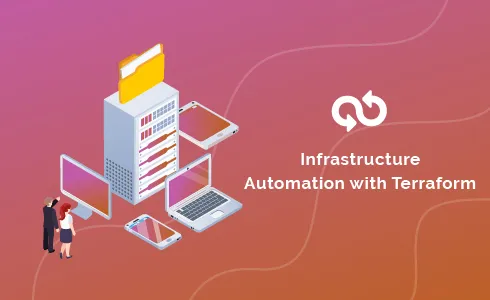
Infrastructure as Code, commonly called IaC, allows infrastructure to be defined and managed using configuration files instead of manually creating every resource.
Terraform is a popular tool for learning this concept.
For a beginner project, create a small infrastructure setup using Terraform. Depending on your environment, you could provision a virtual machine, network resources, or other cloud services.
Instead of manually creating resources through a cloud provider’s dashboard, define them in Terraform configuration files.
What You Can Learn
- Infrastructure as Code
- Terraform configuration
- Providers and resources
- Variables
- Terraform plan and apply
- Infrastructure automation
Once your basic setup works, experiment with variables and reusable modules. This will help you understand how infrastructure can be managed consistently across different environments.
5. Build a Monitoring and Logging Project
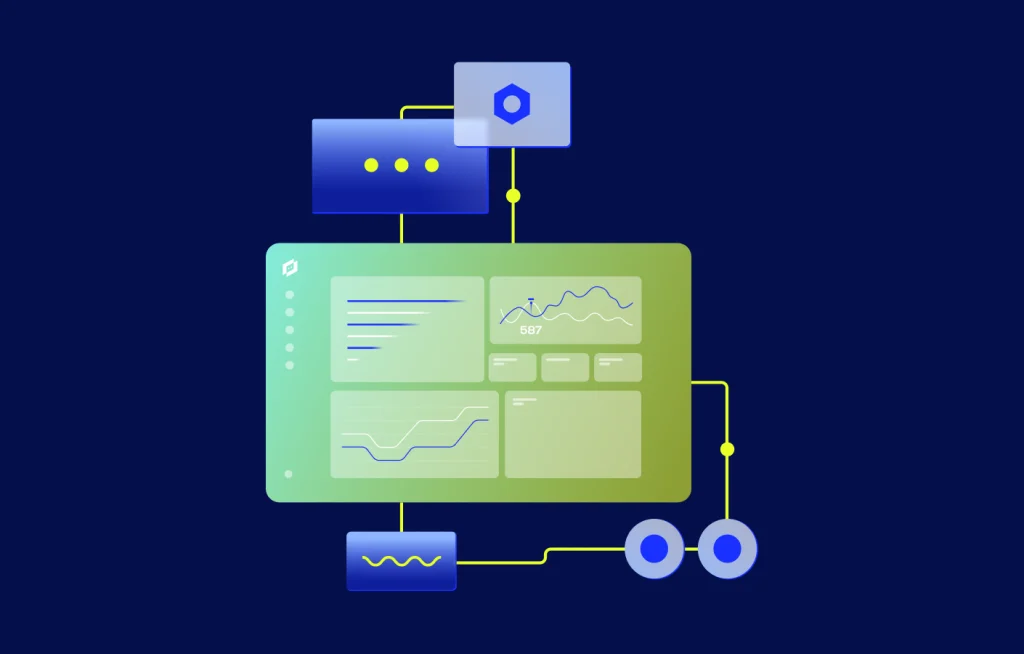
Deploying an application is only one part of DevOps. You also need to know whether the application and infrastructure are working correctly.
A beginner monitoring project can introduce you to metrics, logs, alerts, and dashboards.
You can deploy a simple application and monitor basic information such as CPU usage, memory usage, disk space, network activity, and application availability. Tools such as Prometheus and Grafana can be explored for monitoring and visualization.
You can also collect application or server logs and learn how to identify common errors.
What You Can Learn
- Monitoring concepts
- Metrics and dashboards
- Log management
- Alerts
- System health checks
- Basic troubleshooting
Start with a few simple metrics before moving toward more advanced monitoring setups.
How to Choose the Right DevOps Project
If you are completely new to DevOps, avoid trying to learn every tool at the same time. Follow a gradual approach.
Start with Git and Linux fundamentals, then build a basic CI/CD pipeline. After that, learn Docker and containerize your application. Once you understand deployment, move toward Terraform and monitoring.
A possible learning path is:
Git → Linux → CI/CD → Docker → Cloud → Terraform → Monitoring
You can also document each project on GitHub. Include the project objective, technologies used, setup instructions, screenshots, configuration files, and what you learned. A well-documented project can make your portfolio easier for recruiters and interviewers to understand.
Tips for Building a DevOps Portfolio
Your project does not need to be extremely complicated to demonstrate useful skills. Focus on understanding why each tool is being used.
For every project, try to answer questions such as:
- What problem does this project solve?
- Why did you choose this tool?
- How does the deployment process work?
- What happens when a new code change is pushed?
- How would you troubleshoot a failed deployment?
- How can the project be automated further?
You can gradually improve an existing project instead of creating many unrelated projects. For example, begin with a simple application, add Git-based version control, create a CI/CD pipeline, Dockerize it, deploy it to a cloud server, and finally add monitoring.
Conclusion
Building practical projects is one of the most effective ways to understand DevOps concepts. The 5 basic DevOps projects discussed here—creating a CI/CD pipeline, Dockerizing an application, deploying on Linux, automating infrastructure with Terraform, and setting up monitoring—cover several important foundations.
Beginners should focus on completing each project, understanding the tools involved, and documenting their work. As your skills improve, you can combine these projects into a complete DevOps workflow involving source control, automated testing, containerization, infrastructure automation, deployment, and monitoring.
With consistent practice and hands-on learning, these beginner-friendly projects can provide a strong foundation for exploring more advanced DevOps technologies and real-world deployment environments.
if you want to level up? Enroll in a hands-on DevOps course in Chennai that includes software development projects. It’s the best of both worlds.