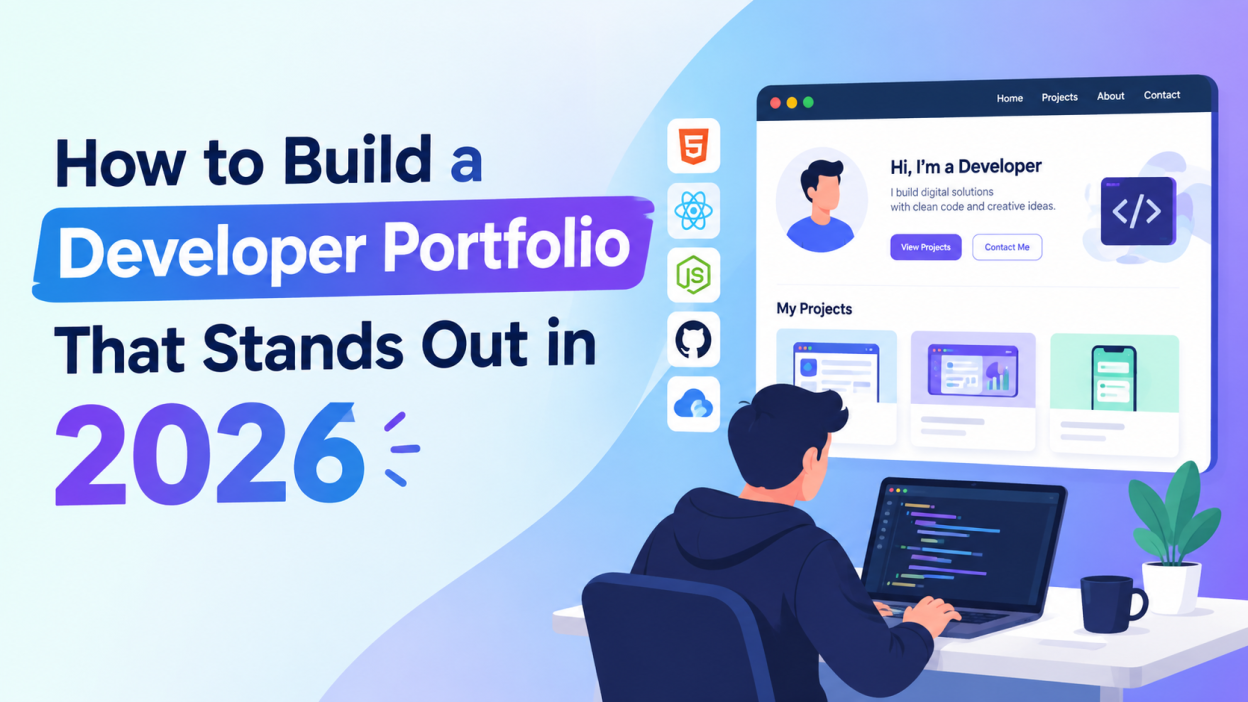
How to Build A developer portfolio is more than a collection of projects. In 2026, it can act as your online introduction to recruiters, clients, and other developers. A well-designed portfolio can demonstrate your technical skills, problem-solving ability, experience, and personality without requiring someone to read a long resume first.
Whether you are a beginner looking for your first developer job or an experienced professional searching for new opportunities, your portfolio should clearly communicate what you can build and how you approach real-world problems. Here are practical ways to create a developer portfolio that stands out in 2026.
Start With a Clear Introduction
The first section of your portfolio should immediately tell visitors who you are and what you do. Avoid complicated descriptions or long paragraphs.
For example:
“Hi, I’m Arun, a Full Stack Developer specializing in React, Node.js, and cloud-based applications.”
You can add a short sentence explaining what type of applications you enjoy building.
Your homepage should also include clear buttons such as View Projects, Download Resume, or Contact Me. Visitors should not have to search through multiple pages to understand your profile.
Choose a Modern and Simple Design
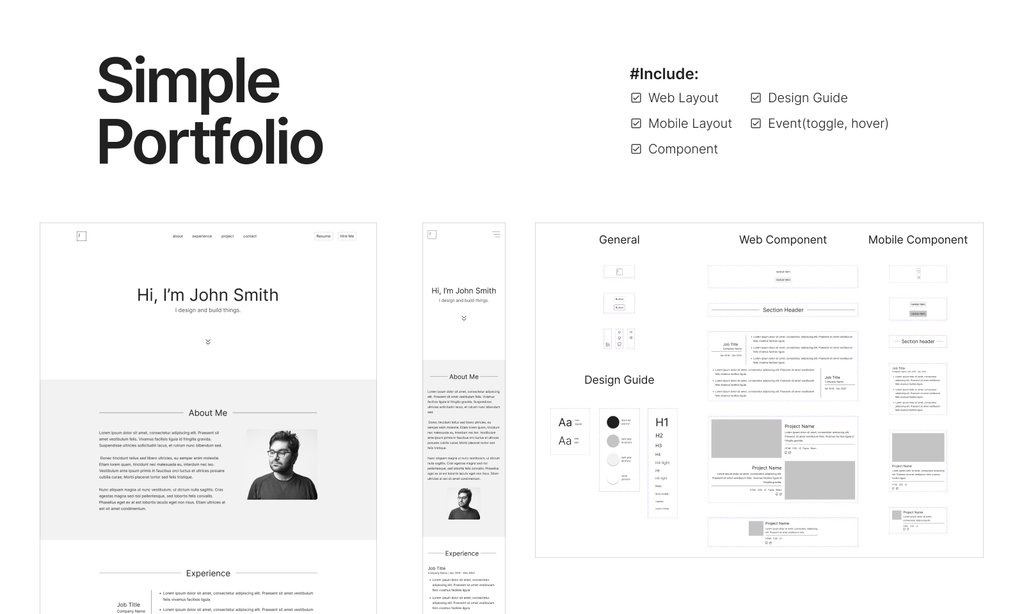
A portfolio does not need complicated animations or dozens of visual effects. A clean interface with good typography, spacing, and navigation often creates a better experience.
Use a consistent color palette and make sure text is easy to read on both desktop and mobile devices. You can include subtle animations, hover effects, or transitions, but they should support the content rather than distract visitors.
A responsive design is especially important because recruiters and clients may view your portfolio from phones, tablets, or laptops.
Showcase Your Best Projects
Projects are usually the most important part of a developer portfolio. Instead of adding every small project you have created, select a few projects that demonstrate different skills.
For each project, explain:
- What problem the project solves
- Technologies used
- Your role
- Important features
- Challenges you faced
- How you solved those challenges
- Link to the live application
- Link to the source code, when appropriate
For example, instead of simply writing “E-commerce Website – React and Node.js,” explain what you actually built.
You could mention authentication, product management, payment integration, database operations, responsive design, and deployment.
This gives recruiters a better understanding of your practical abilities.
Add Real-World Projects
Personal projects are useful, but projects that solve realistic problems can make your portfolio more convincing.
Consider building applications such as:
- Expense management systems
- Learning management platforms
- Job portals
- E-commerce applications
- Task management tools
- AI-powered productivity applications
- Developer tools
- Data dashboards
- Appointment booking systems
The goal is not to make the biggest application possible. A smaller project with thoughtful functionality and clean implementation can demonstrate more skill than a large unfinished application.
Explain Your Technical Decisions
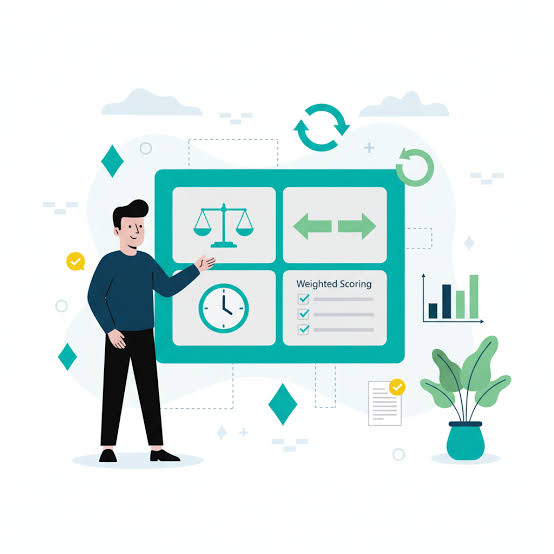
A strong portfolio should show not only what you built but also why you built it that way.
For example, if you used PostgreSQL instead of another database, briefly explain the reason. If you selected React for the frontend, describe what made it suitable for your project.
You can create a short “Technical Decisions” section for major projects.
This demonstrates problem-solving and engineering thinking, which are valuable qualities for developers.
Highlight Your Skills Clearly
Create a dedicated skills section, but avoid filling it with every technology you have ever tried.
Organize your skills into categories such as:
Frontend: HTML, CSS, JavaScript, React
Backend: Node.js, Express, Python
Database: MySQL, PostgreSQL, MongoDB
Tools: Git, GitHub, Docker, VS Code
Cloud: AWS, Azure, or other platforms you actually use
Only list technologies you can confidently discuss in an interview.
You can also connect skills to projects. For example, instead of simply listing React, show which projects demonstrate your React experience.
Include GitHub and Live Demos

A portfolio becomes more credible when visitors can explore your actual work.
Where possible, provide both a live demo and a GitHub repository.
Keep your repositories organized with:
- Clear README files
- Installation instructions
- Project screenshots
- Technology details
- Usage instructions
- Meaningful commit messages
A recruiter who wants to investigate your technical work should be able to understand your repository without asking you for additional information.
Add an About Me Section
Your About Me section should be short and genuine.
Mention your development interests, experience, education if relevant, and the type of work you want to pursue.
Avoid writing a complete autobiography. Two or three short paragraphs are usually enough.
You can also mention activities such as open-source contributions, technical blogging, hackathons, certifications, or community involvement if they are relevant to your career.
Make Your Portfolio Fast and Accessible
A beautiful portfolio is less useful if it loads slowly.
Optimize images, reduce unnecessary scripts, use efficient code, and avoid loading large assets that are not needed.
Also make sure your website supports keyboard navigation, has readable contrast, includes alternative text for meaningful images, and works correctly on different screen sizes.
Performance and accessibility demonstrate attention to detail and improve the experience for everyone visiting your website.
Add Your Resume and Contact Information

Make it easy for recruiters or clients to contact you.
Include your professional email, LinkedIn profile, GitHub profile, and resume where appropriate.
Your contact section can be simple. A short message such as “Interested in working together? Let’s connect.” followed by your contact options is enough.
If you provide a resume download, keep the document updated so that the information matches your portfolio.
Keep Your Portfolio Updated
Technology changes quickly, so your portfolio should not remain unchanged for years.
Review it regularly and update:
- Recent projects
- New technical skills
- Work experience
- Certifications
- GitHub repositories
- Resume
- Contact information
You can also remove outdated projects when you have stronger work to showcase.
Use Your Portfolio to Tell a Story
The strongest portfolios are not simply lists of technologies. They tell visitors what kind of developer you are.
A good structure could be:
Introduction → Skills → Projects → Experience → About → Resume → Contact
Each section should support the same message about your professional interests and capabilities.
For example, if you want to become a full-stack developer, your projects, skills, GitHub repositories, and experience should collectively demonstrate your ability to work across frontend, backend, databases, APIs, and deployment.
Final Thoughts
Building a developer portfolio in 2026 is about demonstrating practical ability rather than simply collecting technology names. A clean design, strong projects, detailed project explanations, accessible interface, live demos, and organized GitHub repositories can make your portfolio much more useful.
Focus on quality instead of quantity. Choose projects that demonstrate how you solve problems, explain your technical decisions, and keep your portfolio updated as your skills develop.
Most importantly, treat your portfolio as a living project. Improve its design, performance, content, and projects over time. Your portfolio should grow alongside your development career and give visitors a clear picture of what you can build.
Want to Learn More About Java ?, Kaashiv Infotech Offers, Full Stack Java Course, Java Course, Data Science Course, Internships & More, Visit Their Website www.kaashivinfotech.com.