Mobile operating systems play an important role in how smartphones and other mobile devices work. They manage hardware, run applications, control security features, and provide the interface that users interact with every day. Most people are familiar with Android and iOS, but several other mobile operating systems offer unique features, different privacy approaches, and alternative ways to use mobile devices.
These alternatives are especially interesting for technology enthusiasts, developers, cybersecurity learners, and people who want more control over their devices. Some focus on privacy, while others provide open-source software or support specialized hardware.
In 2026, exploring alternative mobile operating systems is a useful way to understand how mobile technology continues to evolve. Here are six unique mobile operating systems worth knowing about.
What Is a Mobile Operating System?
A mobile operating system is software that manages a smartphone or tablet’s hardware and applications. It connects the device’s processor, memory, camera, touchscreen, network connections, and storage with the applications people use.
Popular mobile operating systems provide features such as notifications, app management, internet connectivity, device security, and battery optimization. However, different operating systems handle these functions in different ways.
For example, some systems prioritize a simple user experience, while others focus on privacy, customization, or open-source development. Understanding these differences helps users choose the right platform for their needs.
1. GrapheneOS
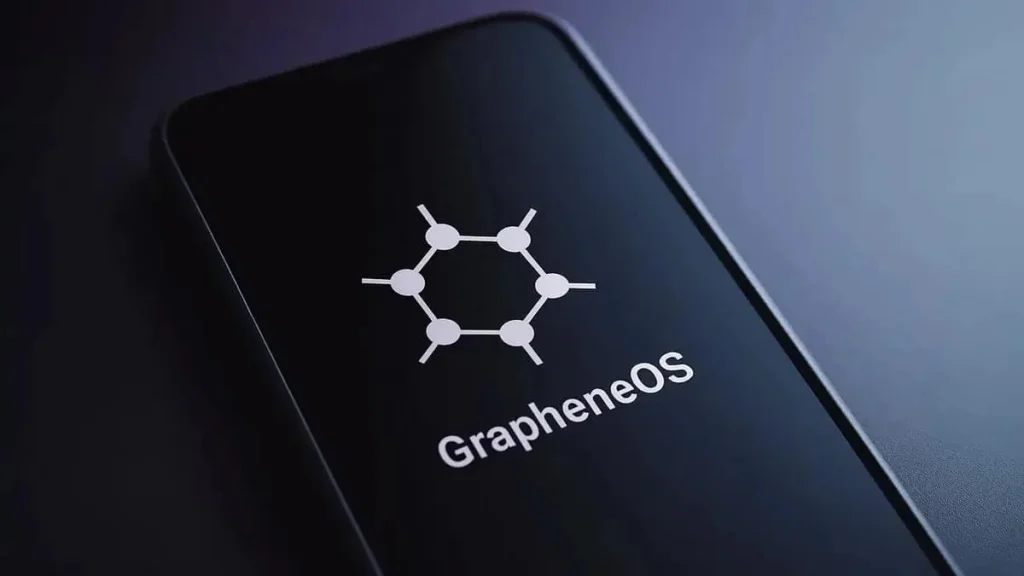
GrapheneOS is a security-focused mobile operating system based on the Android Open Source Project (AOSP). It is designed primarily for compatible Google Pixel devices and aims to improve privacy and security without sacrificing essential smartphone functionality.
One of its most important features is its approach to protecting users from malicious applications and potential security vulnerabilities. GrapheneOS includes hardened security mechanisms and additional controls that help users manage how applications access sensitive information.
Key features of GrapheneOS:
- Enhanced application sandboxing and memory protections.
- More control over application permissions.
- Options for using Google Play services in a restricted environment.
- Additional privacy and security settings.
- Support for compatible Pixel smartphones.
GrapheneOS is particularly useful for cybersecurity professionals, privacy-conscious users, and people who want stronger protection against mobile threats.
However, installing it requires a compatible device and some technical knowledge. Users should also check application compatibility before switching from their existing operating system.
2. /e/OS
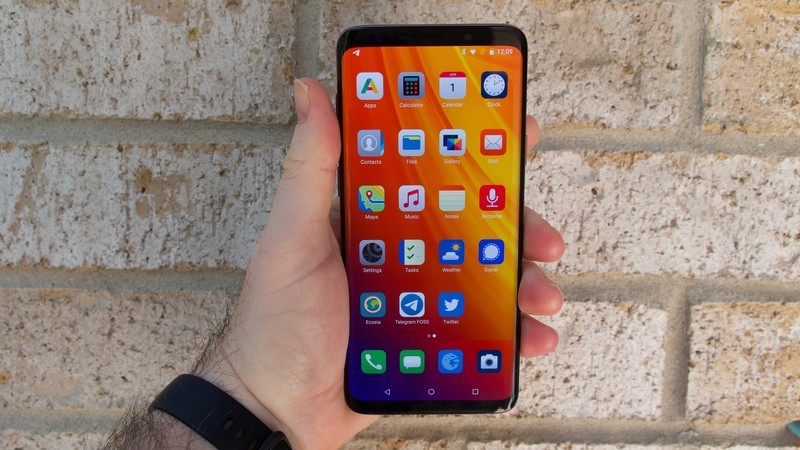
/e/OS is a privacy-oriented mobile operating system developed as an alternative to conventional Android software. It is based on Android’s open-source foundations and aims to reduce dependence on Google services.
The operating system provides a familiar smartphone experience, including application installation, messaging, browsing, and other everyday functions. This makes it an interesting option for people who want privacy features without moving to an entirely unfamiliar interface.
One of its main attractions is its approach to reducing tracking. Its ecosystem includes privacy-oriented tools and services designed to help users manage personal information.
Key features of /e/OS:
- Reduced dependence on Google services.
- Privacy-focused applications and settings.
- An alternative application marketplace.
- Cloud services designed around privacy.
- Support for selected smartphone models.
Users who want an Android-like experience with a stronger emphasis on privacy may find /e/OS appealing. It can also help beginners understand how mobile applications and online services collect information.
Before installing it, users should verify that their smartphone is supported and check whether their essential applications work correctly.
3. LineageOS
LineageOS is one of the best-known open-source Android-based operating systems. It is developed by a community of contributors and provides an alternative to the software supplied by smartphone manufacturers.
Many Android devices receive limited software updates after a few years. LineageOS can offer another option for supported devices, allowing users to install a different Android-based system with customization features and a relatively clean interface.
However, updates depend on the device, its maintainers, and the availability of suitable builds. Installing LineageOS does not guarantee that every older smartphone will receive long-term support.
Key features of LineageOS:
- Open-source development.
- Customization options for the user interface.
- Control over certain system settings.
- A familiar Android application environment.
- Community-supported builds for selected devices.
LineageOS is useful for developers, Android enthusiasts, and users who enjoy experimenting with mobile software. It can also provide a practical learning opportunity for people interested in operating systems, device flashing, and Android customization.
Users should always back up their data and follow the official installation instructions for their specific device.
4. Ubuntu Touch
Ubuntu Touch is a Linux-based mobile operating system maintained by the UBports community. It offers an alternative to mainstream smartphone platforms by bringing a Linux-oriented environment to supported mobile devices.
Unlike conventional Android interfaces, Ubuntu Touch emphasizes gesture-based navigation and an interface designed around mobile usability. Its development also reflects the broader goal of making Linux software available on smartphones.
The operating system is particularly interesting to people who enjoy open-source technology and want to explore alternatives to the Android and iOS ecosystems.
Key features of Ubuntu Touch:
- Open-source development.
- Gesture-based navigation.
- A Linux-oriented software environment.
- Community-driven development and support.
- Compatibility with selected devices.
Ubuntu Touch may appeal to Linux users, developers, and technology enthusiasts who want to experiment with mobile computing.
However, application availability and hardware support can be more limited than on Android or iOS. Some popular banking, streaming, and messaging applications may not be available in their usual form.
Therefore, it is important to review device compatibility and essential application requirements before making the switch.
5. Sailfish OS
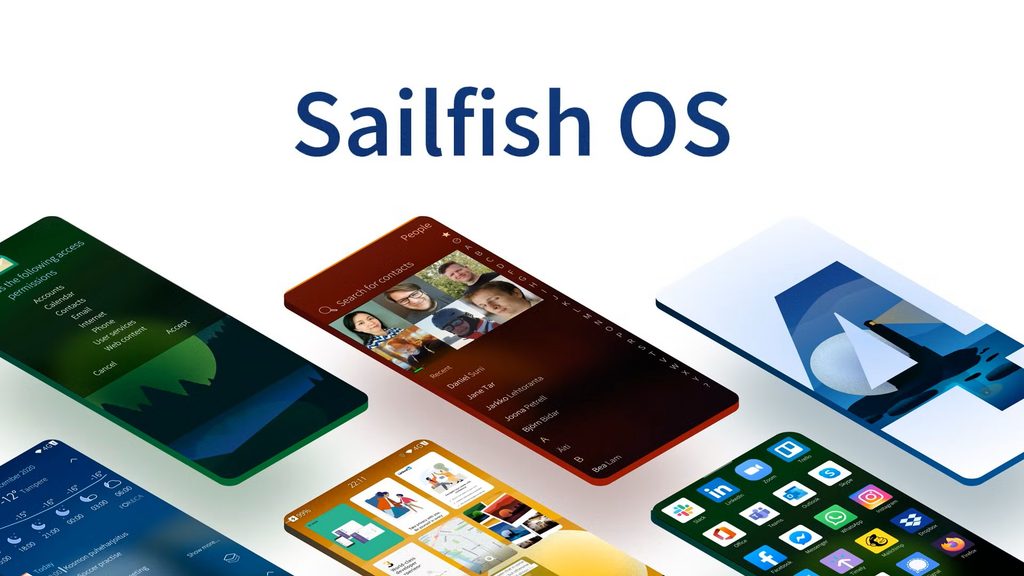
Sailfish OS is a Linux-based mobile operating system developed by Jolla. It is known for its gesture-driven interface, multitasking experience, and alternative approach to mobile software.
Unlike Android-based operating systems, Sailfish OS uses a different software foundation and user interface design. It is built around the idea of providing a distinctive mobile experience outside the dominant smartphone ecosystems.
One of its notable capabilities is support for Android application compatibility on supported devices and editions. However, availability and compatibility can vary, so users should verify which applications work on their particular setup.
Key features of Sailfish OS:
- Gesture-based user interaction.
- Linux-based architecture.
- Multitasking-focused interface.
- Android application compatibility on supported configurations.
- An alternative mobile software ecosystem.
Sailfish OS is worth exploring for developers and users interested in Linux-based mobile platforms. It also demonstrates how operating systems can offer different approaches to navigation, application management, and system design.
Before adopting it, users should review current device support, licensing requirements, and the availability of essential applications.
6. postmarketOS

postmarketOS is an open-source mobile operating system built around Alpine Linux. Its long-term goal is to make mobile devices more sustainable by enabling them to run Linux software beyond the period of support provided by their original manufacturers.
The project is especially interesting to developers who want to understand Linux at a deeper level. Depending on the device and configuration, postmarketOS can support different user interfaces and desktop-oriented software components adapted for mobile use.
Its development also encourages experimentation with mobile hardware and alternative computing environments.
Key features of postmarketOS:
- Based on Alpine Linux.
- Open-source development.
- Support for different interfaces on compatible devices.
- A focus on extending the useful life of hardware.
- Opportunities for Linux development and experimentation.
postmarketOS is particularly suitable for Linux enthusiasts, developers, and users interested in device sustainability.
However, support varies significantly between devices. Some features, including cameras, calls, wireless connectivity, and power management, may not work equally well on every model.
For most users, checking the project’s device documentation before installation is essential.
How to Choose the Right Mobile Operating System
The best operating system depends on what you want from your smartphone. Consider the following factors before choosing an alternative.
| Requirement | Operating system to explore |
|---|---|
| Strong privacy and security | GrapheneOS |
| Privacy-focused Android experience | /e/OS |
| Android customization | LineageOS |
| Linux-based mobile experience | Ubuntu Touch |
| Gesture-based alternative platform | Sailfish OS |
| Linux experimentation and hardware reuse | postmarketOS |
Device compatibility should be your first consideration. An operating system may look attractive, but it will not be useful if it does not support your smartphone or essential applications.
You should also review update frequency, installation requirements, security practices, and the availability of community support. Always back up important information before changing your device’s operating system.
Conclusion
Mobile technology extends far beyond Android and iOS. Operating systems such as GrapheneOS, /e/OS, LineageOS, Ubuntu Touch, Sailfish OS, and postmarketOS demonstrate how developers are exploring privacy, security, customization, Linux integration, and hardware sustainability.
Each platform has different strengths and limitations. Some are designed for everyday smartphone use, while others are better suited to technical experimentation. Their compatibility, application support, and maintenance also vary by device.
For beginners, learning about these alternatives provides a useful introduction to mobile operating systems and open-source software. For developers and cybersecurity learners, experimenting with a compatible device can provide practical experience with system architecture, application permissions, security controls, and mobile Linux.
As mobile technology evolves in 2026, these operating systems remain valuable examples of how innovation can create alternatives to mainstream smartphone platforms.
Kaashiv Infotech Offers Networking Course, Cyber Security Course, Cloud Computing Course Visit Their Website www.kaashivinfotech.com.