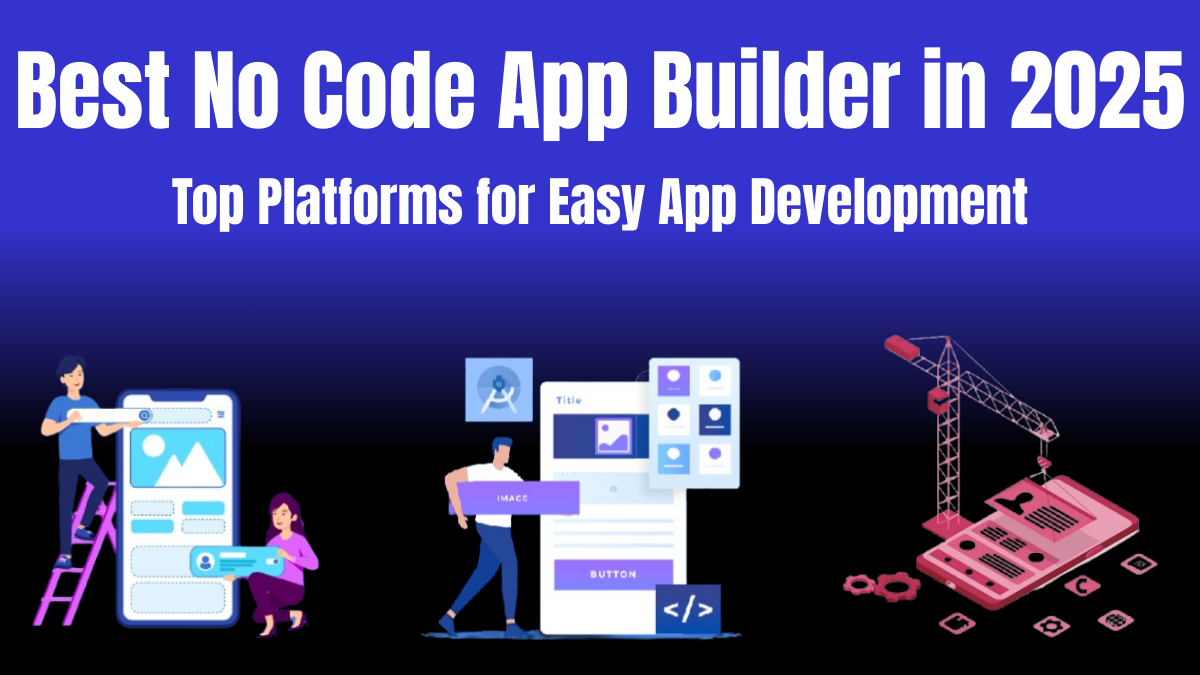
The truth is —coding isn’t for everyone. And in 2025, this doesn’t has to matter if you wan to create an app. Whether you’re a student, a startup founder, or someone with a killer app idea but zero coding experience, do not fear no code app builders are here. These platforms let you create powerful, functional apps without writing a single line of code.
Don’t believe me? Just wait you’ll to see it for yourself! 🤯
Below are some of the no-code app builders of 2025 that I think are the best I’ve spent hours digging into these, testing features, and seeing which ones are actually worth your time. Some are free, some are AI-powered, and some are perfect for drag-and-drop lovers. So, if you’re wondering, “Which no-code platform should I use?”, you’re in the right place. Let’s dive in! 🚀
🔥 Key Highlights: What You’ll Learn
- The best AI-powered no code platforms for smart app development
- Best free no code app builders (because who doesn’t love free stuff?)
- Best drag-and-drop app builders for effortless design
- Which platform suits your specific needs—startups, businesses, or personal projects
1. Bubble – The Powerhouse No Code App Builder for Web Apps 💪
Bubble has been in the business for a while, and in 2025, it’s still leading the no-code revolution and most well-known. Whether you’re building a marketplace (like Amazon, Flipkart, or OLX, where people buy and sell goods/services), SaaS (Software as a Service) products (like Google Docs or Dropbox, where users access software via the internet), or an Internal business tools (custom apps for managing company processes, like tracking sales or employee records), Bubble gives you the flexibility of traditional coding without the complexity.

✅ Why I love it:
- No-code but full customization—perfect for complex apps with dynamic workflows.
- AI-enhanced workflows AI automates repetitive tasks and optimize performance.
- Strong community & tutorials—learn fast with endless resources and forums.
💰 Pricing: Free plan available; paid plans start at ₹2,400/month ($29/month)
2. Adalo – Best No Code App Builder for Mobile Apps 📱
Need to build a mobile app that works on both Android and iOS? Adalo makes it ridiculously simple with its drag-and-drop editor. Perfect for creating MVPs (Minimum Viable Products)—a basic version of an app with just enough features to test an idea before investing more money—without hiring a developer.
✅ Why it stands out:
- Intuitive drag-and-drop interface—zero coding skills needed.
- Built-in database & integrations to connect with external services.
- One-click publishing to the App Store and Google Play.
💰 Pricing: Free plan available; premium starts at ₹3,000/month ($36/month)
3. Glide – The Best Free No-Code App Builder 🆓
If you love spreadsheets, Glide is a game-changer. It instantly transforms your Google Sheets into functional apps for business, internal tools, and personal projects—without needing a backend setup.
✅ Why I recommend it:
- Ridiculously easy to use—upload a Google Sheet, and you’re halfway done!
- AI-powered design suggestions make your app look polished.
- Great for quick prototypes and simple business automation.
💰 Pricing: Free for basic use; premium starts at ₹2,100/month ($25/month)
4. Thunkable – Best No Code App Builder for Cross-Platform Apps 🌍
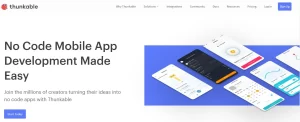
Need an app that works everywhere? Thunkable lets you create apps for iOS, Android, and web applications design —all from one project. It’s perfect for developers looking to prototype quickly or build functional cross-platform apps without hassle.
✅ Best features:
- Cross-platform (iOS, Android, Web) with one build—save time and effort.
- AI-powered app logic for smarter automation.
- Easy API & database integrations—connect to anything you need.
💰 Pricing: Free plan available; paid plans start at ₹1,700/month ($20/month)
5. Bravo Studio – Best for Design-First Apps 🎨
Are you a designer obsessed with pixel-perfect designs who dreams of turning Figma prototypes into real, working apps? but not so good with coding? Bravo Studio makes it happen—without the need for coding or backend setup.

✅ Why designers love it:
- Transforms Figma designs into mobile apps with real functionality.
- No need for backend setup—just focus on the UI/UX.
- Ideal for prototyping and user testing before full-scale development.
💰 Pricing: Free for personal use; paid plans start at ₹2,500/month ($30/month)
💡 No Code App Builder vs. Low-Code App Builder: What’s the Difference?
You might’ve heard of low-code platforms too. The difference? No code App Builder platforms are for non-tech users, while low-code still requires some programming knowledge. If you want a completely code-free experience, stick to no-code app builders like the ones above!
🔥 Final Thoughts: Which No Code App Builder is Best for You?
Choosing the right no code app builder depends on what you need:
- For web apps & marketplaces: Bubble 🏆
- For mobile apps (iOS & Android): Adalo 📱
- For free & simple app building: Glide 🆓
- For cross-platform development: Thunkable 🌍
- For design-heavy apps: Bravo Studio 🎨
If you’re serious about building an app without coding, start with a free plan and test out a platform before committing. No-code is the future, and 2025 is making it easier than ever to bring your ideas to life. 🌟
Which no-code platform are you most excited to try? Drop a comment below! 💬👇