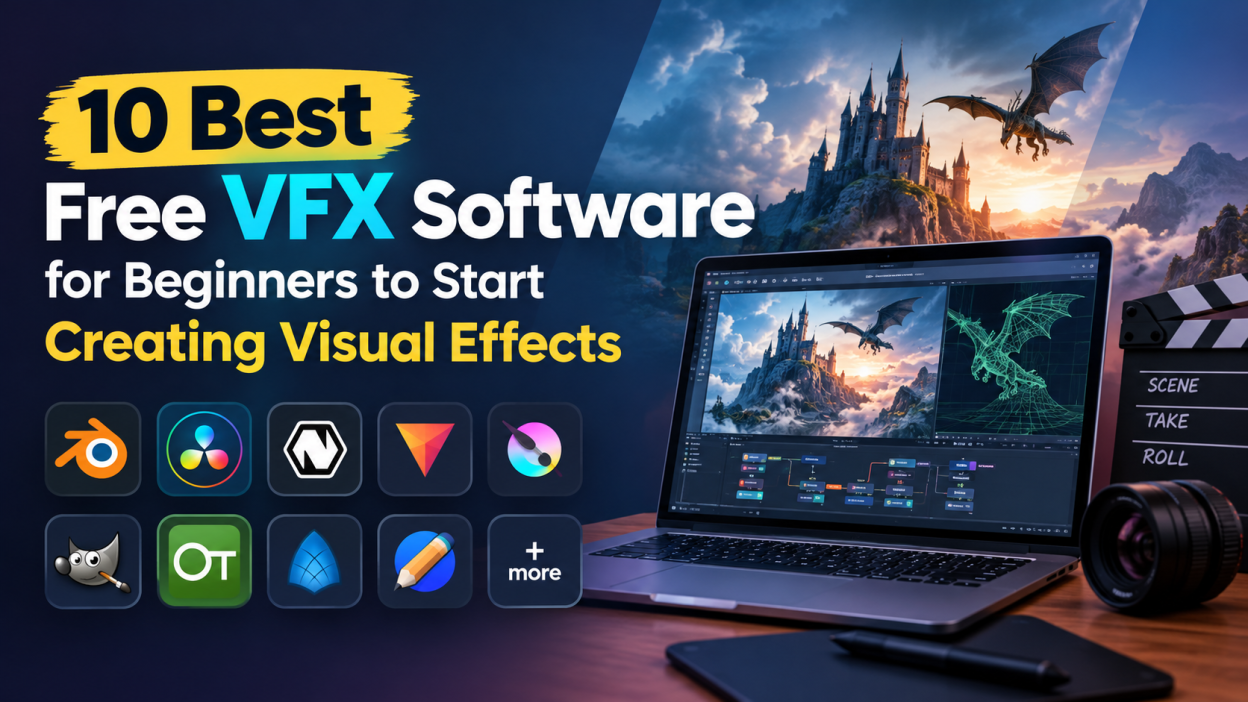
Visual effects, commonly known as VFX, have become an important part of modern filmmaking, animation, advertising, gaming, and digital content creation. From explosions and magical effects to 3D environments and realistic simulations, VFX helps creators bring ideas to life that may be difficult or impossible to capture with a camera.
The good news is that beginners do not need expensive software to start learning VFX. Several powerful free VFX software tools are available for students, aspiring artists, YouTubers, filmmakers, and content creators. These applications provide features for video editing, compositing, 3D modeling, animation, motion graphics, and special effects.
If you are planning to enter the world of visual effects, learning the right software can give you a strong foundation. Here are some of the best free VFX tools beginners can explore.
Blender
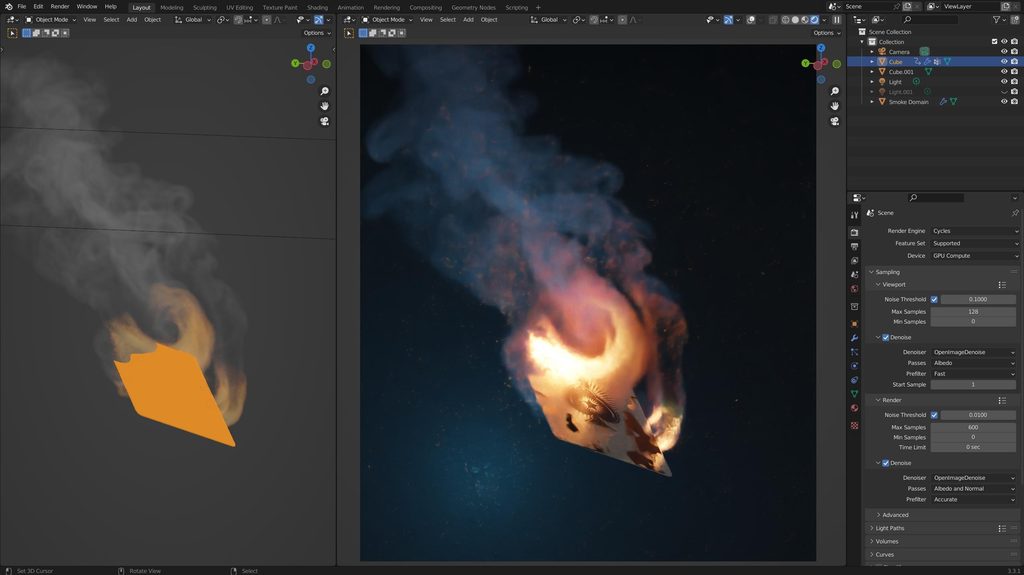
Blender is one of the most popular free and open-source tools for 3D creation. It provides a complete environment for modeling, animation, rendering, compositing, simulation, and visual effects.
Beginners can use Blender to create 3D objects, characters, environments, animations, and visual effects. It also supports particle systems, physics simulations, camera tracking, and compositing.
One of Blender’s biggest advantages is that it is completely free. There is also a large online community that provides tutorials, courses, and learning resources.
For someone who wants to learn 3D VFX without spending money, Blender is an excellent starting point.
DaVinci Resolve
DaVinci Resolve is widely known as a professional video editing application, but it also includes powerful VFX and motion graphics capabilities through its Fusion page.
Fusion allows users to create advanced visual effects, compositing, motion graphics, and animations using a node-based workflow.
Beginners can start with simple tasks such as removing backgrounds, adding text effects, creating transitions, and combining multiple video layers. As they gain experience, they can move toward more advanced compositing techniques.
The free version provides a large collection of professional features, making DaVinci Resolve useful for both video editing and VFX learning.
Natron
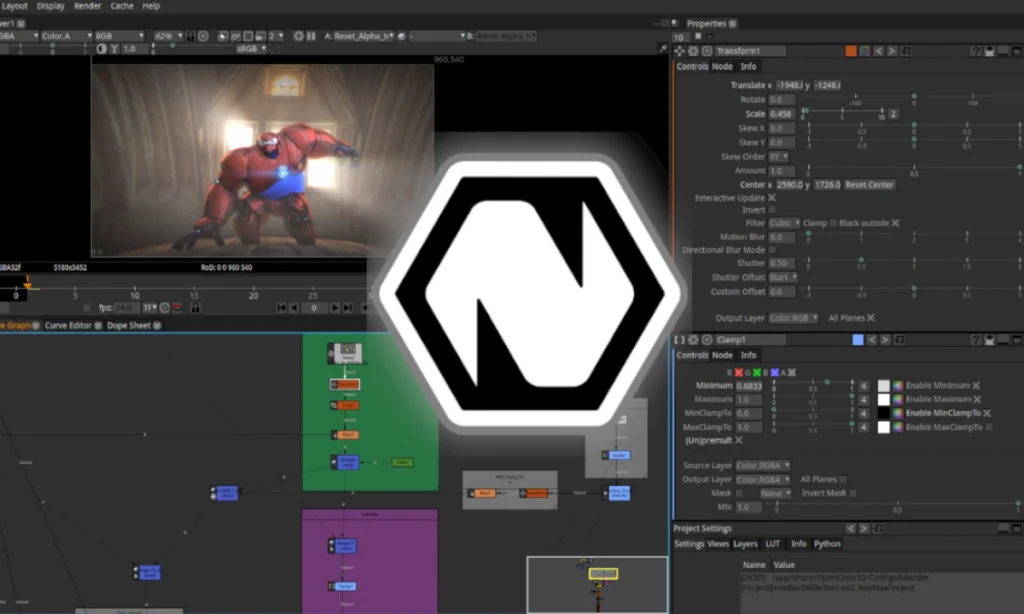
Natron is a free and open-source compositing application designed for creating visual effects. It follows a node-based workflow, making it useful for learning the fundamentals of professional compositing.
Users can combine multiple images and video layers, create masks, apply effects, perform color adjustments, and work with green-screen footage.
Natron can be particularly useful for beginners who want to understand how compositing works before moving into more advanced professional applications.
HitFilm
HitFilm has been popular among beginners and independent creators because it combines video editing with visual effects and compositing features.
It can be used for tasks such as creating cinematic effects, transitions, green-screen compositions, motion graphics, and basic 3D effects.
Its combination of editing and VFX features makes it useful for creators who want to produce complete videos without switching between multiple applications.
However, availability of specific free features can change over time, so beginners should check the current edition before starting a project.
Fusion
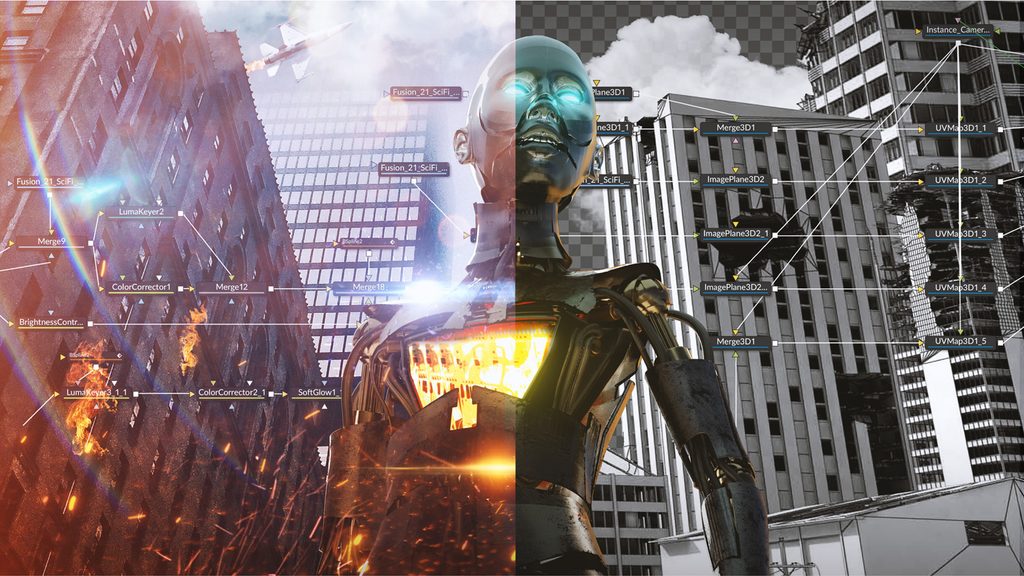
Fusion is integrated into DaVinci Resolve and is especially useful for node-based compositing. It has been used for professional film and television production and offers a powerful environment for creating complex effects.
Beginners can start by learning basic nodes such as Merge, Transform, Background, and Mask. Once these concepts become familiar, they can create more advanced effects.
Understanding nodes is an important skill because many professional VFX applications use similar workflows.
Synfig Studio
Synfig Studio is primarily designed for 2D animation rather than traditional cinematic VFX. However, it can be useful for beginners interested in animated visual effects and motion graphics.
It provides tools for creating vector-based animations without requiring users to manually draw every frame.
Students can experiment with animated shapes, characters, titles, and simple effects. It is particularly useful for those interested in combining animation with video content.
Pencil2D
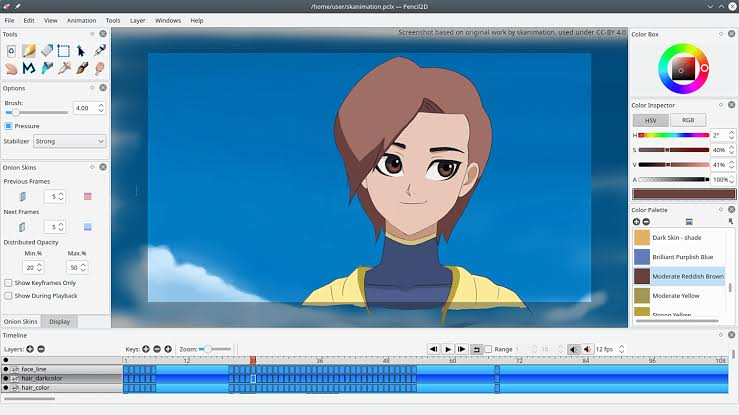
Pencil2D is a lightweight, free, and open-source animation application. It is designed for traditional hand-drawn 2D animation.
Although it does not provide advanced cinematic VFX capabilities, it can help beginners understand animation principles such as timing, movement, frame-by-frame animation, and visual storytelling.
These fundamentals can later be applied when learning more advanced VFX software.
OpenToonz
OpenToonz is another free animation application that can be useful for aspiring visual artists. It provides tools for creating 2D animation and has been used in professional animation workflows.
Beginners interested in animated effects can use it to experiment with characters, backgrounds, effects, and frame-based animation.
Learning 2D animation can also help VFX students develop a better understanding of movement and timing.
Krita
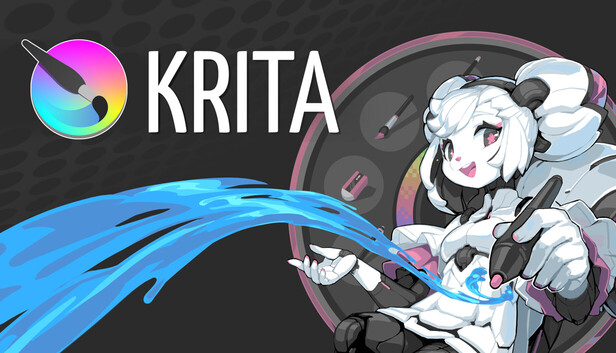
Krita is primarily a digital painting and illustration application, but it can also be useful for VFX beginners.
Visual effects often require the creation or modification of textures, matte paintings, concept art, masks, and other visual assets. Krita can help beginners create these assets before bringing them into a compositing or 3D application.
Its animation features also allow users to experiment with basic frame-by-frame animation.
GIMP
GIMP is a free and open-source image editing application that can support several parts of a VFX workflow.
For example, beginners can use it to create textures, edit images, prepare backgrounds, remove unwanted elements, and create assets for compositing.
While GIMP is not a complete VFX application, it can work alongside software such as Blender or Natron to handle image-based tasks.
How Should Beginners Start Learning VFX?
Having access to free software is only the first step. Beginners should focus on learning fundamental concepts instead of trying to master every feature immediately.
Start by understanding layers, masks, keyframes, compositing, lighting, camera movement, and color correction. After learning these basics, practice small projects such as removing a background, adding a title animation, creating a simple explosion effect, or placing a 3D object into a real video.
Blender can be a good choice if your primary interest is 3D modeling, animation, and simulations. DaVinci Resolve with Fusion is useful if you want to combine video editing and compositing. Natron can help you understand node-based compositing, while Krita and GIMP are useful for creating supporting visual assets.
Final Thoughts
Learning VFX does not necessarily require expensive software or a professional studio. Free tools such as Blender, DaVinci Resolve, Natron, Krita, GIMP, and various animation applications provide beginners with plenty of opportunities to develop practical skills.
The most important factor is consistent practice. Start with simple projects, understand the fundamentals, and gradually move toward more complex effects. Build a portfolio as you learn, because practical projects can demonstrate your skills better than simply knowing the software.
With the right free VFX software and regular practice, beginners can develop a strong foundation and eventually move toward professional visual effects, animation, filmmaking, game development, or motion graphics careers.
If you want to learn more about editing, kaashiv infotech offers, Front End Developer Course, UI/UX Course & More, Visit Their Website www.kaashivinfotech.com.