Copilot vs ChatGPT: Which AI Assistant Is Right for You? — if you’re asking this question, you’re not alone! With AI assistants becoming smarter every day, choosing between Copilot vs ChatGPT can be a tough decision. In this guide, we’ll break it down simply, so you know exactly which one suits your needs best! 🎯
Key Highlights ✨
- Quick comparison of Copilot vs ChatGPT: Which AI Assistant Is Right for You?
- Understand major features, pricing, and use cases
- See real examples of where each AI shines
- Find out the best AI tool based on your personal or business needs
- Get internal and external links for deeper learning
Copilot vs ChatGPT: Which AI Assistant Is Right for You? — Quick Overview 🧠
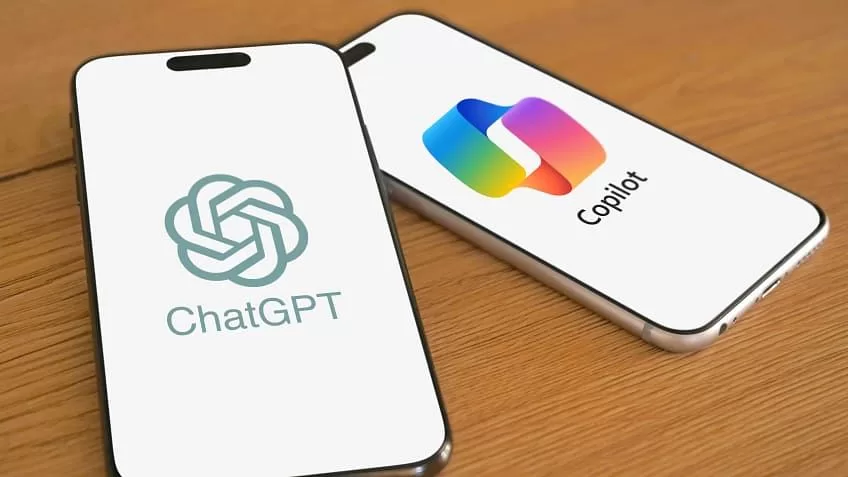
If you’re looking for a smart, responsive AI assistant, the battle of Copilot vs ChatGPT is a close one. Both offer amazing capabilities, but they shine in slightly different areas.
✅ Copilot, developed by Microsoft and powered by OpenAI, is deeply integrated into tools like Word, Excel, and Teams. It’s designed to boost productivity, especially for business users.
✅ ChatGPT, from OpenAI, focuses on conversation, creativity, coding, learning, and general-purpose tasks. It’s perfect for students, developers, marketers, and anyone who needs a flexible AI companion.
At the very beginning, you should know:
👉 Choose Copilot if you need help inside Office apps.
👉 Choose ChatGPT if you want a broader, more customizable AI experience.
1. What is Microsoft Copilot? 🤔
Microsoft Copilot is an AI assistant that lives inside Microsoft 365 apps like Word, Excel, PowerPoint, and Teams. It uses large language models (like GPT-4) plus Microsoft Graph data to help you write, analyze, and communicate faster.
Key Features:
- Write and summarize documents
- Analyze Excel spreadsheets automatically 📊
- Create emails in Outlook
- Plan meetings and manage tasks in Teams
Example:
Need a monthly sales report? Copilot can create a draft based on your Excel data in seconds.
Learn more: Visit Microsoft’s Copilot official page 🌐.

2. What is ChatGPT? 🧠
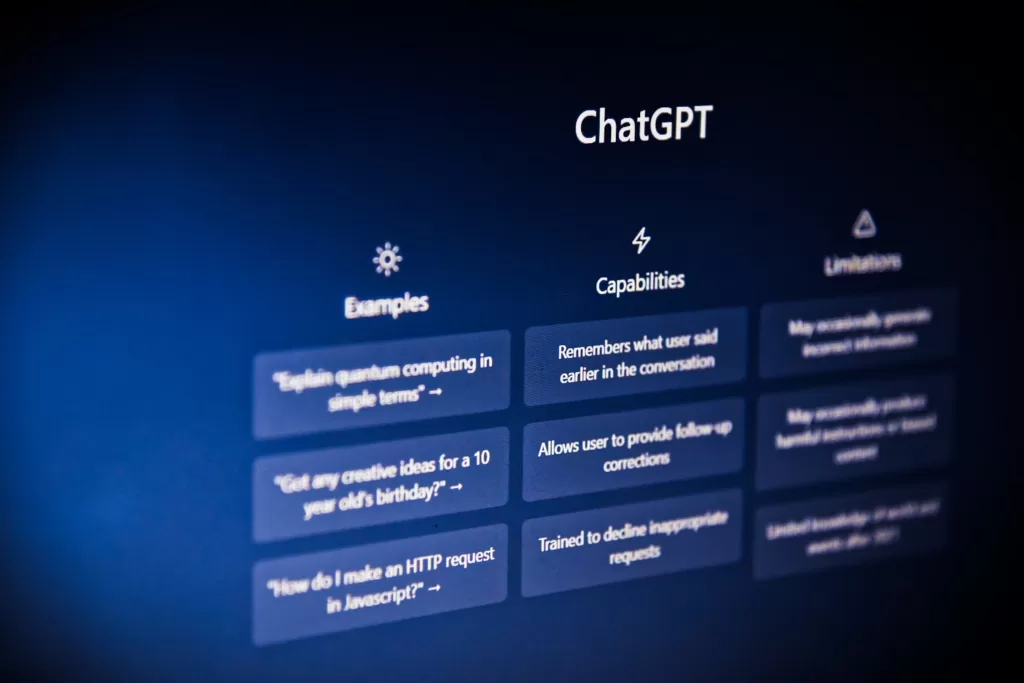
ChatGPT is a conversational AI chatbot by OpenAI. It’s famous for its human-like conversations, creativity, coding help, and educational support.
Key Features:
- Answer questions in detail
- Assist in coding projects 👨💻
- Write essays, blogs, and emails
- Brainstorm creative ideas
- Learn new skills with personalized answers
Example:
Need help writing a business plan? ChatGPT can structure it, suggest improvements, and even help with market research!
Explore ChatGPT: Check out OpenAI’s ChatGPT page 🌐.
3. Copilot vs ChatGPT: Main Differences You Must Know 📈
| Feature | Copilot | ChatGPT |
|---|---|---|
| Best for | Business users | General users, creatives |
| Platform | Microsoft apps (Word, Excel, Teams) | Web, Mobile, API integrations |
| Strength | Productivity inside Office tools | Versatility in conversations |
| Learning Curve | Low if using Microsoft 365 | Slightly higher for technical queries |
| Price | Included in Microsoft 365 subscription | Free + Paid (ChatGPT Plus) |
Both are powered by AI, but their focus is what sets them apart! 🚀
4. Pros and Cons: Copilot vs ChatGPT 🛠️
Pros of Copilot:
- Seamless integration with Office apps
- Saves time on repetitive tasks
- Easy for existing Microsoft users
Cons of Copilot:
- Limited outside Microsoft ecosystem
- Requires subscription (Microsoft 365)
Pros of ChatGPT:
- Extremely flexible across tasks
- Powerful free version
- Great for creative projects and coding
Cons of ChatGPT:
- Sometimes needs refining (especially for business formats)
- Internet access behind paywall (for latest browsing with GPT-4 Turbo)
5. Pricing Comparison 💸
- Microsoft Copilot:
Typically included with Microsoft 365 Business Premium or Enterprise plans (cost varies). - ChatGPT:
- Free version (GPT-3.5)
- ChatGPT Plus ($20/month) — access to GPT-4 Turbo, faster response times, and extra features.
💡 Tip: If you already pay for Microsoft 365, Copilot is a bonus. If not, ChatGPT’s free plan is a great starting point.
6. Which One Should You Choose? 🎯
Still wondering about Copilot vs ChatGPT: Which AI Assistant Is Right for You? Here’s a quick guide:
| You Should Choose… | If You Need… |
|---|---|
| Copilot | Help inside Microsoft Word, Excel, Outlook, Teams |
| ChatGPT | Help with writing, coding, creativity, learning new skills |
In many cases, using both can be the ultimate productivity hack! ⚡
7. Final Verdict: Copilot vs ChatGPT – Which AI Wins? 🏆
There’s no one-size-fits-all answer. It really depends on what you want from an AI assistant.
- If you live inside Microsoft 365 apps, Copilot is a dream come true.
- If you want a flexible AI that helps everywhere, ChatGPT is your best bet.
At the end of the day, the winner of Copilot vs ChatGPT is YOU — because both tools can make life a lot easier! 🎉
Related Reading 🔗
✅ Copilot vs ChatGPT: Which AI Assistant Is Right for You? — now you know the answer!
✅ Whether you are a student, a business professional, a developer, or a casual user, both Copilot and ChatGPT have something powerful to offer.