Python Reverse String: 7 Powerful Ways with Examples (Complete 2026 Guide)
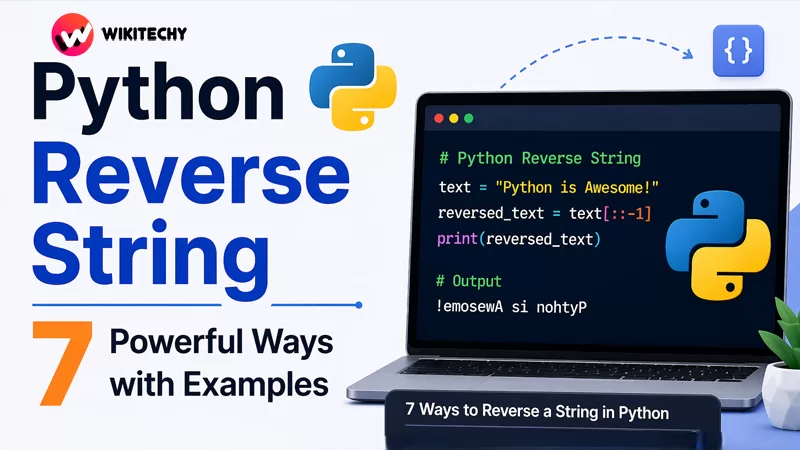
Python Reverse String is one of the most fundamental yet important operations in Python. While it may seem simple at first glance, exploring different approaches to reverse a string can significantly deepen your understanding of Python’s core concepts like slicing, iteration, recursion, and functional programming.
In this extended guide, we’ll go beyond just syntax. You’ll learn how each method works internally, when to use it, performance considerations, and real-world applications—making this a complete reference for beginners and intermediate developers alike.
Understanding Strings in Python
Before diving into reversal techniques, it’s important to understand how strings behave in Python.
Strings in Python are:
- Immutable → You cannot change them after creation
- Ordered → Each character has an index
- Iterable → You can loop through them
Example:
text = "Python"
print(text[0])  # P
print(text[-1]) # n
Because strings are immutable, reversing them always involves creating a new string, not modifying the original one.
Why Learn Multiple Ways to Reverse a String?
You might wonder: “If slicing works, why learn others?”
Here’s why:
- Helps in coding interviews
- Builds problem-solving skills
- Teaches different programming paradigms
- Useful in edge-case handling
- Improves performance awareness
Python Reverse String
1. Using String Slicing (The Most Efficient & Pythonic Way)
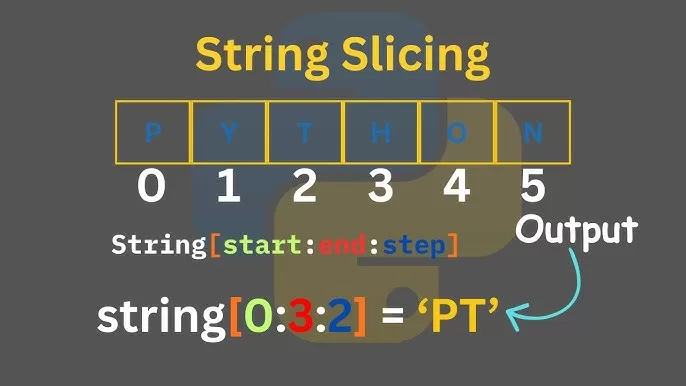
text = "Hello World"
reversed_text = text[::-1]
print(reversed_text)
How It Works
Slicing syntax:
string[start:stop:step]
start→ default (end when step is negative)stop→ default (beginning)step = -1→ moves backward
Why It’s Best
- Extremely concise
- Highly optimized (implemented in C internally)
- Preferred in real-world Python code
Time Complexity:
- O(n)
Space Complexity:
- O(n)
2. Using the reversed() Function
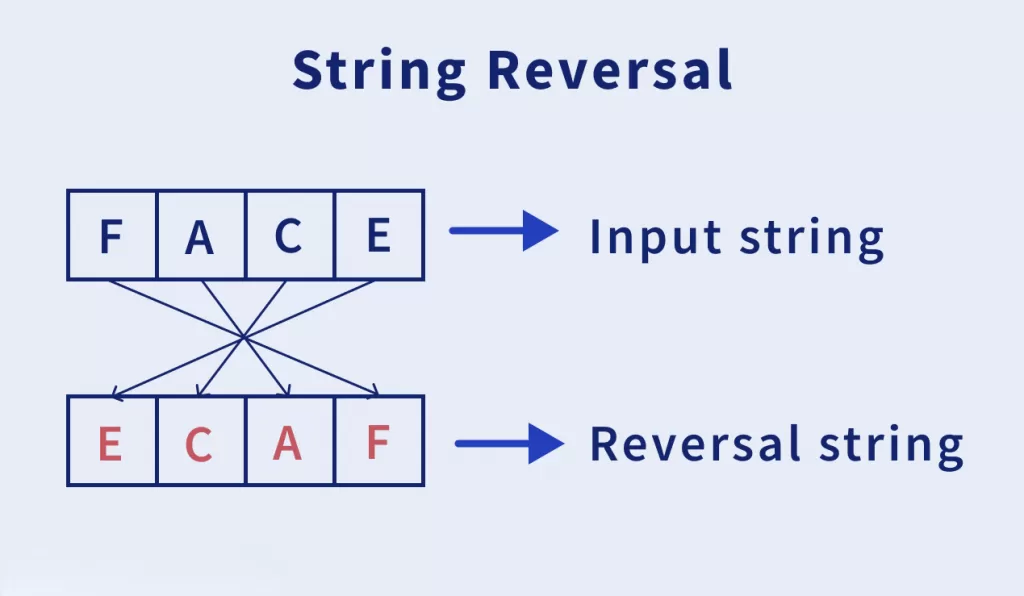
text = "Python"
reversed_text = ''.join(reversed(text))
print(reversed_text)
How It Works
reversed(text)returns an iteratorjoin()converts it back into a string
Key Insight
print(reversed("abc"))
# Output: <reversed object at ...>
You must use join() to get a string.
When to Use
- When working with iterators
- When you want a more explicit approach
Time Complexity:
- O(n)
3. Using a For Loop (Manual Method)
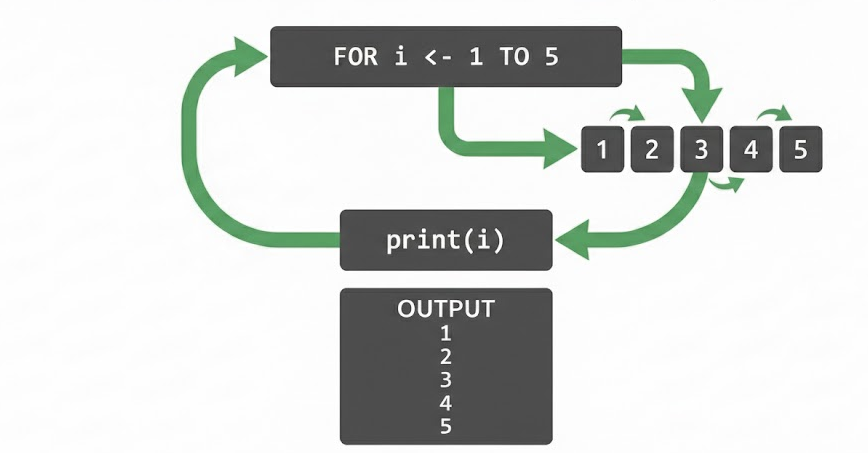
text = "Coding"
reversed_text = ""for char in text:
    reversed_text = char + reversed_textprint(reversed_text)
How It Works
- Iterates through each character
- Prepends it to the result string
Drawback
- String concatenation inside loops is inefficient
Time Complexity:
- O(n²) (due to repeated string copying)
When to Use
- For learning purposes
- In interviews to demonstrate logic
4. Using a While Loop
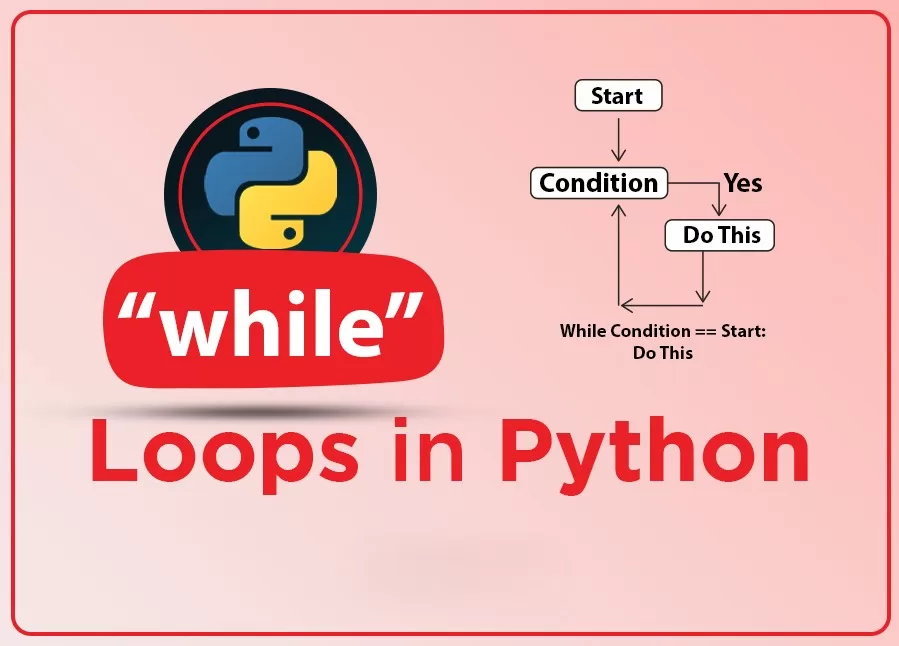
text = "Python"
reversed_text = ""
i = len(text) - 1while i >= 0:
    reversed_text += text[i]
    i -= 1print(reversed_text)
How It Works
- Starts from the last index
- Moves backward step by step
Advantage
- More control over indexing
Drawback
- Less readable than slicing
Time Complexity:
- O(n²)
5. Using Recursion (Conceptual Approach)
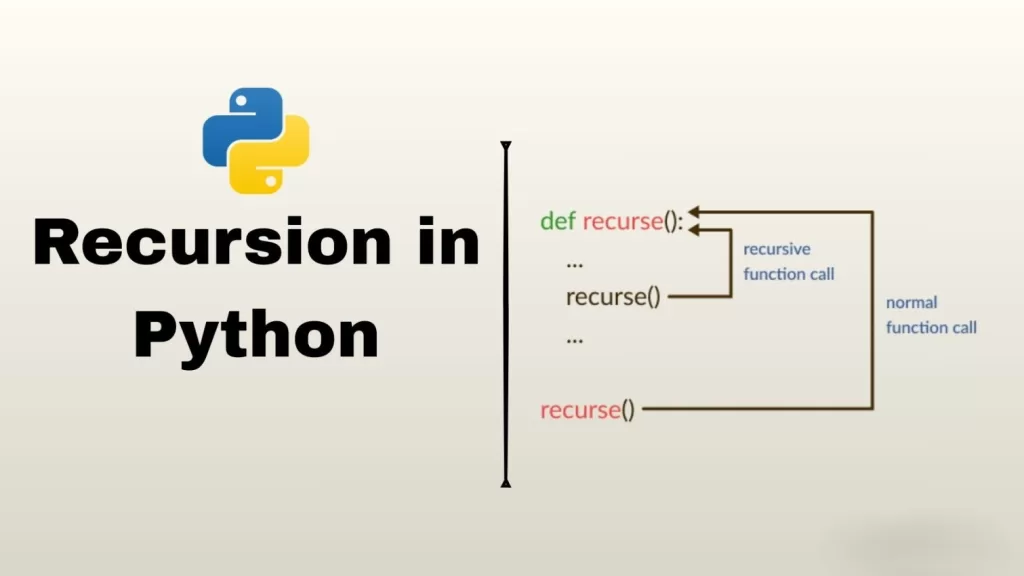
def reverse_string(s):
    if len(s) == 0:
        return s
    return reverse_string(s[1:]) + s[0]print(reverse_string("Hello"))
How It Works
- Breaks problem into smaller parts
- Calls itself until base condition is reached
Visualization
reverse("abc")
= reverse("bc") + "a"
= (reverse("c") + "b") + "a"
= ("c" + "b") + "a"
= "cba"
Drawbacks
- High memory usage (call stack)
- Not suitable for large strings
Time Complexity:
- O(n²)
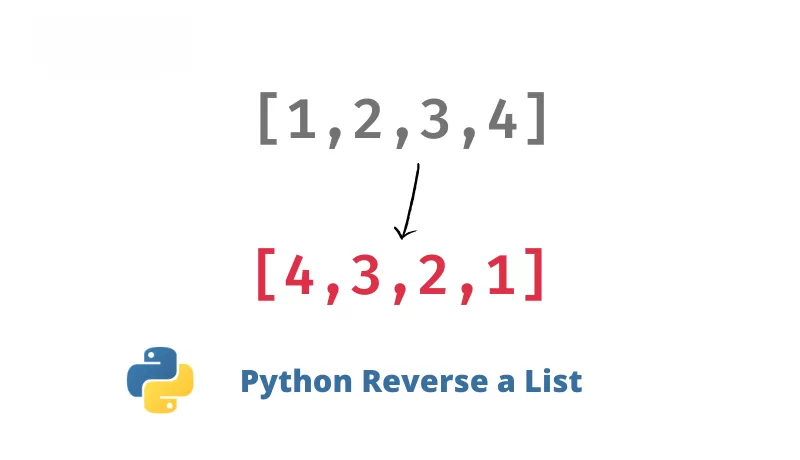
6. Using List Reverse Method
text = "World"
char_list = list(text)
char_list.reverse()
reversed_text = ''.join(char_list)print(reversed_text)
How It Works
- Convert string → list
- Reverse list in-place
- Join back to string
Advantage
- Efficient for mutable operations
Time Complexity:
- O(n)
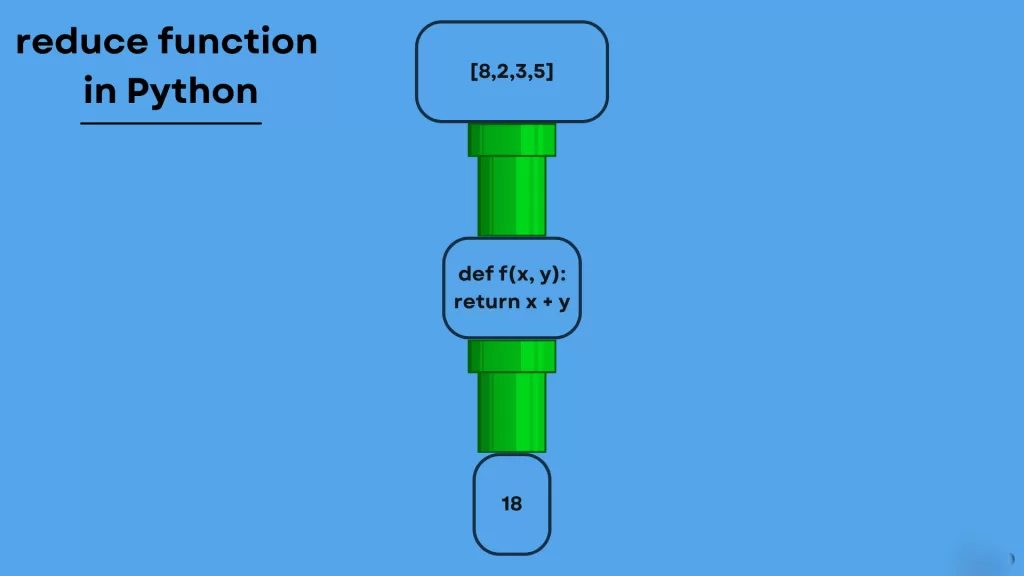
7. Using Functional Programming (reduce())
from functools import reducetext = "Python"
reversed_text = reduce(lambda x, y: y + x, text)
print(reversed_text)
How It Works
- Applies function cumulatively
- Builds reversed string step-by-step
Example Breakdown
Step 1: P
Step 2: y + P = yP
Step 3: t + yP = tyP
...
Drawback
- Hard to read
- Not commonly used in production
Bonus Methods (Advanced Techniques)
Using Stack Concept
text = "Stack"
stack = list(text)
reversed_text = ""while stack:
    reversed_text += stack.pop()print(reversed_text)
Using join() with slicing of list
text = "Python"
reversed_text = ''.join(list(text)[::-1])
print(reversed_text)
Real-World Applications of String Reversal
Reversing strings is not just academic—it’s used in real scenarios:
1. Palindrome Checking
text = "madam"
if text == text[::-1]:
    print("Palindrome")
2. Data Processing
- Reversing logs
- Processing DNA sequences
- Text transformations
3. Interview Questions
Common variations include:
- Reverse words in a sentence
- Reverse without slicing
- Reverse only vowels
- Reverse using recursion
Performance Comparison Table
| Method | Time Complexity | Readability | Recommended |
|---|---|---|---|
| Slicing | O(n) | High | ✅ Best |
| reversed() + join | O(n) | High | ✅ Good |
| For loop | O(n²) | Medium | ❌ Avoid |
| While loop | O(n²) | Medium | ❌ Avoid |
| Recursion | O(n²) | Low | ❌ Rare |
| List reverse | O(n) | Medium | ✅ Good |
| reduce() | O(n²) | Low | ❌ Rare |
Common Mistakes Beginners Make

1. Forgetting join()
reversed("abc") # ❌ Wrong
2. Assuming Strings Are Mutable
text[0] = 'A' # ❌ Error
3. Using Inefficient Loops
Avoid string concatenation in loops for large data.
Best Practices
- Use slicing (
[::-1]) for most cases - Use reversed() when working with iterators
- Avoid loops for performance-critical code
- Use recursion only for learning
Final Thoughts
Reversing a string in Python may look like a beginner-level task, but it opens the door to understanding deeper programming concepts. From Pythonic slicing to recursion and functional programming, each method teaches something valuable.
If you’re writing production code, stick with slicing or reversed(). But if you’re preparing for interviews or improving your fundamentals, practice all methods.
Want to Learn More About Python & Artificial Intelligence ???, Kaashiv Infotech Offers Full Stack Python Course, Artificial Intelligence Course, Data Science Course & More Visit Their Website www.kaashivinfotech.com.
Related Reads: