Mastering Internal CSS: A Comprehensive Guide – HTML is one of the most important topics every web developer should understand. When I first started learning HTML and CSS, I was confused about when to use inline CSS, internal CSS, or external CSS. If you’re feeling the same way, don’t worry—I’ve been there too.
Mastering Internal CSS: A Comprehensive Guide – HTML will help you understand exactly what internal CSS is, why it matters, and how you can use it effectively in your web projects.
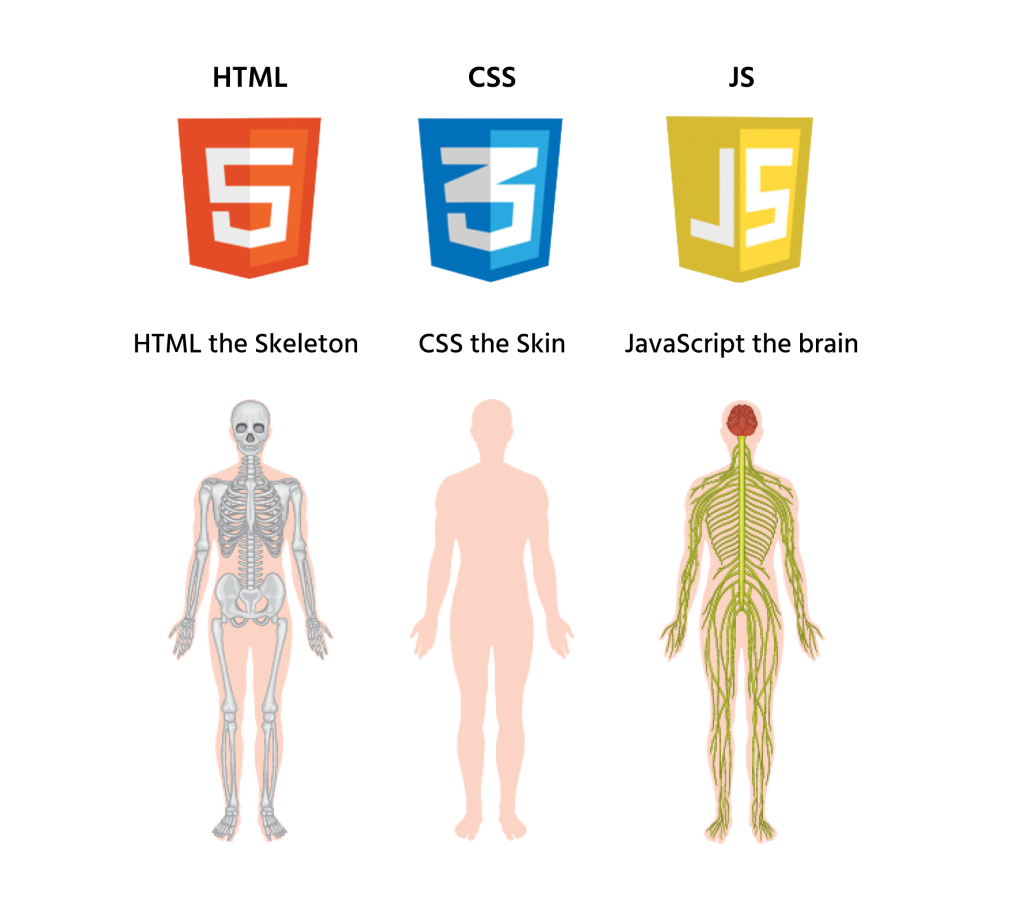
If your goal is to style HTML pages without creating separate CSS files, you’re in the right place. By the end of this guide, you’ll know how internal CSS works, where it should be used, and its advantages and limitations.
Key Highlights 📌
- Learn what internal CSS is and how it works.
- Understand where to place internal CSS in an HTML document.
- Discover the advantages and disadvantages of internal CSS.
- Explore real-world examples and use cases.
- Compare internal CSS with inline CSS and external CSS.
- Learn best practices for writing clean CSS.
- Improve your HTML and CSS skills with practical examples.
What is Internal CSS in HTML? 🤔
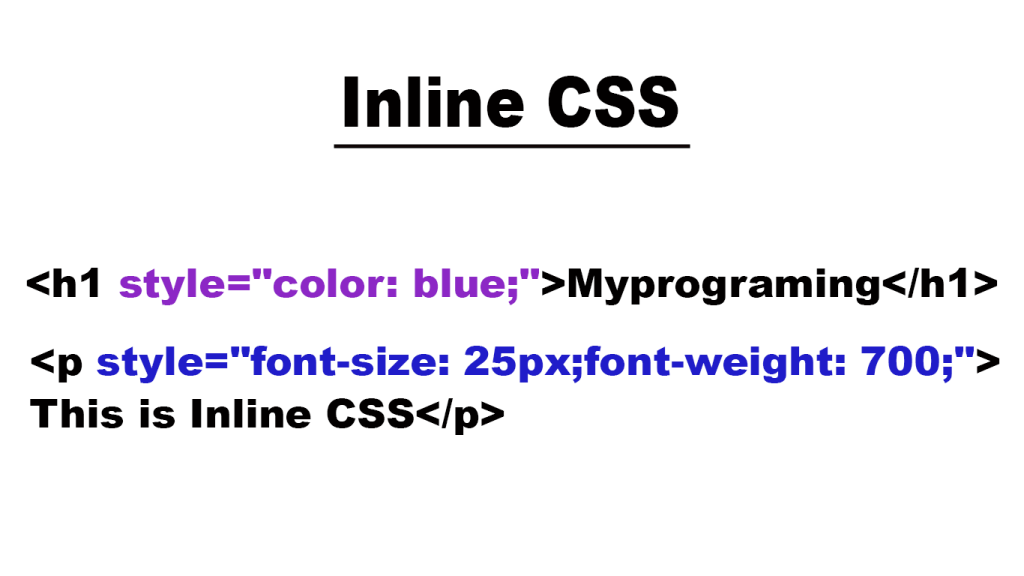
Before diving deeper into Mastering Internal CSS: A Comprehensive Guide – HTML, let’s start with the basics.
Internal CSS is a method of adding CSS styles directly inside an HTML document using the <style> tag.
The <style> tag is placed inside the <head> section of the HTML file.
Here’s a simple example:
<!DOCTYPE html>
<html>
<head>
<style>
h1 {
    color: blue;
}
p {
    color: gray;
}
</style>
</head>
<body>

<h1>Welcome</h1>
<p>This is a paragraph.</p>

</body>
</html>
In this example, the styles apply only to this specific HTML page.
When I built my first practice website, I used internal CSS extensively because I wanted everything in one file. It made learning easier and helped me understand how CSS interacts with HTML.
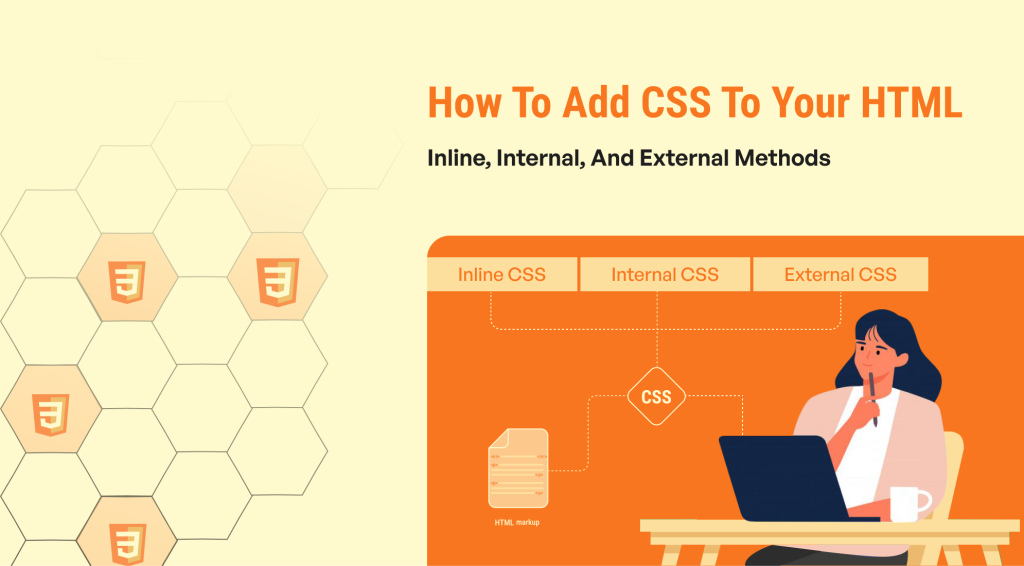
Why Learn Mastering Internal CSS: A Comprehensive Guide – HTML? 🚀
Many beginners jump straight into external CSS.
That’s fine.
However, understanding internal CSS helps you learn CSS fundamentals much faster.
Here’s why:
✅ Easy to learn
✅ Quick setup
✅ Great for testing designs
✅ Perfect for small projects
✅ No need to create separate CSS files
Whenever I teach beginners, I always recommend starting with internal CSS before moving to external stylesheets.
How Internal CSS Works in HTML
The browser reads the HTML document from top to bottom.
When it encounters the <style> section inside the <head>, it stores those styling rules and applies them to matching HTML elements.
For example:
<style>
h2 {
    color: green;
    font-size: 30px;
}
</style>
Every <h2> element on the page will automatically receive these styles.
Simple, right?
That’s the beauty of internal CSS.
Mastering Internal CSS: A Comprehensive Guide – HTML with Real Examples 💡
Let’s create a simple webpage.
<!DOCTYPE html>
<html>
<head>
<style>
body {
    background-color: #f4f4f4;
    font-family: Arial;
}

h1 {
    color: darkblue;
}

button {
    background-color: green;
    color: white;
    padding: 10px;
}
</style>
</head>

<body>

<h1>My First Website</h1>

<button>Click Me</button>

</body>
</html>
This example shows how internal CSS can style multiple elements from one central location.
Instead of repeating styles on every element, we define them once and reuse them.
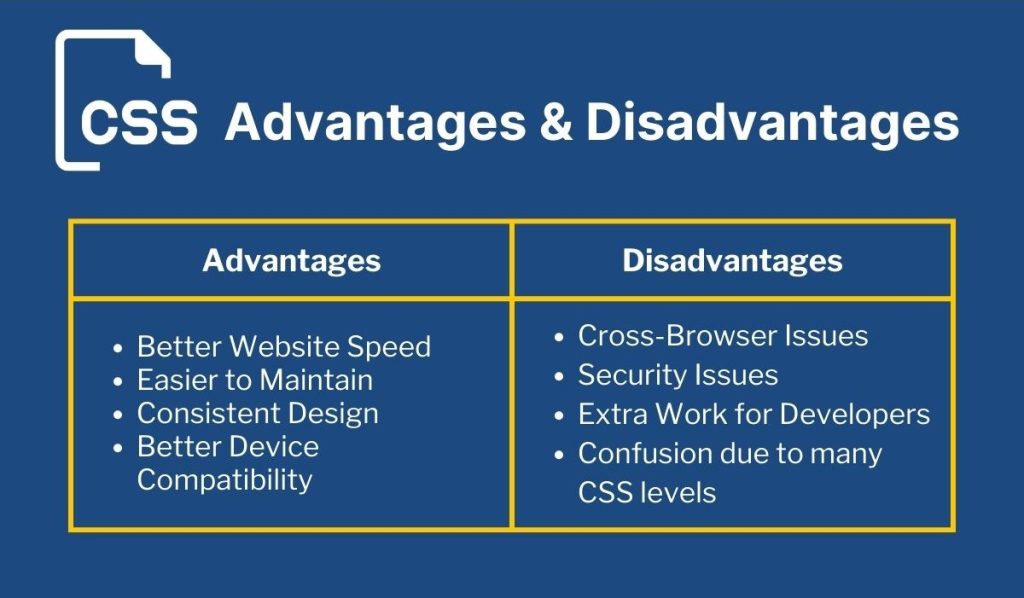
Advantages of Internal CSS 🎯
While learning Mastering Internal CSS: A Comprehensive Guide – HTML, I discovered several benefits.
1. Everything Stays in One File
You don’t need separate CSS files.
This is especially useful when creating:
- Practice projects
- Student assignments
- Landing pages
- Demo websites
2. Faster Development
Need to test a design quickly?
Internal CSS lets you make changes instantly.
I often use it when experimenting with layouts before moving styles into external CSS files.
3. Easier for Beginners
New developers can focus on learning HTML and CSS without worrying about linking files.
That’s a huge advantage during the learning phase.
4. Better Organization Than Inline CSS
Instead of this:
<h1 style="color:red;">You can write:
h1 {
    color: red;
}
The code becomes cleaner and easier to maintain.
Disadvantages of Internal CSS ⚠️
To truly understand Mastering Internal CSS: A Comprehensive Guide – HTML, you should know its limitations too.
1. Not Ideal for Large Websites
Imagine a website with 100 pages.
Would you want to copy the same CSS into every page?
Probably not.
External CSS becomes a better choice.
2. Repeated Code
Since styles exist only within a single page, you may need to duplicate them across multiple pages.
This creates extra work.
3. Harder Maintenance
Updating design elements across many pages becomes difficult.
That’s why large websites rely heavily on external stylesheets.
Internal CSS vs Inline CSS vs External CSS
One question I hear often is:
“Which CSS method should I use?”
Here’s a quick comparison.
| CSS Type | Best For |
|---|---|
| Inline CSS | Small changes to individual elements |
| Internal CSS | Single-page websites and practice projects |
| External CSS | Large websites and professional applications |
For most real-world websites, external CSS wins.
But for learning and small projects, internal CSS remains extremely useful.
Best Practices for Mastering Internal CSS: A Comprehensive Guide – HTML ⭐
After working on several HTML projects, I learned a few habits that make CSS easier to manage.
Keep Styles Organized
Group related styles together.
Example:
/* Typography */
h1 {}
h2 {}
p {}

/* Buttons */
button {}
Use Comments
Comments help explain your code.
/* Header Styles */Future-you will thank you.
Trust me. 😄
Avoid Repeating Styles
Use classes whenever possible.
.primary-btn {
    background-color: blue;
}
This makes your code reusable.
Use Meaningful Class Names
Bad example:
.box1 {}Better example:
.login-container {}The purpose becomes obvious immediately.
When Should You Use Internal CSS?
I personally use internal CSS when:
- Building practice projects
- Creating prototypes
- Teaching HTML and CSS
- Testing layouts
- Working on single-page websites
For larger projects, I switch to external CSS.
That’s the approach most professional developers follow.
Common Mistakes Beginners Make
When learning Mastering Internal CSS: A Comprehensive Guide – HTML, beginners often:
❌ Place the <style> tag inside the body
❌ Forget closing braces
❌ Use too many inline styles
❌ Repeat CSS unnecessarily
❌ Write messy, unorganized code
I’ve made every one of these mistakes myself.
The good news?
Everyone does when they’re starting.
Final Thoughts on Mastering Internal CSS: A Comprehensive Guide – HTML 🎉
Learning Mastering Internal CSS: A Comprehensive Guide – HTML is a crucial step for anyone entering web development.
Internal CSS provides an easy way to style web pages while keeping everything inside a single HTML file. It’s simple, beginner-friendly, and perfect for learning the foundations of CSS.
Although professional websites usually rely on external CSS, understanding internal CSS will help you become a better developer and give you a stronger grasp of how styling works behind the scenes.
If you’re just starting your HTML journey, my advice is simple: experiment, break things, fix them, and keep building. That’s exactly how I learned—and it’s still how I learn today.
Happy coding! 🚀
Want to learn more about HTML, CSS, Javascript or Front End Development Course Visit Kaashiv Infotech Website www.kaashivinfotech.com.