

Designing a great user interface isn’t just about making things look attractive—it’s about guiding users effortlessly through an experience. The best products feel “natural” because they rely on proven UI design patterns that reduce friction, improve usability, and create delight.
In this article, we’ll explore 6 unique UI design patterns that help you build intuitive and engaging digital experiences in 2026. These patterns are practical, widely used in modern apps, and highly effective when implemented correctly.
1. Progressive Disclosure: Show Less, Reveal More
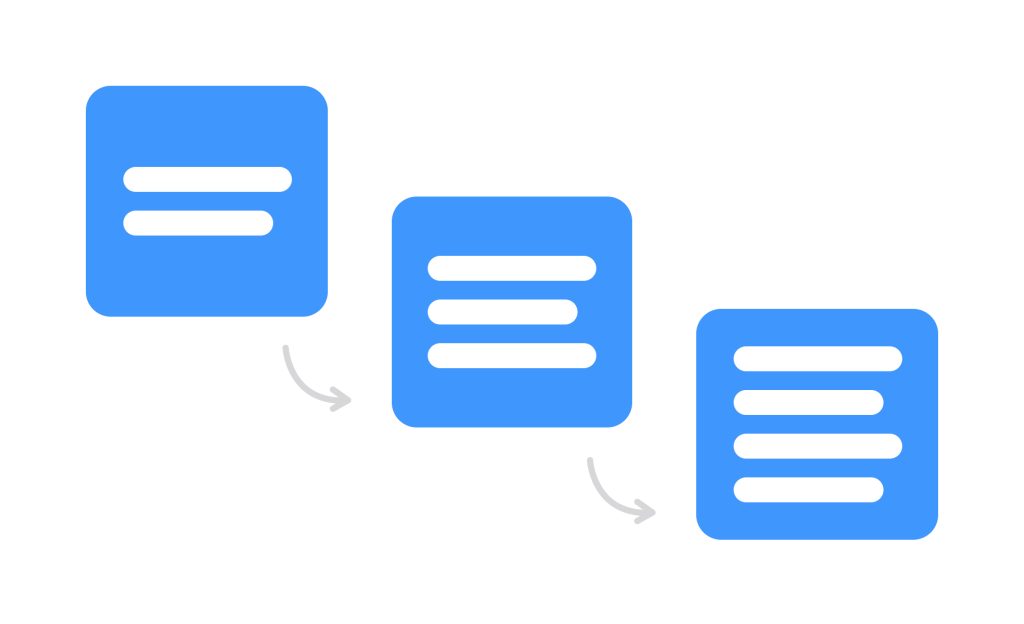
Progressive disclosure is a technique where you show only the most essential information upfront and reveal additional details when needed.
Instead of overwhelming users with too many options, this pattern simplifies the interface and improves focus. You’ve likely seen this in accordion menus, step-by-step forms, or “Read More” sections.
This pattern works especially well in:
- Complex dashboards
- Multi-step forms
- Settings pages
By reducing cognitive load, users can make decisions faster and with more confidence.
2. Skeleton Screens: Perceived Speed Matters
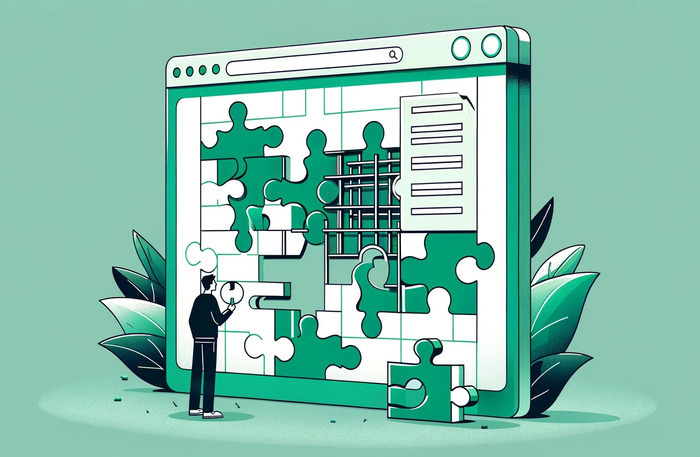
Waiting is frustrating—but perceived waiting can be improved. Skeleton screens replace traditional loaders with a preview of content structure.
Instead of showing a spinner, users see grey placeholders that mimic the layout of the actual content. This makes the app feel faster and more responsive.
Why it works:
- Reduces bounce rate
- Improves perceived performance
- Keeps users engaged
Popular platforms like social media and e-commerce apps heavily rely on this pattern.
3. Microinteractions: Small Details, Big Impact
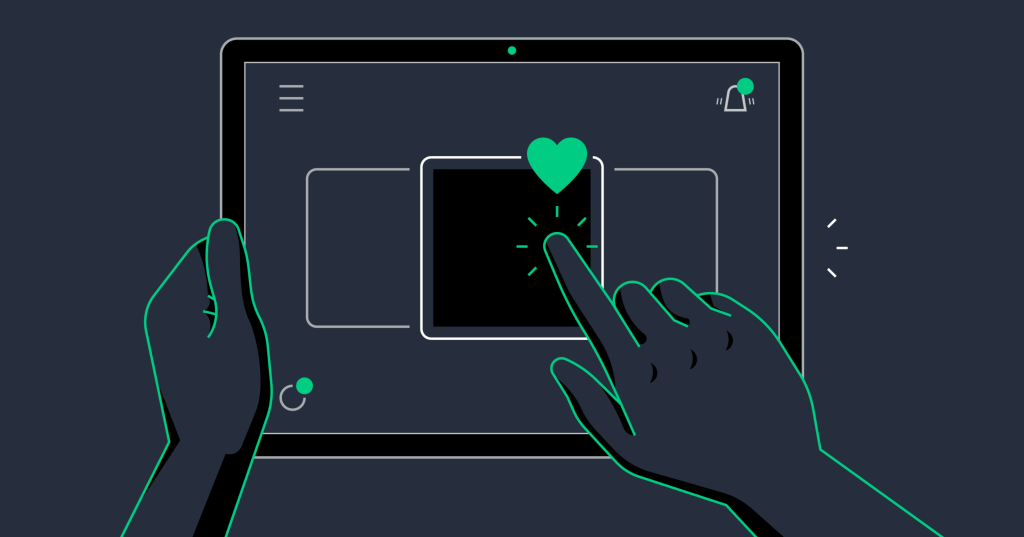
Microinteractions are subtle animations or responses triggered by user actions—like liking a post, toggling a switch, or submitting a form.
These small moments provide feedback, guide users, and make interactions feel alive.
Examples include:
- Button hover effects
- Notification animations
- Swipe gestures
When used correctly, microinteractions add personality and clarity without distracting from the main experience.
4. Empty States: Designing for “Nothing”
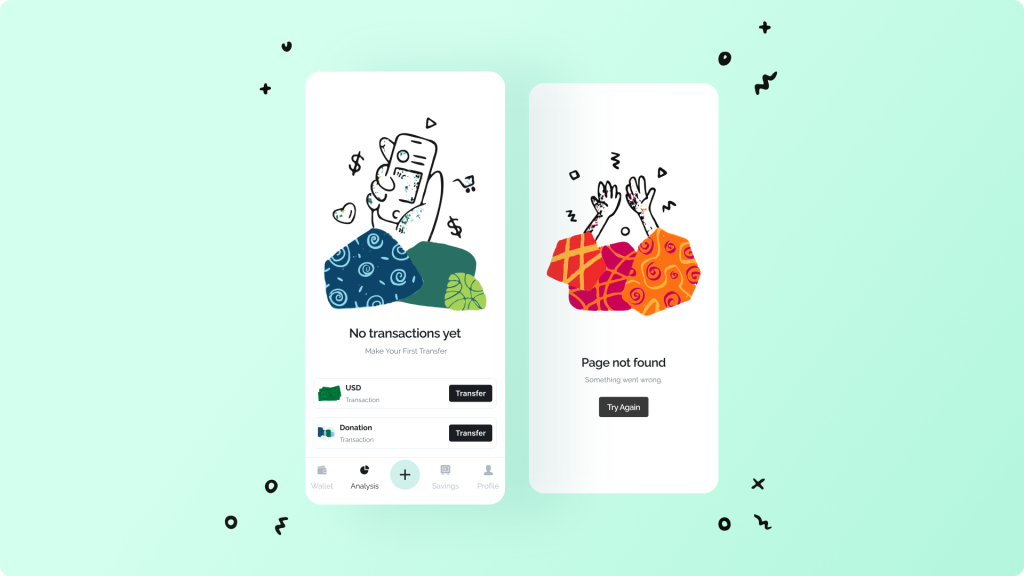
An empty state occurs when there’s no data to display—like an empty inbox or a new dashboard.
Instead of leaving a blank screen, good design uses this opportunity to guide users.
Effective empty states:
- Explain what’s happening
- Suggest next actions
- Use friendly visuals or illustrations
This pattern turns a potentially confusing moment into a helpful experience.
5. Infinite Scroll vs Pagination: Smart Content Loading
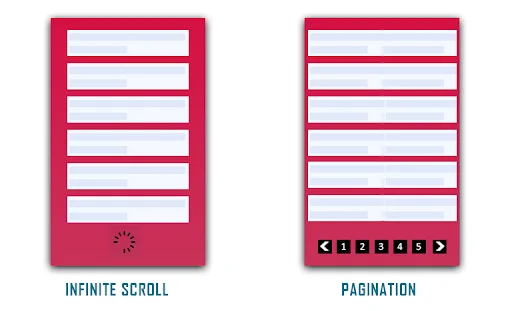
Handling large amounts of content is a common challenge. Two popular solutions are infinite scroll and pagination.
Infinite scroll loads content continuously as users scroll, making it ideal for discovery-based platforms like social media.
Pagination, on the other hand, divides content into pages, giving users more control and structure.
Choosing between them depends on your goal:
- Exploration → Infinite scroll
- Goal-oriented tasks → Pagination
Some modern apps combine both with a “Load More” button for better balance.
6. Dark Mode & Adaptive Themes: Personalized Experience
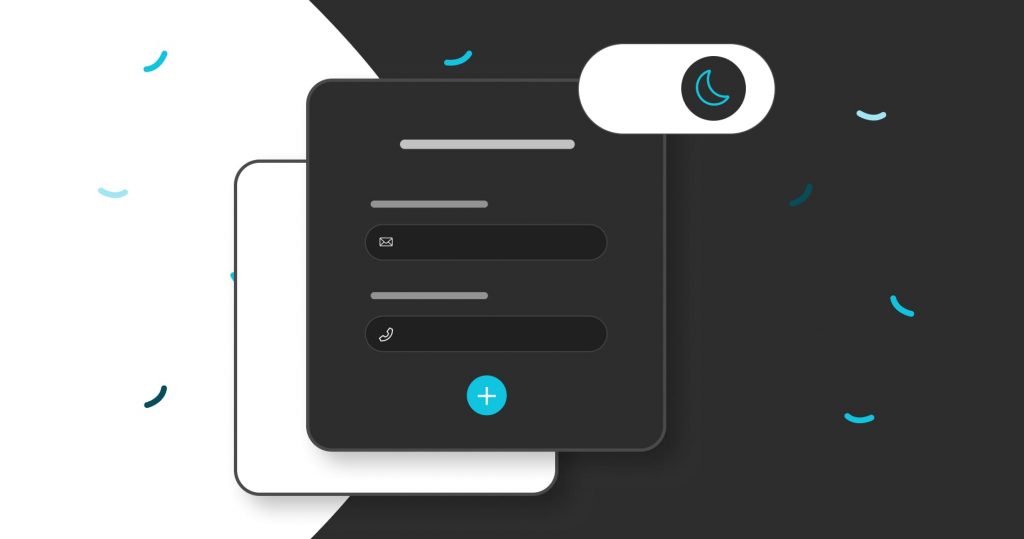
Dark mode is no longer just a trend—it’s an expectation. Users want control over how interfaces look and feel based on their environment.
Adaptive themes automatically switch between light and dark modes depending on system settings or time of day.
Benefits include:
- Reduced eye strain
- Better battery performance (on OLED screens)
- Personalized user experience
Designers must ensure proper contrast, readability, and consistency across both themes.
Final Thoughts
Great UI design Patterns is invisible—it helps users achieve their goals without friction. By applying these six UI design patterns, you can create interfaces that are not only visually appealing but also highly functional and user-friendly.
The key is not to use all patterns at once, but to choose the right ones based on your product’s purpose and user behavior.
As digital experiences continue to evolve, mastering these patterns will give you a strong edge in building products that users truly enjoy.
Want to learn more, Kaashiv Infotech Offers, UI UX Course, Front End Development Course, Full Stack Development Course & More, Visit Their Website www.kaashivinfotech.com.

![Full Stack Developer Roadmap [2026]](https://www.wikitechy.com/wp-content/uploads/2026/06/Full-Stack-Developer-Roadmap-2026-380x220.png)