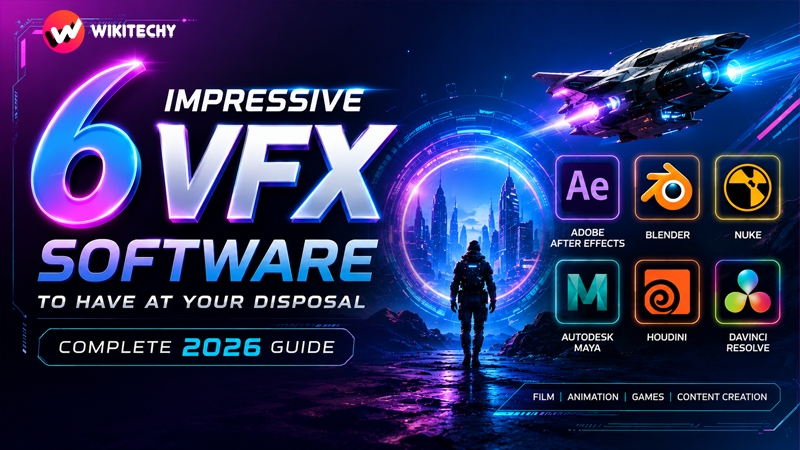
Visual Effects (VFX) are everywhere today—from high-budget films and OTT series to YouTube edits, ads, and gaming cinematics. What once required massive studios is now accessible to individual creators with the right software and skills. Whether you’re adding cinematic explosions, building fantasy environments, or simply enhancing your videos, VFX tools are what turn imagination into reality.
But here’s the key: each software has its own strength. Some excel at motion graphics, others at 3D simulations, and a few are designed for full-scale production pipelines. In this detailed guide, we’ll explore six powerful VFX software tools in 2026, focusing on how they actually perform in real-world scenarios.
1. Adobe After Effects – The Backbone of Motion Graphics
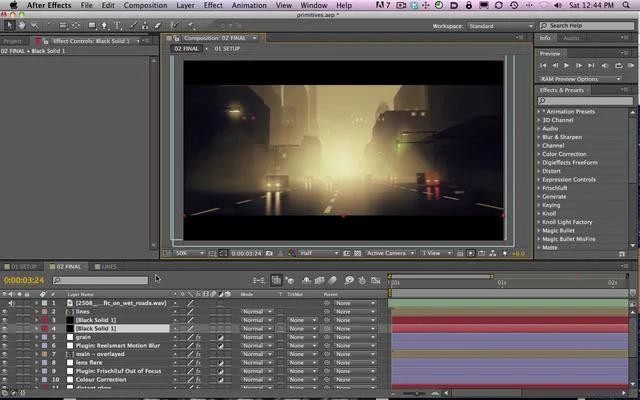
Adobe After Effects has remained one of the most widely used VFX tools for years, especially in the world of digital content creation. It is designed primarily for motion graphics and compositing, meaning it allows you to combine multiple visual elements into one cohesive scene.
What makes After Effects so powerful is how naturally it fits into a creator’s workflow. You can design assets in Adobe Photoshop, import them directly, animate them, and then integrate everything into a timeline that feels intuitive even for beginners. When paired with Adobe Premiere Pro, it becomes a complete editing and VFX solution for content creators.
In practical use, After Effects is behind many of the visuals you see online—animated titles, glowing text, cinematic transitions, and even green screen effects. It shines when the focus is on storytelling through motion rather than heavy 3D simulations. However, when projects demand complex 3D environments, artists often combine it with other tools.
2. Blender – A Free Tool That Rivals Premium Software
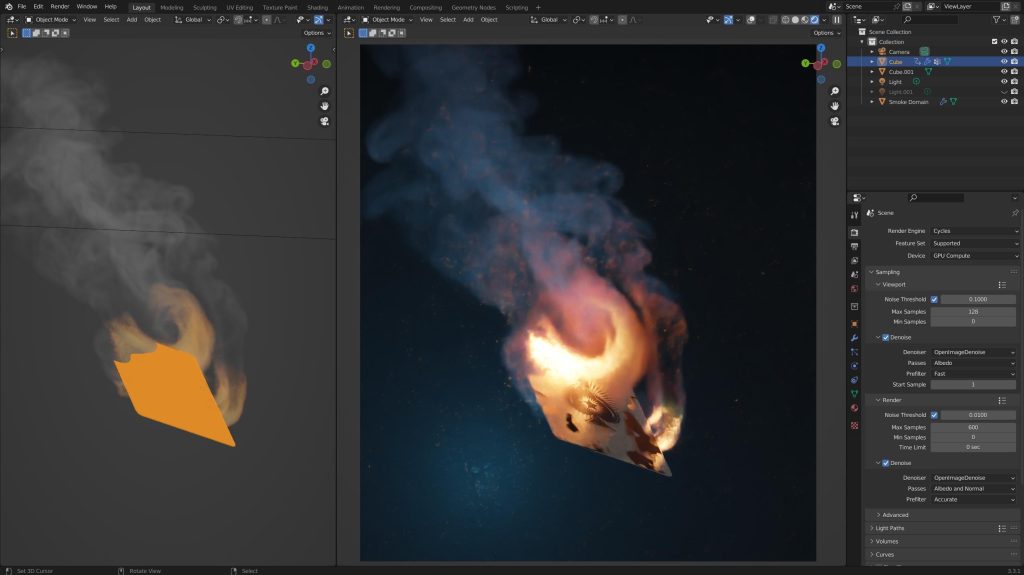
Blender has grown into one of the most impressive creative tools available today, especially considering that it is completely free. It offers a full pipeline for 3D creation, including modeling, animation, rendering, and compositing.
What sets Blender apart is its ability to handle both artistic and technical workflows. You can create a detailed 3D model, animate it, simulate realistic physics like fire or water, and render it into a cinematic scene—all within the same software. Its rendering engines allow users to choose between speed and realism, which is especially useful when working on tight deadlines.
For VFX work, Blender is widely used for integrating 3D objects into real footage. With built-in camera tracking, you can match real-world camera movement and place digital elements into live-action shots convincingly. This makes it a favorite among indie filmmakers and students who want professional results without expensive licenses.
3. Nuke – Precision Compositing for Professional Pipelines
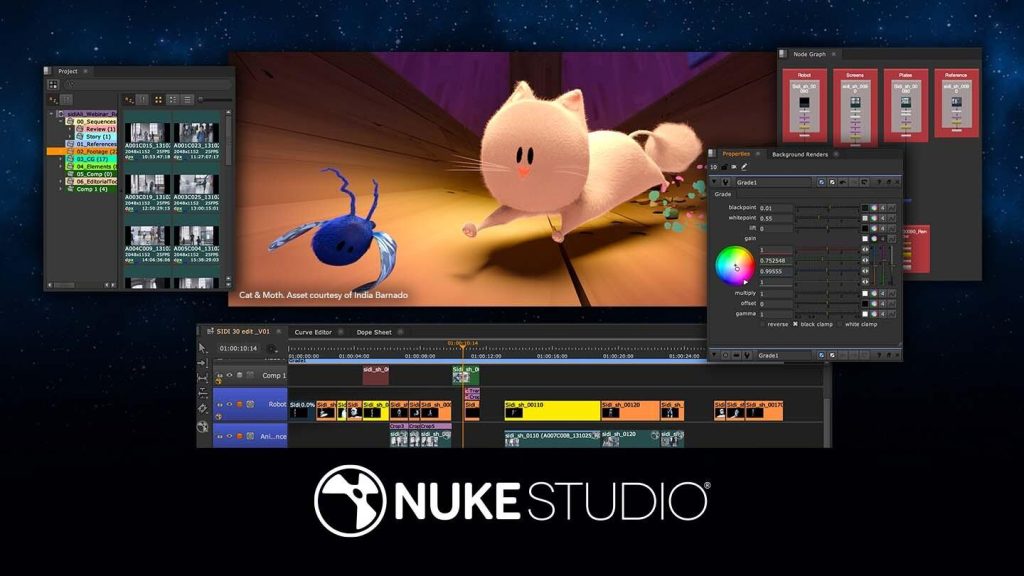
Nuke is designed for high-end compositing, where precision and scalability are critical. Unlike traditional layer-based tools, Nuke operates on a node-based system, which gives artists much greater control over how elements interact.
In real production environments, VFX shots are rarely simple. A single frame might include background footage, multiple CGI passes, lighting adjustments, shadows, and effects layers. Managing all of this in a linear timeline can quickly become chaotic, which is why studios rely on node-based workflows like Nuke.
This software is commonly used in large-scale film productions, where teams collaborate on complex scenes. While it is not beginner-friendly, those who invest time in learning Nuke gain access to one of the most powerful compositing tools in the industry.
4. Autodesk Maya – Where Animation Meets Realism
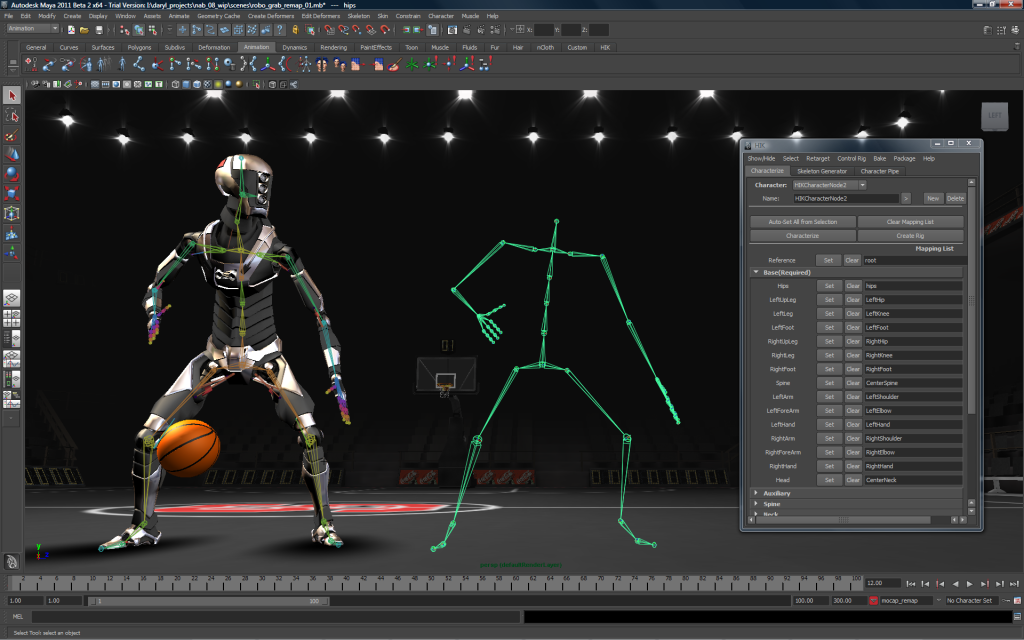
Autodesk Maya has long been a cornerstone of the film and gaming industries. It is particularly known for its advanced animation and rigging capabilities, which allow artists to create lifelike character movements.
Maya is not just about animation; it also includes powerful simulation tools. Artists can create realistic cloth behavior, flowing hair, and dynamic fluids that respond to physical forces. These capabilities make it essential for projects that require a high level of realism.
In professional environments, Maya is often used alongside other tools. For example, models and animations created in Maya may be exported to other software for rendering or compositing. This makes it an integral part of larger VFX pipelines rather than a standalone solution.
5. Houdini – The Power of Procedural Effects
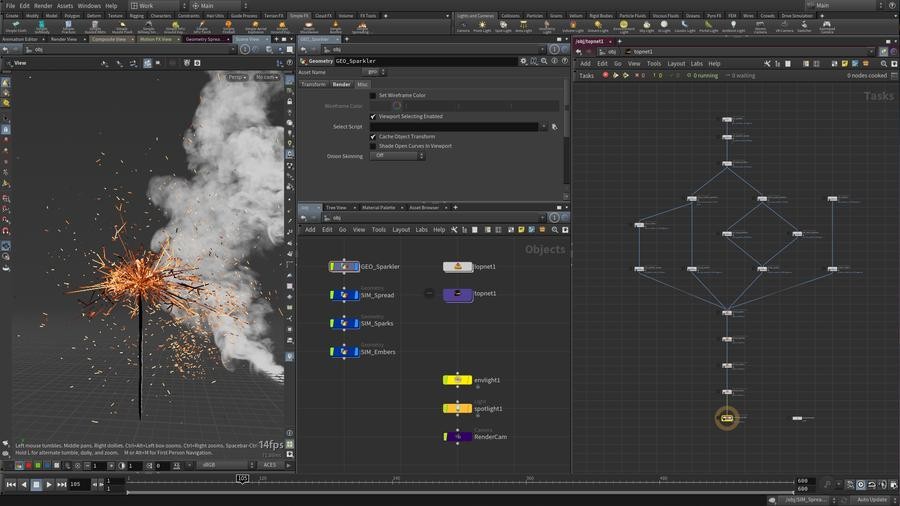
Houdini stands out because of its procedural approach to creating visual effects. Instead of manually designing every detail, artists define a set of rules, and the software generates the effect dynamically.
This approach becomes incredibly valuable when working on complex simulations. For example, creating an explosion in Houdini is not about drawing flames frame by frame—it’s about controlling parameters like intensity, spread, and timing. Once set, the system generates realistic results that can be adjusted at any point.
Houdini is widely used for large-scale effects such as destruction, fire, smoke, and environmental simulations. While it has a steep learning curve, it offers unmatched flexibility for those who take the time to master it.
6. DaVinci Resolve – A Complete Post-Production Ecosystem
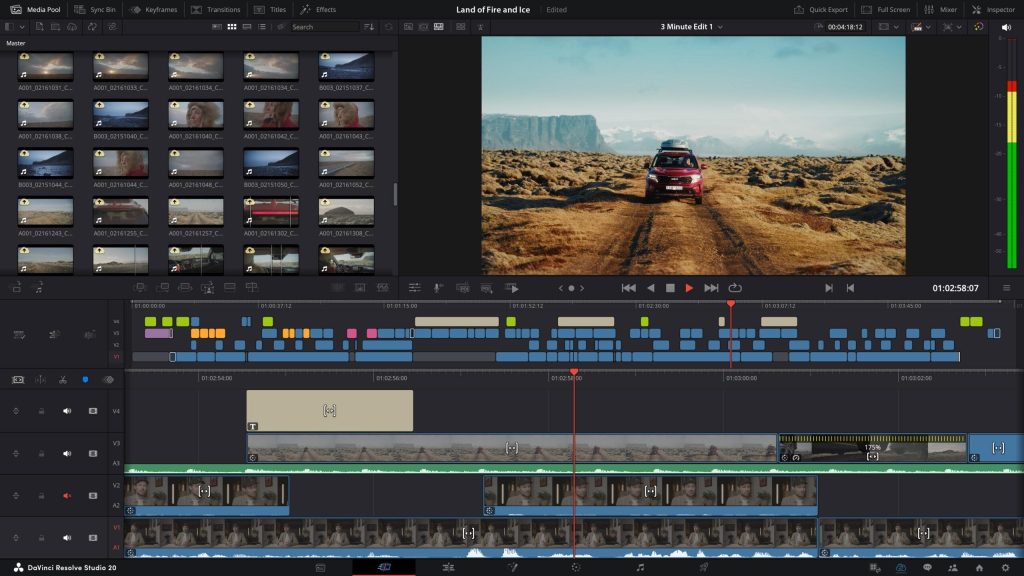
DaVinci Resolve brings together editing, color grading, audio production, and VFX into a single platform. This makes it an excellent choice for creators who want an all-in-one workflow.
One of its most powerful features is Fusion, a node-based compositing system that allows users to create advanced visual effects without leaving the software. Combined with industry-leading color grading tools, Resolve enables creators to handle the entire post-production process in one place.
For many users, especially those working on independent projects, this eliminates the need to switch between multiple applications. It simplifies the workflow while still delivering professional-quality results.
Final Thoughts
VFX software is not just about features—it’s about how well it aligns with your creative goals. Some tools are designed for storytelling and motion graphics, while others focus on realism, simulation, or large-scale production workflows.
If you’re just starting out, tools like Blender and DaVinci Resolve offer incredible value without financial investment. As you grow, learning software like After Effects, Maya, or Houdini can open doors to more advanced opportunities. For those aiming at the film industry, mastering Nuke can be a game-changer.
Ultimately, the best approach is to combine tools based on your needs. That’s how professionals work—building a pipeline where each software contributes its strength to the final output.
If you want to learn more about editing, kaashiv infotech offers, Front End Developer Course, UI/UX Course & More, Visit Their Website www.kaashivinfotech.com.
![Full Stack Developer Roadmap [2026]](https://www.wikitechy.com/wp-content/uploads/2026/06/Full-Stack-Developer-Roadmap-2026-380x220.png)