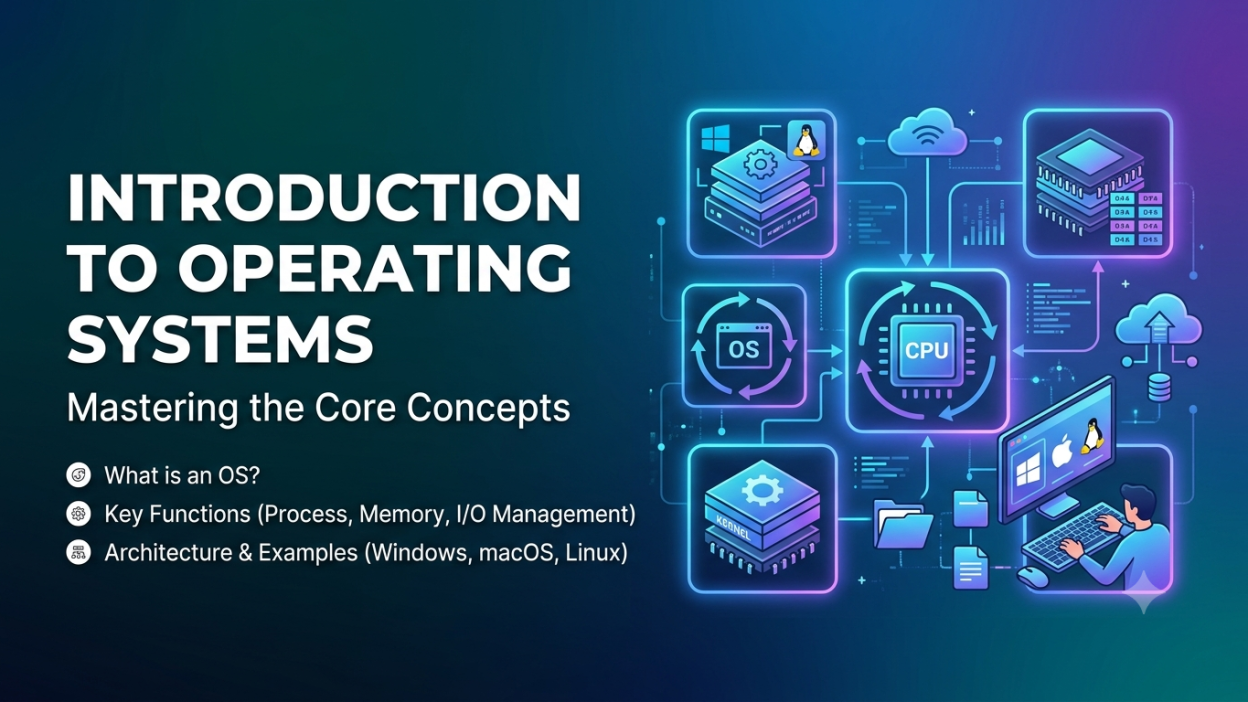
Introduction to Operating Systems
Introduction to Operating Systems is one of the first topics I recommend learning if you’re starting your computer journey. Before I understood what an operating system actually did, I assumed Windows or Android was just a screen with icons. But the more I learned, the more I realized that an operating system (OS) is the invisible manager that makes every part of a computer work together.
Think about it. Every time we open an app, save a file, watch a movie, or browse the internet, there’s something working silently in the background. That’s the operating system.
In this Introduction to Operating Systems, I’ll explain everything in simple words, without confusing technical jargon. Whether you’re a student, beginner, or preparing for interviews, this guide will help you understand the basics with real-life examples.
📌 Key Highlights
- ✅ What is an Operating System?
- ✅ Why an Operating System is important
- ✅ Main functions of an Operating System
- ✅ Types of Operating Systems
- ✅ Real-life examples
- ✅ Advantages and disadvantages
- ✅ Popular Operating Systems
- ✅ Why every computer needs an OS
- ✅ Frequently Asked Questions
What is an Operating System?
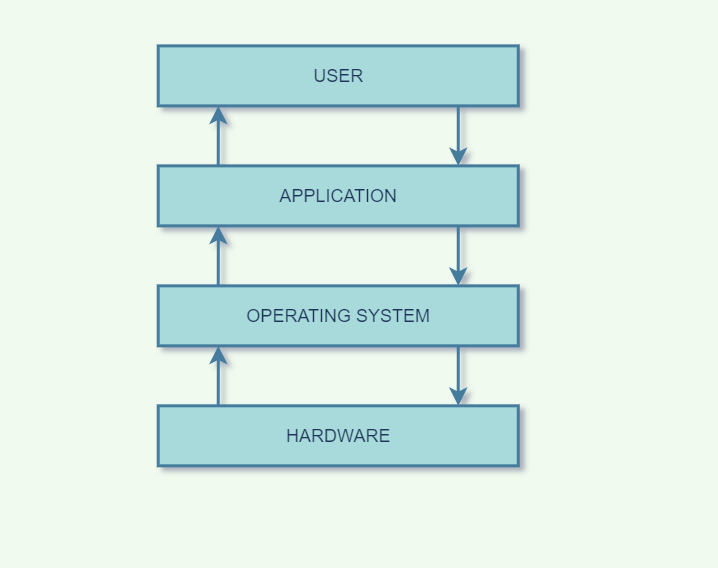
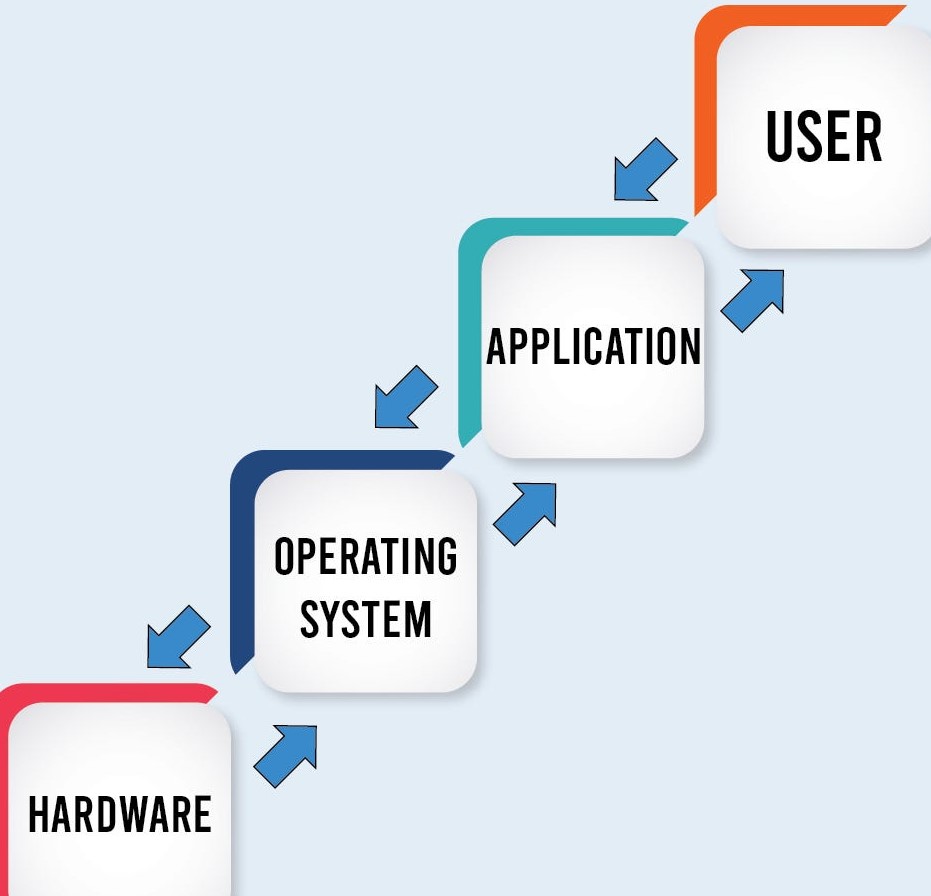
An Operating System (OS) is system software that manages the computer’s hardware and software resources. It acts as a bridge between the user and the computer hardware.
I like to think of an operating system as the manager of a company. Imagine a company without a manager—employees wouldn’t know what to do, meetings would clash, and work would become chaotic.
The same thing happens inside a computer.
The Operating System ensures that every program gets the resources it needs without creating conflicts.
Without an operating system, a computer is just a collection of expensive electronic components.
Simple Definition:
An Operating System is software that controls the computer and helps users interact with it.
Why is an Operating System Important? 🤔
Have you ever wondered what happens after pressing the power button?
Here’s what I used to think:
“The computer simply turns on.”
But that’s not what actually happens.
The Operating System loads into memory and starts managing everything.
It:
- Starts applications
- Controls the keyboard and mouse
- Displays graphics
- Manages files
- Connects to the internet
- Controls memory
- Runs multiple programs simultaneously
Without an OS, none of these tasks would be possible.
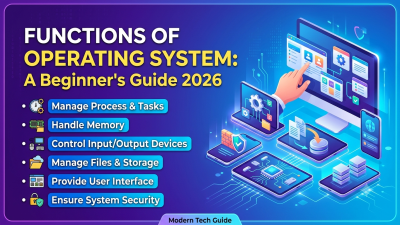
Main Functions of an Operating System
Let’s understand the core responsibilities of an operating system.
1. Process Management ⚙️
Every application you open becomes a process.
For example:
- Google Chrome
- Calculator
- Spotify
- Microsoft Word
The operating system decides:
- Which process runs first
- Which gets CPU time
- Which waits
Without this management, your computer would freeze frequently.
2. Memory Management 💾
RAM is limited.
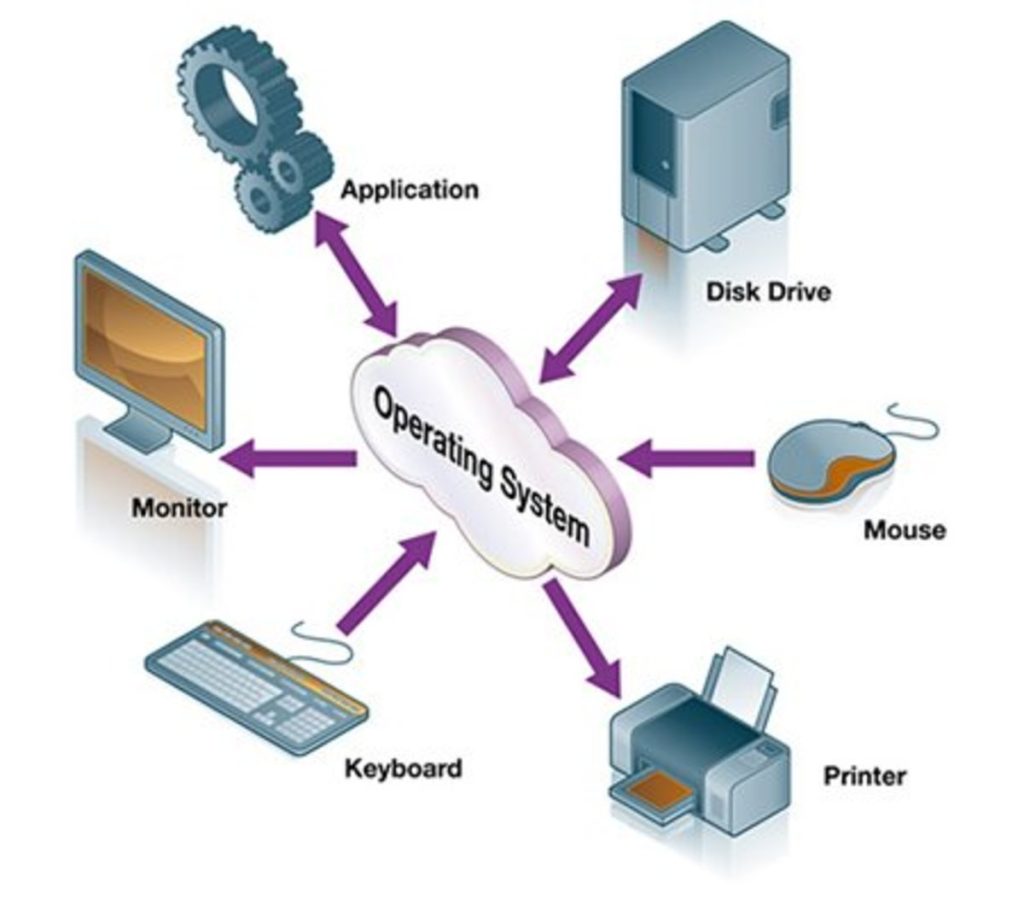
The operating system allocates memory to every running application.
Imagine trying to fit ten people into a car designed for five.
Someone has to organize the seating.
That’s exactly what the OS does with memory.
3. File Management 📁
Where are your documents stored?
How does the computer know where your photos are?
The Operating System organizes files into folders and directories.
It also lets you:
- Create files
- Rename files
- Delete files
- Move files
- Copy files
Without this feature, finding your homework would be nearly impossible.
4. Device Management 🖨️
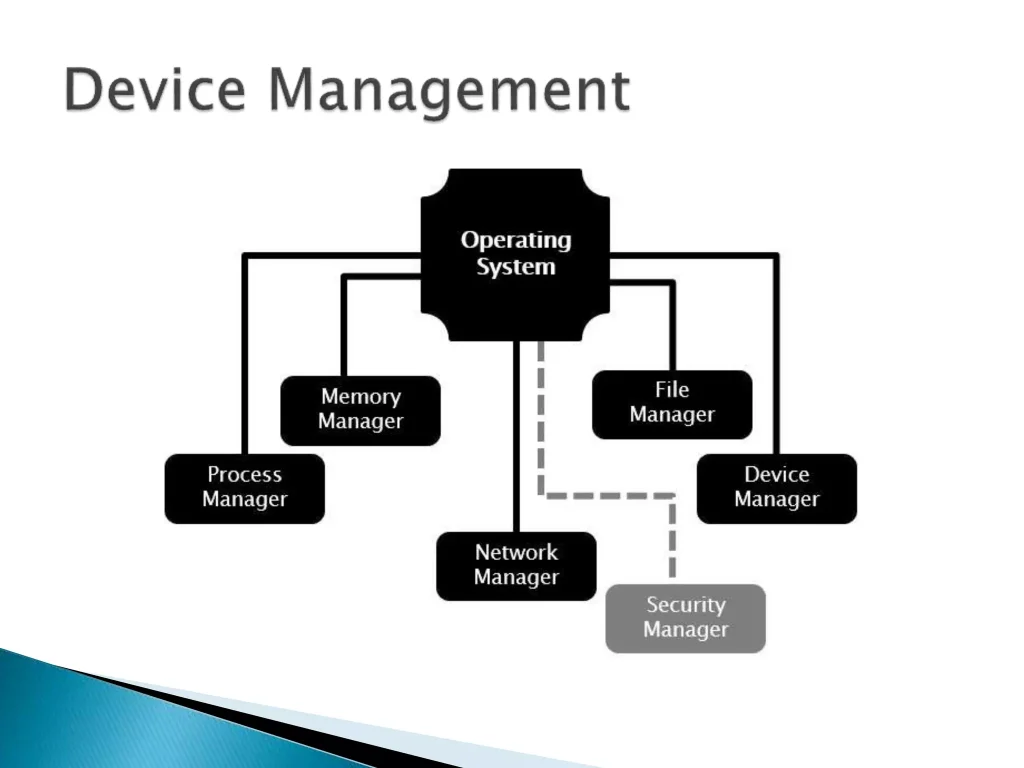
A computer uses many hardware devices:
- Keyboard
- Mouse
- Printer
- Scanner
- Webcam
- USB Drive
The operating system communicates with these devices using device drivers.
Whenever I plug in a USB drive, Windows recognizes it almost instantly. That’s the operating system doing its job.
5. Security Management 🔒
Nobody wants strangers accessing personal files.
The operating system provides:
- Password protection
- User accounts
- File permissions
- Encryption support
- Firewall integration
This keeps your information safer.
6. User Interface 🖥️
The operating system provides an interface that lets us interact with the computer.
There are mainly two types:
Command Line Interface (CLI)
Users type commands.
Example:
dir
cd
copy
Graphical User Interface (GUI)
Users interact using:
- Icons
- Windows
- Menus
- Buttons
Most of us use GUI every day because it’s much easier.
Types of Operating Systems
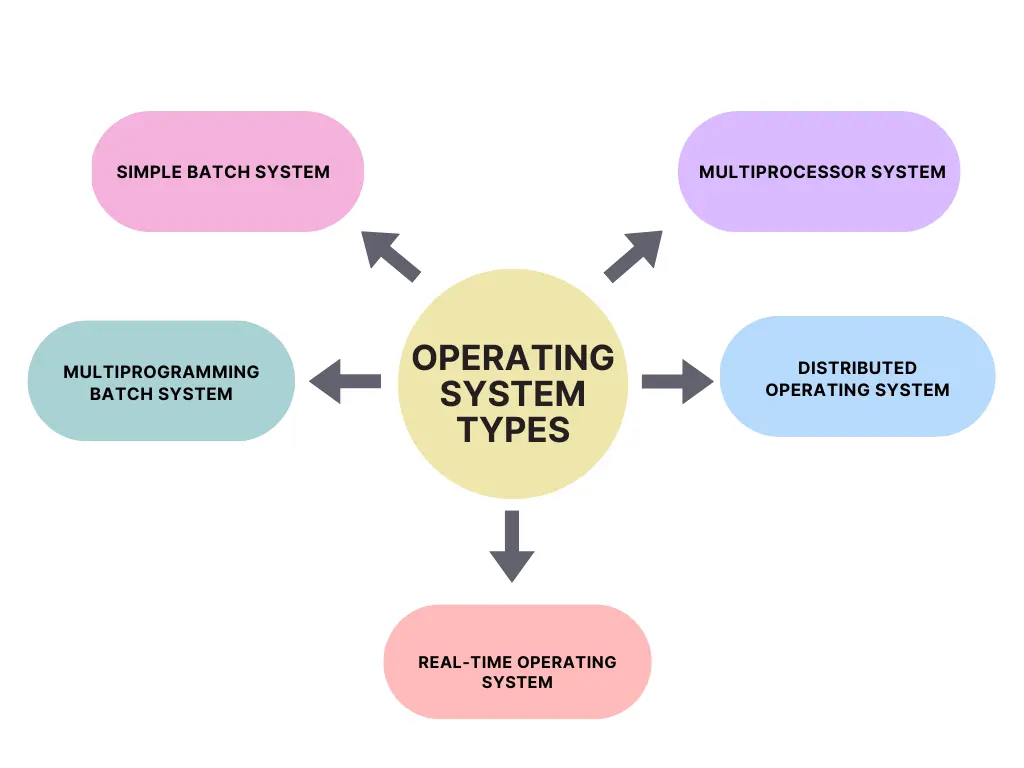
Not every operating system works the same way.
Here are the major types.
Batch Operating System
Processes similar jobs together in batches.
Used mainly in older computer systems.
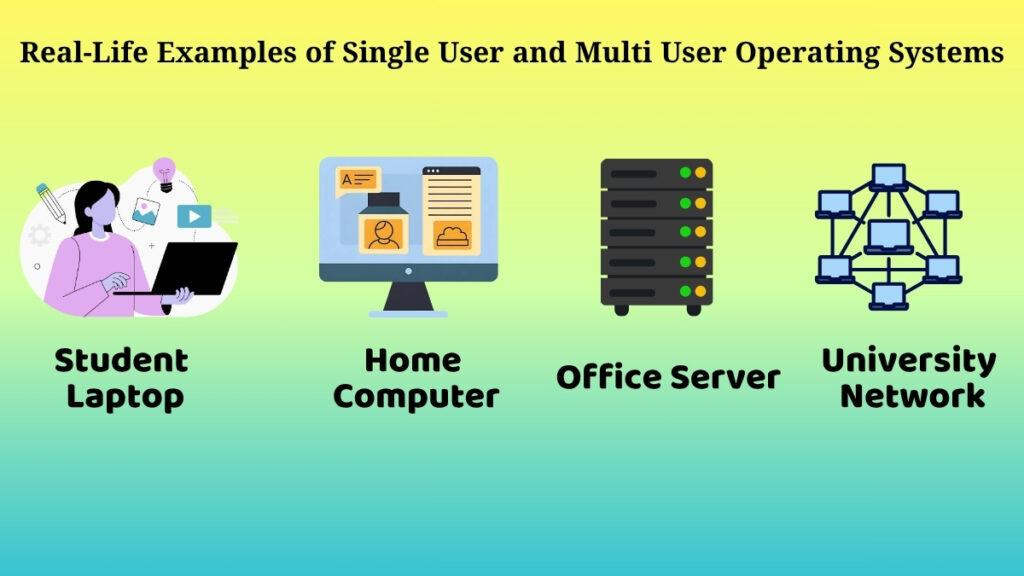
Time-Sharing Operating System
Allows multiple users to use the same computer by sharing CPU time.
Example:
University computer labs.
Distributed Operating System
Several computers work together as one system.
Used in large organizations.
Network Operating System
Manages computers connected over a network.
Common in offices and businesses.
Real-Time Operating System (RTOS)
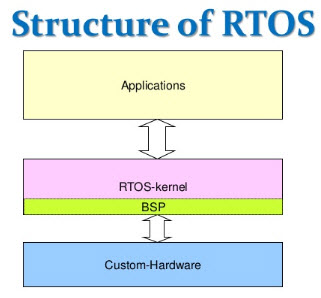
Designed for tasks that require immediate responses.
Examples include:
- Medical equipment
- Air traffic control
- Industrial robots
A delay of even a second can be critical.
Mobile Operating System 📱
Specifically built for smartphones and tablets.
Examples:
- Android
- iOS
These operating systems are optimized for touchscreens, battery life, and mobile applications.
Popular Operating Systems
Here are some of the most widely used operating systems today.
| Operating System | Common Use |
|---|---|
| Microsoft Windows | Personal computers |
| macOS | Apple computers |
| Linux | Servers, programming, cybersecurity |
| Android | Smartphones |
| iOS | Apple iPhones |
Each operating system has its own strengths, but they all perform the same fundamental job—managing hardware and software.
Real-Life Example of an Operating System
Imagine you’re in a restaurant.
You don’t walk into the kitchen and tell every chef what to cook.
Instead:
- You give your order to the waiter.
- The waiter communicates with the kitchen.
- The chefs prepare the food.
- The waiter brings it back to you.
The Operating System works just like that waiter.
You interact with the operating system, and it communicates with the hardware on your behalf.
This example made the concept click for me much faster than any textbook definition.
Advantages of an Operating System ✅
Some major benefits include:
- Easy interaction with computers
- Efficient memory management
- Better security
- Faster multitasking
- Organized file storage
- Hardware management
- Improved overall performance
- User-friendly interface
Disadvantages of an Operating System ❌
No software is perfect.
Some drawbacks are:
- Commercial operating systems can be expensive.
- Bugs and vulnerabilities may exist.
- Malware can target operating systems.
- Updates occasionally introduce compatibility issues.
- Older hardware may not support the latest OS versions.
Applications of Operating Systems
Operating systems are used almost everywhere.
You’ll find them in:
- 💻 Personal computers
- 📱 Smartphones
- 🏦 Banks
- 🏥 Hospitals
- 🎓 Schools
- 🛒 Supermarkets
- 🚗 Cars
- ✈️ Airports
- 🛰️ Satellites
- 🤖 Industrial robots
It’s amazing how often we rely on an operating system without even noticing it.
Tips for Beginners Learning Operating Systems
When I first started learning, I tried to memorize every definition. It didn’t work very well.
What helped me was exploring the operating system I already used every day.
Here are a few tips:
- Open Task Manager and see which processes are running.
- Explore File Explorer and organize some folders.
- Check your system settings and user accounts.
- Learn a few basic command-line commands.
- Compare Windows, Linux, and macOS to understand their similarities and differences.
Learning by doing makes the concepts much easier to remember.
Conclusion
I hope this Introduction to Operating Systems has made the topic much easier to understand. At first, operating systems can seem like a complex subject, but once you see them as the manager that coordinates everything inside a computer, the idea becomes much clearer.
Whether you’re learning HTML, programming, networking, or cybersecurity, understanding the Operating System gives you a strong foundation. Every application you use depends on it, and every computer task starts with it.
My advice? Don’t stop at reading. Explore your own computer, click around safely, observe how files are managed, and notice how different applications work together. That’s where real learning begins. 😊
Frequently Asked Questions (FAQs)
1. What is an Operating System?
An Operating System is system software that manages computer hardware and software resources while providing an interface for users to interact with the computer.
2. Why is an Operating System important?
It manages memory, processes, files, hardware devices, and security. Without it, a computer cannot function in a practical way.
3. What are examples of Operating Systems?
Some popular examples are Microsoft Windows, macOS, Linux, Android, and iOS.
4. What are the main functions of an Operating System?
The main functions include process management, memory management, file management, device management, security, and providing a user interface.
5. Can a computer work without an Operating System?
Technically, hardware can power on, but without an operating system, you can’t use the computer in the way most people expect because there’s no software managing its resources.
Kaashiv Infotech Offers Networking Course, Cyber Security Course, Cloud Computing Course Visit Their Website www.kaashivinfotech.com.