If you’ve ever wondered what your computer actually does after you press the power button, you’re in the right place.
When I first started learning computers, I thought the operating system was just a screen with icons like Windows or macOS. I had no idea it was quietly handling hundreds of tasks every second.
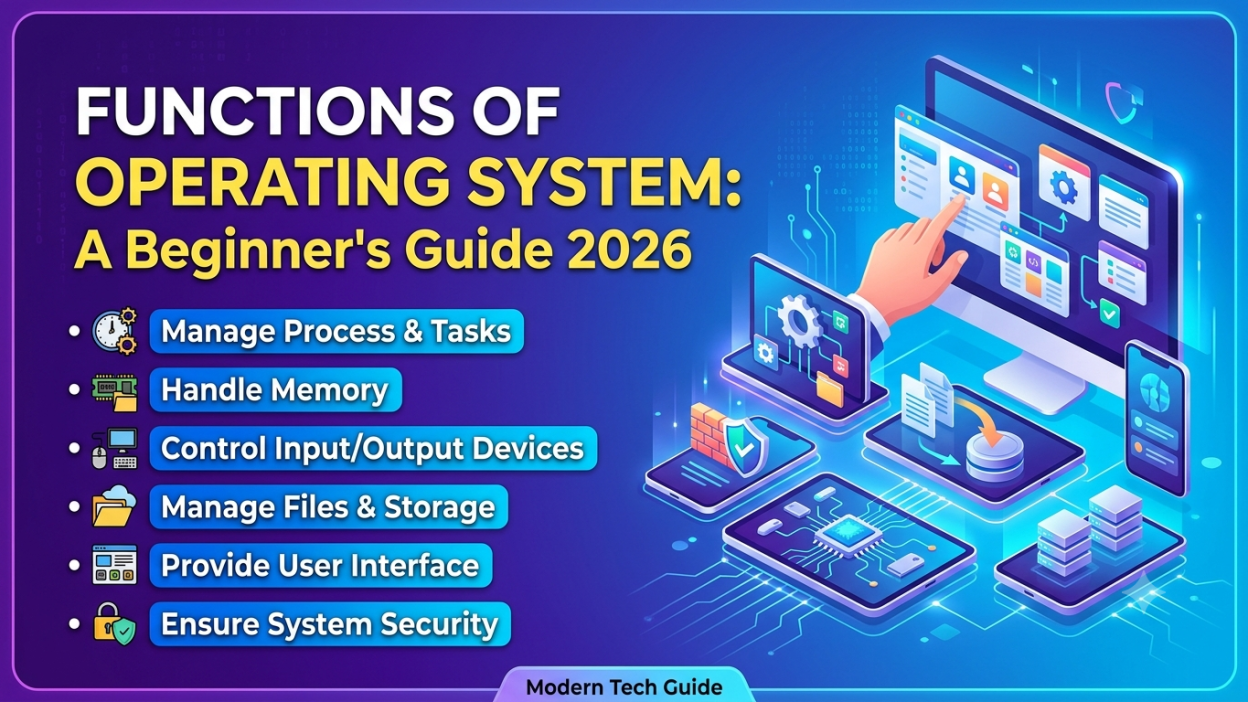
That’s why I created this Functions of Operating System: A Beginner’s Guide 2026—to explain everything in simple words without confusing technical jargon.
Whether you’re a student, beginner, or preparing for interviews, understanding the Functions of Operating System: A Beginner’s Guide 2026 will make every other computer topic much easier.
Let’s dive in. 😊
📌 Key Highlights
- ✅ What is an Operating System?
- ✅ Why do we need an Operating System?
- ✅ 11 major Functions of Operating System
- ✅ Real-life examples for every function
- ✅ Easy explanation for beginners
- ✅ Frequently Asked Questions
- ✅ Final summary
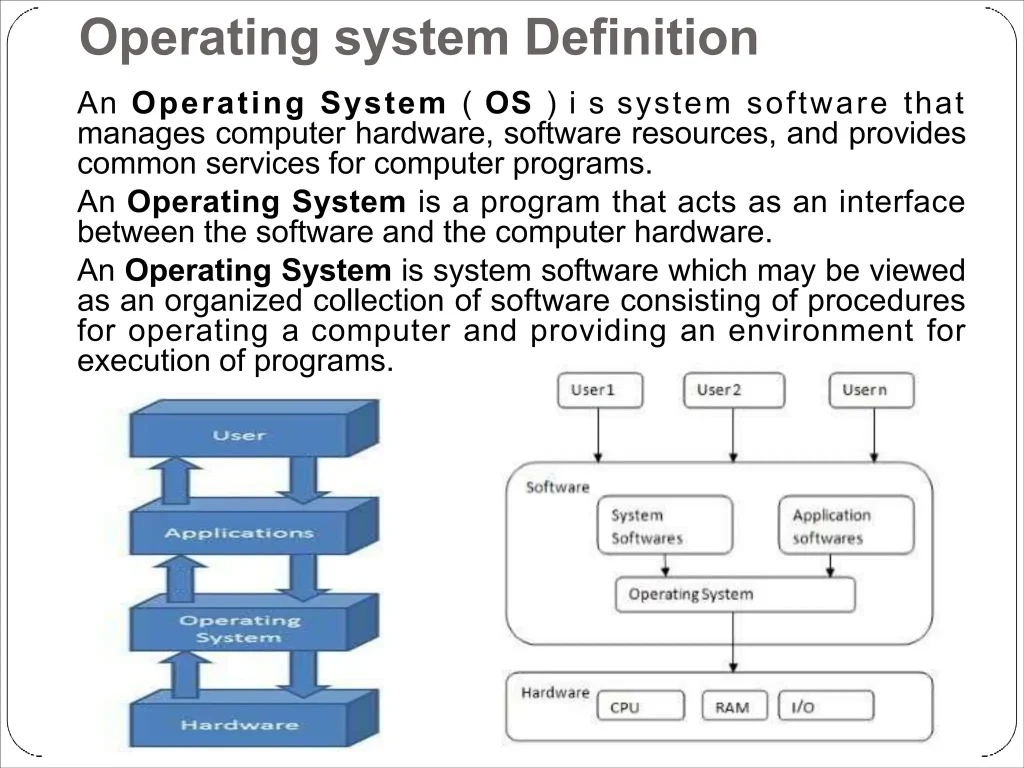
What is an Operating System?
An Operating System (OS) is the main software that connects the user with the computer hardware.
Think of it like this…
Imagine you’re visiting a restaurant.
- You are the customer.
- The kitchen is the hardware.
- The waiter is the Operating System.
You don’t walk into the kitchen and cook your own food.
Instead, the waiter takes your order, gives it to the kitchen, brings your food back, and makes sure everything runs smoothly.
That’s exactly what an Operating System does.
Without it, your computer simply wouldn’t know how to communicate with you.
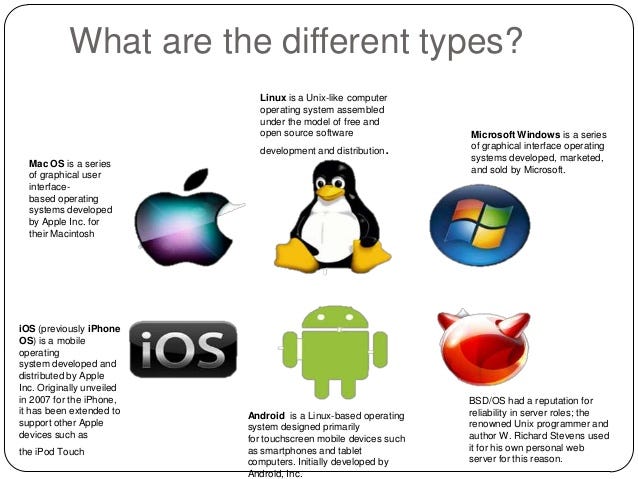
Some popular Operating Systems include:
- Microsoft Windows
- macOS
- Linux
- Android
- iOS
Why is an Operating System Important? 💻
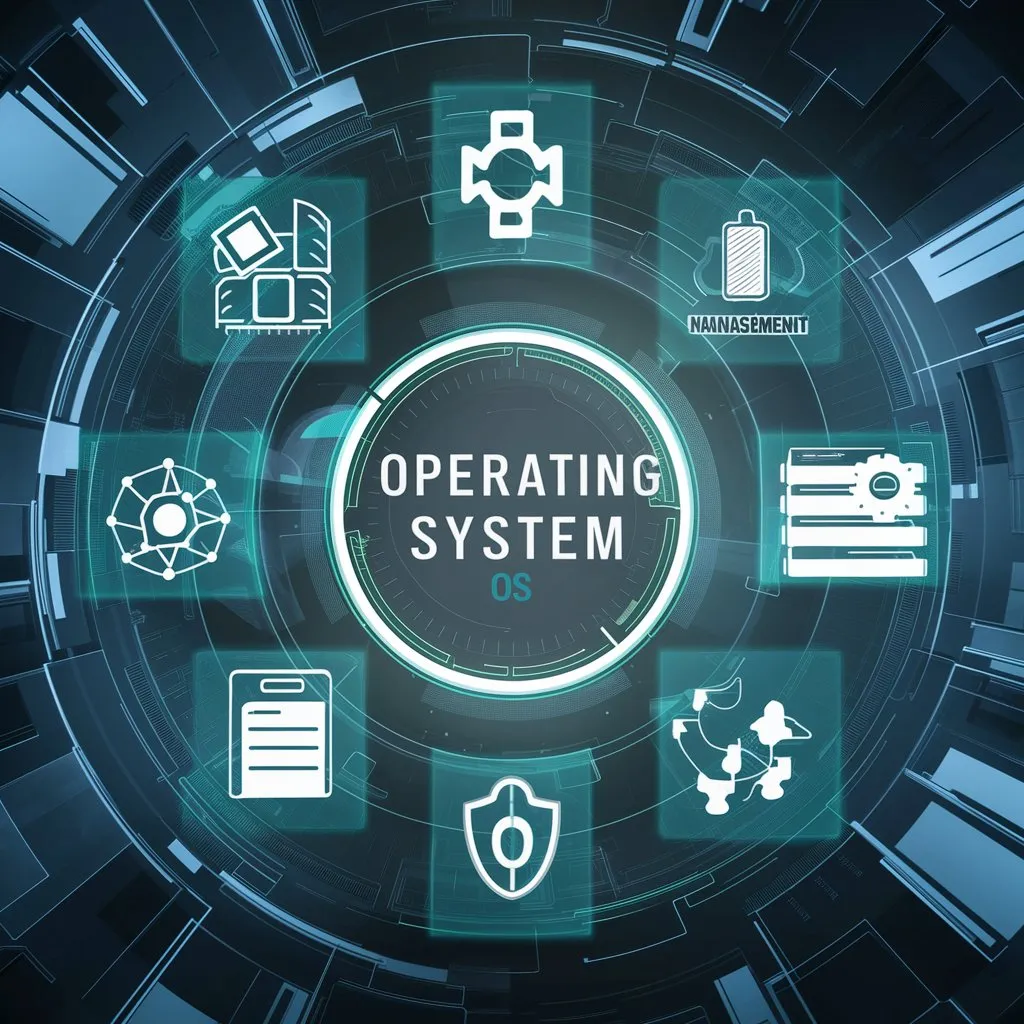
Imagine buying a brand-new laptop without Windows or Linux installed.
You press the power button…
Nothing useful happens.
No desktop.
No browser.
No games.
No applications.
That’s because the hardware needs software to control it.
The Functions of Operating System make your computer usable by managing hardware, software, memory, files, and security.
1. Process Management ⚙️
One of the most important Functions of Operating System is Process Management.
Every application you open becomes a process.
For example:
- Google Chrome
- Spotify
- Microsoft Word
- Calculator
All of them run at the same time.
The Operating System decides:
- Which process runs first
- Which process waits
- How much CPU each process gets
Real-life example
I’m writing this article while listening to music and downloading a file.
All three applications work together because the Operating System manages them efficiently.
Without Process Management, the computer would freeze almost instantly.
2. Memory Management 🧠
Another major Operating System Function is Memory Management.
RAM (Random Access Memory) is limited.
The Operating System decides:
- Which program gets memory
- How much memory each program receives
- When memory should be released
Example
Suppose you have:
- Chrome (20 tabs 😅)
- VS Code
- YouTube
- Photoshop
Your computer somehow keeps everything running.
That’s Memory Management in action.
3. File Management 📁
Have you ever saved a photo?
Created a folder?
Deleted an assignment?
That’s File Management.
The Operating System organizes:
- Files
- Folders
- Permissions
- Storage locations
Without this function, finding documents would be nearly impossible.
Imagine keeping thousands of papers in one room without folders.
Sounds stressful, right?
4. Device Management 🖨️
Your computer talks to many hardware devices.
Examples include:
- Printer
- Keyboard
- Mouse
- Webcam
- Speaker
- Scanner
The Operating System communicates with these devices using device drivers.
Example
When I connect a USB mouse, it usually starts working within seconds.
That’s because the Operating System loads the correct driver automatically.
Pretty amazing when you think about it.
5. Security and Protection 🔒
Security has become one of the most important Functions of Operating System.
The OS protects your computer from:
- Unauthorized users
- Malware
- Viruses
- Data theft
Some common security features include:
- Password protection
- Fingerprint login
- Face recognition
- Firewall
- File permissions
Without these protections, anyone could access your personal data.
6. User Interface (UI) 🖥️
The User Interface allows us to communicate with the computer.
There are two main types:
Graphical User Interface (GUI)
Examples:
- Windows
- macOS
- Android
Uses:
- Icons
- Buttons
- Menus
Command Line Interface (CLI)
Examples:
- Terminal
- Command Prompt
Uses text commands instead of clicking icons.
Personally, I found GUI much easier when I started learning computers.
Later, I realized CLI is incredibly powerful for advanced tasks.
7. CPU Scheduling ⏳
The CPU cannot execute every task at exactly the same moment.
The Operating System decides:
- Which task gets CPU time
- Which task should wait
- Which task has higher priority
This process is called CPU Scheduling.
Think of it like traffic signals controlling cars at a busy intersection.
Without signals, traffic becomes chaos.
8. Error Detection 🛠️
Computers aren’t perfect.
Errors happen.
The Operating System constantly checks for:
- Hardware failures
- Software errors
- Disk problems
- Memory issues
If something goes wrong, it reports the problem or attempts to recover automatically.
Have you ever seen a message saying:
Application Not Responding
That’s the Operating System detecting an issue.
9. Resource Management 📊
A computer has limited resources.
These include:
- CPU
- RAM
- Hard Disk
- Printer
- Network
The Operating System distributes these resources fairly among different applications.
Without proper management, one application could consume everything and crash the system.
10. Networking 🌐
Modern computers rarely work alone.
The Operating System manages:
- Internet connection
- Wi-Fi
- Bluetooth
- File sharing
- Network security
When I join a Wi-Fi network at a café, the Operating System handles authentication, assigns network settings, and lets me browse the web—all within seconds.
11. Performance Monitoring 📈
One function many beginners overlook is Performance Monitoring.
The Operating System keeps track of:
- CPU usage
- Memory usage
- Disk usage
- Network activity
You can usually see this through Task Manager (Windows) or Activity Monitor (macOS).
Whenever my laptop feels slow, checking these tools often reveals which app is using too many resources.
Real-Life Example of Operating System Functions
Imagine you’re preparing for an online class.
You:
- Open Zoom
- Play music
- Download notes
- Browse Google Chrome
- Save a PowerPoint
- Print an assignment
Behind the scenes, your Operating System is:
- Managing memory
- Running multiple processes
- Communicating with the printer
- Saving files
- Using Wi-Fi
- Protecting your data
We rarely notice these tasks because a good Operating System makes everything feel seamless.
Why Students Should Learn Operating System Functions 📚
Understanding the Functions of Operating System is valuable because these concepts appear in:
- Computer Science courses
- IT certifications
- Placement exams
- Software engineering interviews
- Competitive exams
Once you understand these basics, topics like Process Scheduling, Memory Allocation, and Deadlocks become much easier to grasp.
Quick Summary Table
| Function | Purpose |
|---|---|
| Process Management | Runs multiple programs |
| Memory Management | Manages RAM |
| File Management | Organizes files and folders |
| Device Management | Controls hardware devices |
| Security | Protects users and data |
| User Interface | Helps users interact with the computer |
| CPU Scheduling | Allocates processor time |
| Error Detection | Detects and handles system issues |
| Resource Management | Shares hardware resources efficiently |
| Networking | Manages network communication |
| Performance Monitoring | Tracks system performance |
Frequently Asked Questions
What are the main functions of an Operating System?
The primary Functions of Operating System include process management, memory management, file management, device management, security, networking, CPU scheduling, resource management, error detection, user interface, and performance monitoring.
Why is an Operating System important?
Without an Operating System, a computer cannot effectively communicate with hardware or run applications. It acts as the bridge between the user and the machine.
Which Operating System is best?
It depends on your needs:
Windows for general use and gaming
macOS for Apple users and creative work
Linux for developers and servers
Android for smartphones
iOS for Apple mobile devices
Can a computer work without an Operating System?
Technically, hardware can power on, but without an Operating System, it cannot provide the environment needed to run everyday applications or offer a usable interface.
Final Thoughts 💙
When I first explored computers, I underestimated the role of the Operating System. The more I learned, the more I realized it’s the silent engine behind everything we do—from opening a browser to saving a file or connecting to Wi-Fi.
I hope this Functions of Operating System: A Beginner’s Guide 2026 helped you understand the topic in a simple and practical way. Once these fundamentals click, you’ll find many advanced computer science concepts much easier to learn.
If you’re just starting your tech journey, keep building one concept at a time. Every expert was once a beginner. 🚀
Kaashiv Infotech Offers Networking Course, Cyber Security Course, Cloud Computing Course Visit Their Website www.kaashivinfotech.com.
Related Reads:
- What is a Distributed Operating System? How It Powers the Future of Computing
- 11 Main Functions of Operating System in 2025 (With Real Examples & Insights)
- The Best Mobile Operating Systems in 2026: A Complete Comparison Guide