What Does a Front-End Developer Do? – Every time you visit a website, browse an online store, watch a video, or use a web application, you interact with its front end. The buttons you click, the images you see, the menus you open, and the layouts you navigate are all part of the front-end experience. A front-end developer is responsible for building these interactive and visually appealing parts of a website.
Front-end development is an important part of modern web development because it connects users with the services and information they need. Businesses rely on front-end developers to create websites that are attractive, responsive, accessible, and easy to use.
If you are a beginner interested in web development, understanding what a front-end developer does can help you decide whether this career is right for you. This guide explains the role, essential skills, tools, responsibilities, and career opportunities in front-end development.
What Is a Front-End Developer?

A front-end developer is a software professional who builds the parts of a website or web application that users see and interact with directly. Their main responsibility is to turn website designs into functional web pages using programming languages, frameworks, and development tools.
For example, when you visit an online shopping website, the product images, search bar, navigation menu, shopping cart, and checkout interface are part of the front end. A front-end developer creates these elements and ensures they work correctly across different devices and browsers.
Front-end developers work closely with UI/UX designers, back-end developers, and other team members. Designers provide layouts and visual concepts, while front-end developers implement those designs in code. They also connect the user interface to back-end services when a website needs to retrieve or submit data.
What Does a Front-End Developer Do?
A front-end developer performs several tasks throughout the website development process.
Building Website Interfaces
One of the primary responsibilities is converting design files and wireframes into working web pages. Developers use HTML, CSS, and JavaScript to build page structures, apply styles, and add interactive features.
They create elements such as headers, footers, navigation menus, forms, buttons, cards, and content sections. Their goal is to make the interface match the intended design while ensuring that every element works properly.
Creating Responsive Websites
People access websites through smartphones, tablets, laptops, and desktop computers. A front-end developer ensures that websites adjust to different screen sizes without losing their usability or visual quality.
They use responsive design techniques, flexible layouts, CSS media queries, and modern layout systems such as Flexbox and Grid. A responsive website helps users navigate content comfortably, regardless of the device they use.
Adding Interactive Features

Websites need more than static content to provide a useful experience. Front-end developers use JavaScript to add interactive functionality.
Common examples include dropdown menus, image sliders, form validation, search suggestions, pop-up windows, interactive dashboards, and shopping cart updates. These features allow users to complete tasks easily without unnecessary page reloads.
Improving Website Performance
Website speed affects user experience and engagement. Front-end developers optimize images, reduce unnecessary code, manage JavaScript efficiently, and use suitable loading techniques to improve performance.
They may also use browser developer tools and performance testing tools to identify problems. Faster websites can help users access information more quickly and reduce frustration.
Testing and Fixing Errors
Front-end developers test websites across different browsers and devices to identify layout issues, broken buttons, JavaScript errors, and other problems.
They use debugging tools to find the cause of errors and correct them. Testing also includes checking forms, navigation, accessibility, and interactive components to ensure the website behaves as expected.
Essential Skills Every Front-End Developer Needs
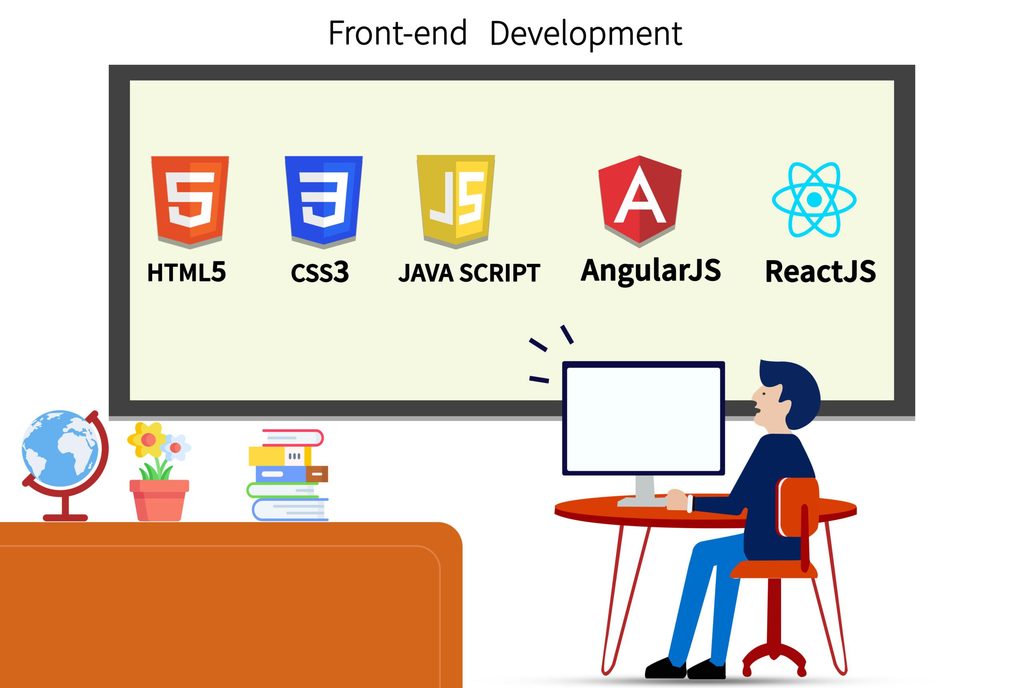
To become a front-end developer, beginners should build a strong foundation in the following technologies.
HTML
HTML stands for HyperText Markup Language. It provides the basic structure of a web page. Developers use HTML elements to organize headings, paragraphs, images, links, forms, and other content.
Learning semantic HTML also helps improve website accessibility and makes page structures easier to understand.
CSS
CSS stands for Cascading Style Sheets. It controls the appearance and layout of a website. Developers use CSS to apply colors, fonts, spacing, borders, animations, and responsive layouts.
A good understanding of CSS helps developers create professional-looking websites that work on different screen sizes.
JavaScript
JavaScript adds functionality and interactivity to web pages. It allows developers to respond to user actions, validate forms, update page content, and communicate with APIs.
Beginners should understand variables, functions, arrays, objects, events, DOM manipulation, and asynchronous programming.
Front-End Frameworks and Libraries
After learning the fundamentals, developers can explore tools such as React, Angular, and Vue. These technologies help organize code and build complex user interfaces.
React is a popular starting point for many learners because it supports reusable components and a large ecosystem of development tools. However, understanding HTML, CSS, and JavaScript first is essential.
Git and GitHub
Git is a version control system that tracks changes in code. GitHub is a platform where developers can host repositories and collaborate on projects.
These tools are useful when working with teams, reviewing code, managing project changes, and showcasing personal projects.
Common Tools Used by Front-End Developers
Front-end developers use various tools to build, test, and maintain websites.
- Visual Studio Code: A popular code editor for writing HTML, CSS, and JavaScript.
- Chrome DevTools: Helps inspect web pages, debug JavaScript, and analyze performance.
- Figma: Allows developers to review UI designs and understand layouts before coding.
- Git and GitHub: Support version control and team collaboration.
- npm: Helps install and manage JavaScript packages and project dependencies.
- Vite: Provides a modern development environment for building front-end applications.
Beginners do not need to master every tool immediately. Start with a code editor, a browser, and Git, then learn additional tools as your projects become more advanced.
Front-End Developer vs. Back-End Developer
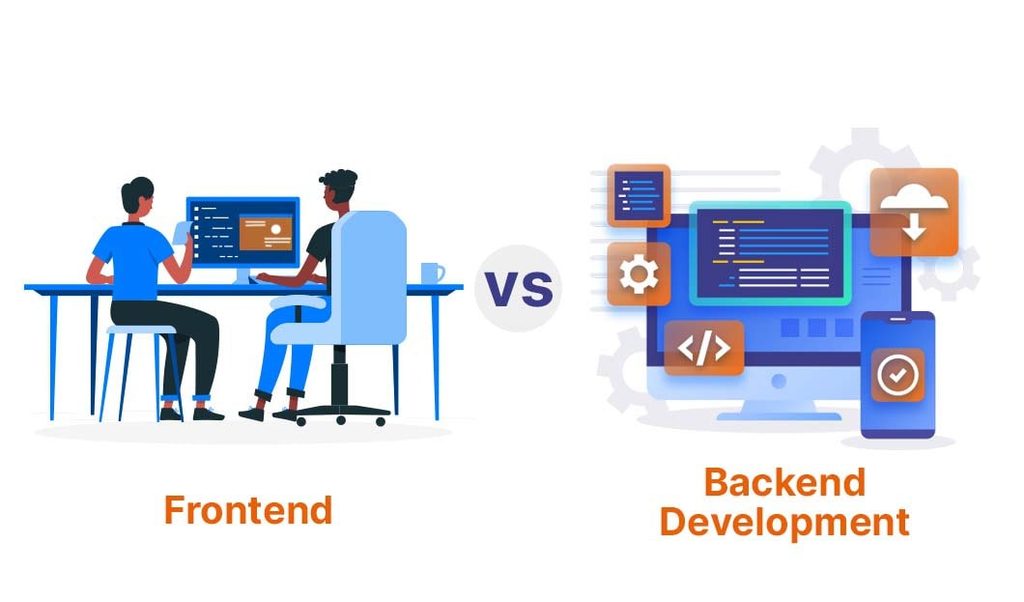
Front-end and back-end developers work on different parts of a website, but their responsibilities complement each other.
A front-end developer focuses on the user interface, page layout, visual presentation, and browser-based interactions. A back-end developer works on server-side logic, databases, authentication, and data processing.
For example, in a login system, the front end displays the login form and collects user input. The back end verifies the credentials and manages the authentication process. Both sides communicate to provide a complete experience.
Developers who work on both front-end and back-end technologies are known as full-stack developers.
How to Become a Front-End Developer
You can begin learning front-end development without an advanced technical background. Following a structured learning path makes the process easier.
- Learn HTML and CSS: Build simple web pages and practice creating layouts, forms, and navigation menus.
- Study JavaScript: Learn programming fundamentals and add interactive features to your pages.
- Practice responsive design: Create websites that work properly on mobile phones, tablets, and desktops.
- Learn a front-end framework: Explore React or another framework after gaining confidence in JavaScript.
- Build practical projects: Create a personal portfolio, landing page, weather application, or task management application.
- Learn Git and GitHub: Upload your projects and demonstrate your development skills.
- Prepare a portfolio and resume: Highlight your projects, technologies, and problem-solving abilities when applying for internships or entry-level positions.
Consistent practice is more valuable than simply watching tutorials. Building projects helps you understand how different technologies work together.
Career Opportunities for Front-End Developers
Front-end development offers several career paths. Beginners may start as junior front-end developers, web developers, or front-end development interns. With experience, they can progress to senior developer, front-end architect, or technical lead roles.
Some professionals specialize in React development, UI engineering, design systems, web accessibility, or front-end performance optimization. Others expand their knowledge of back-end technologies and move into full-stack development.
Career opportunities and salaries depend on technical skills, experience, location, company requirements, and the quality of your project portfolio. Learning modern development practices and building real-world applications can help you become more competitive in the job market.
Conclusion
A front-end developer transforms website designs into interactive, responsive, and user-friendly digital experiences. The role involves building interfaces, writing code, improving performance, testing functionality, and collaborating with other developers and designers.
For beginners, the best approach is to start with HTML, CSS, and JavaScript before moving on to frameworks and advanced tools. Practice regularly, build useful projects, and maintain a portfolio that demonstrates your skills.
Front-end development can be a rewarding career for people who enjoy programming, problem-solving, and creating digital experiences. With consistent learning and hands-on practice, you can develop the skills needed to pursue entry-level opportunities and grow into an experienced web development professional.
Want to Learn More About Java ?, Kaashiv Infotech Offers, Full Stack Java Course, Java Course, Data Science Course, Internships & More, Visit Their Website www.kaashivinfotech.com.