Frontend development is one of the best ways for beginners and aspiring web developers to turn their coding knowledge into practical skills. Learning HTML, CSS, JavaScript, and modern frontend frameworks is important, but building real projects helps you understand how these technologies work together.
A good frontend project can also strengthen your portfolio and give you something practical to discuss during interviews. Instead of building only basic to-do lists or simple calculators, you can work on projects that solve realistic problems and demonstrate different frontend skills.
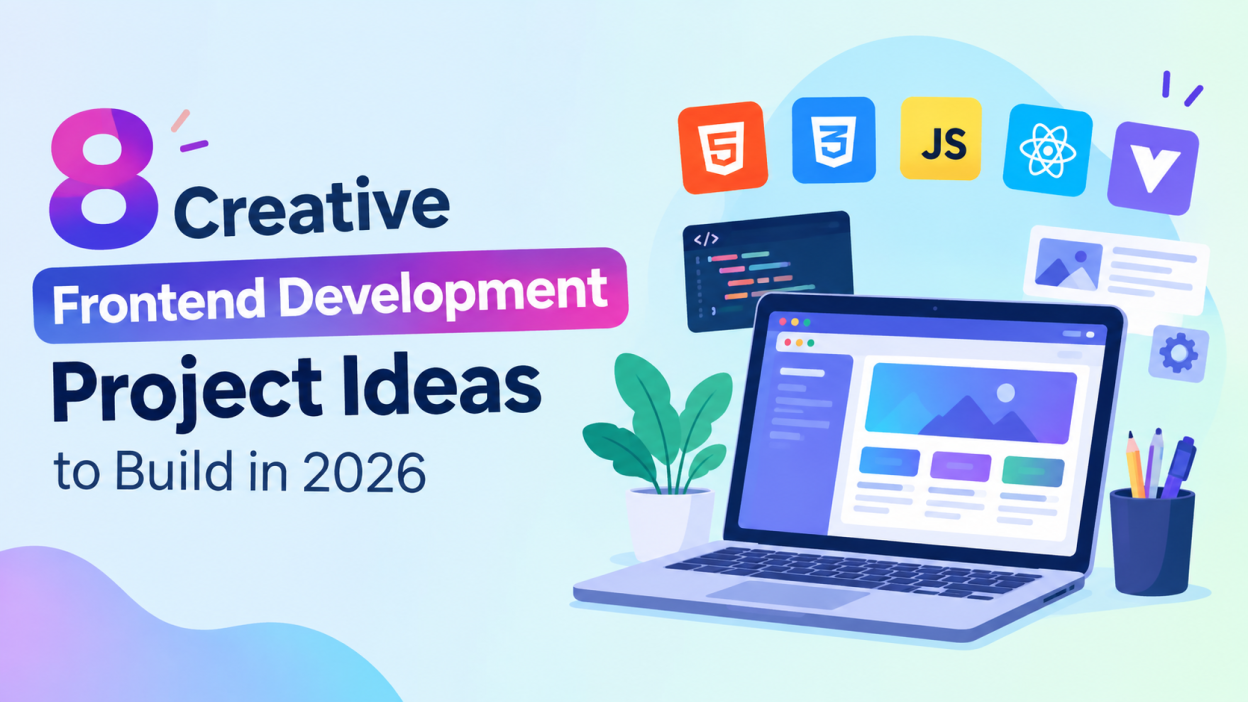
Here are 8 different frontend development project ideas you can build in 2026.
1. Personal Expense Tracker
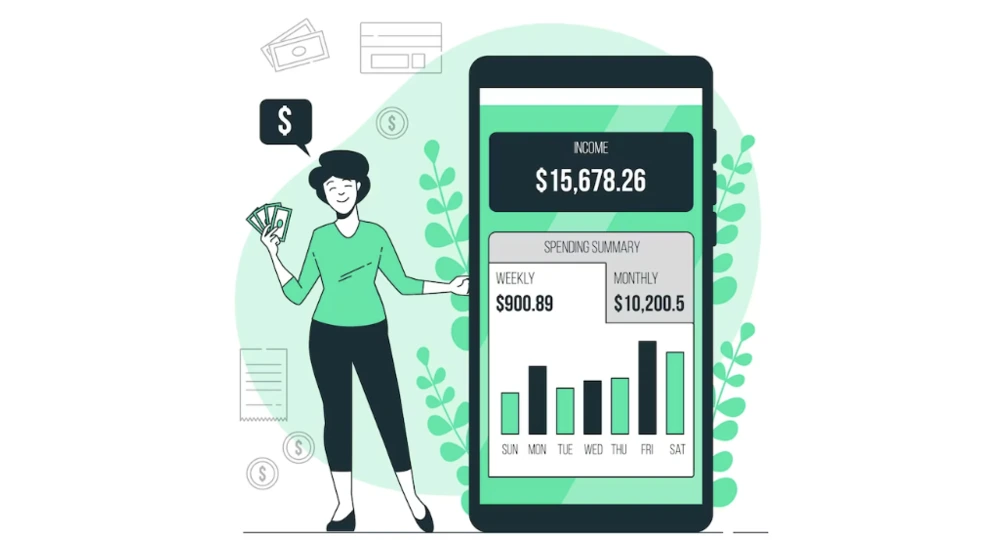
A personal expense tracker is a useful project for learning how to create interactive web applications.
The application can allow users to add income and expenses, select categories, enter dates, and view their remaining balance. You can also create a dashboard showing spending patterns through charts.
Useful features include:
- Add, edit, and delete transactions
- Income and expense categories
- Monthly expense summaries
- Search and filter options
- Interactive charts
- Local storage for saving data
This project helps you practice JavaScript, form handling, DOM manipulation, arrays, objects, and browser storage.
2. Online Course Dashboard
An online course dashboard is another excellent project for frontend developers who want to build a realistic interface.
The dashboard can display enrolled courses, completed lessons, progress percentages, upcoming classes, and certificates. You can create separate sections for the user’s profile, courses, assignments, and learning progress.
For example, a course card could display the course name, instructor, progress bar, number of lessons, and a “Continue Learning” button.
This project gives you experience with reusable components, responsive layouts, navigation menus, cards, progress indicators, and dashboard design.
If you use React, Vue, or Angular, you can divide the interface into reusable components such as CourseCard, Sidebar, ProgressBar, and ProfileSection.
3. Job Search and Application Tracker

A job application tracker can be a practical portfolio project for students and job seekers.
Users can enter job details such as company name, position, application date, location, and application status. The application can organize jobs into categories such as Applied, Interview, Selected, Rejected, and Follow-up.
You can add features such as:
- Search jobs
- Filter by status
- Sort by application date
- Add notes
- Edit application details
- Dashboard statistics
This project demonstrates your ability to manage dynamic data and create user-friendly interfaces.
It can also be expanded later by connecting the frontend to a backend API.
4. Recipe Finder Application
A recipe finder is a great project for learning how frontend applications interact with APIs.
Users can search for recipes by entering ingredients or food names. The application can display recipe images, ingredients, cooking instructions, preparation time, and nutritional information.
You can also add a favorites feature so users can save recipes they want to try later.
Important frontend concepts you can practice include API requests, asynchronous JavaScript, loading states, error handling, search functionality, and responsive design.
For a more advanced version, you can add filters for vegetarian food, cuisine type, preparation time, or dietary preferences.
5. Event Planning and Booking Interface
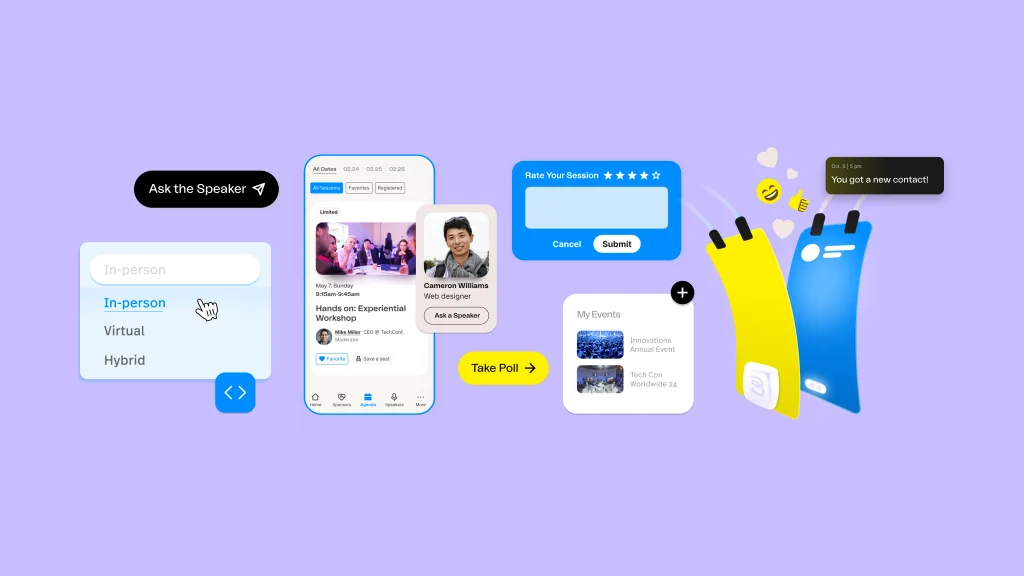
Build a frontend application where users can discover events and manage their bookings.
The homepage could display upcoming events with information such as event name, date, location, category, and available seats. Users can select an event, view its details, and complete a simple booking form.
You can include categories such as:
- Technology
- Music
- Workshops
- Sports
- Business
- Education
An event calendar and seat-selection interface can make the project more interesting.
This project is particularly useful for practicing forms, modal windows, date interfaces, filtering, responsive layouts, and interactive UI components.
6. Fitness and Workout Dashboard
A fitness dashboard can demonstrate your ability to create data-rich interfaces.
The application can display daily workouts, calories burned, step counts, workout duration, and weekly progress. You can use charts and progress bars to make the dashboard visually engaging.
Users could select different workout plans such as:
- Beginner
- Strength training
- Cardio
- Home workouts
- Flexibility
You can also create a workout detail page containing exercise names, duration, repetitions, and rest periods.
This project helps you practice dashboard layouts, responsive design, JavaScript calculations, charts, and reusable UI components.
7. Travel Planner
A travel planner is a creative frontend project that combines multiple interface elements in one application.
Users can create a trip by entering a destination, travel dates, places to visit, hotel information, and daily activities.
The application could include an itinerary such as:
Day 1: City tour
Day 2: Museum and local attractions
Day 3: Shopping and restaurants
You can add a map section, weather information, budget tracker, and packing checklist to make the application more complete.
This project is useful for demonstrating complex layouts, cards, tabs, forms, interactive lists, and API integration.
8. AI Tools Directory

An AI tools directory is a modern project idea that can showcase frontend development skills while working with a large collection of data.
You can create a website where users browse AI tools based on categories such as writing, image generation, coding, video editing, productivity, education, and marketing.
Each tool can have:
- Tool name
- Description
- Category
- Pricing information
- Features
- Website button
- User rating or review section
A search bar and category filters can help users quickly find relevant tools.
For an advanced version, you can add sorting, dark mode, favorites, pagination, and an admin-style interface for managing tools.
How to Choose the Right Frontend Project
The best project depends on your current skill level and what you want to demonstrate.
If you are a beginner, start with projects such as an expense tracker or recipe finder. These will help you understand HTML, CSS, and JavaScript fundamentals.
If you already know JavaScript, consider building a job tracker, travel planner, or event booking interface. These projects require more dynamic interactions and data management.
For developers learning React, Vue, or Angular, an online course dashboard or AI tools directory can demonstrate component-based development and more advanced frontend concepts.
Technologies You Can Use
Depending on the project, you can use:
- HTML5 – Structure of web pages
- CSS3 – Styling and responsive layouts
- JavaScript – Interactivity and application logic
- Bootstrap – Faster responsive UI development
- Tailwind CSS – Utility-based styling
- React – Component-based frontend development
- Vue.js – Progressive JavaScript development
- Angular – Structured frontend applications
- Git and GitHub – Version control and portfolio hosting
You don’t need to use every technology in one project. Choose tools based on your current knowledge and gradually introduce new technologies.
Conclusion
Building real projects is one of the most effective ways to improve frontend development skills. The 8 project ideas covered above provide opportunities to practice different areas, including responsive design, JavaScript, APIs, forms, dashboards, data filtering, and modern frameworks.
Instead of simply following tutorials, try building your project independently and solve problems as they appear. Start with a simple version, test it on mobile and desktop devices, and then add advanced features.
A well-designed frontend project can become an important part of your portfolio and help demonstrate your practical development skills to potential employers.
Want to Learn More About Java ?, Kaashiv Infotech Offers, Full Stack Java Course, Java Course, Data Science Course, Internships & More, Visit Their Website www.kaashivinfotech.com.