

![What is ReactJS A Beginner's Guide [2026]](https://www.wikitechy.com/wp-content/uploads/2026/06/What-is-ReactJS-A-Beginners-Guide-2026-1160x680.png)
If you’ve ever wondered “What is ReactJS? A Beginner’s Guide [2026]“, you’re in the right place.
When I first started learning web development, I constantly heard developers talking about ReactJS. Every job posting seemed to mention it. Every YouTube tutorial recommended it. Naturally, I asked myself, “What is ReactJS, and why is everyone using it?“
In this What is ReactJS? A Beginner’s Guide [2026], I’ll explain ReactJS in simple words, share my own learning experience, and help you understand why React continues to dominate the frontend development world in 2026.
Key Highlights 📌
- Learn what ReactJS is and why developers love it.
- Understand how ReactJS works using simple examples.
- Discover the key features of ReactJS.
- Explore the benefits of ReactJS for beginners.
- Learn where ReactJS is used in real-world applications.
- Understand the difference between ReactJS and traditional JavaScript.
- Find useful learning resources to start your React journey.
- Discover ReactJS career opportunities in 2026.
What is ReactJS? A Beginner’s Guide [2026]
ReactJS is a free and open-source JavaScript library used to build fast, interactive, and dynamic user interfaces (UI).
It was created by Jordan Walke and is maintained by Meta (Facebook) and a large community of developers.
In simple terms, ReactJS helps developers build websites and web applications that update quickly without refreshing the entire page.
Think about apps like:
- Netflix
- Airbnb
- WhatsApp Web
Many modern applications use React or React-based technologies to create smooth user experiences.
So if someone asks, “What is ReactJS?”, the simplest answer is:
ReactJS is a JavaScript library that helps developers create fast and interactive user interfaces.
Why Was ReactJS Created?
Before ReactJS became popular, updating web pages was often complicated.
Imagine an online shopping website.
When a user adds a product to the cart:
- The cart count changes.
- The total price updates.
- The product list changes.
Without ReactJS, developers had to manually update many parts of the page.
React simplified this process.
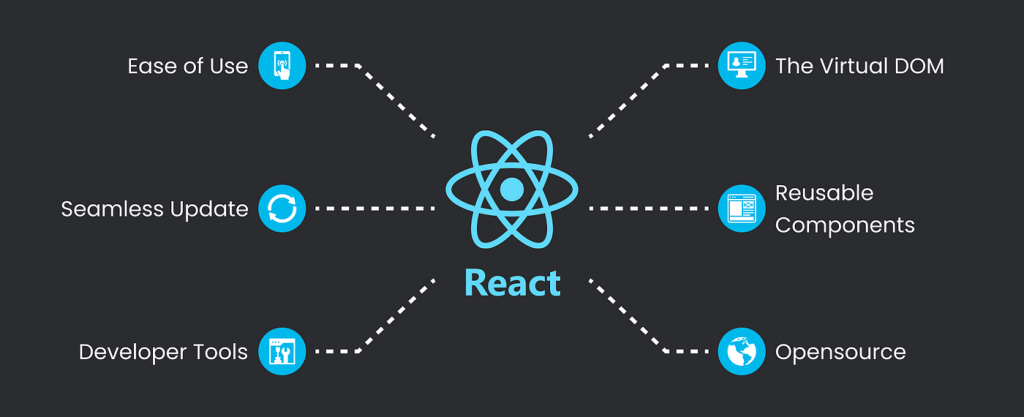
Instead of updating everything, React updates only the parts that changed.
When I built my first React project, this was the feature that impressed me the most. A small change in data instantly updated the screen without reloading the page.
Key Features of ReactJS 🚀
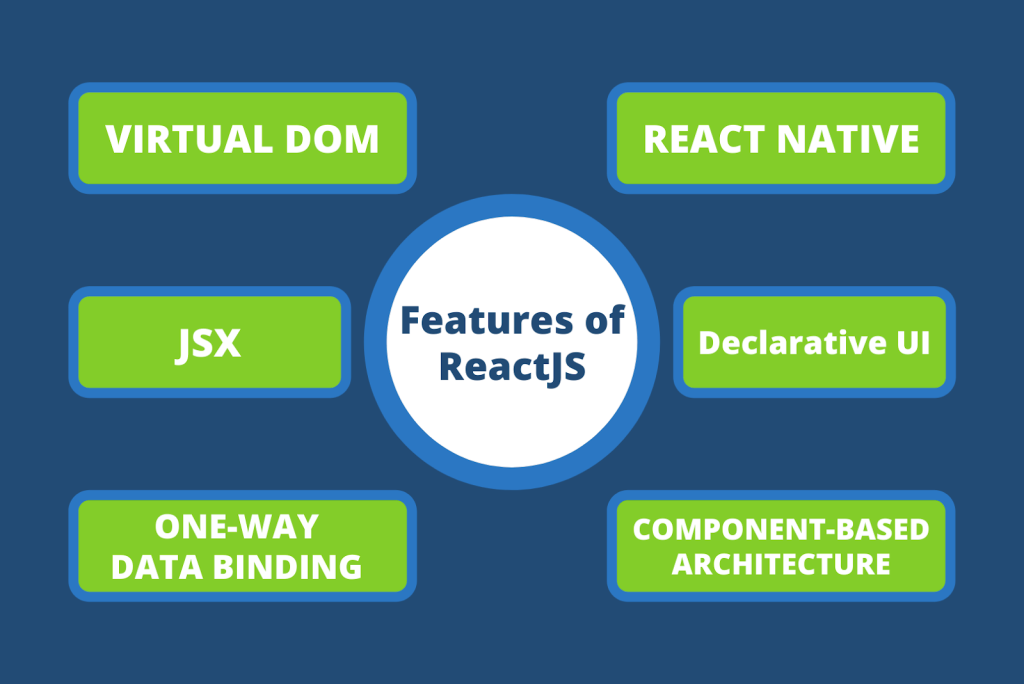
1. Component-Based Architecture
React applications are built using components.
A component is a reusable piece of UI.
For example:
- Header
- Navigation bar
- Product card
- Footer
Instead of writing the same code repeatedly, developers create components once and reuse them everywhere.
This saves time and makes projects easier to maintain.
2. Virtual DOM
One of React’s most famous features is the Virtual DOM.
The DOM (Document Object Model) represents a webpage structure.
React creates a virtual copy of the DOM and compares changes before updating the actual page.
This process makes websites faster and more efficient.
As a beginner, you don’t need to master Virtual DOM immediately. Just remember:
✅ Less page updating
✅ Better performance
3. JSX
React uses JSX (JavaScript XML).
JSX allows developers to write HTML-like code inside JavaScript.
Example:
function Welcome() {
  return <h1>Hello World!</h1>;
}
When I first saw JSX, it looked strange. But after a few projects, I realized it makes code much easier to read.
4. One-Way Data Flow
React follows a one-way data flow.
Data moves from parent components to child components.
This makes applications easier to understand and debug.
For beginners, fewer surprises mean less frustration.
5. Strong Community Support
One reason React remains popular in 2026 is its huge community.
If you face a problem, chances are:
- Someone already solved it.
- A tutorial exists.
- A discussion exists online.
This support makes learning React much easier.
Benefits of ReactJS for Beginners
If you’re asking whether React is worth learning in 2026, my answer is yes.
Here are some major benefits.
Easy to Learn
Compared to many frontend frameworks, React has a gentle learning curve.
If you know:
- HTML
- CSS
- JavaScript
You can start learning React fairly quickly.
High Demand in Jobs
React developers continue to be in demand worldwide.
Many companies use React for:
- Web applications
- Dashboards
- SaaS products
- E-commerce platforms
Learning React can open doors to frontend and full-stack development careers.
Reusable Components
Write once.
Use many times.
This concept saves huge amounts of development time.
Excellent Performance
React updates only the parts of a webpage that change.
This creates smoother and faster user experiences.
How ReactJS Works
Let’s simplify the process.
Step 1
A user performs an action.
Example:
- Clicks a button
- Adds a product
- Updates a profile
Step 2
React updates the application state.
Step 3
React compares the new data with the Virtual DOM.
Step 4
Only the changed elements are updated on the screen.
Result?
⚡ Fast performance
⚡ Better user experience
ReactJS vs Traditional JavaScript
| Feature | ReactJS | Traditional JavaScript |
|---|---|---|
| Reusable Components | Yes | Limited |
| Virtual DOM | Yes | No |
| Scalability | High | Moderate |
| Development Speed | Faster | Slower |
| Maintenance | Easier | More Difficult |
React isn’t meant to replace JavaScript.
Instead, React helps developers use JavaScript more efficiently.
Real-World Applications of ReactJS 🌍
You probably use React-powered applications every day.
Popular examples include:
- Netflix
- Airbnb
- Dropbox
- Shopify
These companies need fast and interactive user interfaces, making React a natural choice.
Is ReactJS a Framework?
This question confused me when I started learning.
Technically, ReactJS is a library, not a framework.
Why?
Because React mainly focuses on building user interfaces.
Frameworks usually provide complete solutions for routing, state management, and backend integration.
React can be combined with additional tools to create a full application ecosystem.
How to Learn ReactJS in 2026
Here’s the learning path I usually recommend.
Step 1: Learn HTML
Understand:
- Elements
- Forms
- Tables
- Semantic tags
Step 2: Learn CSS
Practice:
- Flexbox
- Grid
- Responsive design
Step 3: Learn JavaScript
Focus on:
- Variables
- Functions
- Arrays
- Objects
- ES6 features
Step 4: Start React
Learn:
- Components
- Props
- State
- Events
- Hooks
Step 5: Build Projects
Projects teach more than tutorials.
Try creating:
- To-do app
- Weather app
- Expense tracker
- Portfolio website
Common Beginner Mistakes in ReactJS
I’ve made most of these mistakes myself.
❌ Copying code without understanding it
❌ Skipping JavaScript fundamentals
❌ Learning too many libraries at once
❌ Avoiding projects
❌ Memorizing instead of practicing
The best way to improve is simple:
Build something. Break it. Fix it. Repeat.
Useful Resources to Learn ReactJS
Official Documentation
Visit the official React documentation:
JavaScript Learning
These resources are beginner-friendly and regularly updated.
Final Thoughts
If you’ve been searching for What is ReactJS? A Beginner’s Guide [2026], I hope this guide helped simplify the concept.
When I first learned ReactJS, it felt overwhelming because of all the new terms—components, props, state, hooks, and Virtual DOM. But after building a few small projects, everything started making sense.
React remains one of the most valuable frontend technologies to learn in 2026. It is fast, flexible, beginner-friendly, and widely used by companies around the world.
Start small. Build simple projects. Stay consistent.
A few months from now, you’ll be surprised by how much you can create with ReactJS. 🚀
Want to learn more about React ?, Kaashiv Infotech Offers React course and more Visit Their website www.kaashivinfotech.com.

![Full Stack Developer Roadmap [2026]](https://www.wikitechy.com/wp-content/uploads/2026/06/Full-Stack-Developer-Roadmap-2026-380x220.png)