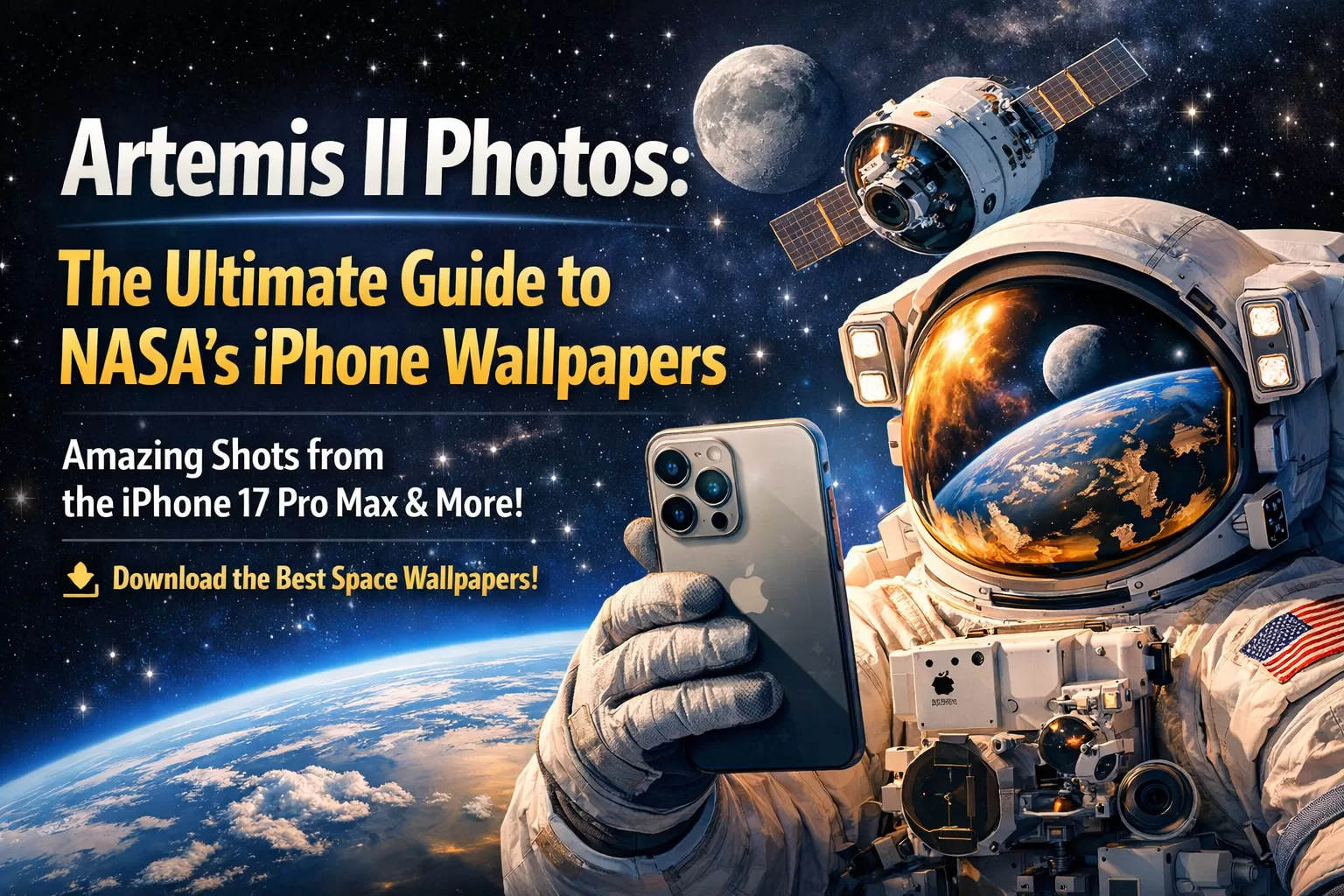
Artemis II Photos: The Ultimate Guide to NASA’s iPhone Wallpapers
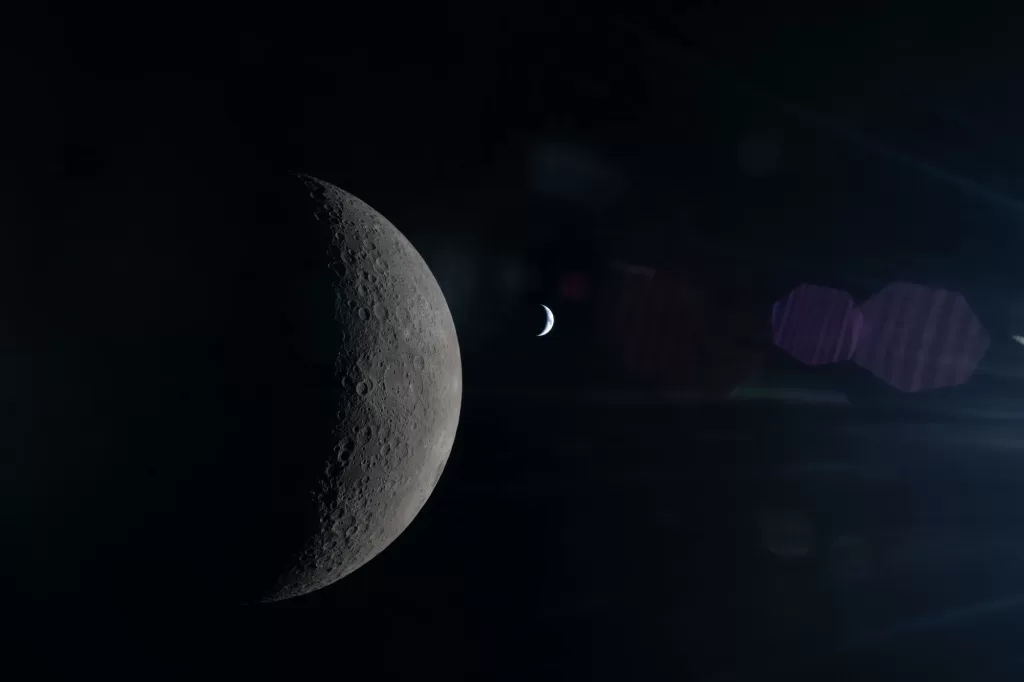
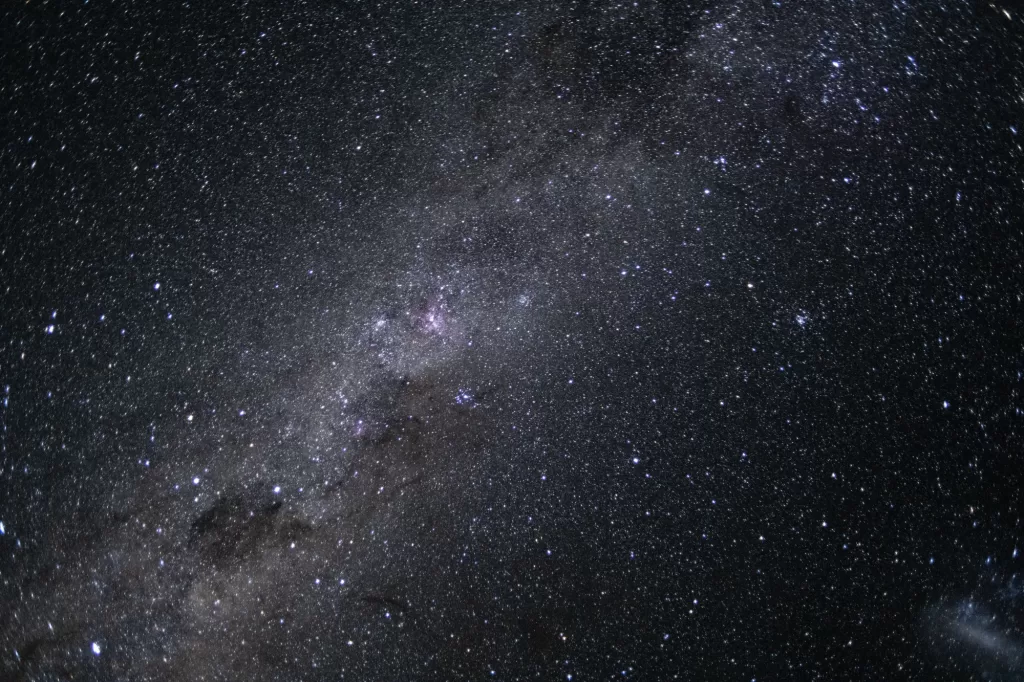
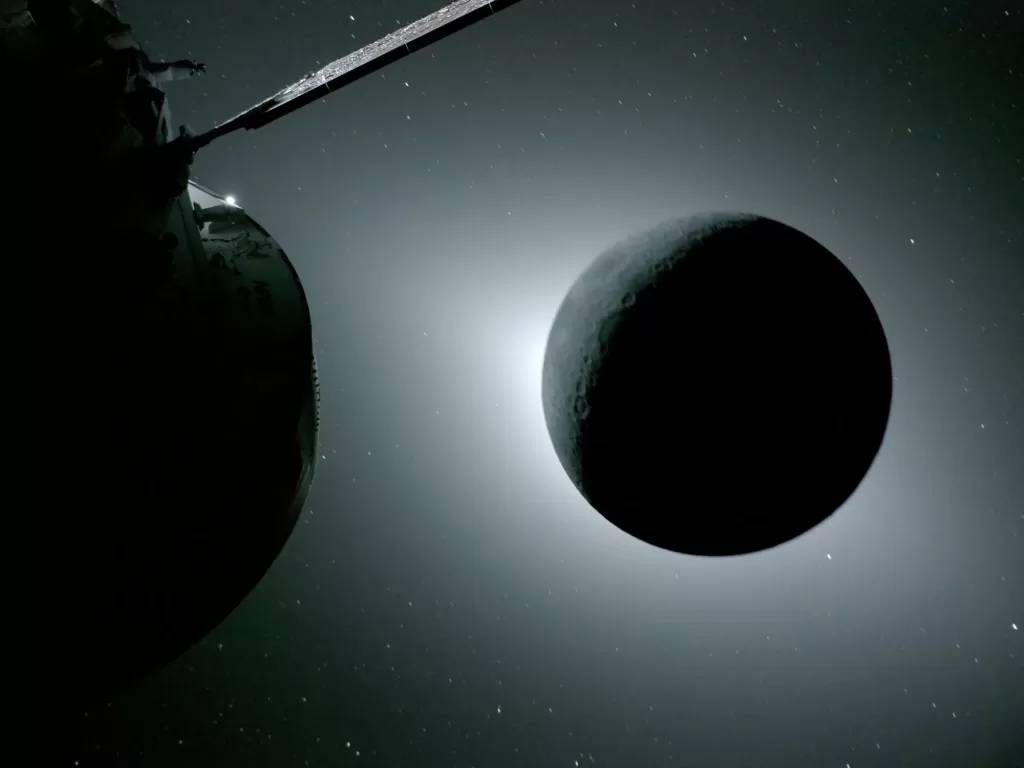
I was scrolling through my news feeds this morning, and for the first time in a while, the top trending story wasn’t about a data breach or a corporate layoff—it was about pure human achievement. NASA’s juat dropped Artemis II photos from the mission, the first crewed flight to the Moon in over 50 years, has successfully returned. And they brought back pictures.
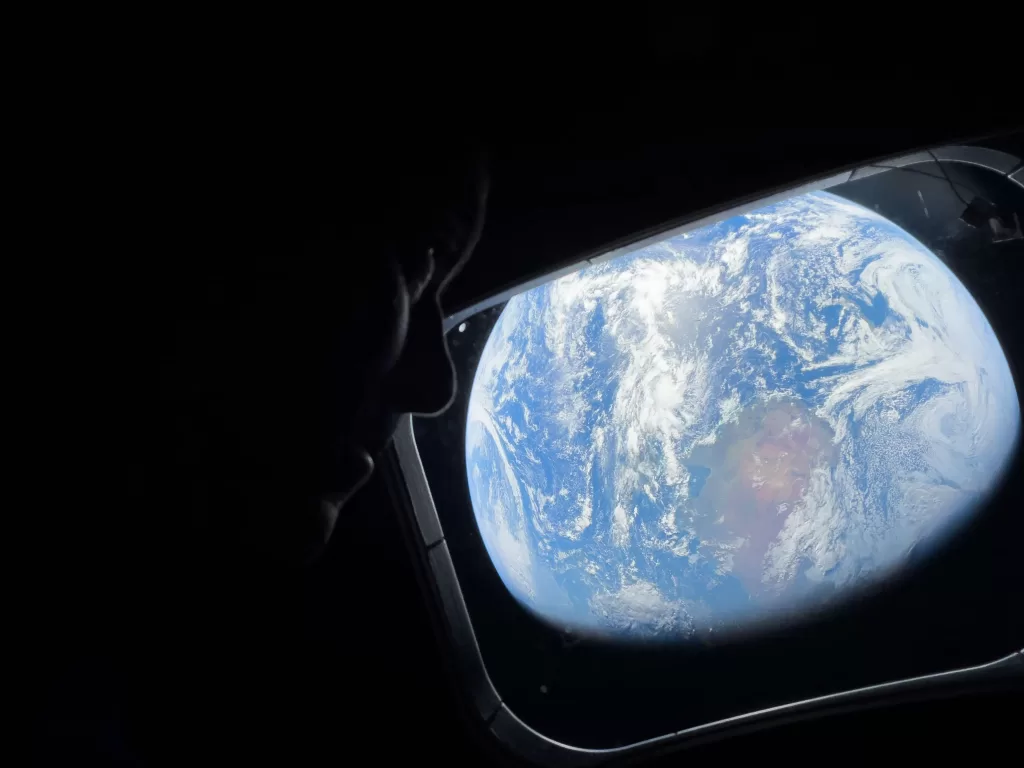
Breathtaking, awe-inspiring, high-resolution pictures of our planet from deep space.
Immediately, two things happened: everyone on the internet wanted to use these stunning images as wallpapers for their phones and PCs, and a second, even more fascinating tech story went viral. Some of the most iconic photos from the mission were taken not on a multi-million dollar space camera, but on an everyday consumer device: the iPhone 17 Pro Max.
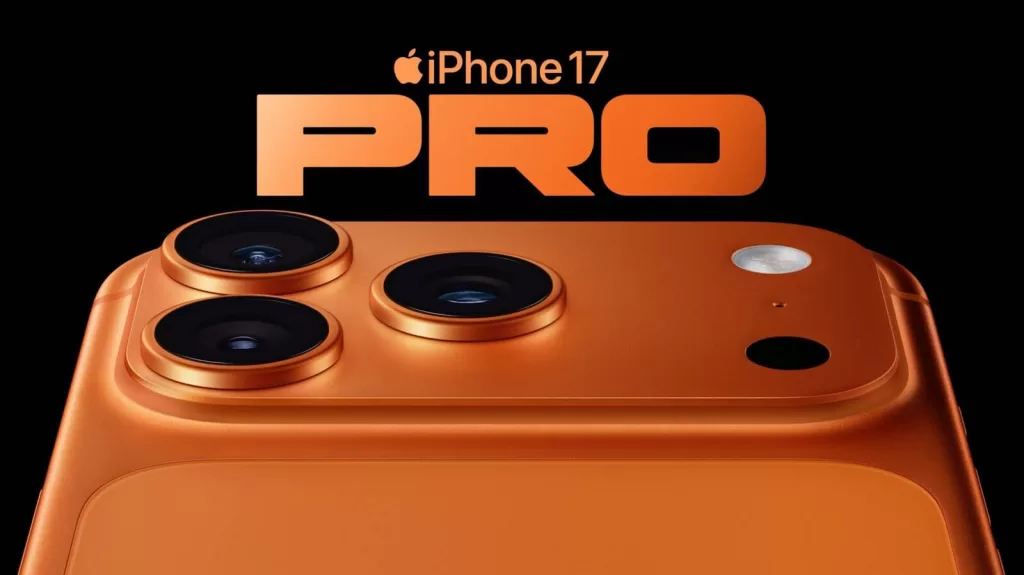
This isn’t just a gallery of pretty pictures. This is a deep-dive into the tech, the marketing, and the sheer wonder of the Artemis II mission. We’ll show you exactly how to download the highest-quality wallpapers for your devices and break down the real story of how an iPhone survived the most extreme environment known to man.
How to Download the Best Artemis II Photos Wallpapers for Your Phone & PC
Before we get into the tech, let’s get you that new wallpaper. NASA has been incredibly generous, uploading a massive album of high-resolution images for public use. Here is the best way to get them:
- Go to the Official Source: The best place to find the photos is the official NASA Johnson Flickr account. While the images are appearing elsewhere, Flickr makes it incredibly easy to download the original, uncompressed files.
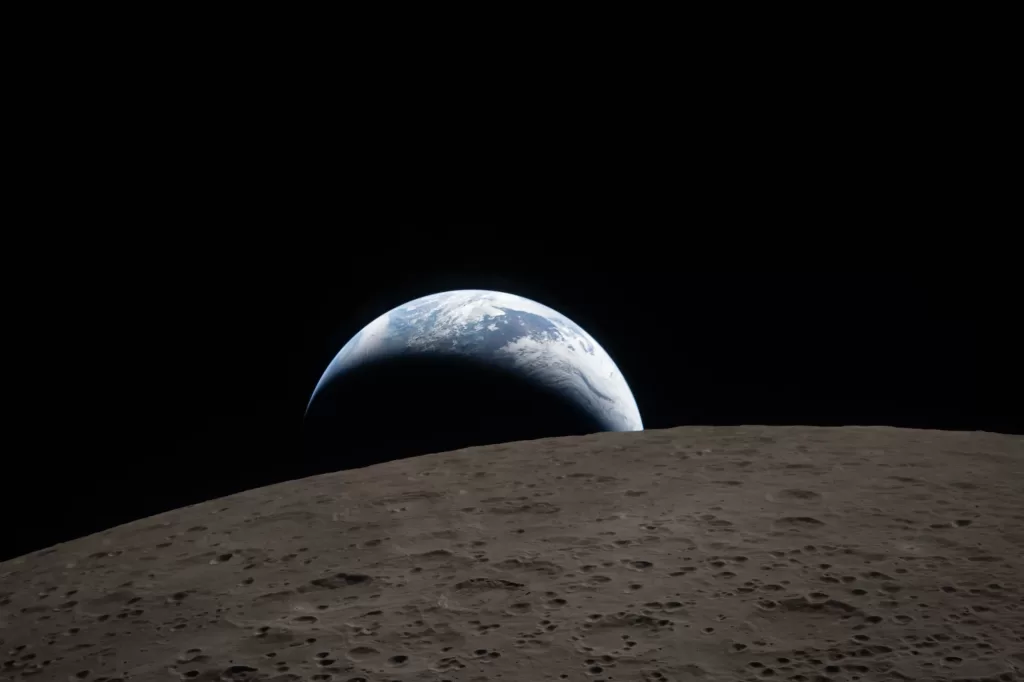
- Find Your Favorite Image: Scroll through the album and pick an image (my personal favorite is the stunning shot of a “Setting Earth” from lunar orbit).
- Download the Highest Resolution: Below the image, click the download arrow. A menu will pop up with different sizes. Always choose the largest available resolution (e.g., 5,568 x 3,712 pixels). The file sizes are surprisingly small, and this ensures your wallpaper will look crisp on any screen.
A quick note on copyright: According to NASA’s official policy, these images are free for personal use, so you can use them as your wallpaper without any legal worries. You just can’t use them for commercial advertisements.
The “Shot on iPhone” Story: A Marketing Masterclass
While NASA’s professional Nikon cameras captured most of the mission’s technical photos, the images that truly went viral were the selfies. Astronauts Reid Wiseman and Christina Koch used an iPhone 17 Pro Max to take incredible photos of themselves with the Earth floating behind them through the Orion spacecraft’s window.
Apple’s leadership, naturally, seized this marketing opportunity. CEO Tim Cook immediately took to social media to congratulate the crew, saying, “You captured the wonders of space and our planet beautifully, taking iPhone photography to new heights.”
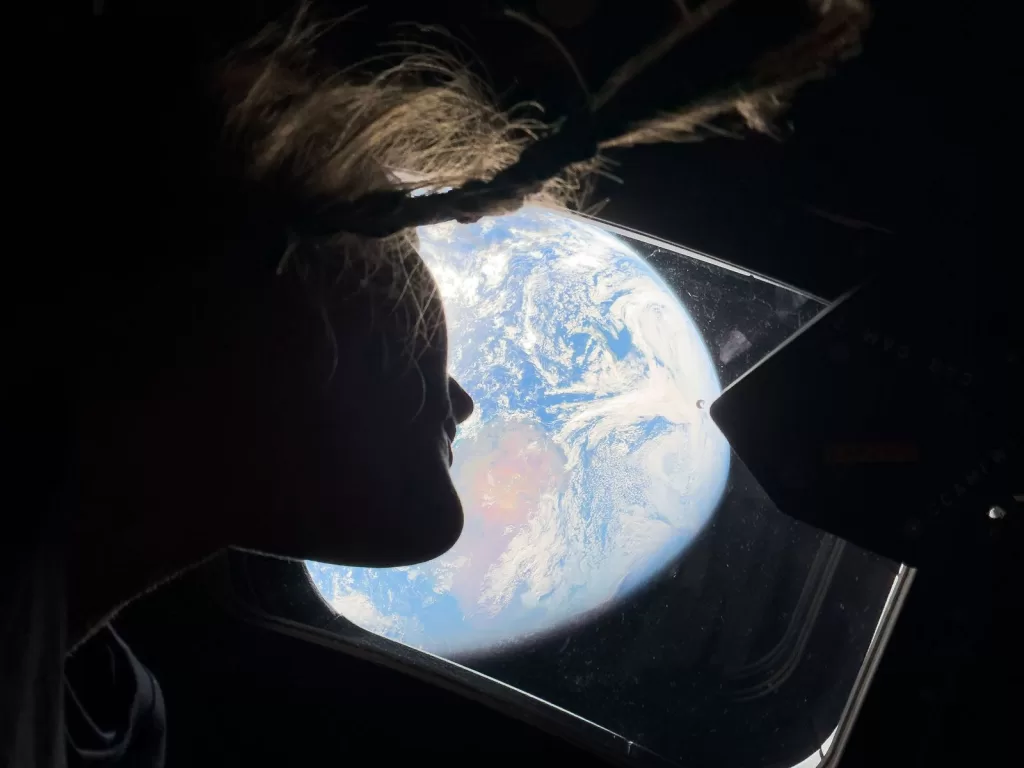
This is a huge deal for a consumer tech product. Space is an unbelievably harsh environment. Extreme radiation, pressure changes, and thermal fluctuations can easily destroy conventional electronics. The fact that an off-the-shelf smartphone (even with some modifications, like disabled wireless radios) could function reliably enough to be certified by NASA is a massive testament to modern hardware engineering.
iPhone vs. Professional Cameras
However, it’s also important to add a dose of reality. While the iPhone photos are incredible for a smartphone, many of the most detailed, breathtaking shots of the lunar surface and Earth were still captured on professional-grade cameras like the Nikon D5 and Nikon Z 9. This highlights the incredible engineering of both consumer and professional tech—each perfectly suited for its specific role in the historic mission.
Conclusion: The Human Element in Technology
The Artemis II mission is more than just a successful test flight; it’s a powerful reminder of what humans can achieve when they push the boundaries of science and engineering. From the complex rocketry of the Orion spacecraft to the durable camera sensor in a smartphone, every piece of this mission was built by teams of brilliant, dedicated people.
These achievements don’t happen by accident. They are the result of a deep understanding of computer science, electrical engineering, materials science, and countless other disciplines. If you look at these stunning images of Earth from the Moon and feel a spark of inspiration, that’s the call to build, to create, and to innovate.
At Kaashiv Infotech, we believe in empowering the next generation of builders. Our industry-leading courses and internship programs like Computer Science internship in Chennai, It Internship in Chennai are designed to give you the foundational skills you need to be part of the teams that build the future—whether it’s the next great mobile app or the next great spacecraft.
The future is being built today. Visit kaashivinfotech.com to find your place in it, or check out more deep tech dives on wikitechy.com.
Frequently Asked Questions (FAQs)
1. How do I get the official NASA Artemis II wallpapers?
The best place is the official NASA Johnson Flickr account. You can browse the full album and download the images in their original, high-resolution format for free for personal use.
2. Did astronauts really use an iPhone in space?
Yes. Astronauts on the Artemis II mission were equipped with the iPhone 17 Pro Max and used it to take personal photos and videos, including now-famous selfies with the Earth in the background.
3. Are NASA’s Artemis II photos free to use?
Yes, NASA’s official policy allows for the free use of their images for personal and news reporting purposes. You cannot use them for commercial advertising or promotions.
4. What other cameras were used on the Artemis II mission?
While the iPhone 17 Pro Max was used for personal photos, the primary, high-detail mission photography was captured on professional-grade DSLR and mirrorless cameras, including the Nikon D5 and Nikon Z 9.
5. Was the iPhone modified for use in space?
While NASA has not released the full details, it is standard procedure for consumer electronics in space to have certain features, like their wireless radios (Wi-Fi, Bluetooth, Cellular), disabled to prevent interference with the spacecraft’s critical systems.