UI/UX Designer skills is more than just making apps and websites look attractive—it’s about crafting meaningful, seamless, and intuitive experiences that users enjoy. A well-designed interface can make the difference between a product that succeeds and one that fails.
In today’s competitive digital world, UI/UX designers must combine creativity with logic, empathy with analysis, and design skills with technical awareness. Whether you’re a beginner or an aspiring professional, mastering the fundamentals is essential.
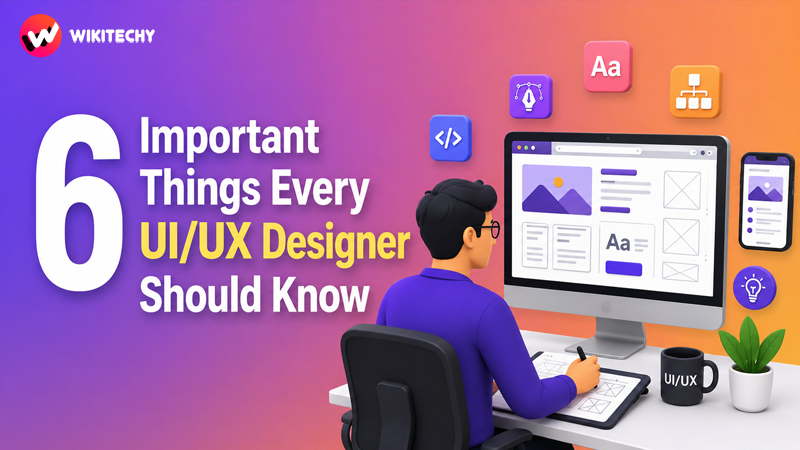
Let’s explore in depth the six most important things every UI/UX designer should know.
6 Important UI/UX Designer skills
1. Deep Understanding of User Psychology

At the heart of UX design lies one key principle: design for humans, not just screens.
Understanding user psychology allows designers to predict how users behave, what they expect, and how they interact with interfaces. Every click, scroll, and interaction is influenced by human behavior patterns.
Why it matters:
Users don’t always think logically. Their decisions are influenced by emotions, habits, and cognitive biases. A good designer anticipates these behaviors and designs accordingly.
Key concepts to know:
- Cognitive Load: Too much information overwhelms users
- Hick’s Law: More choices increase decision time
- Fitts’s Law: Bigger and closer elements are easier to click
- Mental Models: Users expect things to work in familiar ways
For example, placing a “Buy Now” button in a clear and predictable location improves conversions because users already expect it there.
Empathy plays a huge role here. Designers must understand user pain points, frustrations, and needs. Tools like user personas, empathy maps, and journey mapping help visualize these insights.
2. Mastery of Core Design Principles
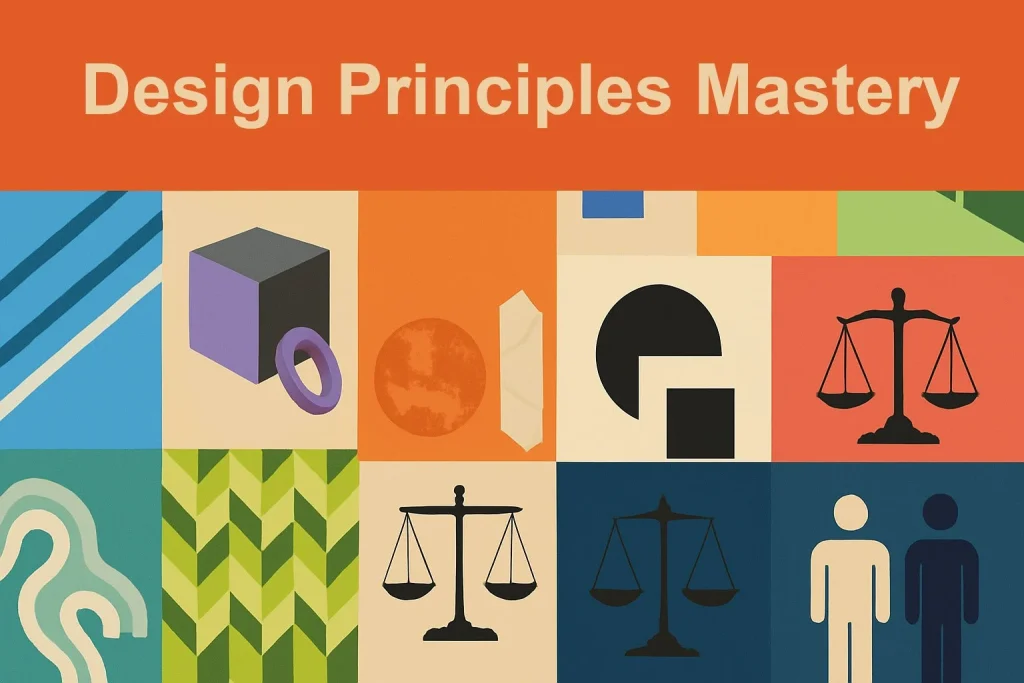
A visually appealing design is not created randomly—it follows structured design principles that guide how elements are arranged and perceived.
Essential principles every designer should know:
Visual Hierarchy
This determines which elements users notice first. Headlines, buttons, and important content should stand out clearly.
Contrast
Contrast helps differentiate elements. It improves readability and directs attention.
Alignment & Spacing
Clean alignment and proper spacing create a professional and organized layout.
Consistency
Consistent design patterns reduce confusion and improve usability.
Typography & Color Theory
Choosing the right fonts and colors impacts readability, mood, and branding.
When these principles are applied correctly, users can navigate your design effortlessly without confusion.
3. Wireframing, Prototyping, and Design Thinking
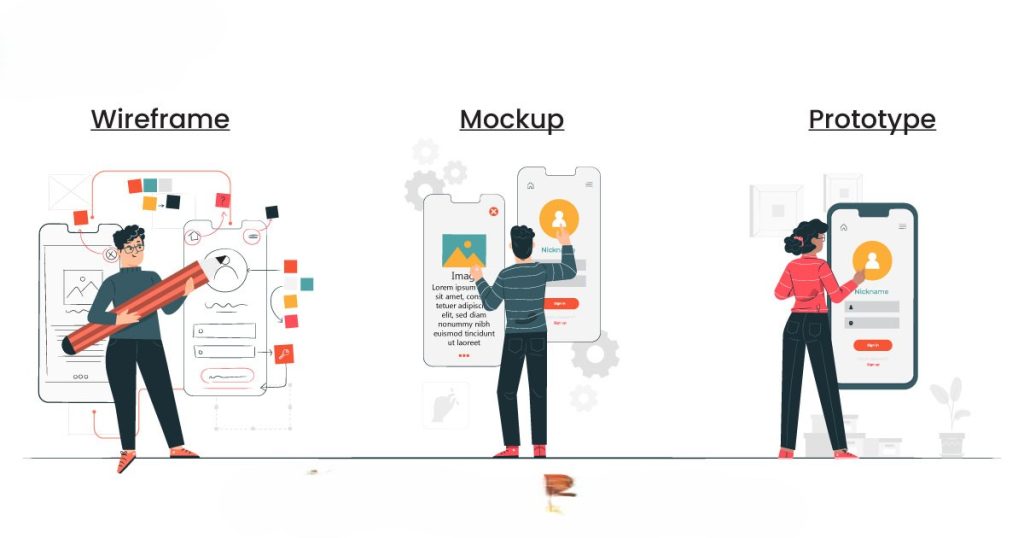
Before building a final design, UI/UX designers go through structured stages to refine ideas and test usability.
Wireframing:
Wireframes are simple layouts that outline structure and functionality. They focus on what goes where, not how it looks.
Prototyping:
Prototypes simulate real interactions. Users can click, scroll, and navigate as if using the actual product.
Design Thinking Process:
A human-centered approach that includes:
- Empathize with users
- Define the problem
- Ideate solutions
- Prototype designs
- Test with users
This process ensures that the final product is not based on assumptions but on real user needs.
By testing early and often, designers save time, reduce costly mistakes, and improve product quality.
4. Usability and Accessibility (Design for Everyone)
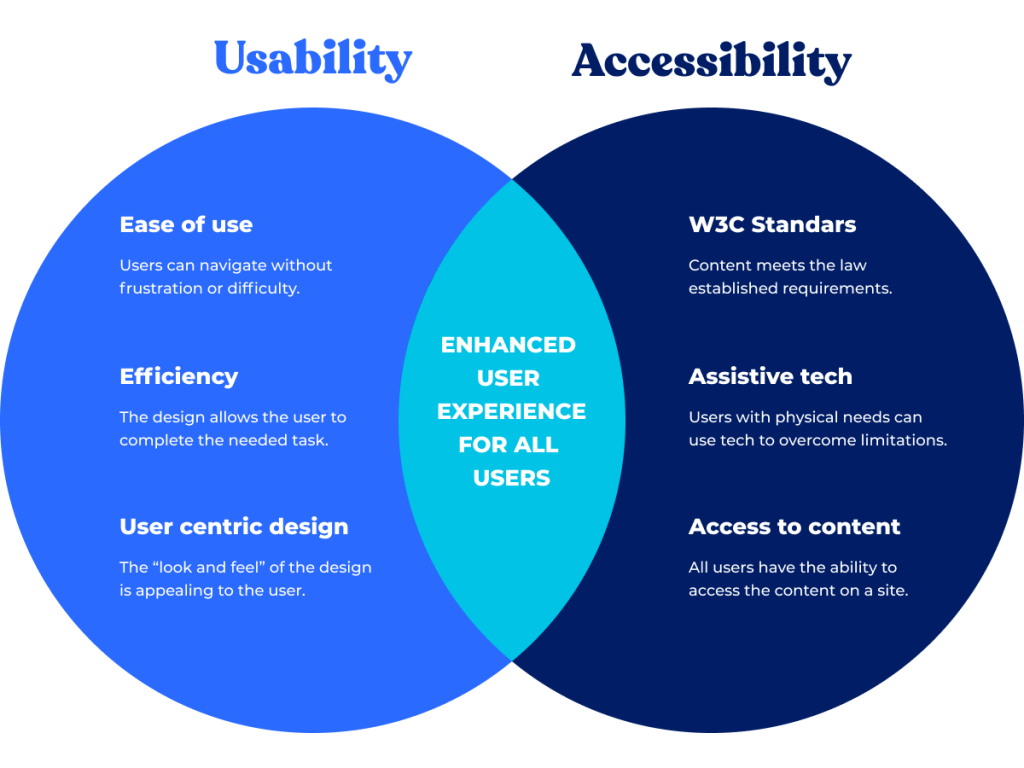
A great design is not just beautiful—it is usable and accessible to all users, regardless of their abilities.
Usability:
Usability refers to how easy and efficient it is for users to achieve their goals.
Good usability means:
- Simple navigation
- Clear instructions
- Minimal effort required
Accessibility:
Accessibility ensures inclusivity for users with disabilities such as visual, auditory, or motor impairments.
Important practices:
- Use sufficient color contrast
- Provide text alternatives for images
- Ensure keyboard navigation
- Avoid relying only on color for meaning
Following accessibility standards (like WCAG guidelines) not only improves user experience but also expands your audience reach.
5. Basic Knowledge of Development (HTML, CSS & Beyond)

A UI/UX designer doesn’t need to be a full-stack developer—but having basic technical knowledge is a huge advantage.
Why it’s important:
Designs must be practical and buildable. Without understanding development, designers may create unrealistic layouts that are difficult to implement.
Key areas to understand:
- HTML structure
- CSS layout systems (Flexbox, Grid)
- Responsive design principles
- Basic JavaScript interactions
This knowledge improves communication with developers and ensures smoother project execution.
It also helps designers create better design handoffs using tools like Figma, Adobe XD, or Sketch.
6. Continuous Learning and Staying Updated
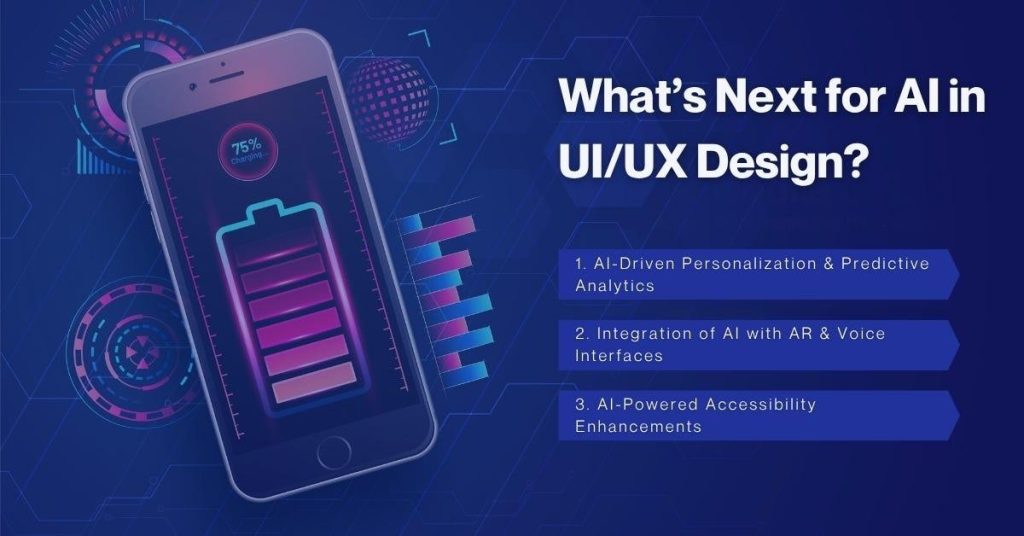
UI/UX design is constantly evolving. New trends, tools, and technologies emerge every year, and designers must keep learning to stay relevant.
What to keep learning:
- New design tools and software
- UI trends (glassmorphism, neumorphism, minimalism)
- UX research methods
- Emerging tech (AI, AR/VR interfaces)
Growth mindset:
Great designers:
- Seek feedback
- Analyze user data
- Experiment with new ideas
- Learn from failures
Learning never stops in design. The more you explore, the better your designs become.
Bonus: Communication and Collaboration Skills
While technical and creative skills are important, communication is equally critical.
UI/UX designers often work with:
- Developers
- Product managers
- Clients
- Marketing teams
You must be able to explain your design decisions clearly and justify them based on user needs and data—not just personal preference.
Good collaboration leads to better products.
Final Thoughts
UI/UX design is a powerful field that combines creativity, psychology, and problem-solving. By mastering user psychology, design principles, usability, prototyping, and technical basics, you can create experiences that truly stand out.
The best designers are not just artists—they are thinkers, problem solvers, and storytellers who design with purpose.
If you stay consistent, keep learning, and always focus on the user, you’ll build designs that are not only visually stunning but also meaningful and effective.
Want to learn more, Kaashiv Infotech Offers, UI UX Course, Front End Development Course, Full Stack Development Course & More, Visit Their Website www.kaashivinfotech.com.