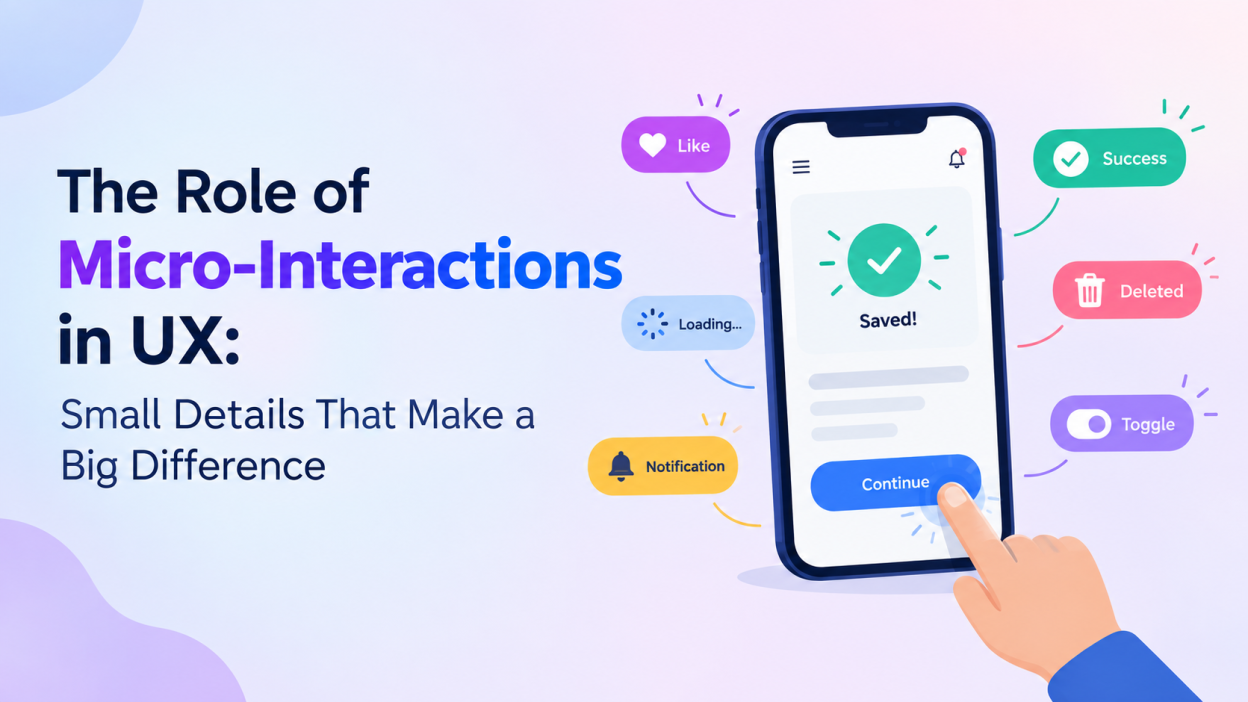
A great user experience is not only about attractive layouts, useful features, and simple navigation. The small moments that happen when users interact with a website or application also play an important role. These small moments are known as micro-interactions in ux. From a button changing color when clicked to a loading animation appearing while content is being processed, micro-interactions help users understand what is happening on the screen.
In modern UX design, micro-interactions have become an important part of creating interfaces that feel responsive, intuitive, and engaging. When designed carefully, they can improve usability without distracting users from their main goals.
What Are Micro-Interactions?
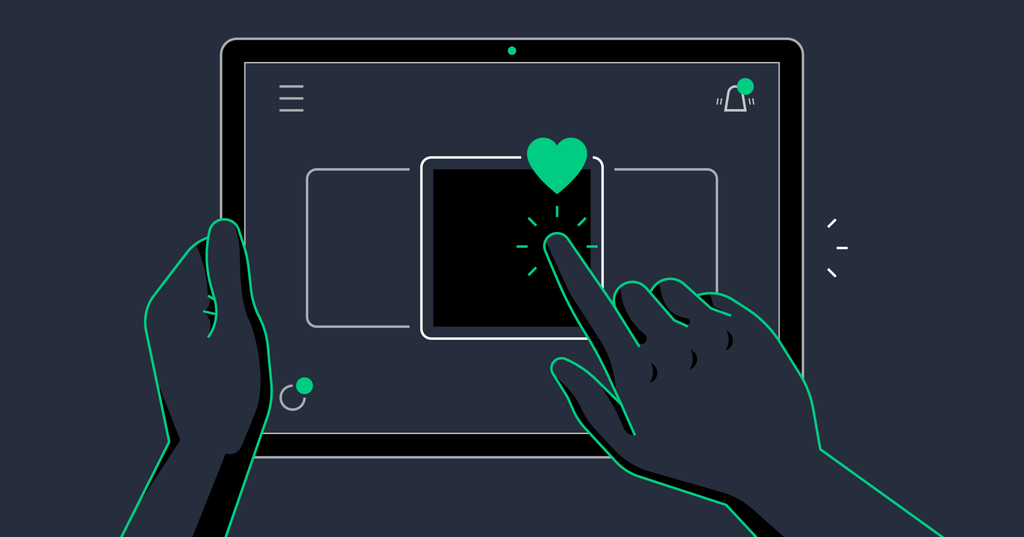
Micro-interactions are small, focused interface responses that occur when a user performs an action. They usually have a specific purpose, such as providing feedback, showing system status, preventing errors, or guiding users.
Common examples include:
- A heart icon changing when a post is liked
- A button displaying a loading animation after being clicked
- A password field showing whether the password is strong
- A notification appearing after a successful action
- A menu smoothly opening when selected
- A toggle switch moving between on and off states
Although these interactions are small, they influence how users understand and experience a digital product.
Why Micro-Interactions Matter in UX
Micro-interactions make digital interfaces feel more responsive. Without feedback, users may not know whether their action was successful. For example, if someone clicks a “Submit” button and nothing happens immediately, they may click it multiple times. A simple loading animation can communicate that the request is being processed.
They also create a sense of connection between the user and the interface. Instead of behaving like a static page, the application appears to respond to the user’s actions.
Good micro-interactions can help:
- Improve usability
- Provide instant feedback
- Reduce user confusion
- Guide users through tasks
- Prevent repeated actions
- Make interfaces more engaging
- Communicate system status
The Four Main Parts of a Micro-Interaction
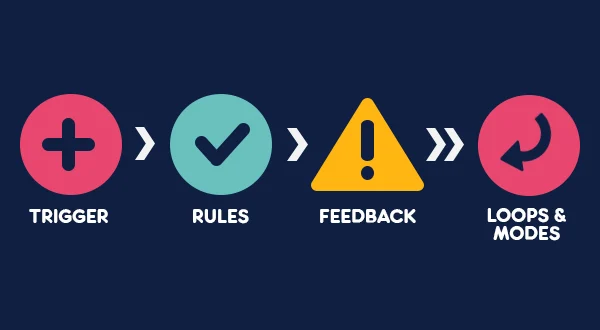
A typical micro-interaction can be understood through four basic components.
1. Trigger
The trigger starts the interaction. It can be initiated by the user or automatically by the system.
For example, clicking a “Like” button is a user-triggered interaction. Receiving a notification can be a system-triggered interaction.
2. Rules
Rules determine what happens after the trigger occurs. For example, when a user clicks a toggle switch, the interface changes its state from off to on.
3. Feedback
Feedback tells users what happened. This could be a color change, animation, sound, message, or icon transformation.
For example, a green checkmark after submitting a form tells the user that the action was successful.
4. Loops and Modes
Some interactions have different states depending on the situation. A download button, for example, may change from “Download” to “Downloading” and finally to “Downloaded.”
These states help users understand the progress of an action.
Micro-Interactions Improve User Feedback
One of the most important roles of micro-interactions is providing feedback. Every user action should ideally receive an appropriate response.
Consider an online shopping website. When a user clicks “Add to Cart,” the product might briefly animate toward the cart icon, and the cart count may increase. This immediately confirms that the product was added.
Without such feedback, users may wonder whether their click worked.
Effective feedback reduces uncertainty and makes the interface easier to understand.
Micro-Interactions and Navigation
Micro-interactions can also make navigation smoother. Hover effects, animated menus, dropdown transitions, and page-loading indicators can help users understand how different elements behave.
For example, a subtle animation when opening a navigation menu can show users that the menu has expanded. Similarly, highlighting the selected navigation item helps users identify where they currently are.
However, animations should remain simple. Excessive movement can make navigation distracting rather than helpful.
Building Emotional Connections
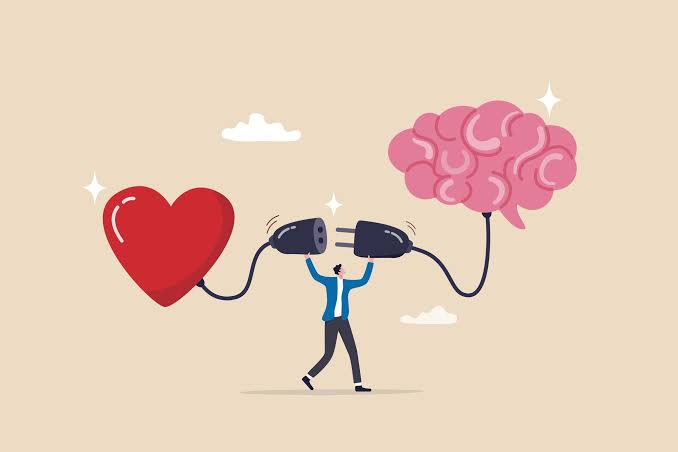
UX is not only about functionality. Users also form emotional impressions of digital products. Small animations and responses can make an application feel friendly and enjoyable.
For example, a task-management application might display a small celebration animation when a user completes all tasks for the day. A banking application might use a simple confirmation animation after a successful payment.
These details are not always necessary for functionality, but they can make the overall experience more pleasant.
Micro-Interactions for Error Prevention
Micro-interactions can help users avoid mistakes before they become problems.
Form validation is a common example. When users enter information into a form, the interface can immediately indicate whether the information is valid.
For instance, a password field may display requirements such as minimum length, numbers, and special characters. An email field can show an error message if the entered format is incorrect.
Providing feedback at the right moment allows users to correct mistakes quickly.
Accessibility Should Be Considered
Micro-interactions should be designed for all users, including people with accessibility needs. Designers should avoid relying only on color or animation to communicate important information.
For example, an error should not be indicated only by a red border. Adding a clear text message or icon provides additional information.
Animations should also be subtle and purposeful. Users who prefer reduced motion should be able to experience the interface comfortably.
Common Mistakes to Avoid
While micro-interactions can improve UX, poor implementation can have the opposite effect.
Avoid unnecessary animations, excessive sound effects, slow transitions, and interactions that delay important tasks. Every animation should have a purpose.
Designers should also maintain consistency. If one button uses a particular hover effect, similar buttons should behave in a comparable way.
The goal is not to add animation everywhere. The goal is to make interactions clearer and more useful.
Best Practices for Designing Micro-Interactions
A few principles can help designers create effective micro-interactions:
Keep them simple: The interaction should not distract users from their task.
Provide immediate feedback: Users should understand the result of their action quickly.
Use consistent behavior: Similar elements should respond in similar ways.
Make animations meaningful: Movement should communicate a state, transition, or result.
Consider accessibility: Provide alternatives to color, sound, and motion where necessary.
Test with real users: Observe whether the interaction improves understanding or creates confusion.
Conclusion
Micro-interactions may be small, but they have a significant role in modern UX design. They provide feedback, improve navigation, communicate system status, prevent errors, and make digital products feel more responsive.
The best micro-interactions are often the ones users barely notice because they naturally fit into the experience. A simple animation, confirmation message, loading indicator, or button response can make an interface easier and more enjoyable to use.
For UX designers, understanding when and how to use micro-interactions is an important skill. Instead of adding effects simply to make a design look impressive, designers should focus on creating interactions that support user goals and make every digital experience clearer and more intuitive.
Want to learn more, Kaashiv Infotech Offers, UI UX Course, Front End Development Course, Full Stack Development Course & More, Visit Their Website www.kaashivinfotech.com.