

- Database is a collection of inter-related data which helps in insertion, retrieval and deletion of data from database and organizes the data in the form of views, tables, reports, schemas etc.
- For example, institute database organizes the data about students, admin, faculty, and staff etc. which helps in insertion, efficient retrieval and deletion of data from it.
- In MySQL we need to create a database to execute a query.
- MySQL is an open-source relational database management system and it is distributed, supported and developed by Oracle Corporation.
- MySQL is a database system that runs on a server and it is ideal for both small and large applications.
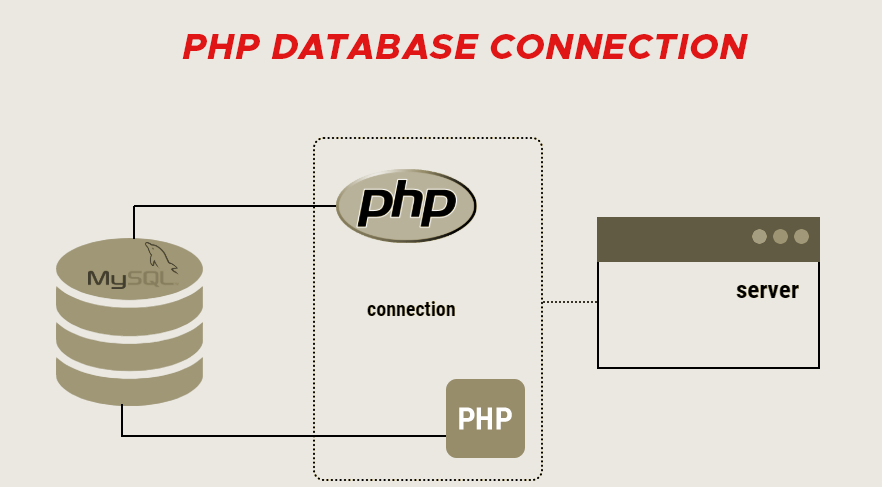
- From PHP script establish a connection to MySQL server.
- Write a SQL query to create a database and store it in a string variable then execute the queries.
- Using Object-oriented procedure, we can use the query () function of MySQLi class to execute our query.
- Using procedural procedure, we can use the mysqli_query () function of PHP to execute our query.
- Using PDO procedure then we can execute our query.
Sample Code
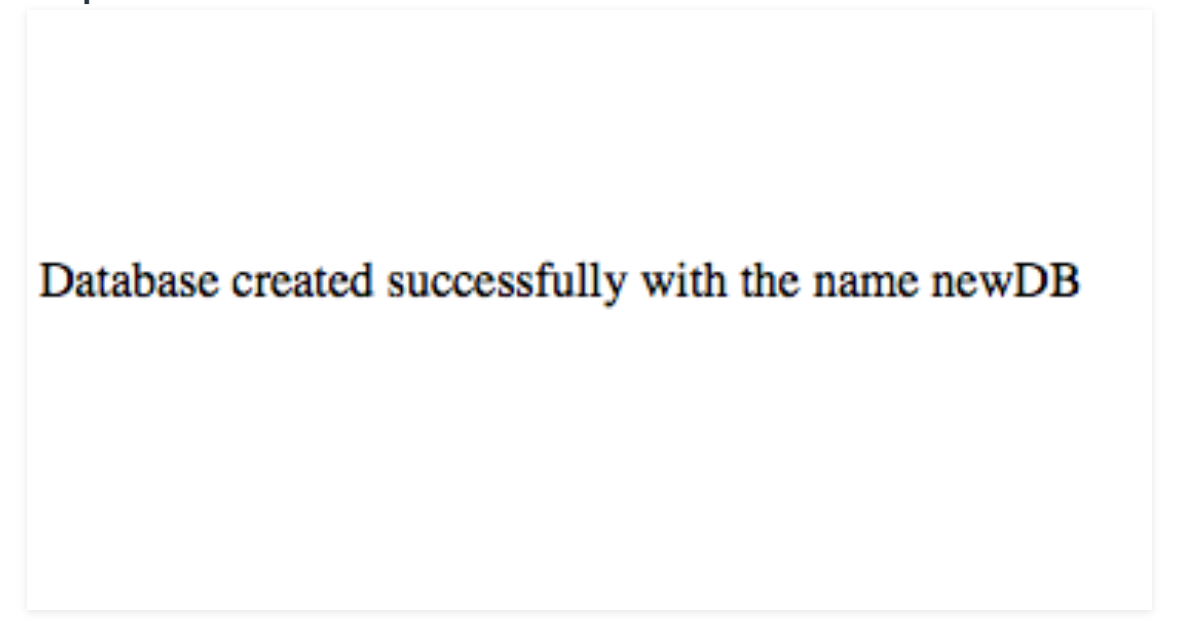
Output