
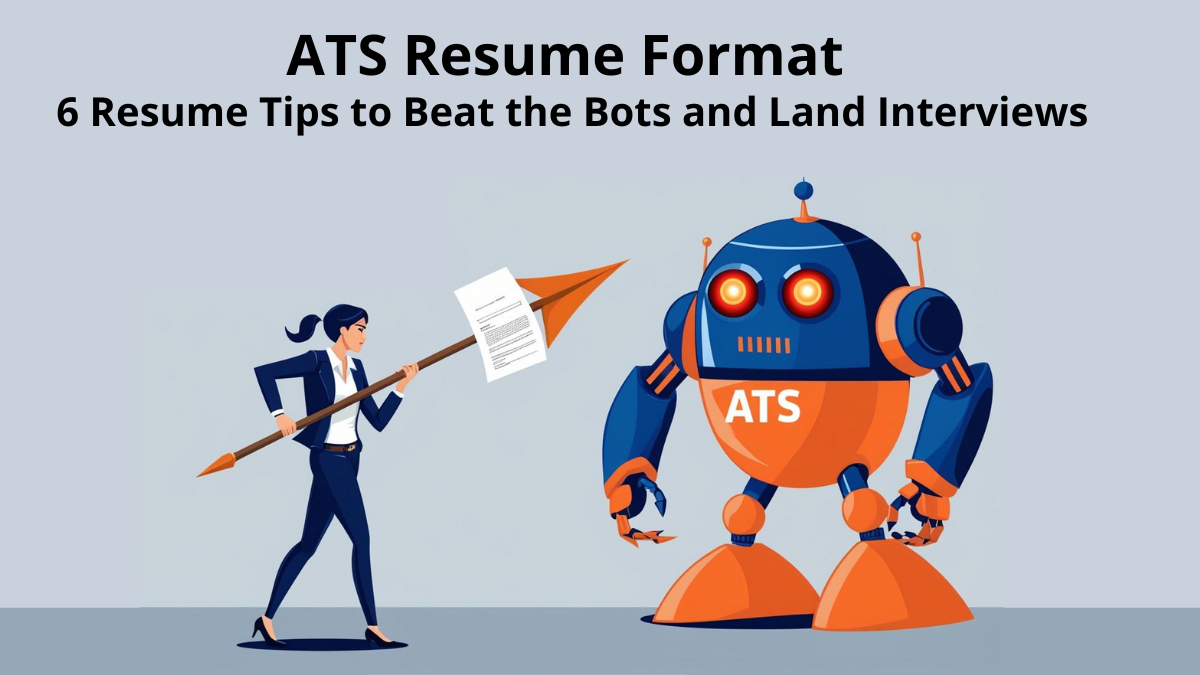

Creating a resume in 2025 is just frustrating. Let’s not sugarcoat it. You spend hours tweaking bullet points, rewording job titles, and aligning everything perfectly—only to send it off and hear… absolutely nothing. No replies. No callbacks. Not even a rejection. It’s not just tiring—it’s demoralizing. And half the time, the problem isn’t even your experience. The big reason? Your resume might not be following the ATS resume format.
Table Of Content
- 🔍 Key Highlights
- 🧠 What Is an ATS Resume Format, Really?
- ✍️ 1. Font Sizes & Layout – Keep It Simple, Keep It Clean
- ✋ 2. Stop Saying You’re a “Hard Worker” – Prove It Instead
- 🤖 3. Is Your Resume ATS-Friendly? (Spoiler: Fancy Design Doesn’t Help)
- 📄 4. Always Submit in PDF (Unless Told Otherwise)
- 🎨 5. Avoid Symbols, Tables & Fancy Fonts Like It’s the Plague
- 🧑🎓 6. ATS Resume Format for Freshers – Keep It Lean and Clear
- 🎁 Bonus Tip: Tailor Every Resume to the Job
- 7. Using Google ResuScan Or mployee.me Resume Scan to create a resume format to beat ATS
- 🤝 Final Thoughts: You vs. the Bots
- 📚 Recommended Reads
You’re not just showcasing your qualifications anymore. You’re also trying to navigate a layer of technology between you and the recruiter: the Applicant Tracking System (ATS).
That’s the brutal truth.
So if you’ve been sending out resumes like crazy and still hearing crickets, don’t panic. I’ve been there. In this post, I’ll walk you through the 6 most effective resume tips for job seekers that helped people I mentor land actual interviews—and get past those digital gatekeepers.
Let’s fix your resume together, shall we?
🔍 Key Highlights
- ✅ What is the correct ATS resume format and why it matters
- 🚫 Common mistakes to avoid in resumes
- 🔑 Real-life, actionable resume tips for job seekers
- 💾 Free tools and file naming tricks to boost your chances
- 👀 Insider tips from recruiters & job-hunting pros
🧠 What Is an ATS Resume Format, Really?
ATS = Applicant Tracking System. It’s software that companies use to scan, rank, and sometimes even reject resumes before a human sees them.
Here’s how it works:
- It scans your resume for keywords from the job description.
- It checks if your layout is clean and machine-readable.
- It ranks your resume based on relevance.
If your resume isn’t in the right format, the hiring manager might never even see your name.
That’s why using the correct ATS resume format is non-negotiable. It’s the difference between getting ghosted or getting a callback.
✍️ 1. Font Sizes & Layout – Keep It Simple, Keep It Clean
Look, I know the urge to “stand out” is strong. But trust me—ATS bots hate creativity.
Here’s the font-size formula I use (and recommend to friends):
- Name/Title: 18–24 pt
- Section headers: 12–14 pt (bold works best)
- Body text: 10–12 pt
- Bullet points: 10–11 pt
Best fonts? Calibri, Arial, Helvetica, or Times New Roman.
Avoid script fonts like the plague. They’re beautiful—but bots are basically font-blind.
✋ 2. Stop Saying You’re a “Hard Worker” – Prove It Instead
Here’s a line I see on resumes all the time when I worked with recruiters:
“I’m a hardworking, passionate individual with great communication skills.”
And every recruiter’s eyes would glaze over 😴
Instead, show your impact. Let me show you a better version:
✅ “Completed 12+ client deliverables two weeks ahead of deadline while leading a 3-person team remotely.”
Boom. Now that’s measurable.
Soft skills like “teamwork” or “leadership” should show up in action, not just in buzzwords. That’s a resume mistake to avoid at all costs.
🤖 3. Is Your Resume ATS-Friendly? (Spoiler: Fancy Design Doesn’t Help)
This is a big one. If your resume uses:
- Tables
- Columns
- Icons or symbols
- Images or charts
- Text inside text boxes
…it might get tossed out by the ATS software without mercy.
📌 According to Jobscan, nearly 98% of Fortune 500 companies use ATS. So formatting matters—a lot.
Want to check if your resume plays well with ATS?
✅ Use ResuScan by mployee.me — a free, quick tool that scans your resume for ATS issues.
That’s how I fixed mine in under 10 minutes.
📄 4. Always Submit in PDF (Unless Told Otherwise)
PDF = peace of mind.
Your layout stays intact. No weird line breaks or missing bullet points.
Word documents (.docx) tend to mess up when opened in different software versions or systems.
🚫 Don’t use Google Docs links either. Hiring managers don’t have time for access requests.
✅ Save your file like this:YourName_JobRole_Resume.pdf
You’d be surprised how many resumes get lost in download folders because they’re named something like “resume_final_NEW(1).docx”
🎨 5. Avoid Symbols, Tables & Fancy Fonts Like It’s the Plague
I once made a resume with colorful headers, icons next to each skill, and even a little profile picture.
Guess what? It never got past the bots.
Lesson learned.
Avoid these ATS-unfriendly elements:
- Icons (even tiny checkmarks or arrows)
- Custom bullet points
- Logos or profile photos
- Colored text
Keep it plain, structured, and text-based. Use bold and caps for emphasis. That’s it.
🧑🎓 6. ATS Resume Format for Freshers – Keep It Lean and Clear
If you’re a fresher or just starting out, don’t overthink it. Keep it simple and focus on:
- Relevant coursework
- Internships
- Academic projects
- Volunteering or leadership roles
Use job-specific keywords from the job post. If the role asks for “data analysis,” then mention your work using “data analysis” exactly like that.
🎁 Bonus Tip: Tailor Every Resume to the Job
I used to send the same resume to 30 companies.
Guess how many replied? One. 😬
Now? I tweak keywords and phrases for every job.
It’s annoying, but it works. Use Jobscan to match your resume to each job description—it takes just 2 minutes.
7. Using Google ResuScan Or mployee.me Resume Scan to create a resume format to beat ATS
Want to make sure your resume format can beat ATS? Tools like Google ResuScan and mployee.me are game-changers.
Google ResuScan is a free tool that scans your resume for ATS compatibility. It checks for formatting issues, missing keywords, and layout problems that could cause your resume to be rejected before reaching a recruiter. By running your resume through this quick scan, you can be sure it’s clean, readable, and ATS-friendly.
For a more in-depth scan, try mployee.me resume scan. This tool goes beyond basic formatting checks—it compares your resume to the job description, ensuring you’re using the right resume keywords. By aligning your resume with the exact keywords used in the job post, you dramatically increase your chances of passing through ATS filters.
mployee.me also highlights any keyword gaps, giving you actionable insights to tweak your resume and optimize it for each role. It’s a must-use tool for job seekers who want to make sure their resume is both ATS-compliant and tailored to specific job opportunities.
By using these tools, you can create a resume format to beat ATS and significantly improve your chances of landing that interview.
🤝 Final Thoughts: You vs. the Bots
Writing a resume that wins in 2025 means writing for both humans and algorithms. It’s wild. But it’s also doable.
These ATS resume format tips helped me go from ghosted to getting interviews with top tech companies. They’re not magic—but they’re damn close.
So next time you send out a resume, you’ll know you’re giving yourself the best shot.
Let’s beat those bots and get that job. You’ve got this! 💪
📚 Recommended Reads
📌 Want more real-world job hacks and resume advice? Check out my post on:
- 🧠 How to Make an ATS-Friendly Resume in 2025: 6 Fixes That Can Boost Your Career to 25 LPA
Supercharge your resume with simple changes that pass ATS checks and catch recruiters’ eyes. - 🤖 AI Resume Builder: Stop Being Ignored by Recruiters – Get Your Job-Winning Resume Today
Use smart tools to auto-optimize your resume for keywords, layout, and ATS-friendliness. - 🎯 6 Secret Job Portals for Freshers in 2025 You’ve Probably Never Heard Of (And They Actually Work!)
Find hidden job gems on lesser-known portals recruiters actually use. - Resume Format Guide: Anatomy of a Job-Winning Resume in 2025