


A picture can say a lot, but sometimes you need it to say more. Where did this photo come from? Is someone using it without asking? Who’s actually in it? These are questions words can’t answer, but images can.
Table Of Content
- Best Image Search Tools You Can Use
- 1. Reversely.ai
- Features
- Pros
- Cons
- How to use Reversely.ai
- 2. SmallSEOTools.com
- Features
- Pros
- Cons
- How to use SmallSEOTools
- 3. Duplichecker.com
- Features
- Pros
- Con
- How to use Duplichecker
- 4. ReverseImageSearch.org
- Features
- Pros
- Cons
- How to use ReverseImageSearch.org
- 5. ReverseImageSearch.com
- Features
- Pros
- Cons
- How to use ReverseImageSearch.com
- Conclusion
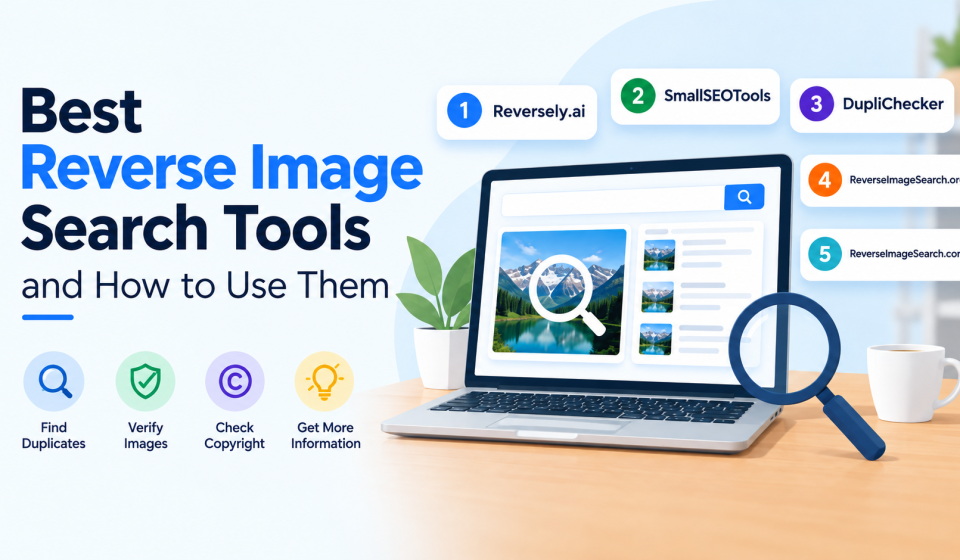
That’s where reverse image search comes in. Just upload a photo, and AI-powered tools scan the web to find matches, sources, and similar images in seconds, no typing required. Below, we’ve rounded up five of the best tools for the job, along with simple steps to get started with each one.
Best Image Search Tools You Can Use
Here are five popular tools that make image search fast, free, and beginner-friendly. Each one has its own strengths, so pick the one that best fits what you’re looking for.
1. Reversely.ai

Reversely.ai is an advanced AI-powered reverse image search tool. It is designed to help identify objects using image recognition. Apart from helping you identify objects, this tool allows you to detect duplicates, determine an image’s origin, and find related images to your search. The unique feature of this tool is a browser extension that lets you use it without opening another tab, simply by right-clicking any image.
Features
- The tool analyzes the element in the picture and then searches for it online.
- It is easily accessible through any device.
- Once you search for the image, the tool automatically deletes it from its database.
Pros
- AI-powered image recognition
- Convenient browser extension
- Easy to use
Cons
- Advanced features (face search) may require paid plans.
How to use Reversely.ai:
- Go to reversely.ai in your browser.
- Then drag and drop your image, upload it, or paste its URL into the tool.
- Click the “Search AI Image” button.
- Review the categorized results it provides you.
2. SmallSEOTools.com

SmallSEOTools.com offers one of the most widely used Image search tools. This tool pulls results simultaneously from multiple databases to provide you with exact matches. What makes it especially convenient is its flexibility with uploads; you can pull images directly from your device or Dropbox. Its multi-engine search and cloud integration make it a dependable, no-cost option for everyday searching.
Features
- You can find similar images, sources, and detailed information in seconds.
- The tool fetches results from a wide database.
- This image search lookup offers multilingual support.
Pros:
- Multiple image formats supported
- No account required
- Advanced image recognition
Cons:
- Users need to pay to unlock premium features.
How to use SmallSEOTools:
- Visit the SmallSEOTools reverse image search tool.
- Click the upload button and choose your image.
- Click the search button to start the process.
- The site will show you the results in seconds.
3. Duplichecker.com

DupliChecker.com offers a free, advanced AI picture search tool that lets you search the internet with a picture instead of typing words. It doesn’t require any installation or registration; you only need to upload a picture. Once you’re done with it, the tool checks your picture against its extensive repository. With this tool, you can see if someone is using your photos without asking, find where the photograph first appeared, spot edited pictures, or discover similar versions online.
Features
- It delivers super-fast results.
- You can upload the image in different formats.
- The tool works across desktop and mobile browsers.
Pros:
- No login, registration, or account required
- Offers searches free of cost
- Extremely simple, beginner-friendly process
Con
- Limited advanced filtering options for refining results
How to use Duplichecker:
- Open Duplichecker.com and access the image search tool.
- After that, paste the image URL or upload a picture directly.
- Click the “Search Similar Images” button.
- After a few seconds, the image finder displays relevant, similar images.
4. ReverseImageSearch.org

ReverseImageSearch.org is a completely free AI reverse image search tool that allows people to find visually similar or identical images online. It checks your picture against all pictures available online. It is compatible with desktops and mobile phones and supports formats such as JPG, PNG, and WEBP. Some of its additional capabilities include facial recognition and AI image detection. It is known for helping people trace back stolen images, verify their authenticity, or locate more detailed versions of the same images.
Features
- It matches images based on shapes, colors, and objects.
- The tool includes facial recognition matching to help identify people within a photo.
- The tool shows similar images along with their sources.
Pros
- Smart CBIR-based matching
- Built-in facial recognition
- Multi-engine results in one search
Cons
- You can keep a collection of results only in the paid version.
How to use ReverseImageSearch.org:
- Access reverseimagesearch.org through your mobile, laptop, or desktop.
- Submit the picture to start the process.
- The tool displays results with all source links where similar images appear.
- Review them and find the original one.
5. ReverseImageSearch.com

ReverseImageSearch.com is a free AI image search tool that lets users search similar pictures on the go. All you need to do is upload your image into this tool. Once submitted, the tool scans it against all the public domains for matching images within seconds. Through it, you can find similar, duplicated or edited pictures. You can verify the authenticity of a photo before trusting or sharing it and check if your own images are being used without permission. This tool is built to be fast and simple. You can use it on any device, at any time.
Features
- It supports real-time camera capture, letting mobile users snap a photo and search for it instantly.
- The tool provides a preview feature that lets users confirm they’ve uploaded the correct image before searching.
Pros:
- Strong privacy (auto-delete)
- Unique voice search
- Real-time camera search
Cons:
- Still relies on standard search engines for most core results.
How to use ReverseImageSearch.com:
- Visit reverseimagesearch.com.
- Once you open the site, start the process by uploading the picture.
- After submitting, click on the search button to begin.
- The tool compares your image with available data and gives accurate results.
- Review similar pictures and visit sources if required.
Conclusion
Reverse image search utilities make it easy to trace an image’s origin, verify authenticity, or protect your own content online. So, use them and make the image search process easier. The tools we discussed above offer advanced results, so choose the one that best fits your specific search needs.