

Introduction
Video has become one of the clearest ways to share an idea, explain a product, or tell a story online. Yet producing a polished clip can take time, equipment, editing knowledge, and a suitable location. New creative tools are changing that process. An ai video generator can turn a written description or a still image into moving footage, giving creators a starting point without requiring a traditional camera setup.
Table Of Content
These tools help marketers, educators, small businesses, and social creators explore ideas and speed up early production. They do not replace every part of filmmaking.
What Is an AI Video Generator?
An ai video generator is software that uses artificial intelligence to create video scenes from instructions or reference material. A user may describe a subject, setting, action, lighting, and camera movement. The system interprets those details and produces a short clip based on the prompt.
Some tools also support image-to-video creation. In that workflow, a person uploads a photograph or illustration and describes how it should move. The result can add motion to a product image, character, landscape, or other visual.
How the Creative Process Works
Most platforms follow a process. First, decide what the video should communicate. Next, write a clear prompt that explains the scene. Include the main subject, what happens, the setting, mood, and visual style. If the tool accepts reference images, provide one when appearance or composition matters.
After generation, review the clip carefully. You may need to adjust the wording, change the reference image, or try a different visual direction. Short test clips are often a sensible way to refine an idea before creating a longer sequence.
Where These Tools Can Be Useful
Businesses can use an ai video generator to develop product teasers, campaign concepts, social posts, and simple explanatory visuals. An online shop might create a short scene showing a product in an appealing setting. A teacher could prepare a visual introduction to a topic, while a creator might experiment with an opening shot for a story.
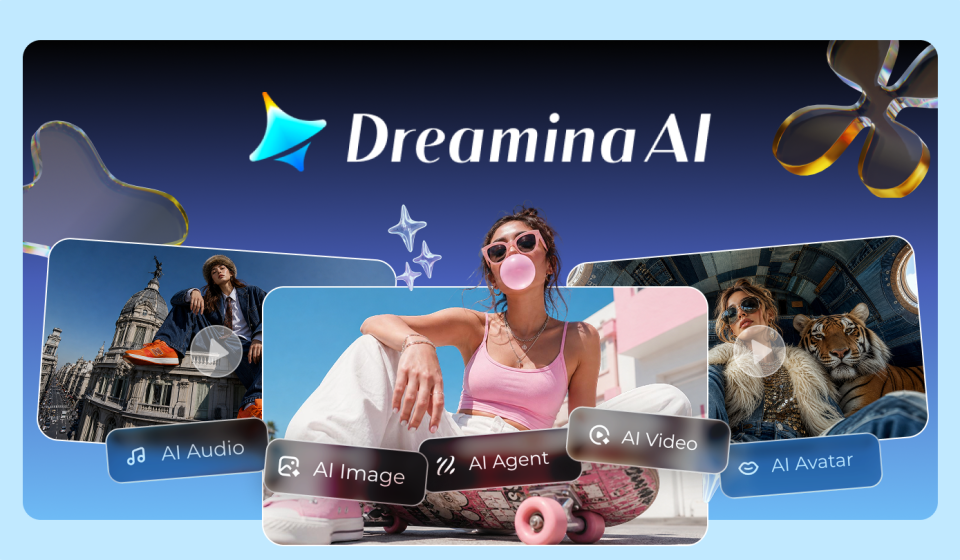
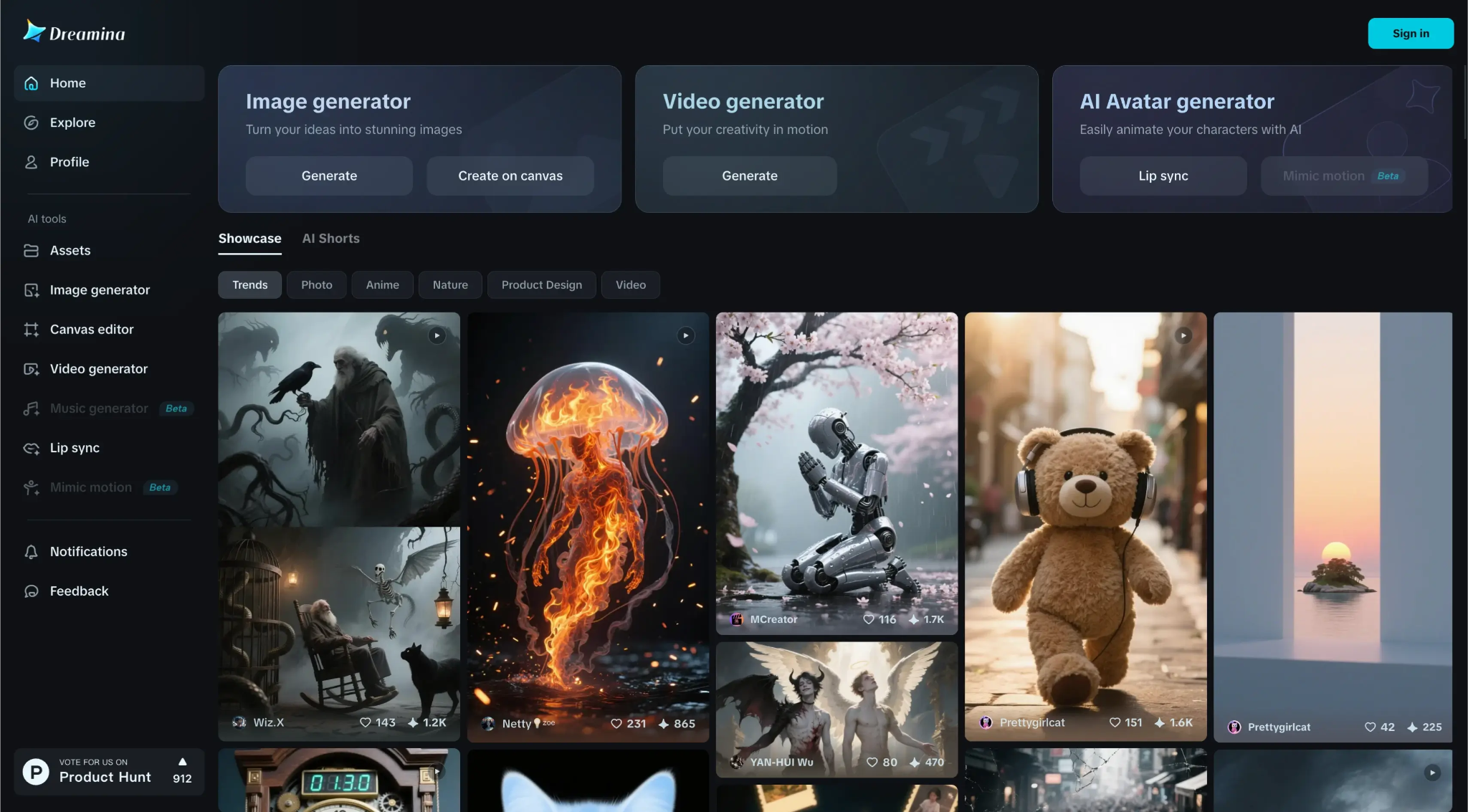
For example, use Dreamina to explore text-to-video and image-to-video ideas, then review the results and decide which scenes suit your project. The best approach is to treat generated footage as creative material that still needs direction and judgment.
Writing Better Prompts
A detailed prompt usually gives the system more useful guidance than a vague request. Instead of writing “a beautiful beach video,” describe a quiet shoreline at sunrise, gentle waves moving across the sand, warm light, and a slow camera approach. Clear action and setting help communicate what you want to see.
Avoid adding too many unrelated ideas to one prompt. If a scene contains several actions, divide it into separate shots. This makes it easier to control pacing and maintain a consistent visual style across the finished video.
Benefits and Limitations
These tools can reduce the effort involved in producing initial visuals. It can help people test concepts, create material when filming is difficult, and explore styles that might otherwise require additional resources. It may also support faster content planning.
However, results are not always accurate. Hands, faces, text, object movement, and physical interactions can appear inconsistent. A generated clip may also differ from the original prompt. Review every result rather than assuming the first version is ready to publish.
Editing and Quality Control
Generation is only one stage of production. Arrange clips in a logical order, remove unnecessary moments, and add titles or captions where they improve understanding. Music and sound effects should support the message without distracting from it. Check that the audio is licensed for your intended use.
Before publishing, watch the video on a phone and a larger screen. Look for strange movements, visual glitches, spelling mistakes, and abrupt transitions. Confirm that the format and aspect ratio suit the platform where the video will appear.
Responsible Use and Copyright
Use images, logos, voices, and other reference material only when you have the necessary rights or permission. Avoid creating misleading footage that presents invented events as real. If a project uses synthetic voices or realistic depictions of people, consider whether viewers should be told that the material is AI-generated.
Also review the platform’s terms, privacy settings, and commercial-use conditions. These details can differ between services and may change over time.
Choosing the Right Tool
When comparing available platforms, consider ease of use, output quality, available formats, editing controls, generation limits, and pricing. Check whether the service supports text prompts, image references, or both. Look at sample outputs, but remember that examples may represent ideal results rather than every generation.
Choose a tool that fits your actual workflow instead of paying for features you will rarely use. Test a small project first, learn its strengths, and keep original assets safely stored.
Conclusion
An ai video generator can make video creation more approachable by turning written ideas and images into moving scenes. It is especially useful for brainstorming, short promotional clips, educational visuals, and social content. Still, strong results depend on clear prompts, careful review, thoughtful editing, and responsible use.
Treat the technology as an assistant rather than an automatic replacement for creative decisions. With a clear goal and a willingness to refine each draft, creators can produce videos that communicate their message more effectively while keeping control of the final result.